 UI Toolbox

Windows, controls and themes for runtime UIs
Build runtime interfaces with window workspaces and themeable UI Toolkit controls. UI Toolbox needs Unity 6000.6 or later. KeyBindingField and InputSettingsPanel require the optional Input System integration. URP-specific graphics options require URP 17 or later.


MDI windows
Drag, resize, snap, minimize and maximize windows inside a workspace. Group them in tabs and dock zones.


Saved layouts
Save and load window layouts, sessions and named layout presets.


Themes
Dark, light and high contrast themes, text sizes and style families through one --tb-* variable set.


Data and charts
Data grids, trees, pie charts, graphs, gauges, spider charts, radar and unlock trees.


Settings screens
Ready-made graphics, audio and input settings panels that save the player's choices.


Overlays and feedback
Notifications, dialogs, message boxes, callouts, a command palette and radial menus.


Gamepad ready
Gamepad navigation, input glyphs and an on-screen keyboard with word completion.


Made for UI Builder
Drag any control from the library and set it up in the Inspector. Grids, trees, charts and logs without data show sample content while you design.


Animations and sounds
USS animation presets, an animation editor window and UI sound sets.
See it in a game
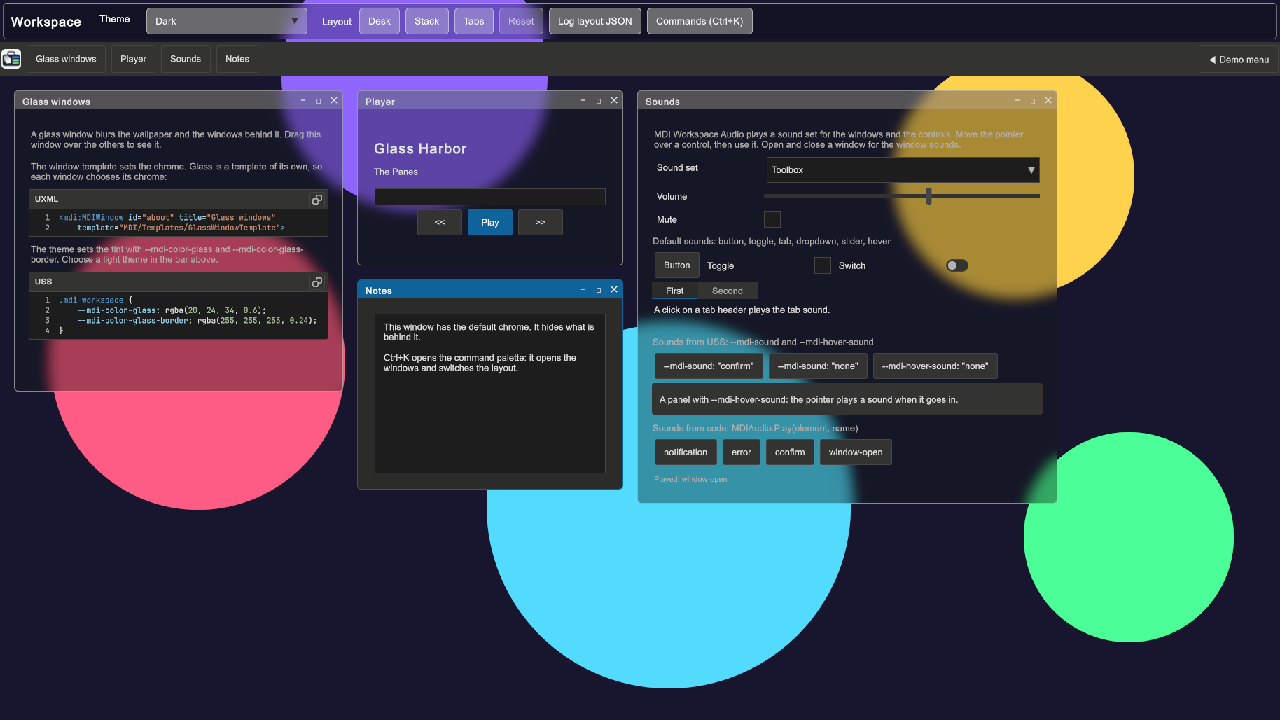
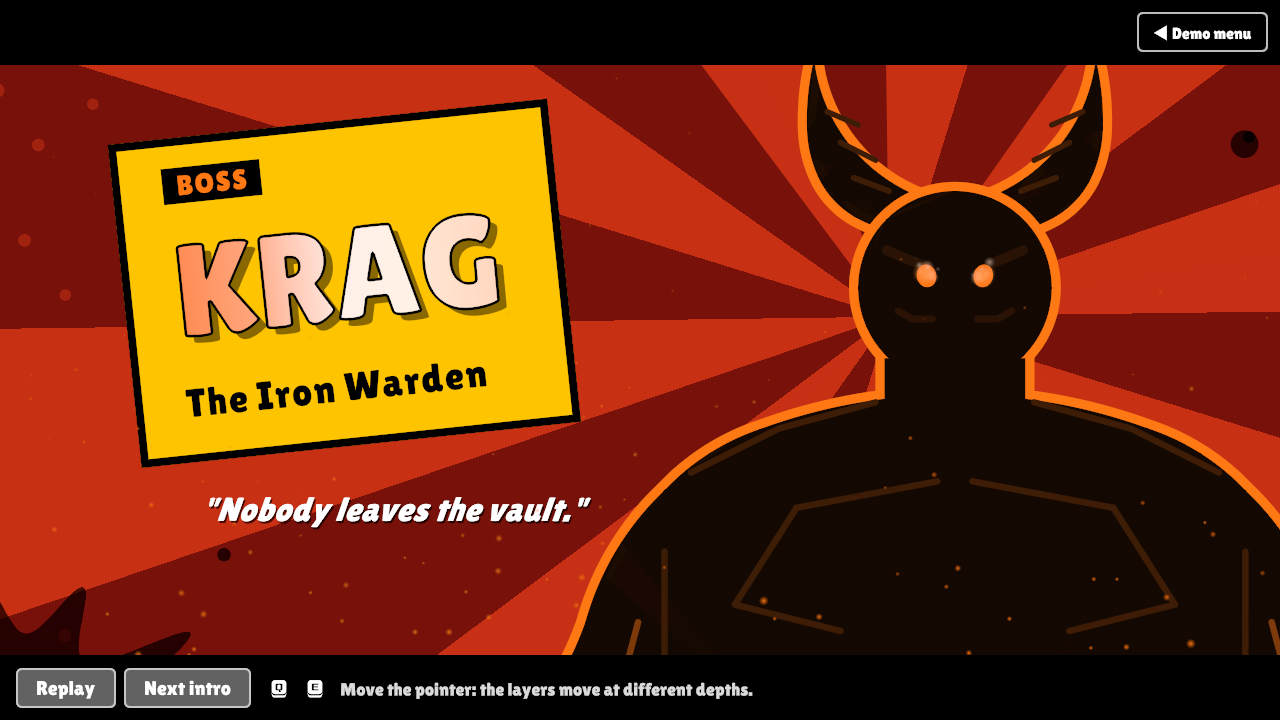
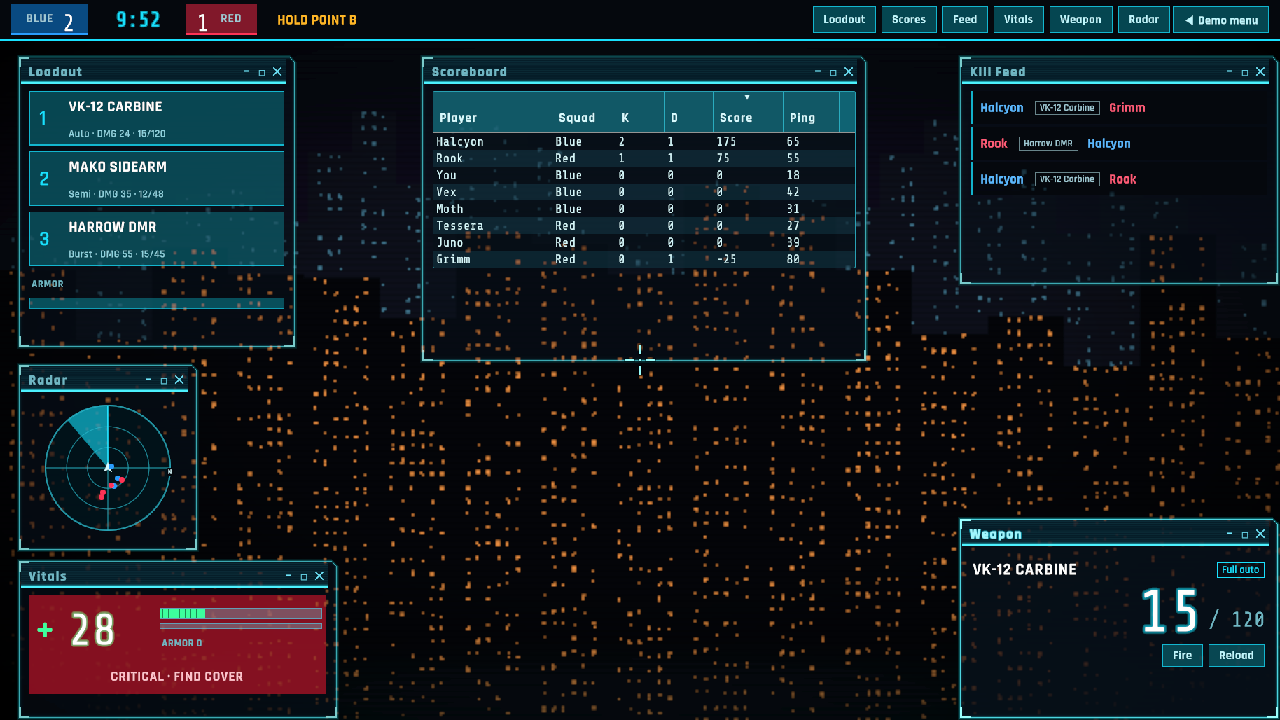
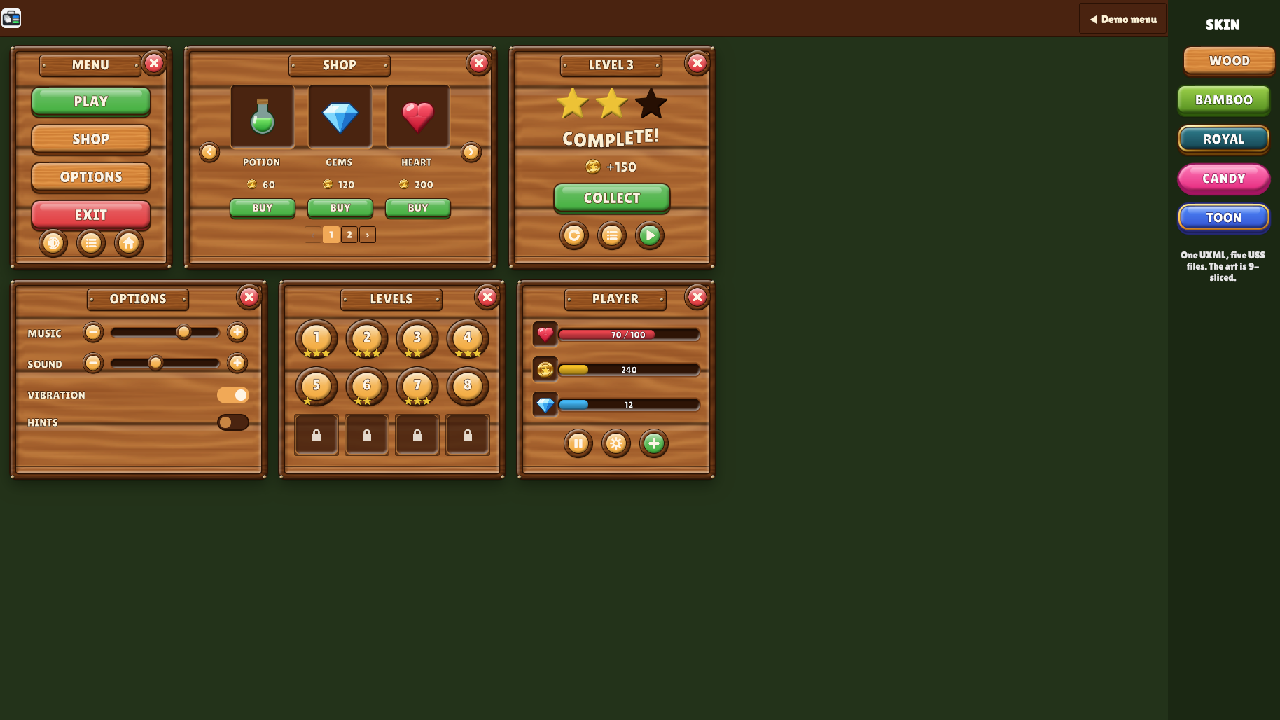
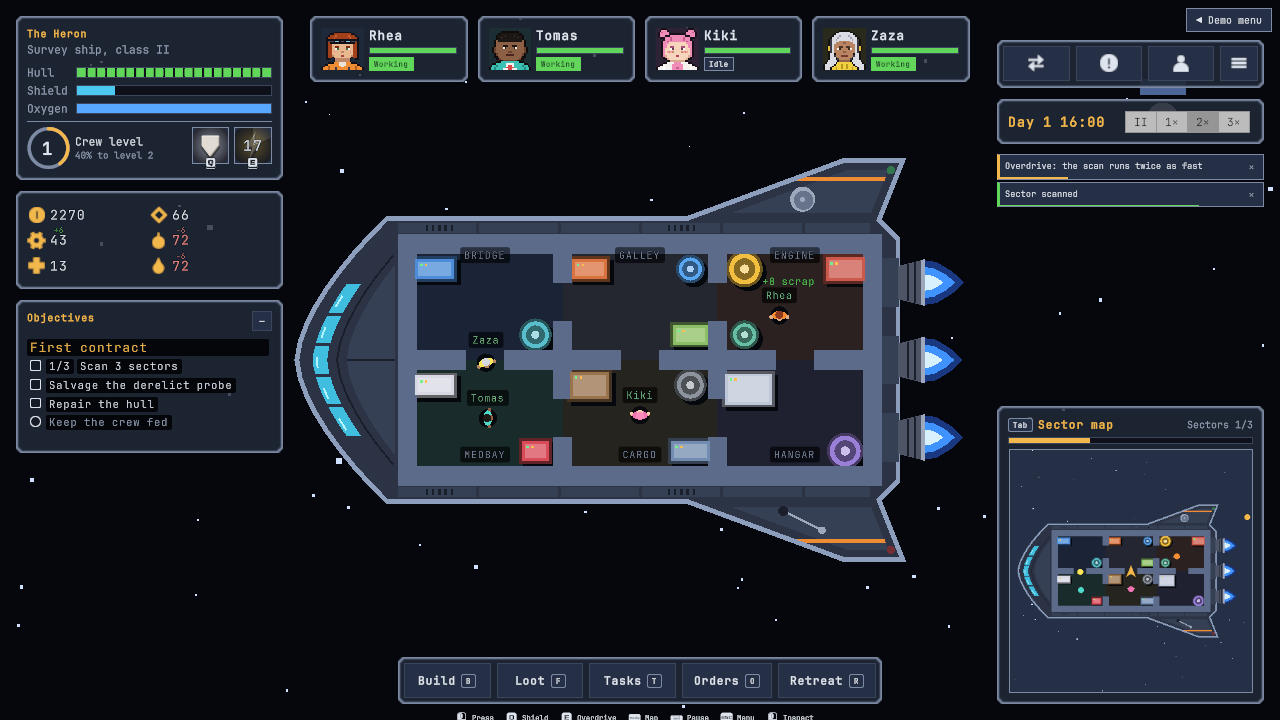
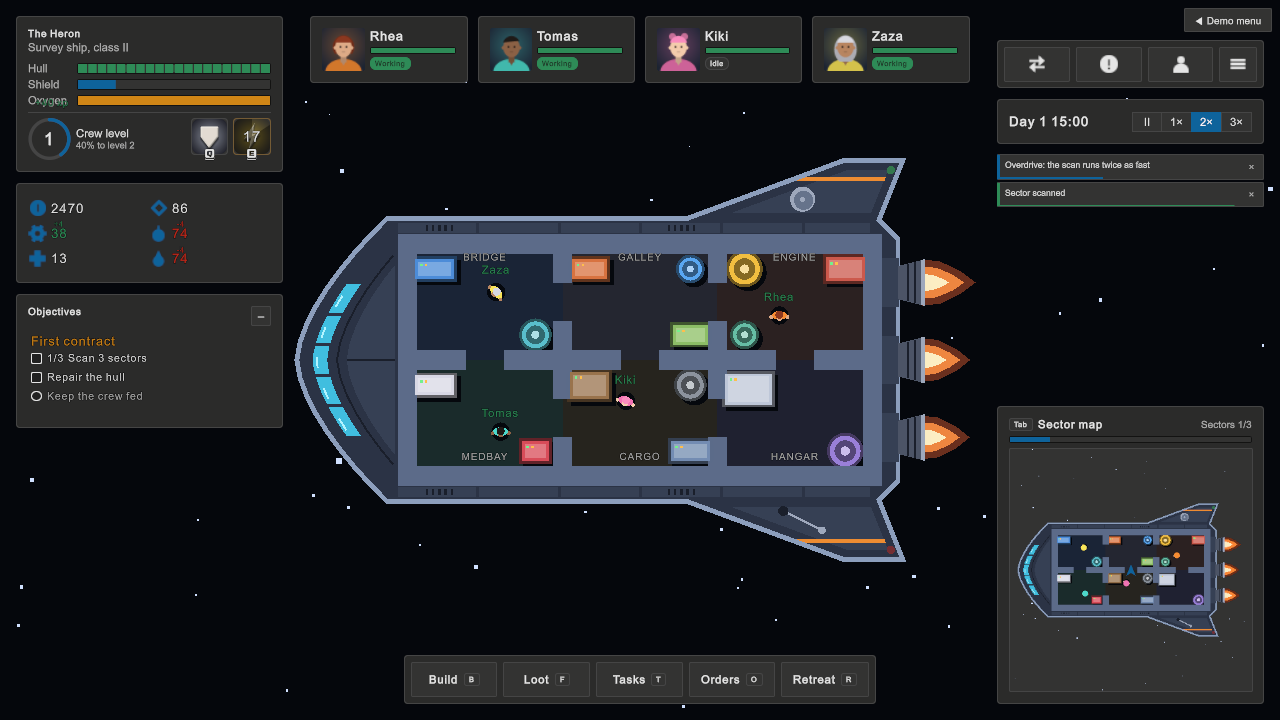
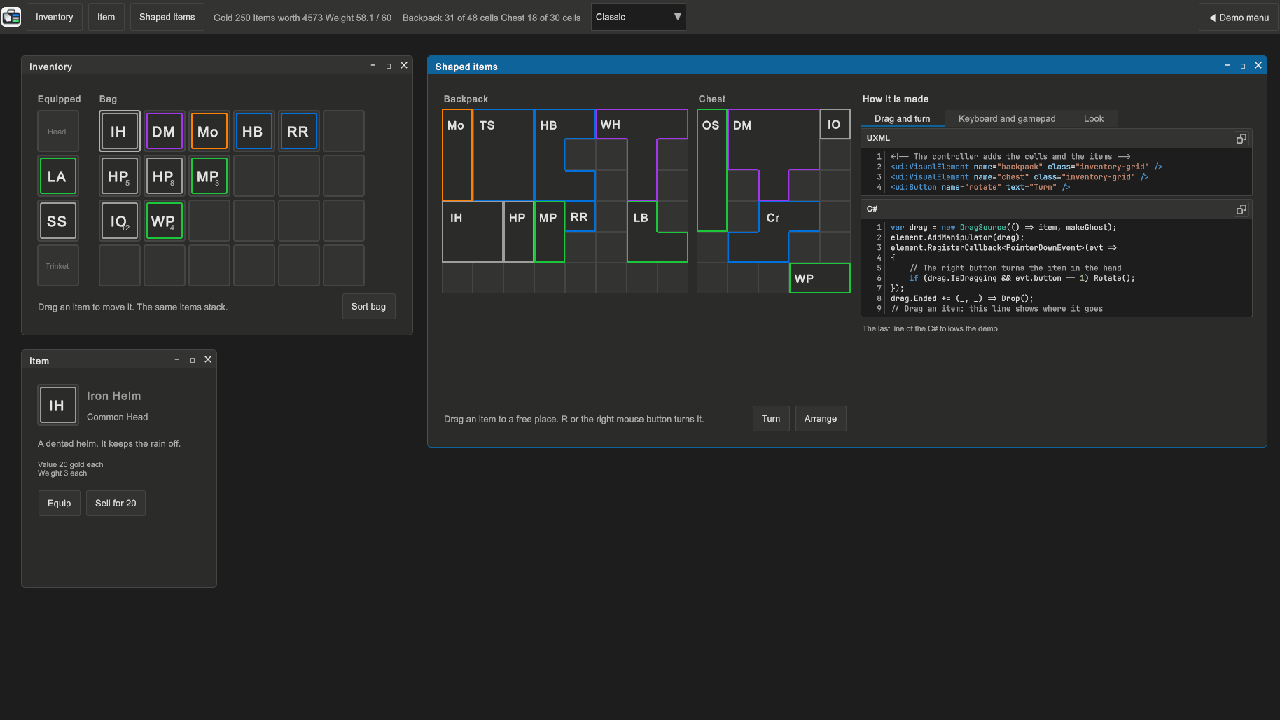
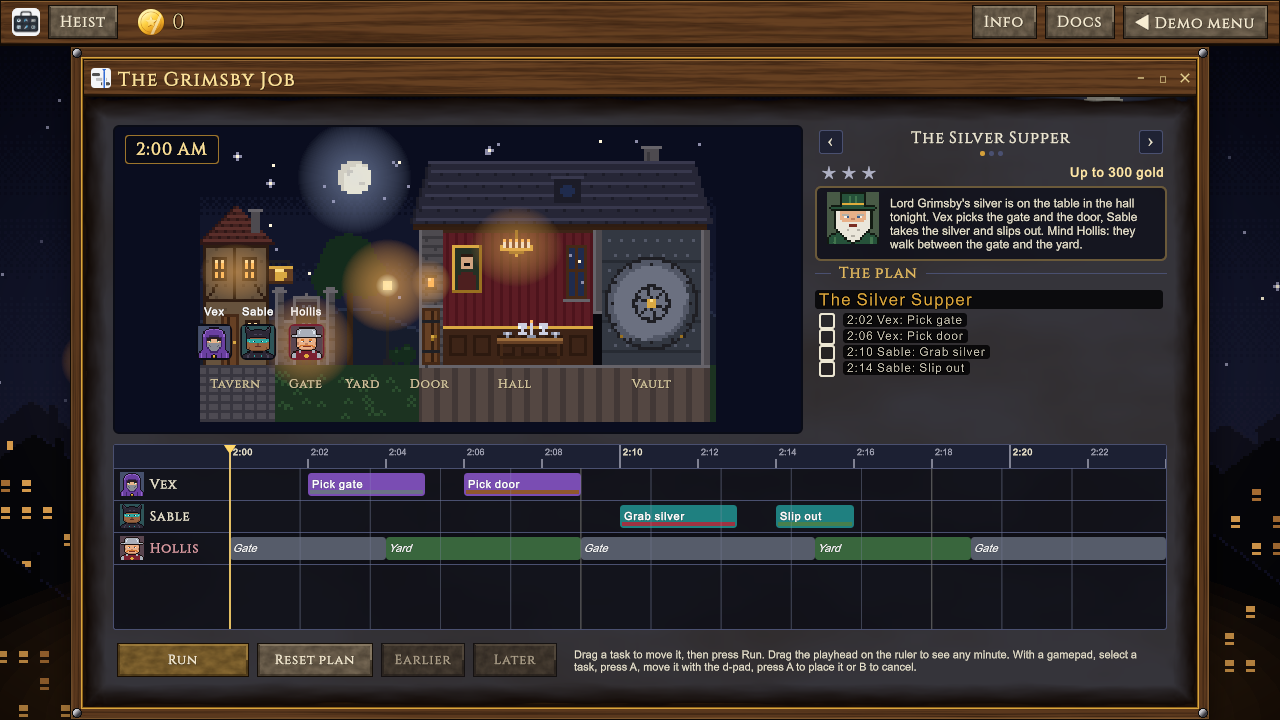
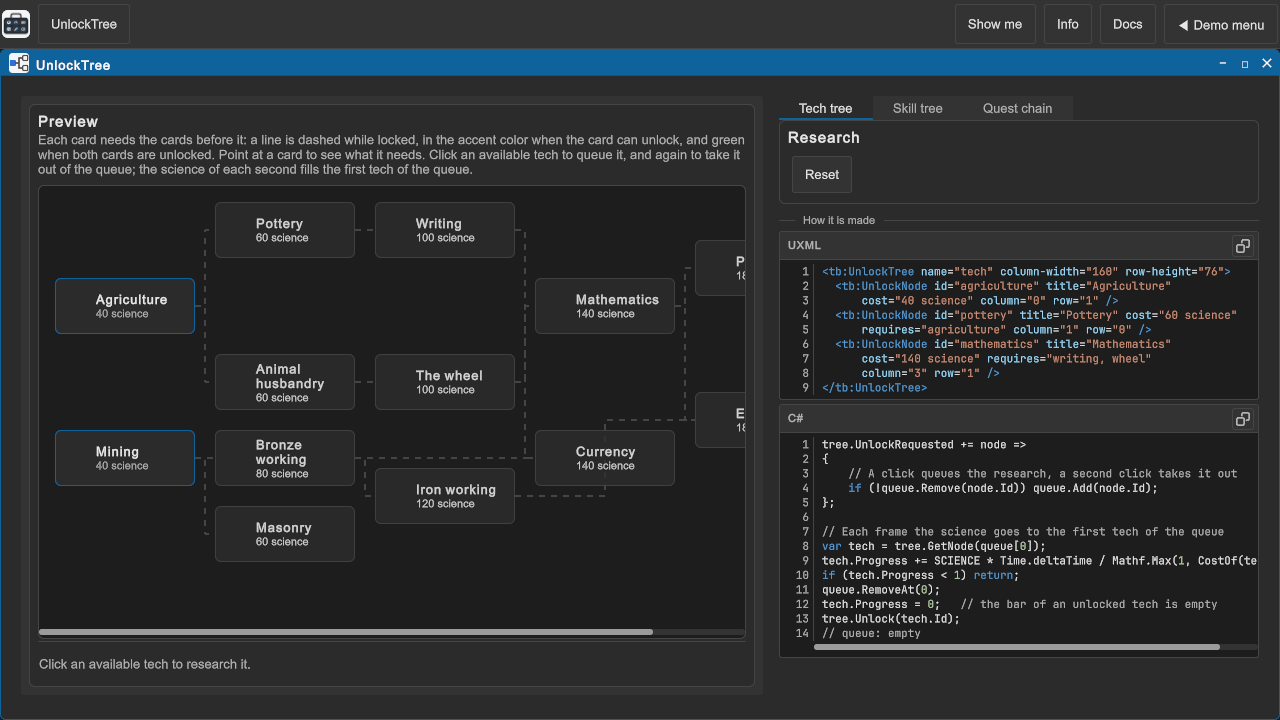
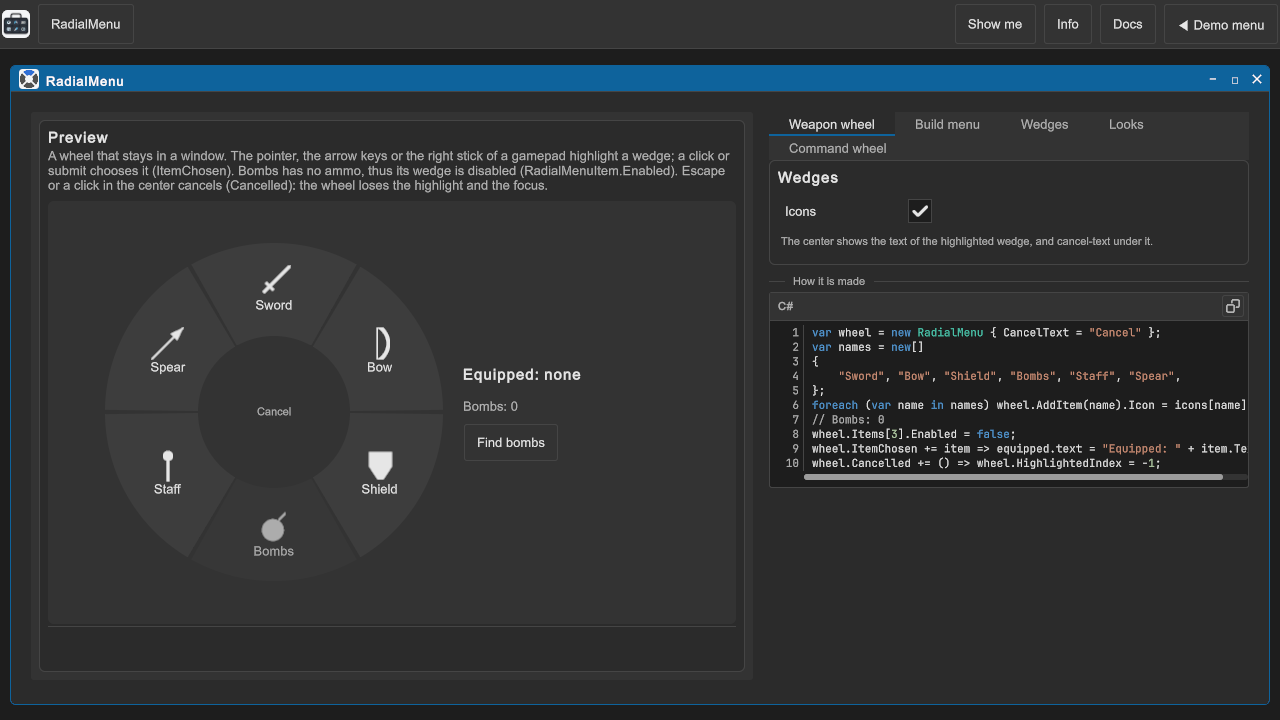
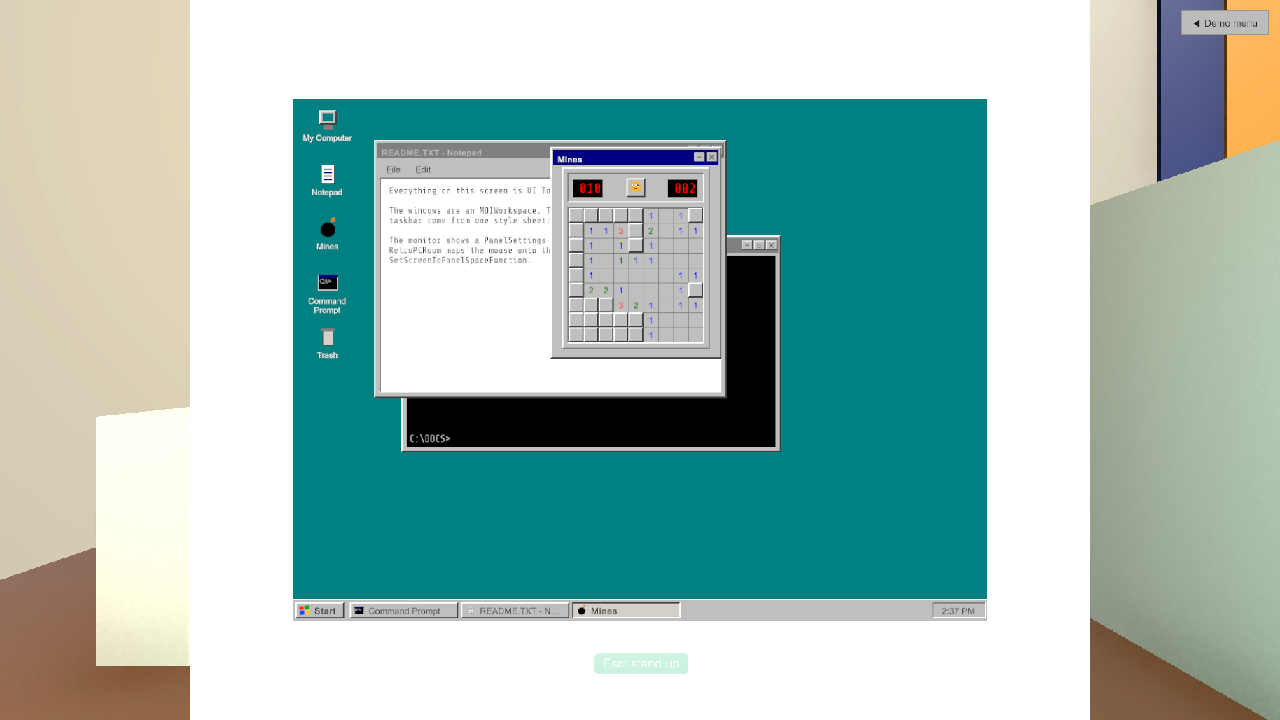
Each picture is an example scene in Play mode. All the scenes are in the package. Open an example to explore its screenshots. Expedition includes both its Hull skin and default theme.
The controls
Find a control by name or category, then open its guide and code examples.
Inputs

 SearchDropdown

 SearchField

 ComboBox

 AutoCompleteField

 SpellCheck and SpellCheckField

 OnScreenKeyboard

 FormField

 ChoiceCards

 ChoiceMenu

 ChoiceWheel

 NumericUpDown

 Rating

 PasswordStrength
Slider snap values

 RangeSlider

 OptionSelector

 Knob

 VirtualCursor

 XYPad
IdleWatch and IdleWatchElement

 TagField

 AssignList

 MaskedTextBox

 CodeInput

 InputGroup

 ColorPicker

 CurveField

 GradientField

 EmojiPicker and EmojiButton

 MonthCalendar and DatePicker

 TimeSpanPicker

 TimePicker

 Switch

 ToggleButton

 SplitButton

 AutoClickButton

 KeyBindingField

 PropertyGrid
Display

 Badge

 StatDelta and ItemCompare

 StatTile

 UserAvatar

 AvatarGroup

 Kbd

 GamepadGlyph and InputGlyph

 InputEcho

 InputViewer

 DeviceSwap

 CodeBlock

 MarkdownView

 Skeleton

 EmptyState

 EmptyStateView

 Separator

 Card

 ListItem

 ProgressRing

 IndeterminateProgress

 TypewriterLabel

 RelativeTimeLabel

 DialogueBox

 AnimatedLabel

 InlineIconLabel

 LogView

 ChatView

 ElementImage

 Timeline

 Icon

 VideoView and MediaIcon

 WaveformBar

 AudioVisualizer

 Subtitles

 Credits

 GlassPanel

 ParticleLayer

 MaskImage

 AnimatedImage

 ParallaxView
Overlays and feedback

 Notifications (NotificationArea)

 AlertStrip

 MessageBox

 Dialog

 Drawer

 LoadingScreen

 CommandPalette

 Callout

 TourOverlay

 HoverCard

 Alert

 AnchoredPopup

 RadialMenu

 Custom overlays (OverlayElement)
HUD

 HudTarget and WorldAnchor

 WorldMarkerLayer

 CompassBar

 FloatingTextLayer

 Minimap

 AbilitySlot

 Hotbar

 QuickSelect

 ItemSlot

 InventoryGrid

 StatBar

 StatusEffectBar

 ResourceCounter

 RollingDigits

 SaveIndicator

 UnitFrame

 Crosshair

 InteractionPrompt

 InteractionLayer and Interactable

 ObjectiveTracker

 DamageIndicator

 VirtualStick and TouchButton
Navigation

 Breadcrumb

 Pagination

 NavigableTabView

 PromptBar

 ToolBarMenu

 Sidebar

 Wizard

 FlipView

 Carousel

 ScreenStack

 DataGrid

 DataTree

 GridView

 SaveSlotList

 PieChart

 Graph

 CandleSeries

 Sparkline

 HeatMap

 Treemap

 SankeyChart

 Gauge

 SpiderChart

 Radar

 UnlockTree

 NodeGraph

 WeekSchedule

 AnalogClock

 QrCode

 ConsoleView

 SplitPanel

 GridPanel

 CircleLayout

 HexGrid

 Accordion

 PanZoomView

 GraphicsSettingsPanel and GraphicsOptions

 AudioSettingsPanel and AudioOptions

 InputSettingsPanel and InputBindingOptions

 Custom settings panels (SettingsPanel)

 ThemeSelector
Start building
Asset Store listing coming soon.
Start with the quick start, then explore the guides for the controls you need.
Documentation
Install the package, build your first screen and find the API of each control.
Video tutorials
Find Magikorp on YouTube and use the written guides to build your first screen.
A little help from the makers
Building something?
We can help.
UI Toolbox is made by Magikorp, an independent game-development studio. Get in touch with questions, feedback or a bug report.
support@magikorp.com ↗Make your first message count
For technical questions, include:
- Your Unity and UI Toolbox versions
- What you expected and what happened
- Steps to reproduce the issue, plus a screenshot if useful