

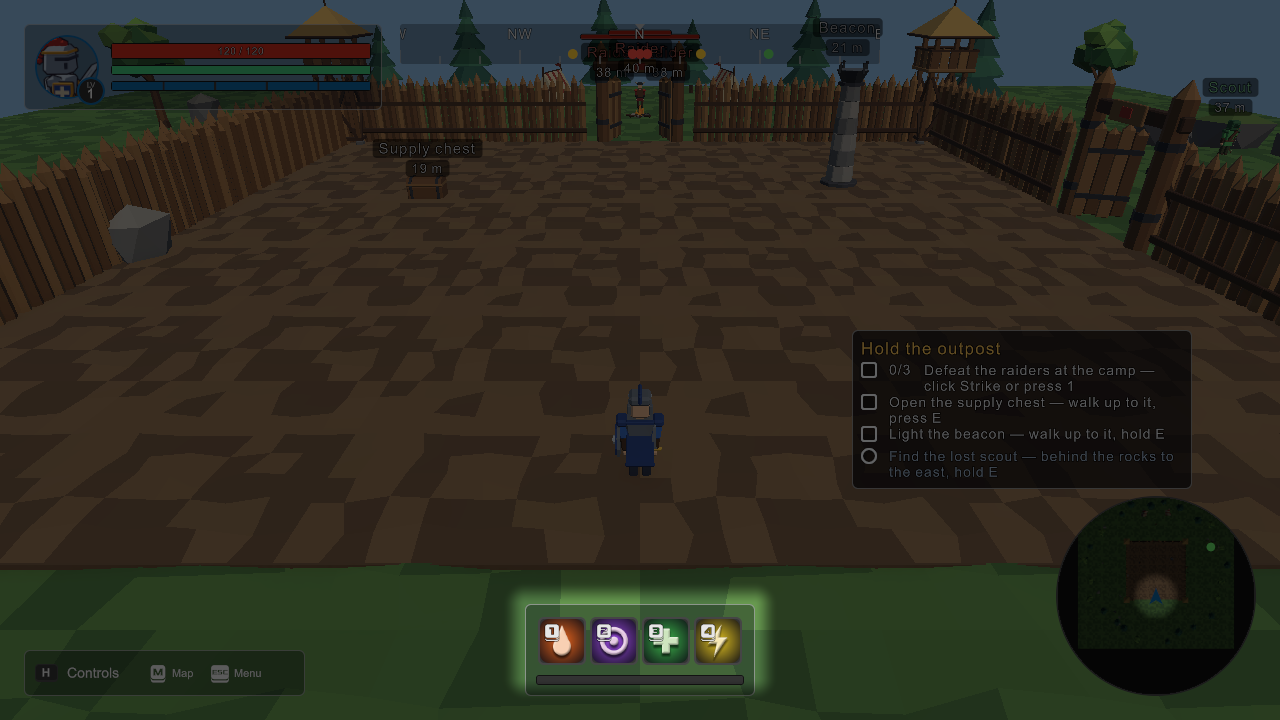
 Hotbar
 is the action bar of a game: a row of AbilitySlots on the keys 1 to 6. With no settings, it reads the keys, flashes a pressed slot, runs the cooldowns and swaps slots by drag and drop. Add pages, a global cooldown, drops from your inventory, and keys from the Input System when you need them.
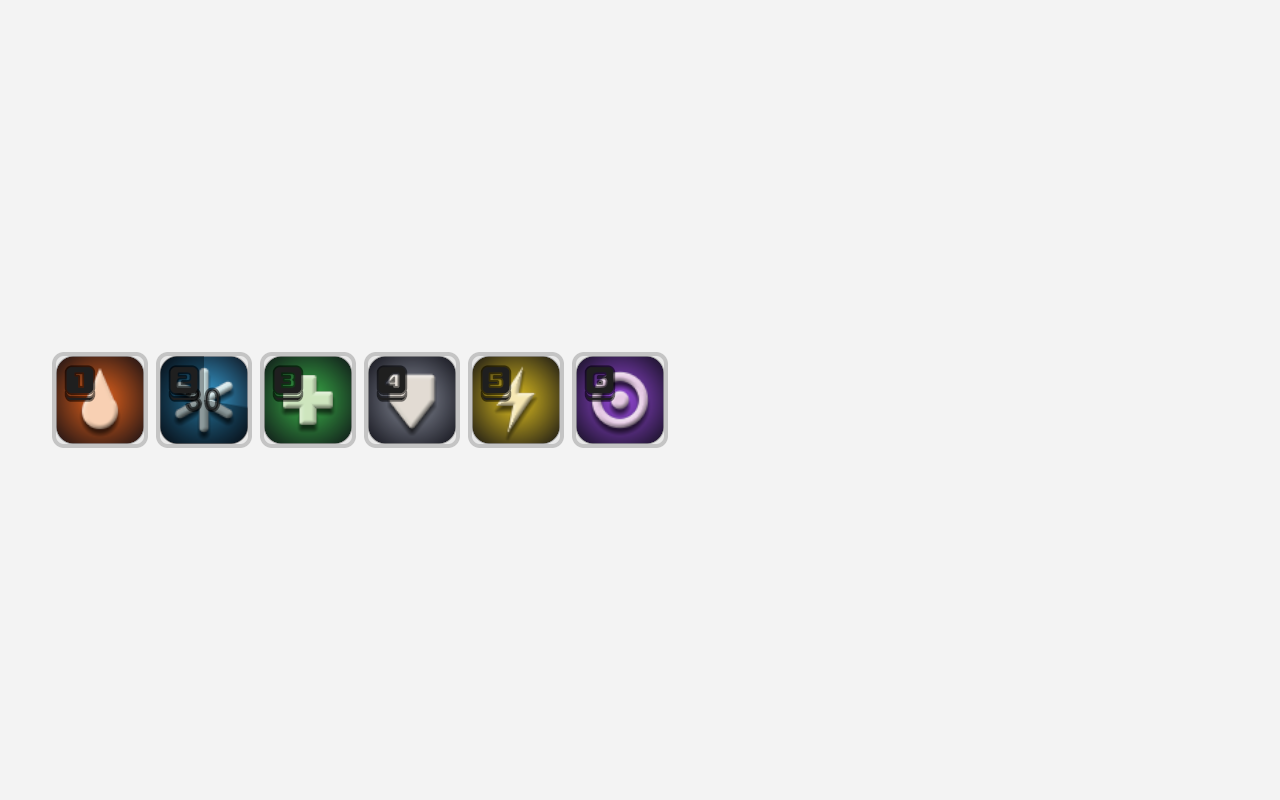
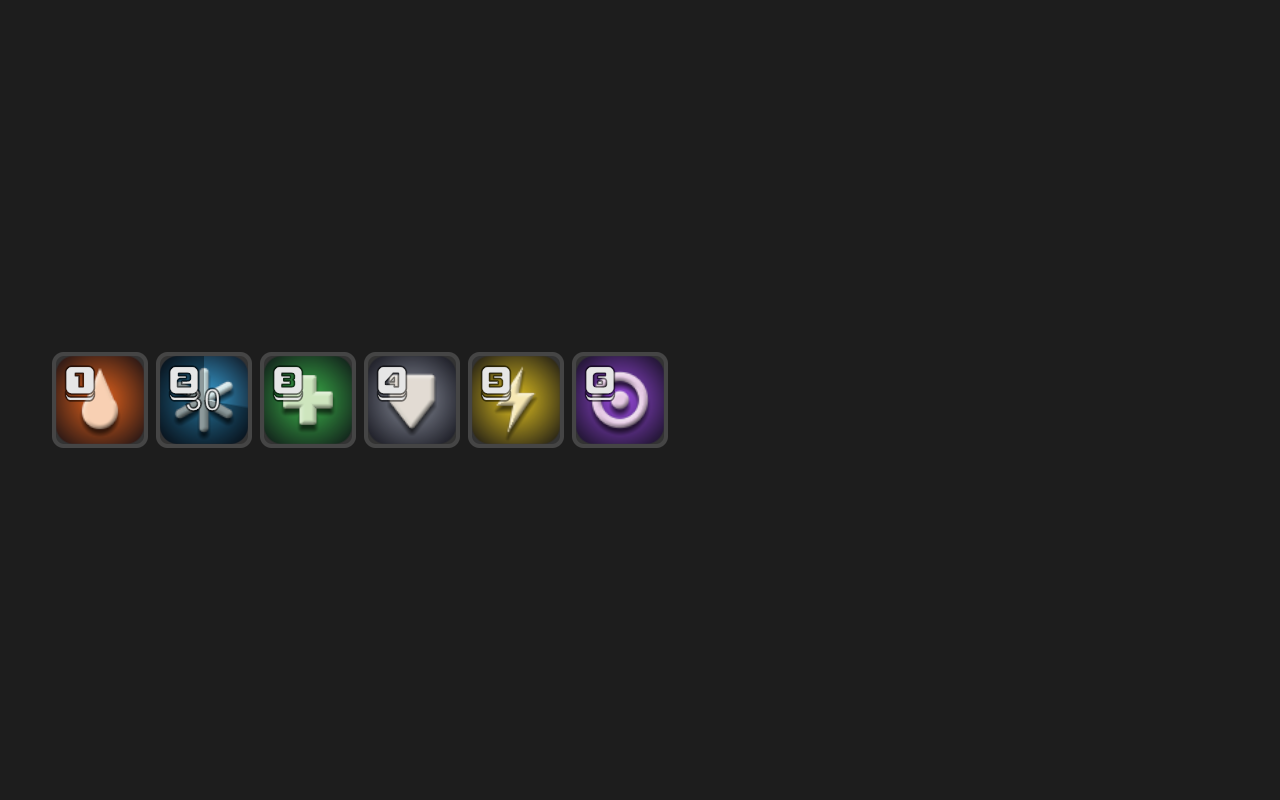
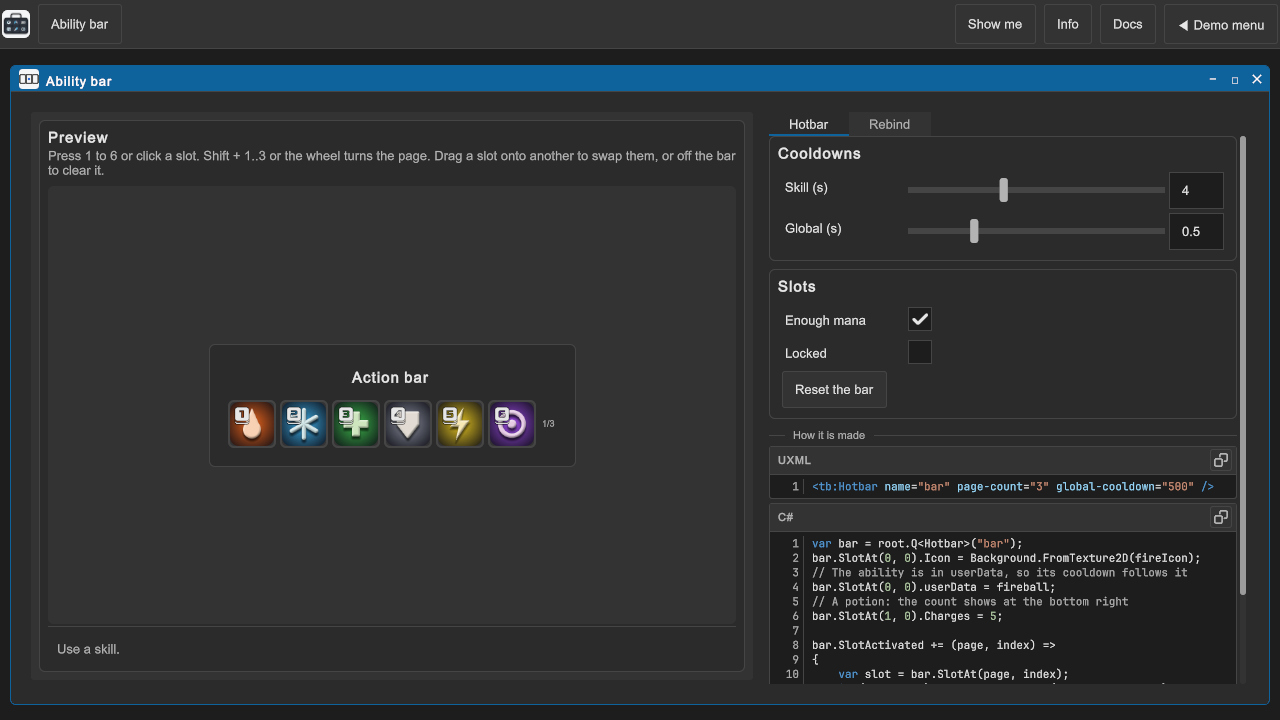
Video tutorial: AbilitySlot and Hotbar. All videos: Video tutorials. Demo scene: AbilityBarDemo.unity.
How to add a bar:
<tb:Hotbar name="bar" />
How to fill it and answer the presses:
var bar = root.Q<Hotbar>("bar");
for (int i = 0; i < skills.Length; i++)
{
    bar.Slots[i].Icon = Background.FromTexture2D(skills[i].Icon);
    bar.Slots[i].userData = skills[i];
}
bar.SlotActivated += (page, index) =>
{
    var skill = (Skill)bar.SlotAt(page, index).userData;
    skill.Cast();
    bar.StartCooldown(skill, skill.Cooldown);
};
The skill sits in the userData of its slot, and StartCooldown(skill, seconds) cools each slot that holds that skill. So the cooldown belongs to the skill, not to the slot: it moves with the skill when the player drags it to another slot, and it shows on a second page that holds the same skill.
How to take items from your inventory:
bar.CanDropExternal = (data, index) => data is Item item
    && item.IsUsable;
bar.ExternalDropped += (data, index) =>
{
    bar.Slots[index].Icon = ((Item)data).Icon;
    bar.Slots[index].userData = data;
};
How to fire the slots from Input System actions (the keys then follow a rebind):
bar.Actions = new[] { cast1, cast2, cast3, cast4 };
| Member | Description |
|---|---|
SlotCount (slot-count) |
The slots on each page, 1 to 12. Default 6. |
PageCount (page-count) |
The pages, 1 to 9. Above 1, the bar shows the page ("2/3") and Shift + 1..9 or the mouse wheel turns it. |
Page |
The page that shows, from 0. |
Direction (direction) |
A HotbarDirection: Row or Column. |
Locked (locked) |
Stops the drag swap and the drag off the bar. |
ListenKeys (listen-keys) |
The bar reads the keys 1..9 and 0, also while it is hidden. False leaves the keys to you; call Press(index). |
GlobalCooldown (global-cooldown) |
Milliseconds of cooldown on each slot of the page with an icon after a press of a slot with an icon. A longer cooldown stays. 0 is off. |
Slots |
The slots of the current page. |
SlotAt(page, index) |
A slot of any page. |
Press(index) |
Presses a slot of the current page. |
StartCooldown(ability, seconds) |
Cools each slot, on every page, whose userData is the ability. Returns the number of slots. |
StartGlobalCooldown(seconds) |
Cools each slot of the page that has an icon and less cooldown left. |
Actions |
Input System only: one action per slot. The slots fire from the actions and show their bound keys. |
DragData |
Func<int, object>: the data of a drag from a slot. Set it to drag items into your inventory. Null data starts no drag. |
CanDropExternal |
Func<object, int, bool>: says if a slot takes a drop from outside the bar. |
SlotActivated |
A slot was pressed: the page and the index. |
SlotsSwapped |
Two slots swapped by a drag: both indexes. |
SlotCleared |
A slot was dragged off the bar and cleared: the index. |
ExternalDropped |
A drop from outside landed on a slot: the data and the index. |
PageChanged |
The page changed: the new page. |
- Digits 1 to 9 and 0 press the slots. Shift + digit turns pages only when
PageCountis over 1. - A drop outside the bar clears the slot and raises
SlotCleared, whateverDragDatais, unlessLockedis true or a drop target outside the bar takes or refuses the data. - Hidden pages keep their cooldowns running.
- With
Actionsset, the actions press the slots and the slots show the keys bound to them. Shift + digit does not turn pages then; use the wheel or setPage. - The bar has no gamepad keys by default, because face buttons clash with game controls. Use
Actionsfor a gamepad. - Both the Input System and the old Input Manager work.
Tips:
- A hidden bar still reads the keys. Set
ListenKeysto false while your game pauses or the bar is hidden. - The Crypt example connects the bar to its bag with
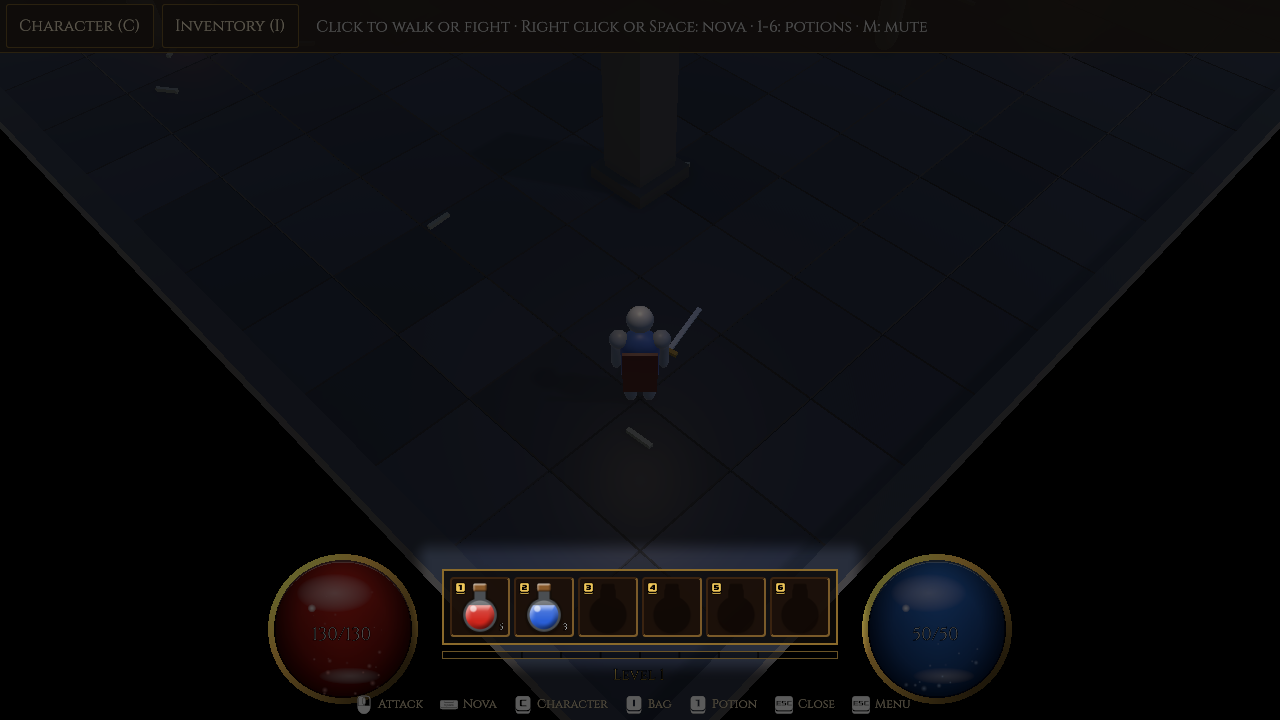
DragData,CanDropExternalandExternalDropped.
In the examples
Styling
| Class | Element |
|---|---|
tb-hotbar |
The bar. |
tb-hotbar--column |
Direction is Column. |
tb-hotbar--locked |
Locked is true. |
tb-hotbar__page |
The row of slots of one page. |
tb-hotbar__page-label |
The page number ("2/3"). |
The slots use the classes and variables of AbilitySlot.
.my-hud .tb-hotbar {
    padding: 4px;
    background-color: rgba(0, 0, 0, 0.6);
    border-radius: 8px;
}
SVG: The icon of a slot is a Background. An SVG imported as a VectorImage works as well as a texture. See Pictures: PNG or SVG.