
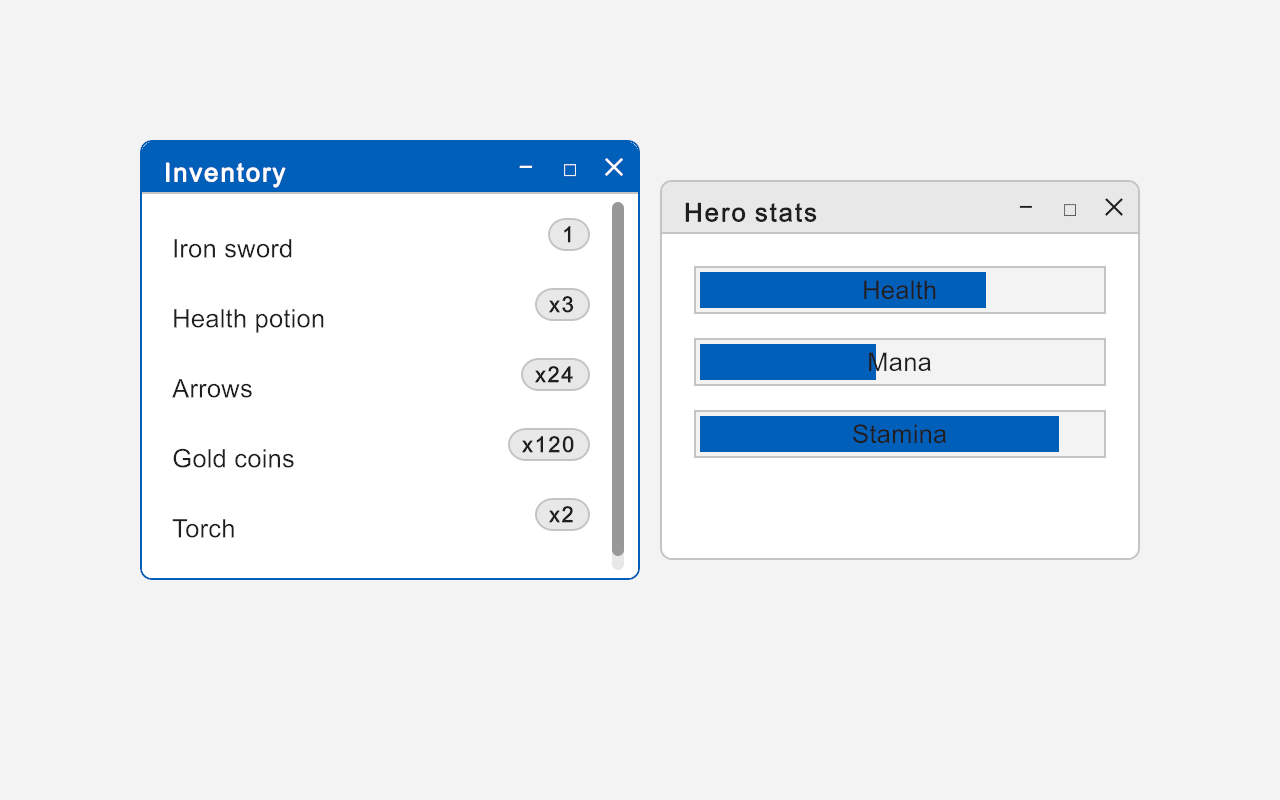
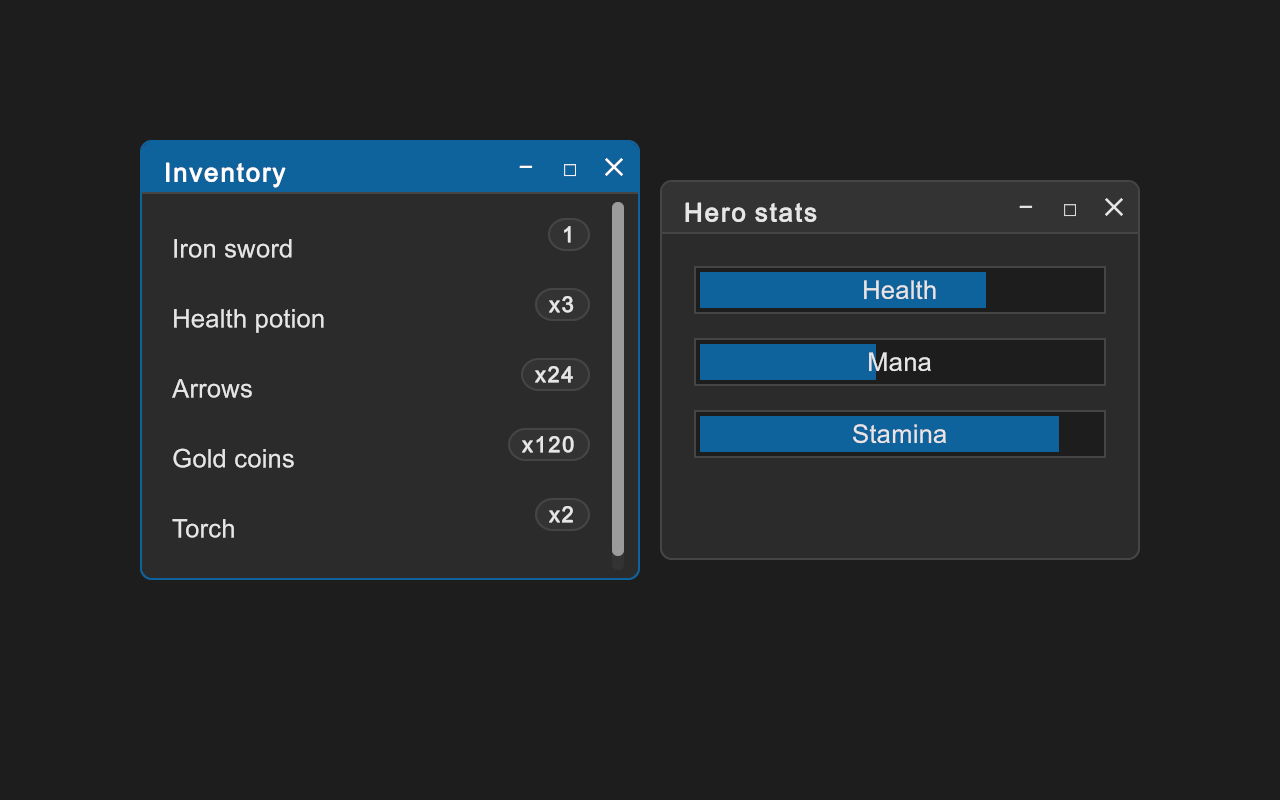
Control a window
| Call | On | Result |
|---|---|---|
OpenWindowAsync(id), OpenWindow(id) |
Workspace |
Opens, or focuses an open window. |
CloseWindowAsync(id), CloseWindow(id) |
Workspace |
Closes with animation. |
FocusWindow(id) |
Workspace |
Focuses an active window and brings it to the front. |
DetachTab(id) |
Workspace |
Moves a tab out of its group into a standalone window. |
GetWindow(id), GetAllWindows() |
Workspace |
Looks up registered windows. |
GetContent(id) |
Workspace |
The content of a registered window, to find its controls with Q. Throws ArgumentException when no window has the id, and InvalidOperationException when the window has no content. |
OpenAsync, MinimizeAsync, MaximizeAsync, RestoreAsync |
WindowDescriptor |
Changes the state with animation. |
ToggleMinimizeAsync, ToggleMaximizeAsync |
WindowDescriptor |
Restores the window if it is in that state, otherwise enters it. The title bar buttons use these. |
CycleFocus(backward) |
Workspace |
Focuses another open window. See Keyboard shortcuts. |
RunCommand(WindowCommand) |
Workspace |
Runs a shortcut command on the focused window. See Keyboard shortcuts. |
ShowOverview() |
Workspace |
Shows every open window in a grid to pick one. IsOverviewOpen is true while it shows. See Overview. |
ShowWindowMode() |
Workspace |
Moves and resizes the focused window with the gamepad or the keys. IsInWindowMode is true while it is on. See Window mode. |
CloseAsync(reason, source, token) |
WindowDescriptor |
Closes with animation. Returns false if a Closing handler canceled. A handler sets Cancel before it returns; an async handler cannot cancel the close after its first await. Closing a tab group asks every tab first; if one refuses, nothing closes. |
Focus(), BringToFront(), SetBounds(BoundingBox) |
WindowDescriptor |
Focus, order and bounds. |
MoveTo, Resize, Center |
WindowFluentAPI extensions |
Short forms of the calls above. |
ArrangeGridAsync, ArrangeCascadeAsync, TileHorizontalAsync, TileVerticalAsync, AutoArrangeAsync, ClearTiling |
Workspace |
Arranges the open windows. A window that cannot be dragged, such as a dock zone, keeps its place. CurrentTilingMode is the last arrangement, a TilingMode. |
Events:
| Event | On | Argument |
|---|---|---|
WindowStateChanged |
Workspace |
WindowStateChangedEventArgs (Descriptor, PreviousState, CurrentState, Change, a WindowChange: Opened, Closed, Minimized, Maximized or Restored) |
WindowFocusChanged |
Workspace |
WindowFocusChangedEventArgs (Descriptor, IsFocused, WasFocused) |
StateChanged, FocusChanged |
WindowDescriptor |
Same types, for one window. |
Closing |
WindowDescriptor |
WindowClosingEventArgs (Reason, a CloseReason: UserAction, Cascade, Shutdown or Programmatic; Source; Cancel). A handler sets Cancel before it returns. An async handler cannot cancel, so cancel, ask the user, and close the window again when the user agrees. |
TitleChanged, IconChanged, PinnedChanged, AttentionChanged, DataSourceChanged |
WindowDescriptor |
The descriptor. |
Maximize and restore
MaximizeAsynckeeps the bounds of the window asRestoreBounds, andRestoreAsyncreturns the window to them.- A window that is minimized while it is maximized comes back maximized, as in Windows.
RestoreAsync,OpenWindowAsyncor a taskbar button maximizes it again, and the nextRestoreAsyncreturns it to its bounds from before the maximize. This works in both minimize modes and through a saved layout. - A window that closes while it is maximized opens again at its bounds from before the maximize.
Minimize modes
MinimizeAsync does one of two things, set by WindowMinimizeMode:
| Mode | Effect |
|---|---|
Collapse (default) |
The window rolls up to its title bar and stays in the view. |
Hide |
The window leaves the view. It cannot take the focus, it takes no hits and no layout space, and CycleFocus skips it. It keeps its bounds. |
- A hidden window is still open and has the state
Minimized.IsHiddentells the two apart.RestoreAsync,MaximizeAsyncorOpenWindowAsyncbring it back at the same place with the restore animation. Code, a taskbar or a menu has to do that, because the window has no title bar to click. Closing a hidden window closes it at once. minimize-modeon theWorkspacesets the mode for every window.minimize-modeon aWindowisInherit(default),CollapseorHide, so one window can differ from the workspace. From code:workspace.MinimizeMode,WindowDescriptor.MinimizeModeandEffectiveMinimizeMode, and the builder callWithMinimizeMode(WindowMinimizeOverride).- A window in a tab group minimizes with its group, so the group window decides.
- A layout saves a hidden window as minimized. It hides again when the layout loads, with the mode that the window has at that time.
- The hide animation fades and shrinks the window (
tb-window--hiddeninWindowAnimations.uss).
<tb:Workspace minimize-mode="Hide">
  <tb:Window id="notes" title="Notes" minimize-mode="Collapse" />
</tb:Workspace>