

 NodeGraph
 in UIToolbox is a node editor: boxes with ports on a grid that pans and zooms, and links from port to port. Use it for a shader or a power grid, a crafting chain, a dialogue tree, a quest flow or a visual script. Each child GraphNode is a box with a header and a body; each NodePort is a dot on a side of its node. The user drags from a port to a port to link them, and the graph checks the link first. The view of the graph is a PanZoomView, so it pans, zooms and fits like one.
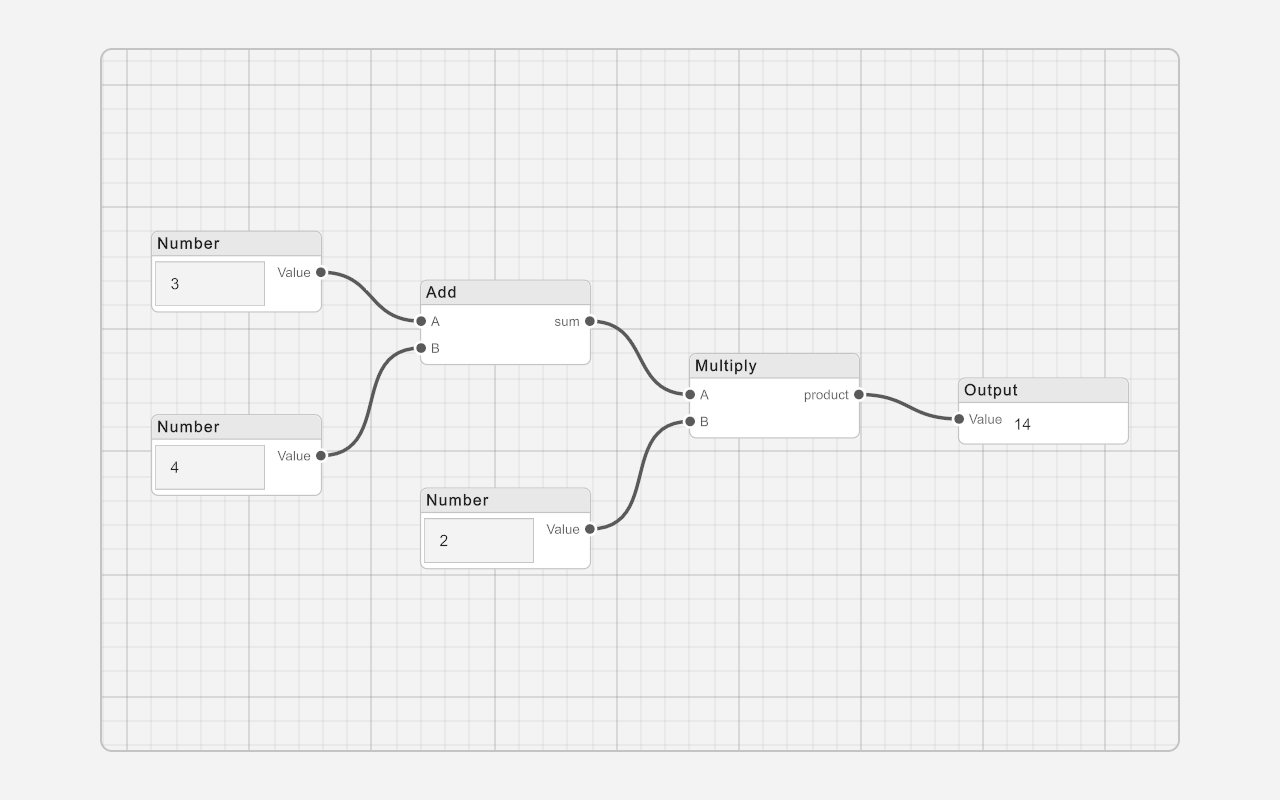
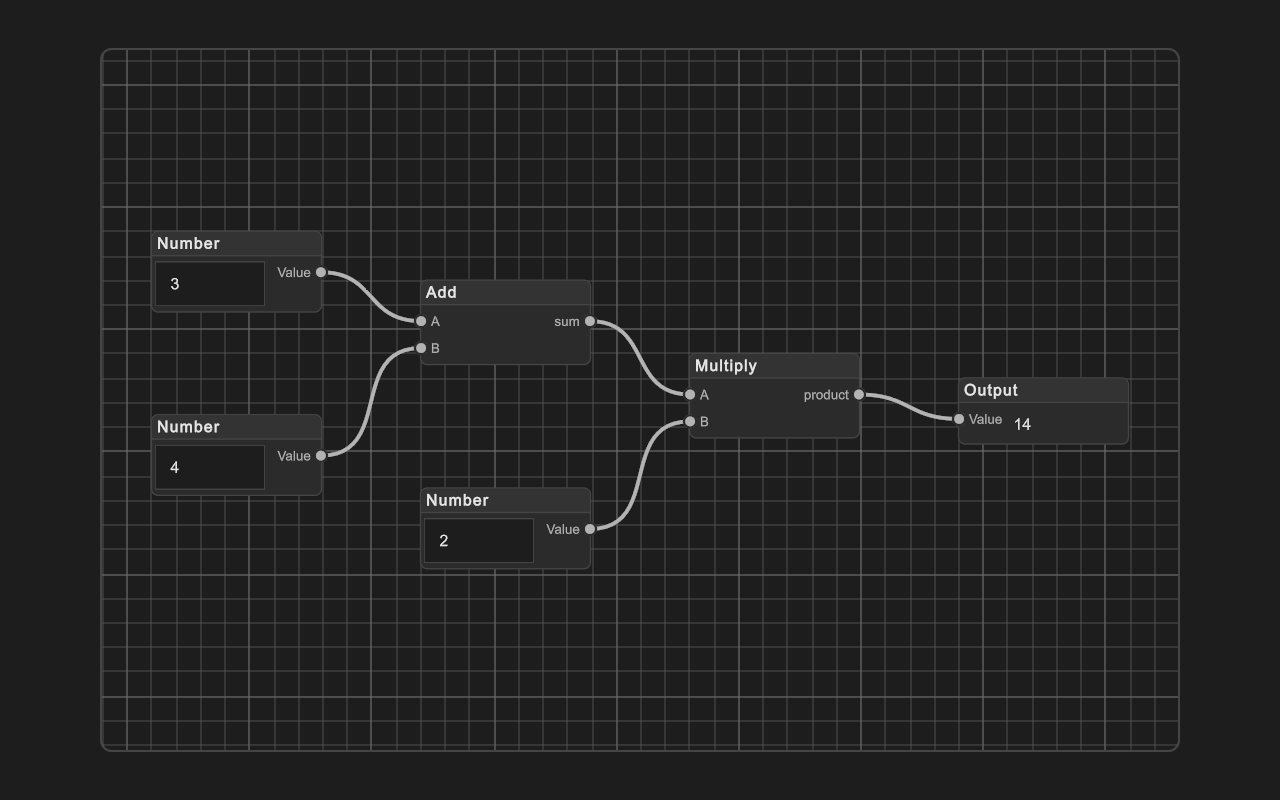
Video tutorial: Node graph. All videos: Video tutorials.
<tb:NodeGraph name="graph" grid-size="20" link-shape="Curve">
  <tb:GraphNode
      id="cell"
      title="Power cell"
      kind="PowerCell"
      x="40"
      y="60">
    <tb:NodePort id="out" text="4 MW" direction="Out" type="power" />
  </tb:GraphNode>
  <tb:GraphNode id="core" title="Core" kind="Core" x="300" y="60">
    <tb:NodePort id="power" text="Power" type="power" capacity="Multi" />
    <ui:Label text="Needs 8 MW" />
  </tb:GraphNode>
</tb:NodeGraph>
var graph = root.Q<NodeGraph>("graph");

var relay = new GraphNode("Relay") { Kind = "Relay" };
relay.AddPort(new NodePort("in", PortDirection.In, "In", "power"));
relay.AddPort(new NodePort("out", PortDirection.Out, "Out", "power"));
graph.AddNode(relay, new Vector2(180, 200));
graph.Link(graph.FindNode("cell")!.Port("out")!, relay.Port("in")!);

// A game rule: no loops
graph.LinkFilter = (from, to) => !Reaches(to.Node, from.Node);
graph.LinkRejected += (a, b) => PlayErrorSound();
graph.Changed += () => PlayerPrefs.SetString("grid", graph.ToJson());
Links in UXML are not supported: make them in code with Link, or load them with LoadJson.
Settings
| Setting (UXML) | Type | Default | Does |
|---|---|---|---|
grid-size |
float | 20 | The distance between grid lines, in graph pixels. |
show-grid |
bool | true | Draws the grid. A major line shows every 5 lines. |
snap |
bool | true | A dropped node snaps its top left corner to the grid. |
min-zoom |
float | 0.25 | The smallest zoom. |
max-zoom |
float | 2 | The largest zoom. |
zoom |
float | 1 | The zoom. Clamped to the limits. A change keeps Pan, the graph point at the top left corner of the view. |
link-shape |
NodeLinkShape |
Curve |
Curve (a curve that leaves and enters each port along its side), Elbow (right angles) or Straight. |
allow-self-links |
bool | false | A link may join two ports of one node. |
read-only |
bool | false | The user can pan, zoom and select, but not move, link or delete. Code still edits the graph. |
show-zoom-indicator |
bool | true | Shows the zoom in percent between a minus and a plus button in the bottom right corner. A click on the percent goes back to 100 %. See the zoom indicator of the PanZoomView. |
GraphNode
| Setting (UXML) | Type | Default | Does |
|---|---|---|---|
id |
string | "" | Unique in the graph. Empty gets node-1, node-2, ... when the node joins a graph. |
title |
string | "Node" | The header text. |
kind |
string | "" | The game's type of node, saved in the JSON, for the load factory. |
x, y |
float | 0 | The position of the top left corner in graph pixels. |
movable |
bool | true | The user can drag it. |
deletable |
bool | true | The user can delete it. |
The other children of a node go into its body: a field, a label, a picture. Data is free text that the JSON saves with the node, for example the value of a field. Ports, Port(id), AddPort(port) and RemovePort(port) give and edit the ports. AddPort places the port on its side at once. A port added with Add to a node on a panel moves to its side on the next frame. Selected is true while the node is in the selection.
NodePort
| Setting (UXML) | Type | Default | Does |
|---|---|---|---|
id |
string | "" | Unique in the node. Empty gets in-1, out-1, ... |
text |
string | "" | The text beside the dot. |
direction |
PortDirection |
In |
In or Out. A link goes from an Out port to an In port. |
side |
PortSide |
Auto |
Auto (In on the left, Out on the right), Left, Top, Right or Bottom. |
type |
string | "" | Only ports of one type link. Empty links with any type. |
capacity |
PortCapacity |
Auto |
Auto (an In port takes one link, an Out port many), Single or Multi. |
Node, Links and IsLinked give its links. Color sets the color of the dot and of its links from code; null uses --tb-node-port-color. ShownColor is the color that shows, ShownSide the side with Auto resolved by the direction, and IsSingle is true when the port takes one link.
NodeLink
A link has From (the Out port), To (the In port) and Selected. Its color is the color of From, unless --tb-node-link-color is set; ShownColor is the color that shows. A click within a few pixels of the line selects it.
Methods
| Method | Does |
|---|---|
AddNode(node, position) |
Adds a node at a graph point and returns it. |
RemoveNode(node) |
Removes a node and its links. |
FindNode(id) |
The node with an id, or null. |
Link(from, to) |
Links two ports when CanLink allows it, else returns null. The Out port goes first when the ports come the other way round. A new link to a Single port replaces its old link. |
Link(fromNode, fromPort, toNode, toPort) |
The same, by ids. |
Unlink(link), ClearLinks(port), Clear() |
Remove a link, the links of a port, or all the nodes and links. |
CanLink(a, b) |
True for one In and one Out port of one type, on two nodes (unless allow-self-links), not linked yet, where the Out port has room and LinkFilter agrees. |
Select(nodeOrLink, add), SelectAll(), ClearSelection(), DeleteSelection() |
Edit the selection. DeleteSelection keeps the nodes with deletable false. |
FrameAll(), FrameSelection() |
Pan and zoom so the nodes fit, within the zoom limits and at most at zoom 1. |
ViewToGraph(point), GraphToView(point) |
Convert between the pixels of the view and the graph. |
ToJson(prettyPrint), LoadJson(json, create) |
Save and load the graph. See Save and load. |
Nodes, Links and Selection list the graph. Pan is the graph point at the top left of the view. LinkFilter is a game rule for links: its arguments are the Out port and the In port.
Viewport is the PanZoomView that pans and zooms the graph. The settings of the graph above set it, and its own options and events work for the graph too: for example Viewport.PanButton = PanZoomButton.Left pans with a left drag on the background in place of the box select, Viewport.ShowScrollBars = true adds scroll bars, and Viewport.ViewChanged comes on each pan and zoom.
Events
| Event | When |
|---|---|
LinkCreated, LinkRemoved |
A link is made or removed, by the user or by code. |
LinkRejected |
The user drops a link on a port that CanLink refuses, for a sound or a message. |
NodeAdded, NodeRemoved |
A node joins or leaves the graph. |
NodeMoved |
The user drops a node that they moved. |
SelectionChanged |
The selection changes. |
Changed |
After any edit by the user or by code, once for each edit, for an autosave. |
Mouse and keyboard
| Input | Does |
|---|---|
| Left drag on a node | Moves the node, and the other selected nodes with it. Snaps on drop. |
| Left click on a node or a link | Selects it. Ctrl or Shift adds it to the selection, or takes it out. |
| Left drag on the background | Box select. Shift adds to the selection. |
| Middle or right drag, Space or Alt + left drag | Pans. A right press pans only once it moves a few pixels, so a right click still opens a context menu. |
| Mouse wheel | Zooms around the pointer. |
| One-finger drag on the background | Pans. A drag on a node moves it, and a drag from a port links. |
| Two-finger pinch | Zooms around the fingers, and pans with them. |
| Left drag from a port | Drags a link. The ports that can take it light up; the others fade. A drop on a port links, a drop elsewhere cancels. |
| Left drag from a linked In port with one link | Picks the link up by its end, to wire it again. A drop elsewhere removes it. |
| Delete or Backspace | Deletes the selection. |
| Ctrl + A | Selects all. |
| Arrow keys or gamepad | Pan by 40 pixels. |
+ or =, - |
Zoom in or out around the center. |
| Home | Frames all the nodes. |
| F | Frames the selection, or all when nothing is selected. |
| Minus, plus or the percent of the zoom indicator | Zoom out or in around the center, or go back to 100 %. |
| Escape | Cancels a drag or a box select, else clears the selection. With neither, the press goes on to the elements around the graph, for example to close a dialog. |
The keys work while the graph has the focus: a click on the graph or Tab gives the focus to its view. A press on a field inside a node body goes to the field, and the keys do nothing while a text field has the focus.
Save and load
ToJson() returns the graph as JSON; ToJson(true) indents it.
{
  "version": 1, "zoom": 1, "panX": 0, "panY": 0,
  "nodes": [
    { "id": "cell", "kind": "PowerCell", "title": "Power cell",
      "x": 40, "y": 60, "data": "",
      "ports": [
        { "id": "out", "label": "4 MW", "direction": "Out",
          "side": "Auto", "type": "power", "capacity": "Auto" }
      ] }
  ],
  "links": [
    { "fromNode": "cell", "fromPort": "out",
      "toNode": "core", "toPort": "power" }
  ]
}
LoadJson(json, create) clears the graph and makes each node. When create returns a node for a saved NodeGraphData.Node, that node is used, so a node gets its own fields back; else the node is a plain GraphNode with the saved ports. Each node gets its saved id, kind, data and position, and the links join by ids. A link to a missing node or port is skipped with one warning. Changed comes once, at the end.
graph.LoadJson(json, saved =>
    saved.kind == "Number" ? MakeNumber(float.Parse(saved.data)) : null);
NodeGraphData and its Node, Port and Link classes are [Serializable], so JsonUtility and a save system can use them too.
Performance
- A node drag moves the node and repaints only its links. It allocates nothing per pointer move.
- The grid repaints only on a pan, a zoom or a size change.
- A pan or a zoom changes one transform, so hundreds of nodes and links pan and zoom smoothly.
In the examples
Styling
| Class | Element |
|---|---|
tb-node-graph |
The graph (grows; background, border). With --read-only, --panning and --linking. |
tb-node-graph__viewport, __grid, __content, __links, __nodes |
The view, the grid layer, the layer that pans and zooms, and the layers of the links and the nodes. The view is a PanZoomView, so these elements also have the tb-pan-zoom-view classes, and its zoom indicator has the tb-pan-zoom-view__zoom classes. |
tb-node-graph__drag-link, __box |
The link that the user drags, and the box-select rectangle. |
tb-graph-node |
A node, with --selected. |
tb-graph-node__header, __title, __row, __body |
The parts of a node. |
tb-graph-node__ports--left, --top, --right, --bottom |
The ports on each side. |
tb-node-port |
A port, with --in, --out, --left, --top, --right, --bottom, --linked, --can-link and --cannot-link. |
tb-node-port__dot, __label |
The dot and the label of a port. |
tb-node-link |
A link, with --selected. |
| Variable | On | Description |
|---|---|---|
--tb-node-graph-grid-color |
tb-node-graph |
The color of the minor grid lines. It sets --tb-pan-zoom-view-grid-color on the view. |
--tb-node-graph-grid-major-color |
tb-node-graph |
The color of the major grid lines. It sets --tb-pan-zoom-view-grid-major-color on the view. |
--tb-node-port-color |
tb-node-port |
The color of the dot and of the links that leave it. |
--tb-node-link-color |
tb-node-link |
The color of a link, in place of the color of its port. |
--tb-node-link-width |
tb-node-link |
The width of a link in pixels (3). |
--tb-node-link-dash |
tb-node-link |
The length of a dash in pixels. 0 (the default) draws a solid line. |
Give each type of port its own color:
.tb-node-port.power { --tb-node-port-color: #f0c040; }
.tb-node-link--selected { --tb-node-link-width: 5; }
The NodeGraphDemo scene shows math nodes that compute as you link them, the settings, a JSON save and load, and the events.
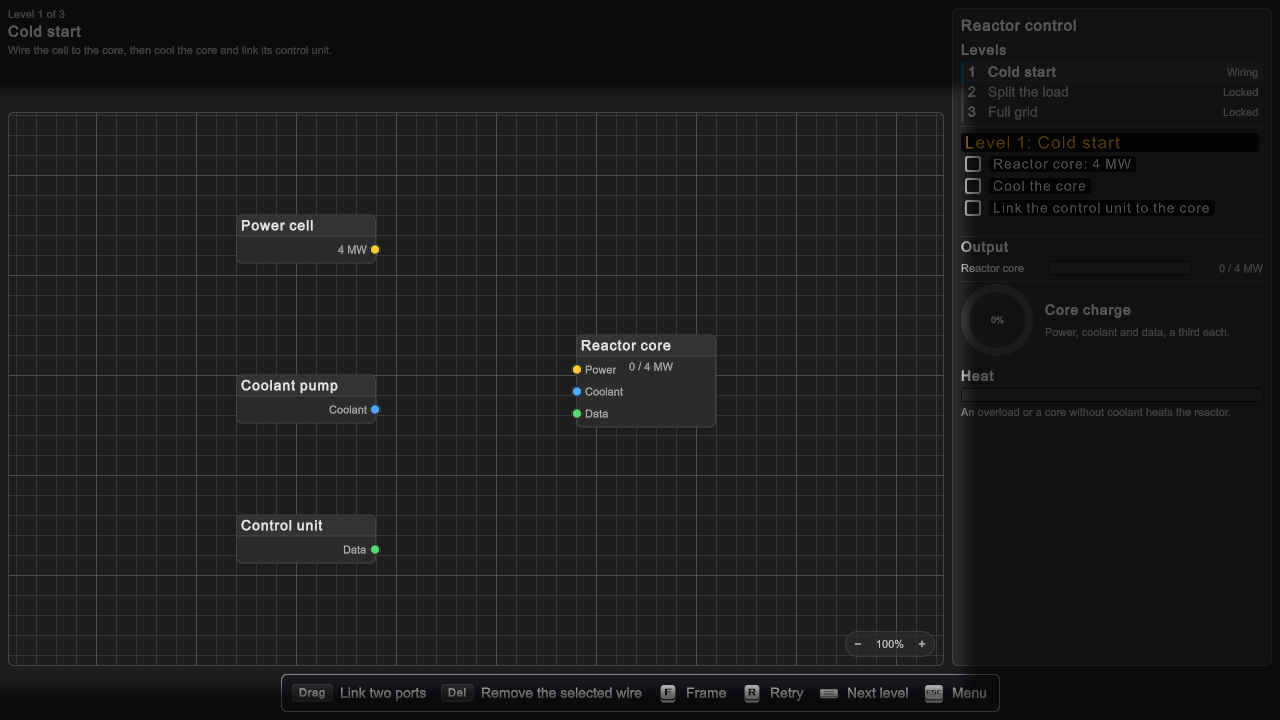
The Reactor example is a wiring puzzle with typed ports, a LinkFilter that refuses a loop, LinkRejected toasts and a save per level.