
IdleWatch
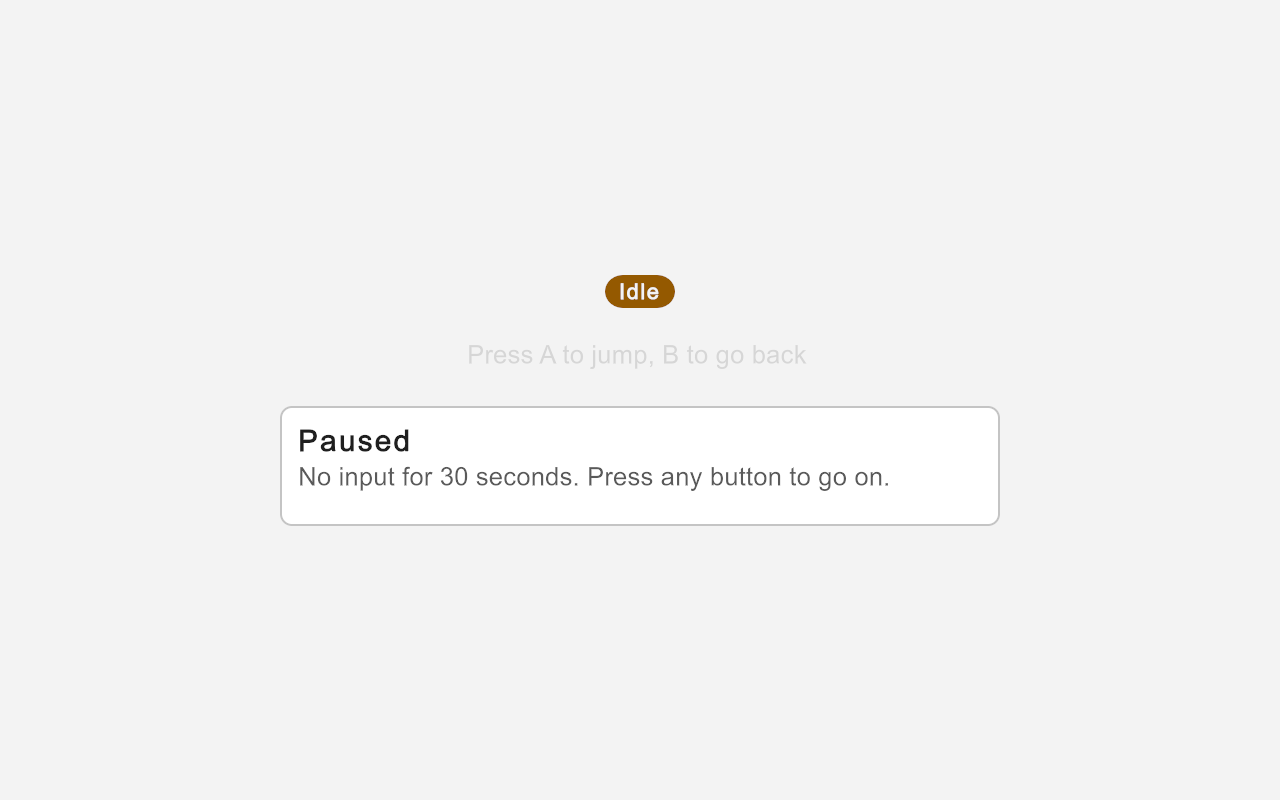
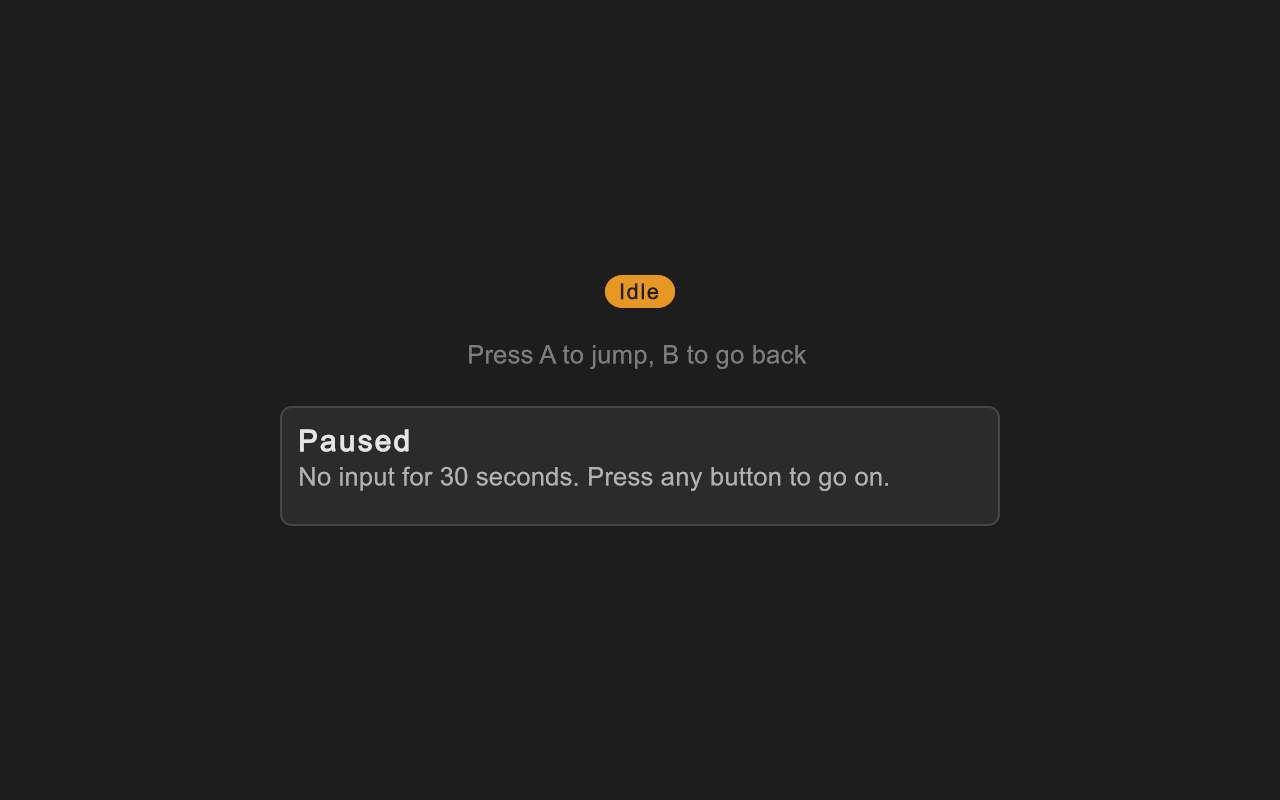
An IdleWatch tells you when the player has stopped touching the game. It watches the mouse, the keyboard, the wheel, UI navigation and the gamepad on one element. After a quiet time it adds the class tb-idle to that element and raises BecameIdle. The next input removes the class and raises BecameActive. Use it to fade a HUD, show a pause card, start an attract mode or sign a player out.
<UIToolbox.IdleWatchElement idle-seconds="30" />
var watch = IdleWatch.Attach(root);
watch.IdleSeconds = 30f;
watch.BecameIdle += () => pauseCard.style.display = DisplayStyle.Flex;
watch.BecameActive += () => pauseCard.style.display = DisplayStyle.None;
A style sheet can do the same without code:
.hint-bar {
    transition-property: opacity;
    transition-duration: 400ms;
}

.tb-idle .hint-bar {
    opacity: 0;
}
IdleWatch
| Member | Description |
|---|---|
Attach(root) |
Starts a watch on root and returns it. A second call for the same root returns the same watch. |
Detach(root) |
Stops the watch of root, if it has one. |
Detach() |
Stops this watch. It removes the callbacks, the timer and the idle class, and raises no event. |
IdleSeconds |
The quiet time until the player is idle. Default 30. The smallest value is 0.1. |
IdleClass |
The class on the root while the player is idle. Default tb-idle. |
IsIdle |
True while the player is idle. |
IdleTime |
The time since the last input, as a TimeSpan. |
ResetIdle() |
Counts as input: ends the idle state and starts the time again. |
BecameIdle, BecameActive |
Raised once for each change of the state. |
IsAttached, Root |
Whether the watch runs, and the element it watches. |
IdleWatchElement
The element is the same watch in UXML. Put it anywhere in a screen: it shows nothing, and it watches the top element of its panel, so the class lands on the root of the screen. In the Unity editor window it does nothing.
| Attribute | Description |
|---|---|
idle-seconds |
IdleSeconds of the watch. Default 30. |
idle-class |
IdleClass of the watch. Default tb-idle. |
What counts as input
Mouse moves and presses, the wheel, key presses, and the UI navigation events: move, submit and cancel. An event that another element stops still counts. A gamepad counts when a button goes down or a stick goes past half way. The gamepad part needs the Input System package.
Cost
The watch costs no work in each frame. The input callbacks write one time stamp, and a timer checks the state twice a second. Input that arrives while the player is idle ends the idle state at once. Nothing allocates after the watch starts.
Style
| Class | Element |
|---|---|
tb-idle |
The watched root, while the player is idle. |
tb-idle-watch |
The IdleWatchElement. It takes no space. |
The scene IdleWatchDemo shows a countdown tile, a bar that fades and a Pause card that shows while the player is idle.