

 Subtitles
 shows lines of dialog or captions at the bottom of its parent, each on a dark box, with an optional speaker name. A line comes from Show or from a SubtitleTrack, a list of timed cues that plays against a clock: a VideoView, an AudioSource, or any time source. The VideoDemo cutscene, the GameMenu game screen and the Breach round call use it.
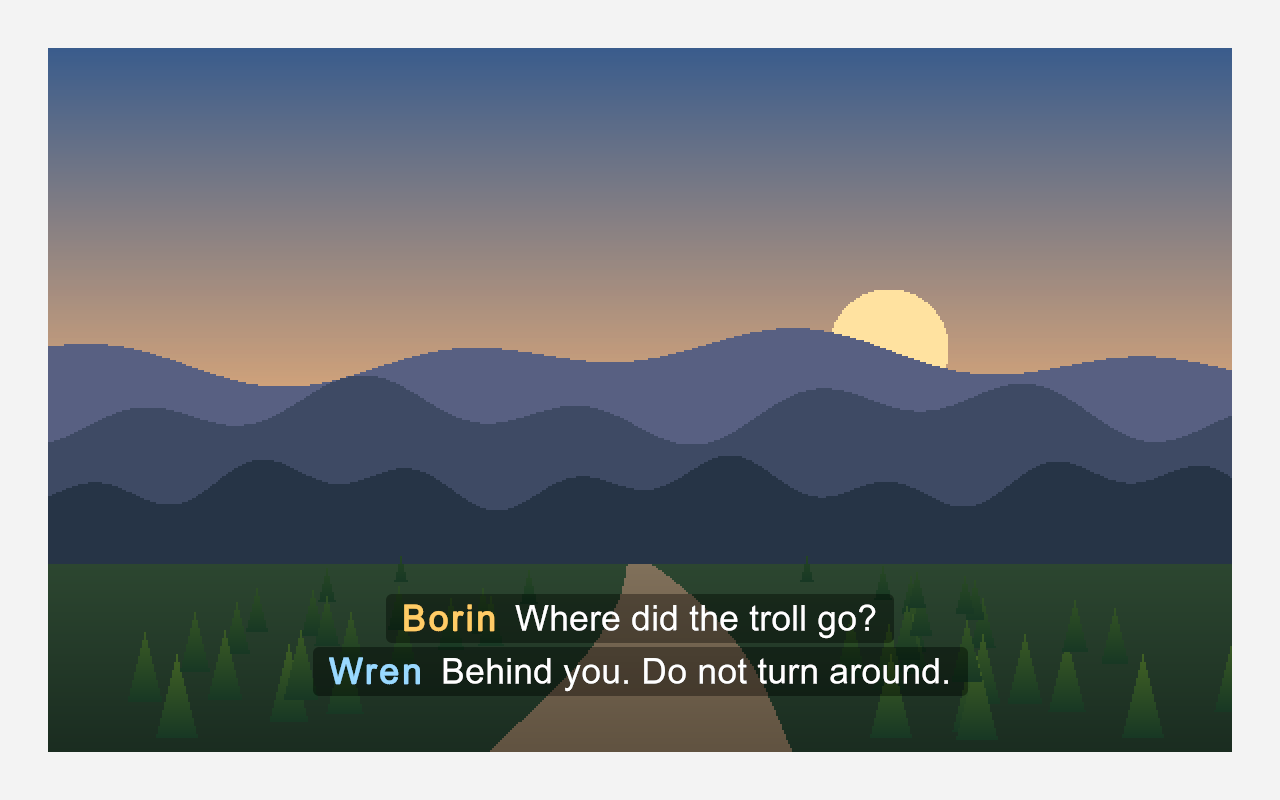
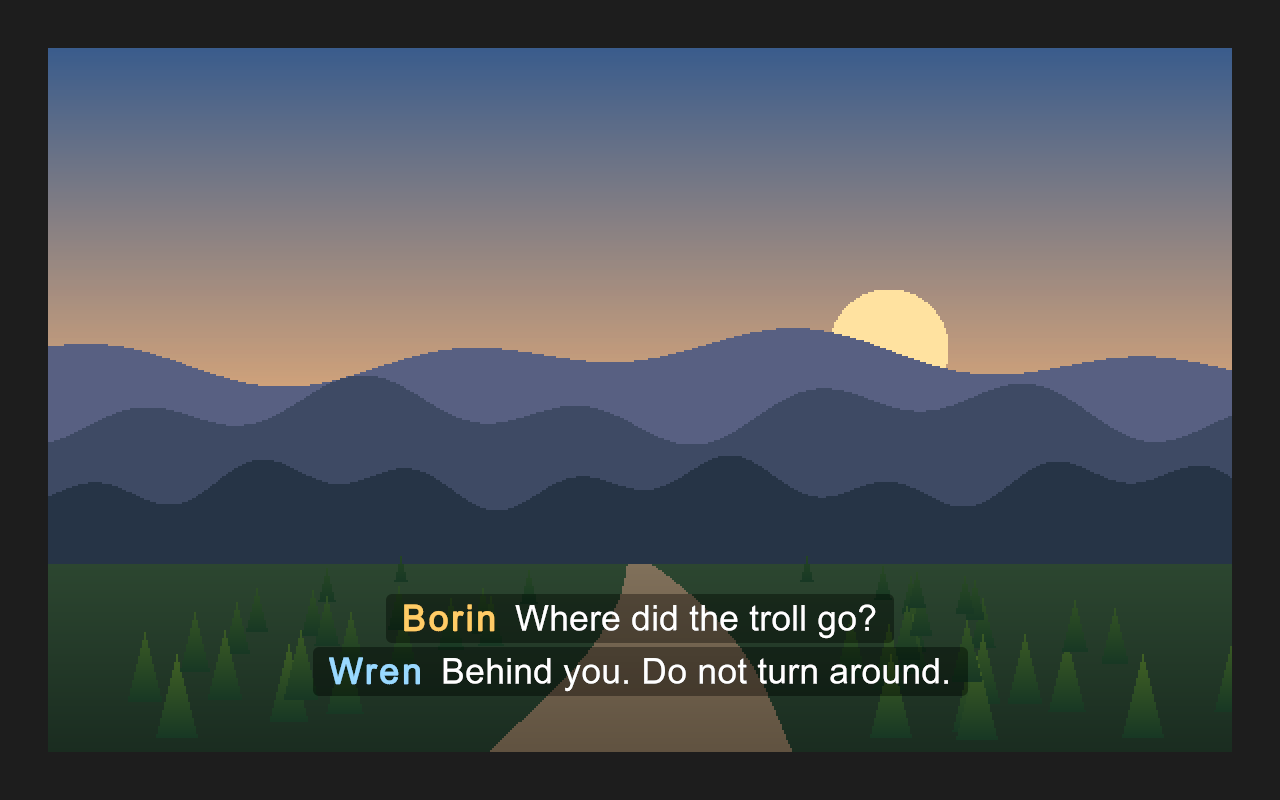
<UIToolbox.Subtitles max-visible="2" characters-per-second="15" />
// A line with a reading time: its text length divided by
// CharactersPerSecond, at least MinDuration
subtitles.Show("The road closes at nightfall.", "Guard");

// A track against a video
var track = SubtitleTrack.ParseSrt(srtText);
subtitles.Play(track, video);

// A track you build; Add works while it plays
track.Add(12.0, 15.5, "Look out!", "Ann");
The control sits at the bottom center of the parent (position: absolute, 8% above the edge) and does not take clicks. Put it as the last child of the element that shows the picture, so it draws over it.
SRT text
SubtitleTrack.ParseSrt reads the SRT format:
1
00:00:00,500 --> 00:00:03,500
[Narrator] Deep in the meadow, a burrow is quiet.

2
00:00:04,000 --> 00:00:07,500
Then a big rabbit wakes up.
- The index line is optional. A time can have
,or.as the decimal mark, and the hours can be left out (01:02,500). - A text can have several lines. A text that starts with
[Name](a space after the bracket) names the speaker; the name leaves the text.[Door slams]alone is text. - A block that does not read (no time line, or no text) is skipped, with one
Debug.LogWarningthat names the block number. The other blocks still load. - Text after the end time on the time line, such as
position:10%, is ignored.
Unity imports a .srt file as a plain asset, not as a TextAsset. Name the file .txt (such as Cutscene.srt.txt or CutsceneSubtitles.txt), or put the text in a string, and pass textAsset.text to ParseSrt. The VideoDemo example keeps its cutscene in Examples/Resources/UIToolboxSamples/CutsceneSubtitles.txt.
Members
| Member | Description |
|---|---|
MaxVisible (max-visible) |
The most lines that show at a time (2). A new line pushes out the oldest. At least 1. |
ShowSpeaker (show-speaker) |
Shows the speaker name before the text (true). |
CharactersPerSecond (characters-per-second) |
The reading speed (15) for a line with no duration. 0 gives every line MinDuration. |
MinDuration (min-duration) |
The shortest time in milliseconds that a line with no duration shows (1500). |
TextScale (text-scale) |
Multiplies the font size (1), for an accessibility setting. The size without the scale is the font-size of the control. |
Show(text, speaker, duration) |
Shows a line. A duration of 0 uses the reading time; float.PositiveInfinity keeps the line until Clear. An empty text does nothing. |
Clear() |
Removes every line. A playing track goes on. |
Play(track) |
Plays against the own clock of the control (unscaled time), from 0. |
Play(track, clock) |
Plays against a Func<double> that returns a time in seconds. |
Play(track, audioSource) |
Plays against AudioSource.time. |
Play(track, videoView) |
Plays against VideoView.Time. |
Stop() |
Stops the track and removes its lines. Lines from Show stay. |
SetSpeakerColor(speaker, color) |
The color of the name of one speaker. Other speakers use --tb-subtitles-speaker-color. |
Advance(seconds) |
Steps the lines, the fades and the track. The control calls it on each frame while it runs; a test or a paused game can call it. A call with 0 reads the clock only. |
CueShown |
Raised when a cue of the playing track starts to show. |
IsPlaying |
True while a track plays. |
IsAnimating |
True while the scheduled item runs: a timed line shows or fades, or a track plays. |
LineCount |
The number of lines that show. |
SubtitleTrack members: Cues (sorted by start), ParseSrt(text), FromCues(cues), Add(start, end, text, speaker) (returns the track, so calls chain) and IndexAt(time) (a binary search for the cue at a time, or -1). A SubtitleCue has Start, End, Text and Speaker.
- A track follows its clock. A jump back (a seek) shows the cue at the new time; a jump forward skips the cues it passes. In normal play, cues that overlap show together, up to
MaxVisible, with the newest line at the bottom. After a jump, the cue that started last shows. - A line fades in and out over 0.25 s.
- A control with no timed line, no fade and no track has no scheduled item running, so it costs nothing at rest. A frame with a playing track allocates no memory.
- The text can have rich text tags.
Styling
| Class | Element |
|---|---|
tb-subtitles |
The control: absolute at the bottom center, font-size 18 px. |
tb-subtitles__lines |
The column of lines, at most 80% wide. |
tb-subtitles__line |
One line: a rounded box on --tb-subtitles-background. |
tb-subtitles__line--visible |
On a line that takes room: it shows or fades out. |
tb-subtitles__line--shown |
On a line that is opaque. The opacity transition fades it. |
tb-subtitles__speaker |
The speaker name: bold, --tb-subtitles-speaker-color. |
tb-subtitles__text |
The text: white, wraps. |
| Custom property | Default | Effect |
|---|---|---|
--tb-subtitles-background |
rgba(0, 0, 0, 0.6) |
The box of a line. |
--tb-subtitles-speaker-color |
--tb-color-accent |
The speaker name. |
.my-cutscene .tb-subtitles {
    --tb-subtitles-background: rgba(20, 10, 40, 0.8);
    font-size: 24px;
    bottom: 12%;
}
The SubtitlesDemo scene shows lines with a reading time and the settings of the control, a cutscene whose SRT track follows the clock and its seeks, the radio chatter of a squad with a color for each speaker, and the text scale and the looks of the lines.