

 ToolBarMenu
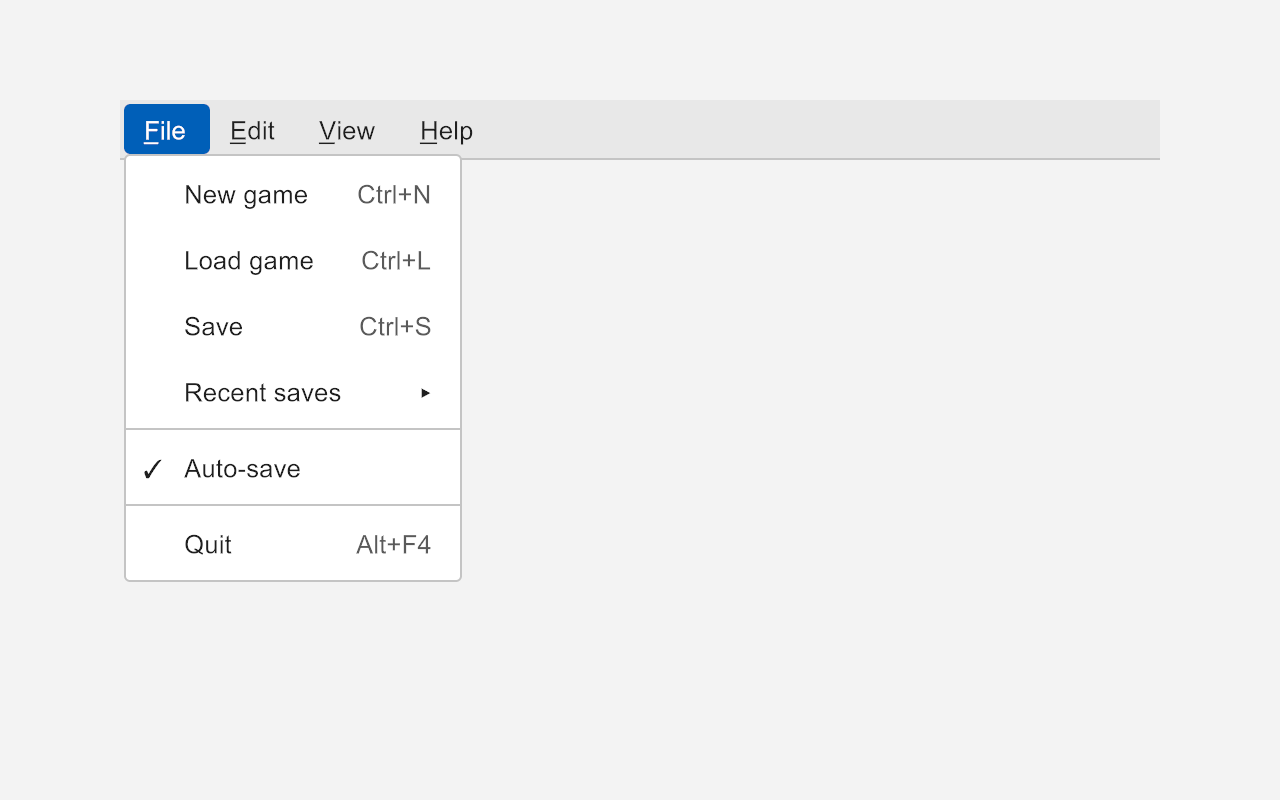
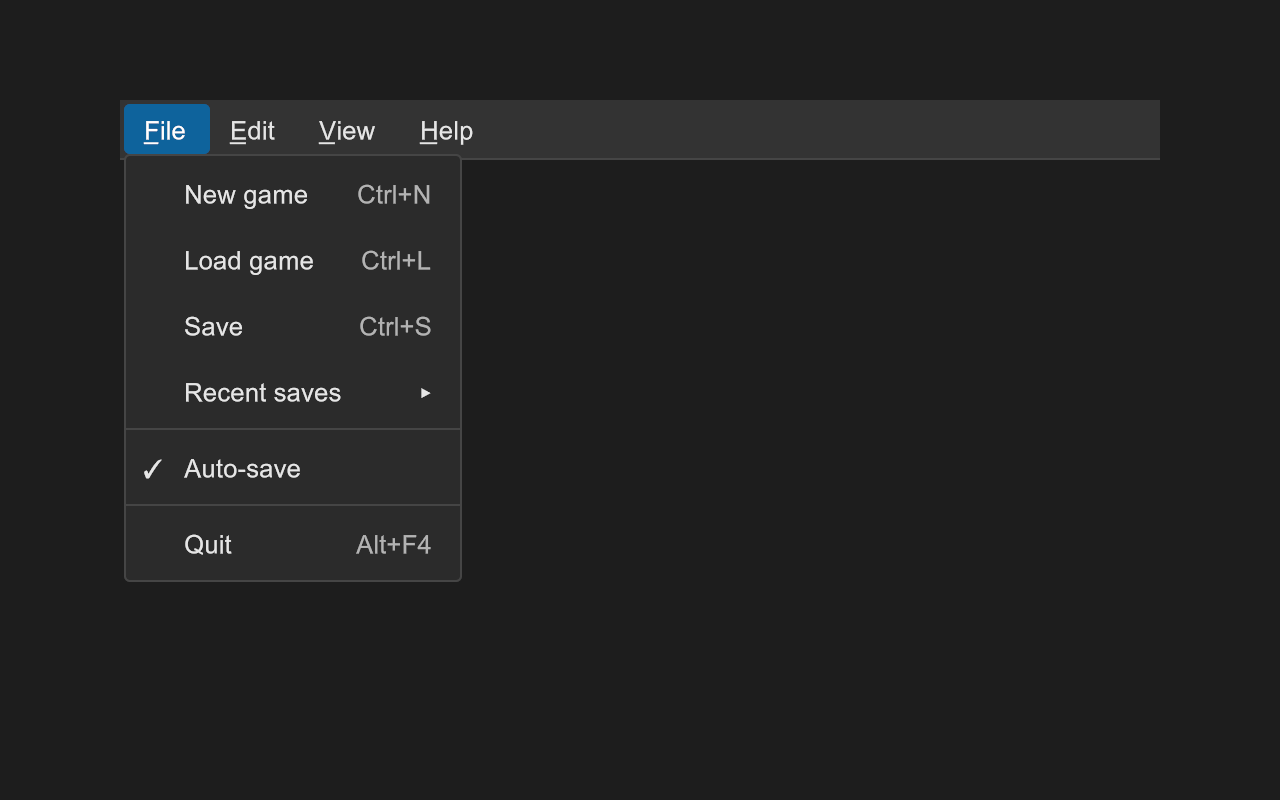
 in UIToolbox is an application menu bar. Each ToolBarMenuItem is a title with a drop-down ContextMenuComponent. The children of a title go in its menu, in UXML and in code.
<ui:UXML xmlns:tb="UIToolbox" xmlns:cm="UIToolbox.Core.ContextMenu">
<tb:ToolBarMenu name="menuBar">
<tb:ToolBarMenuItem text="&File">
<cm:MenuItem
text="&New"
action="new"
shortcut="Ctrl+N" />
<cm:MenuItem
text="Save"
action="save"
shortcut="Ctrl+S"
enabled="false" />
<cm:MenuSeparator />
<cm:MenuItem text="Recent">
<cm:MenuItem
text="notes.txt"
action="recent notes.txt" />
</cm:MenuItem>
</tb:ToolBarMenuItem>
<tb:ToolBarMenuItem text="View">
<cm:MenuItem
text="Word Wrap"
action="wrap"
checkable="true"
checked="true" />
<cm:MenuSeparator />
<cm:MenuLabel text="Zoom" />
<cm:MenuItem
text="100%"
action="zoom 100"
radio-group="zoom"
checked="true" />
<cm:MenuItem
text="200%"
action="zoom 200"
radio-group="zoom" />
</tb:ToolBarMenuItem>
<tb:ToolBarMenuItem text="Edit">
<cm:MenuItem
text="Delete All"
action="delete all"
destructive="true" />
</tb:ToolBarMenuItem>
</tb:ToolBarMenu>
</ui:UXML>
var bar = new ToolBarMenu();
var file = bar.AddMenu("File");
file.AddItem("New", () => NewDocument(), "Ctrl+N");
file.AddSubmenu("Recent").AddItem("notes.txt", () => Open("notes.txt"));
bar.AddMenu("View")
    .AddCheckableItem("Word Wrap", on => SetWrap(on), isChecked: true);

// Items with an action, as UXML declares them
foreach (var title in bar.Menus)
    title.Menu.ActionTriggered += (action, _) =>
        Debug.Log($"{title.Text} > {action}");
| Member | Description |
|---|---|
AddMenu(text) |
Appends a title and returns its menu. |
Menus, GetMenu(text) |
The titles. ToolBarMenuItem has Text, AccessKey and Menu. GetMenu compares the text with its &. |
OpenByAccessKey(key) |
Opens the menu of the first title with this access key and highlights its first enabled item, as Alt and the key do. |
OverflowItem, OverflowMenus |
The "≡" title, and the titles that do not fit and are in its menu. |
Open(item), Close(), OpenItem |
Shows the menu of a title under it, hides it, and the title whose menu is open. |
RunShortcut(key, modifiers) |
Runs the first enabled item, in any menu or submenu, whose Shortcut matches. Returns false when none matches. |
HandleShortcuts (handle-shortcuts) |
Runs the item shortcuts on key down anywhere in the panel. On by default. |
- A click on a title opens its menu. A second click closes it. While a menu is open, the pointer over another title opens that menu.
- The open title gets the
--openclass and the accent color. - A menu takes each item of a context menu: a radio item (
radio-group, one item of the group is checked), a heading (MenuLabel) and adestructiveitem in the danger color. See Context menus. - In a menu, Up and Down move the highlight, Enter runs the item, Right opens a submenu and Left closes it. Right on an item with no submenu, and Left in a top menu, open the next or previous title. Escape closes the menu.
- The shortcuts do not run while a text field has focus, so that Ctrl+Z, Ctrl+A and Delete edit the text.
- The menus go in the nearest
Workspace. A menu bar in a window works: the menu stays in front of the window when the click focuses the window. - A
&in theTextof a title or aMenuItemmarks the access key: "&File" shows "File" with the F underlined. "&&" shows one&. In XML, write&. The underline shows at all times, not only while Alt is held. - Alt and the access key of a title open its menu, also while a text field has focus. In an open menu, the access key of an item runs it, with no modifier. When two items share a key, the first one runs.
- When the titles do not fit, the last ones hide and a "≡" title shows at the end. Its menu lists the hidden titles; one opens its menu under the "≡" title. Left and Right go over the shown titles and the "≡" title. The bar gets its width from its parent, so give it a width or put it in a column. A hidden title keeps the width it had when it last showed. A title that is added, renamed or removed fits the bar again, and a removed title closes its menu.
The ToolBarMenuDemo scene shows the menu bar of a level editor: submenus, shortcuts and access keys, the Grid check and the radio items of the zoom and the brushes, titles added at runtime that move into the overflow menu, and the looks of the bar and its menus.