

 AssignList
An AssignList is a dual list: an Available pane and an Assigned pane, a filter over each, and buttons that move items from one to the other. Use it to pick a party, the members of a guild or the skills of a hero.
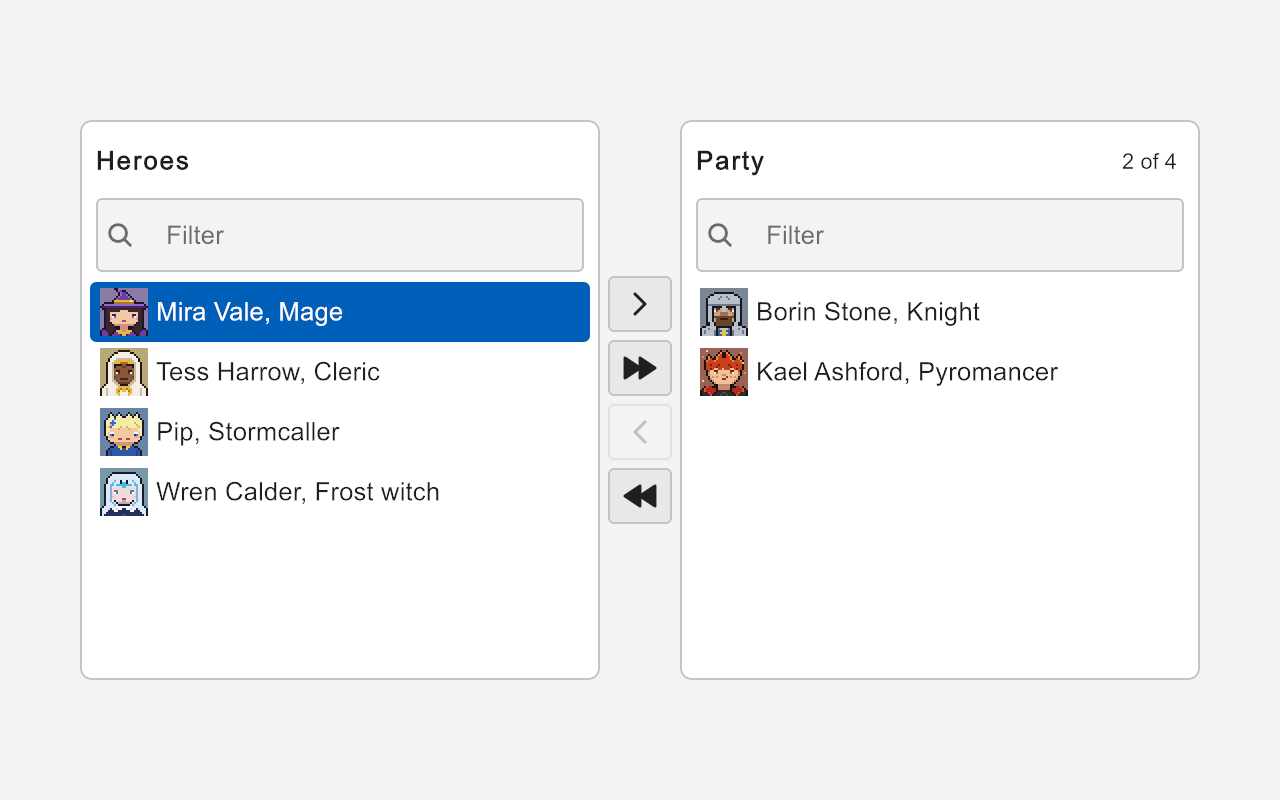
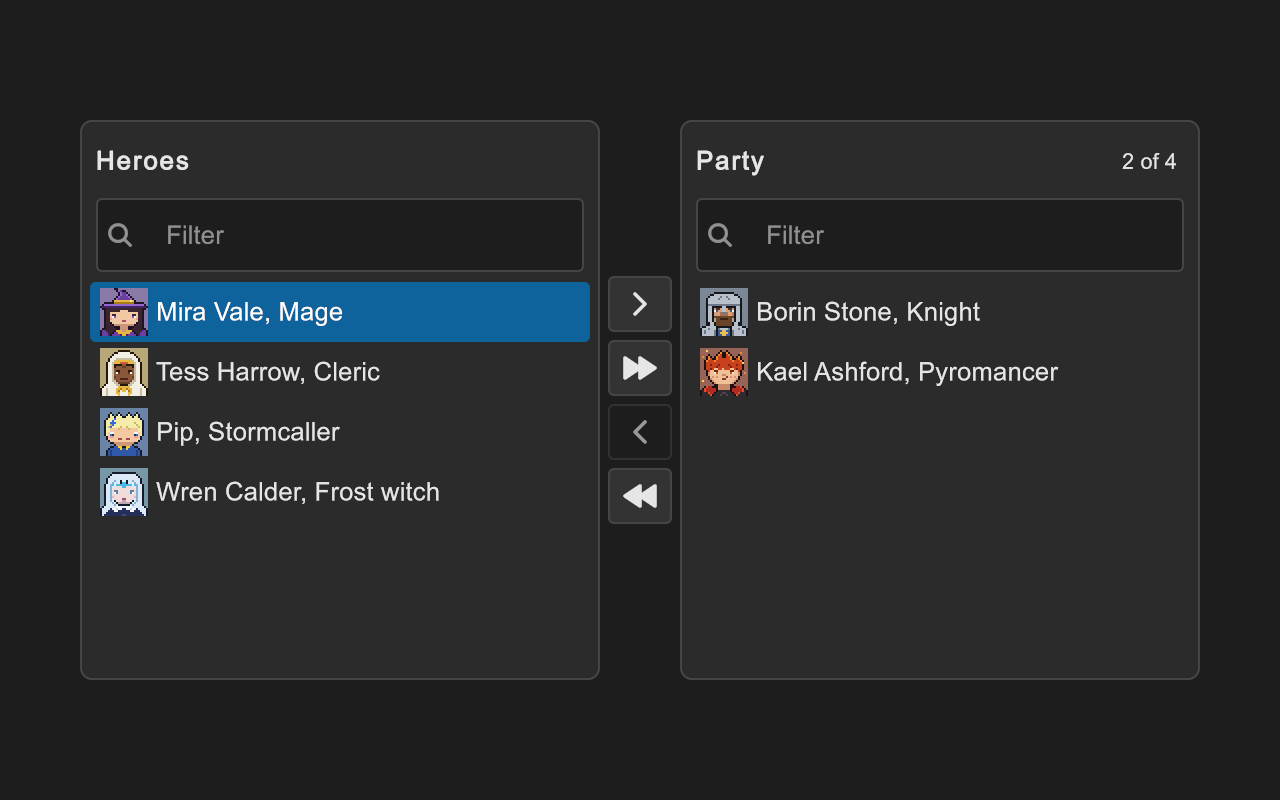
<tb:AssignList name="party" available-title="Heroes"
    assigned-title="Party" max-assigned="4" />
The list is not generic, so it works on object items. Give it the items and say how to show each one:
var list = root.Q<AssignList>("party");
list.ItemsSource = heroes;
list.GetText = hero => ((Hero)hero).Name;
list.GetImage = hero => ((Hero)hero).Portrait;
list.AssignedChanged += () => Save(list.Assigned);

list.Assign(heroes[0]);
list.Unassign(heroes[0]);
| Member | Description |
|---|---|
ItemsSource |
All items, as any IList. Setting it clears the assigned items. Call Refresh() after the list changes in place. |
Assigned |
The assigned items, in the order of the Assigned pane. A set assigns these items of the source and sends no event. |
GetText |
Gives the text of an item. The default is ToString(). |
GetIcon, GetImage |
Optional. The name of an icon, or a Texture2D such as a portrait, for each row. |
MaxAssigned (max-assigned) |
The most assigned items. 0 (default) sets no limit. A full list turns Assign and Assign all off, and the header shows a count such as "3 of 4". Lowering the limit unassigns the last items. |
AvailableTitle (available-title), AssignedTitle (assigned-title) |
The titles of the panes. An empty text shows the localized default. |
AvailableFilter, AssignedFilter |
The text that filters each pane. The match ignores case. |
AssignedChanged |
An event that fires once for each change of the assigned items, not for a set of Assigned. |
AssignRefused |
An event that fires when a move into the Assigned pane leaves an item out because the list is full. Show a hint or shake the list. |
Assign(item), Unassign(item) |
Move one item. They return false when nothing moves. |
AssignSelected(), UnassignSelected() |
Move the selected rows. They return the number of items that moved. |
AssignAll(), UnassignAll() |
Move every row that the filter shows. Assign all stops at the limit. |
Select(item, add), ClearSelection() |
Select an item in code. |
Order
The Available pane always shows the items in the order of ItemsSource, so an unassigned item goes back to its place. The Assigned pane shows the items in the order of assigning, and a drop puts an item at the place of the drop.
Moving items
- Buttons: Assign, Unassign, Assign all and Unassign all, each with a tooltip.
- Select: click a row, Shift click for a range, Ctrl click (Cmd on a Mac) to add or remove a row.
- Double click a row to move it.
- Drag a row, or the selected rows, to the other pane. A drop on the Assigned pane puts the items at the drop place, and a drop inside it changes the order. A full list takes no new item.
Gamepad and keyboard
| Input | Action |
|---|---|
| D-pad Up and Down, arrow keys | Move inside the pane. Shift with the arrow keys extends the selection. |
| D-pad Left and Right | Switch to the other pane. At the edge of the list, the focus leaves the control. |
| A, Enter | Move the focused item, or every selected item when the focused row is selected. The focus goes to the next row. |
| X | Focus the filter of the pane and open the on-screen keyboard. |
The d-pad only navigates: it never moves an item or closes the screen.
In the examples
The AssignListDemo scene picks a party of four heroes from six, with portraits in the rows and a StatTile for each of the attack, the defense and the magic of the party.
Styling
| Class | Element |
|---|---|
tb-assign-list |
The control. It has tb-assign-list--full while the limit is reached. |
tb-assign-list__pane |
A pane, with its header, filter and list. |
tb-assign-list__title, tb-assign-list__count |
The title and the count in a header. |
tb-assign-list__list |
The scroll view of the rows. |
tb-assign-list__buttons |
The column of buttons between the panes. |
tb-assign-list__row, tb-assign-list__row--selected |
A row, and a selected row. |