

 DamageIndicator
A DamageIndicator shows where a hit came from. It draws a wedge on a ring around the center of the screen that points to the source, and flashes the edges of the screen. Use it in a shooter or an action game, so the player knows where to turn.
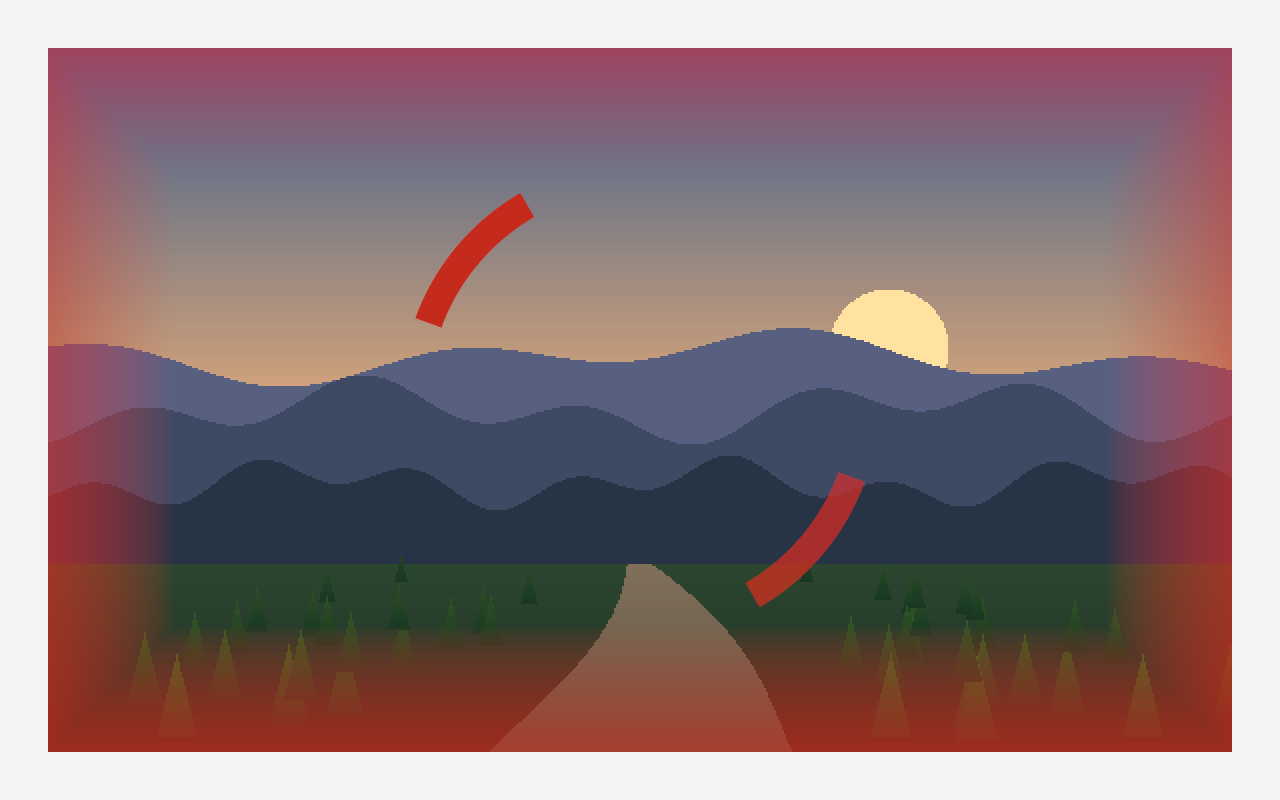
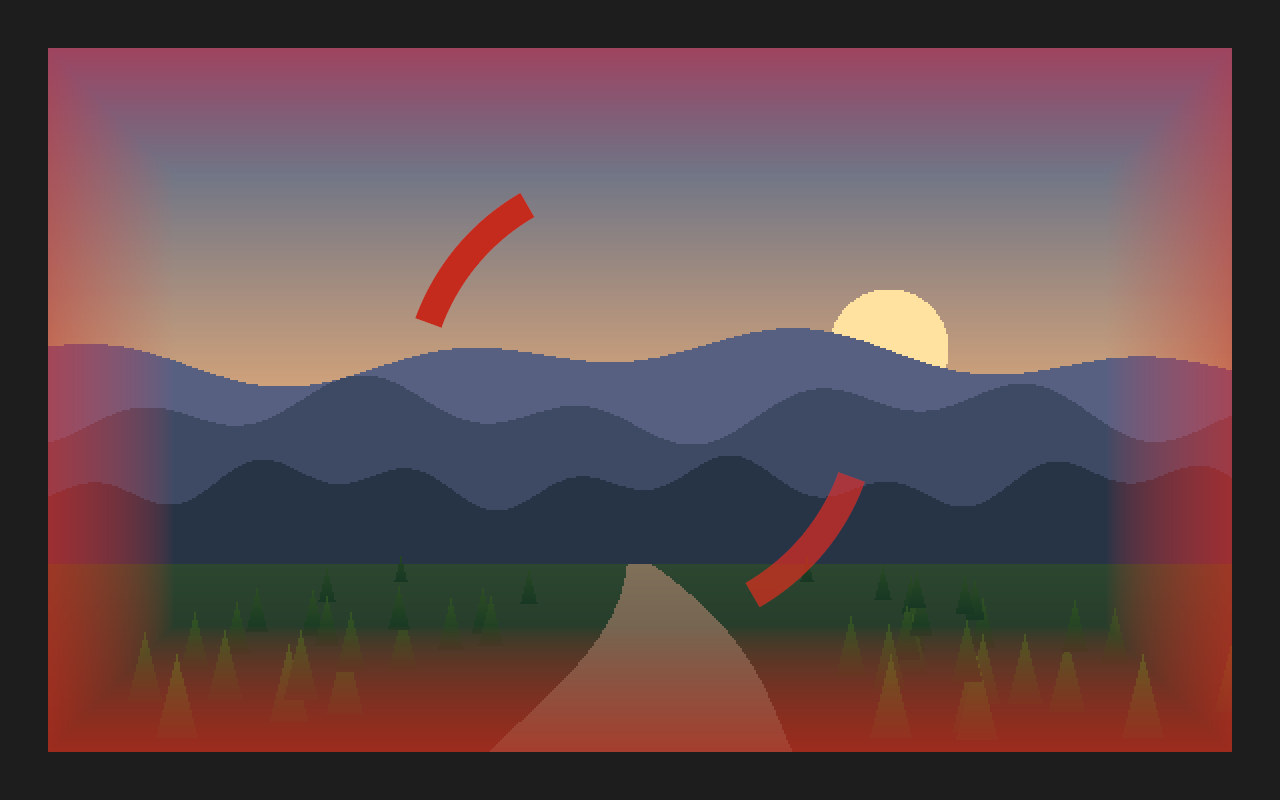
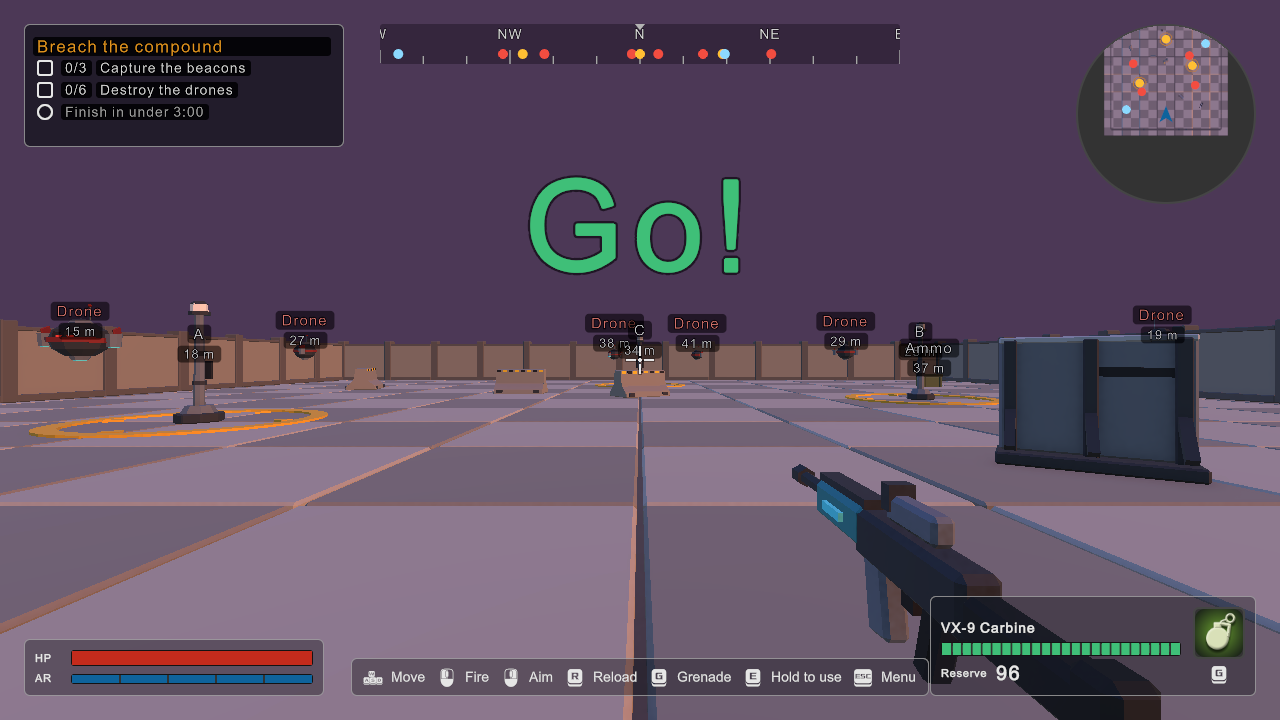
Video tutorial: Crosshair and hits. All videos: Video tutorials. Demo scene: DamageIndicatorDemo.unity. Sample: Breach.
How to add the indicator in UXML. It fills its parent, so put it in the root of the HUD:
<tb:DamageIndicator name="damage" />
How to show a hit:
var damage = root.Q<DamageIndicator>("damage");
// a wedge toward the point; it turns with the player
damage.Hit(enemy.transform.position);
// a weaker wedge that follows the enemy while it moves
damage.Hit(enemy.transform, 0.5f);
// a wedge from behind, fixed on the screen
damage.HitFromAngle(180);
// the edges only: a fall, poison
damage.Flash();
How to make the wedges larger and the flash softer:
<tb:DamageIndicator
    radius="0.25"
    wedge-angle="60"
    thickness="20"
    vignette-strength="0.35" />
| Member | Description |
|---|---|
Radius (radius) |
The ring radius as a fraction of the short side of the element. 0.3 by default. |
WedgeAngle (wedge-angle) |
The arc of one wedge, in degrees. 40 by default. |
Thickness (thickness) |
The thickness of a wedge, in pixels. 14 by default. |
Duration (duration) |
Milliseconds a wedge shows. It fades over the last half. The flash lasts as long. 1500 by default. |
MergeAngle (merge-angle) |
A hit within this angle of a live wedge refreshes that wedge. 0 turns merging off. 20 by default. |
MaxWedges (max-wedges) |
The most wedges at a time, at least 1. A new hit when all are in use replaces the oldest. A change clears the wedges. 8 by default. |
Vignette (vignette) |
A hit flashes the edges of the screen. On by default. |
VignetteStrength (vignette-strength) |
The peak opacity of the flash at strength 1. 0.6 by default. |
VignetteWidth (vignette-width) |
The width of the colored edge as a fraction of the short side. 0.18 by default. |
Camera |
Gives the player when Player is null. Null (the default) uses Camera.main. |
Player |
The object whose heading turns the wedges. Null (the default) uses the HudTarget with IsPlayer, else the camera. |
Hit(position, strength) |
A hit from a world position. The wedge points from the player to the position on the ground and turns with the player. |
Hit(transform, strength) |
A hit from an object. The wedge follows the object while it moves and the player turns. |
HitFromAngle(angle, strength) |
A hit from a screen angle in degrees: 0 is up (in front of the player), 90 is right. The wedge stays at that angle. |
Flash(strength) |
The vignette only, for damage with no direction. Does nothing with Vignette off. |
Clear() |
Removes every wedge and ends the flash. |
ActiveCount |
The number of live wedges. |
AngleOf(index), StrengthOf(index) |
The screen angle (-180 to 180) and the strength of a live wedge, from 0 to ActiveCount - 1. |
IsAnimating |
True while wedges or the flash show. |
Advance(seconds) |
Steps the wedges and the flash. The indicator calls it on each frame while it animates. Tests can call it to step without real time. |
- The strength goes from 0 to 1. It scales the opacity of the wedge and of the flash. A hit that merges into a wedge adds its strength, up to 1, and starts the wedge again.
- The angle of a world hit is the bearing of the source from the player minus the heading of the player, on the ground, as on the CompassBar. Looking up or down does not move the wedges.
- When the object of
Hit(transform)is destroyed, its wedge stays at the last point. - The time of the wedges is the time of the panel, so the wedges fade while the game is paused.
Tips:
- Pass the damage as the strength, for example
damage / maxHealth * 4, so a light hit shows a faint wedge. - Use
HitFromAnglefor a game without a world position, such as a 2D game or a hit from a script. - Set
merge-angle="0"to show each hit as its own wedge, such as for a shotgun.
In the examples
Styling
| Class | Element |
|---|---|
tb-damage-indicator |
The root. It fills its parent and draws the wedges. It takes no pointer events. |
tb-damage-indicator__vignette |
A child that fills the root and draws the colored edges. The control sets its opacity. |
| Variable | Description |
|---|---|
--tb-damage-indicator-color |
The color of the wedges. --tb-color-danger by default. |
--tb-damage-indicator-vignette-color |
The color of the edges. --tb-color-danger by default. |
/* Orange wedges and a dark flash */
.my-hud .tb-damage-indicator {
    --tb-damage-indicator-color: rgb(255, 140, 40);
    --tb-damage-indicator-vignette-color: rgba(0, 0, 0, 0.9);
}
The DamageIndicatorDemo scene shows a shooter that the wedge keeps pointing at while the player turns, a minigun burst of weak hits that merge into one wedge that grows stronger with each hit, an ambush that fills the wedges, hits from a screen angle, and a color for each damage type.
Performance
- At rest the indicator runs no scheduled item and draws nothing. One item runs while a wedge or the flash shows, and pauses when they end.
- The wedges are a fixed array, sized by
max-wedges. A hit allocates no memory, and the indicator allocates no memory per frame while the wedges fade. - Each wedge is one
Painter2Dfill. The vignette is a mesh of eight quads with vertex colors, with no texture. It draws again only when its size, width or color changes; the flash changes only its opacity.