
Slider snap values
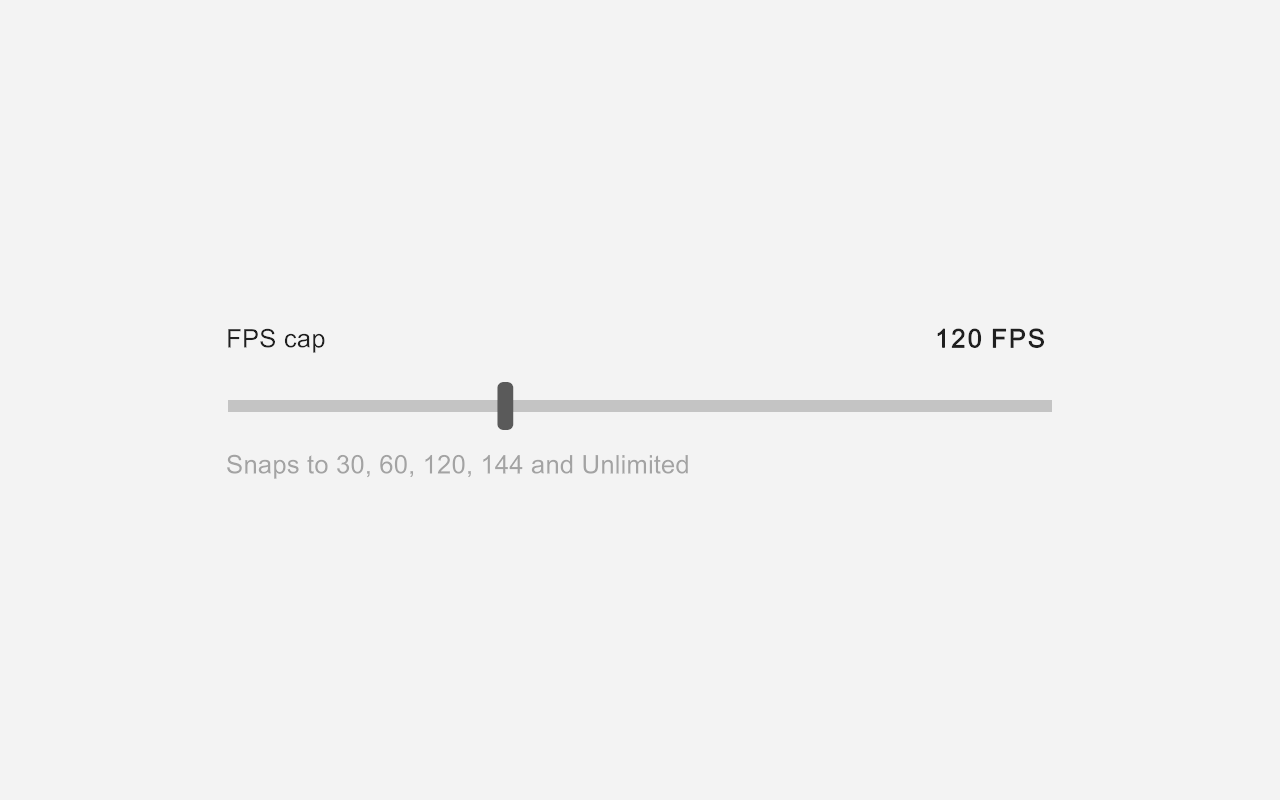
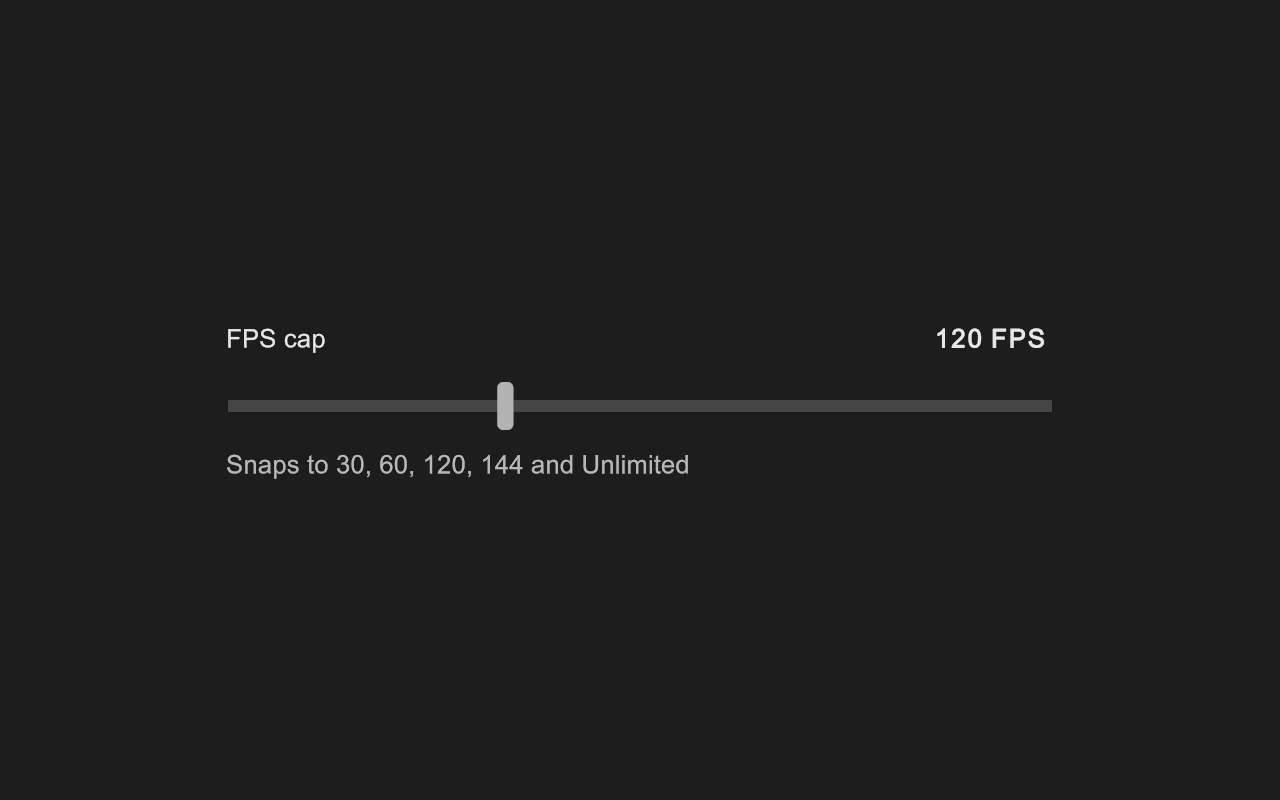
SliderSnap.SetValues makes a Slider or a SliderInt take only the values of a list, such as the frame rate caps 30, 60, 120, 144 and unlimited. A drag, the input field and slider.value = x jump to the nearest listed value, and a step with the d-pad, the arrow keys or the left stick moves to the next or the previous listed value.
var fps = root.Q<SliderInt>("fpsCap");
SliderSnap.SetValues(fps, new[] { 30, 60, 120, 144, 300 });
fps.RegisterValueChangedCallback(evt =>
    label.text = evt.newValue >= 300
        ? "Unlimited" : evt.newValue.ToString());
| Member | Description |
|---|---|
SetValues(Slider, float[]) |
Sets the values of a float slider. Null or an empty list takes the snapping away. |
SetValues(SliderInt, int[]) |
The same for an int slider. |
GetValues(VisualElement) |
The listed values in order, or null. The array is a copy. |
Nearest, Next, Previous |
Static helpers on an ascending float[]. |
Rules
- The list may be in any order; the slider keeps a sorted copy.
- A tie goes to the lower value.
- At the first or the last value a d-pad step stays where it is.
- Only listed values inside the range of the slider count.
- Only the snapped value reaches the change handlers.
SetValueWithoutNotifydoes not snap.SetValuessnaps the current value without a change event, so write the value label after the call.- A slider that goes away takes its list with it.
A slider shows its value on a line from lowValue to highValue, so the values 30, 60, 120, 144 and 300 sit at uneven distances. To show a last value as "Unlimited", give it a number at the end of the range and write the word in the value label, as the FormDemo scene does for its FPS cap.