

 MaskImage
 shows an image cut to a shape: a circle, a rounded square, a hexagon, a diamond, a wipe or your own mask texture. The edges are smooth. A threshold hides part of the mask, so one property animates a wipe, a dissolve or a cooldown.
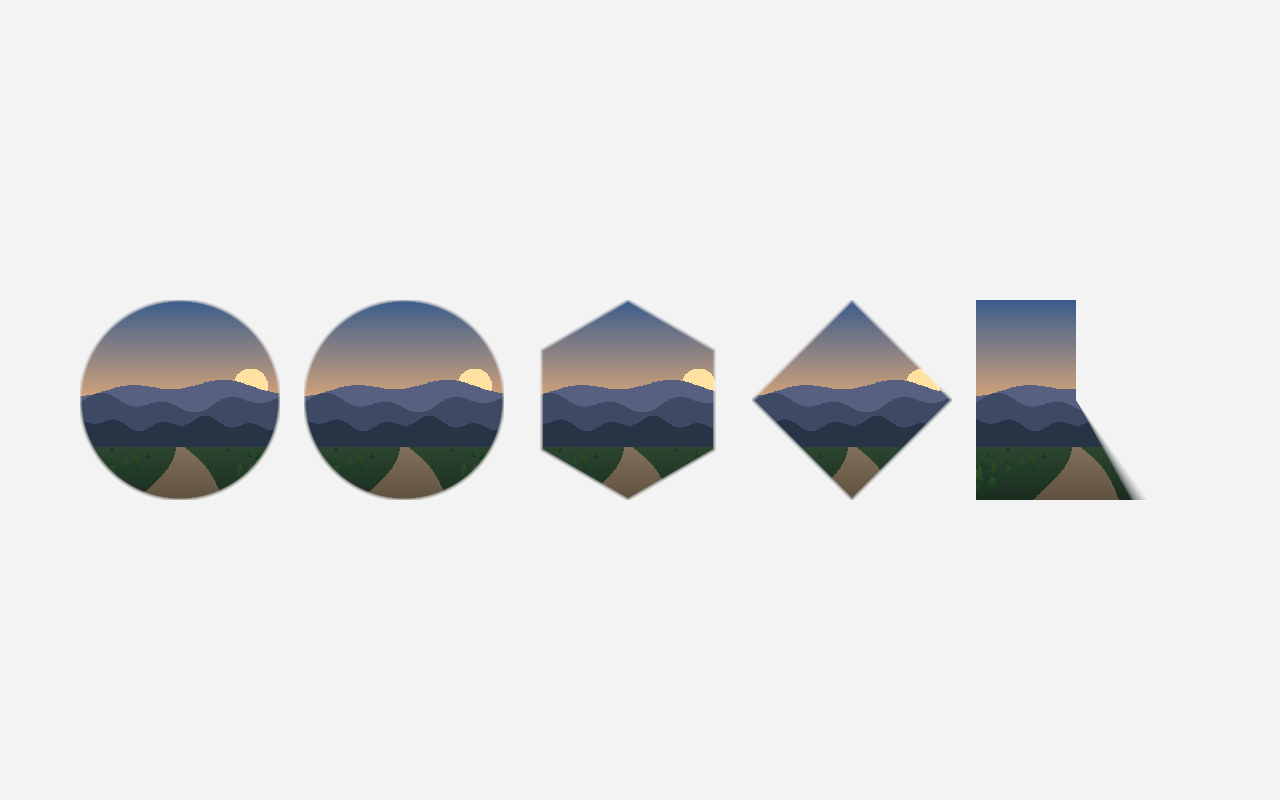
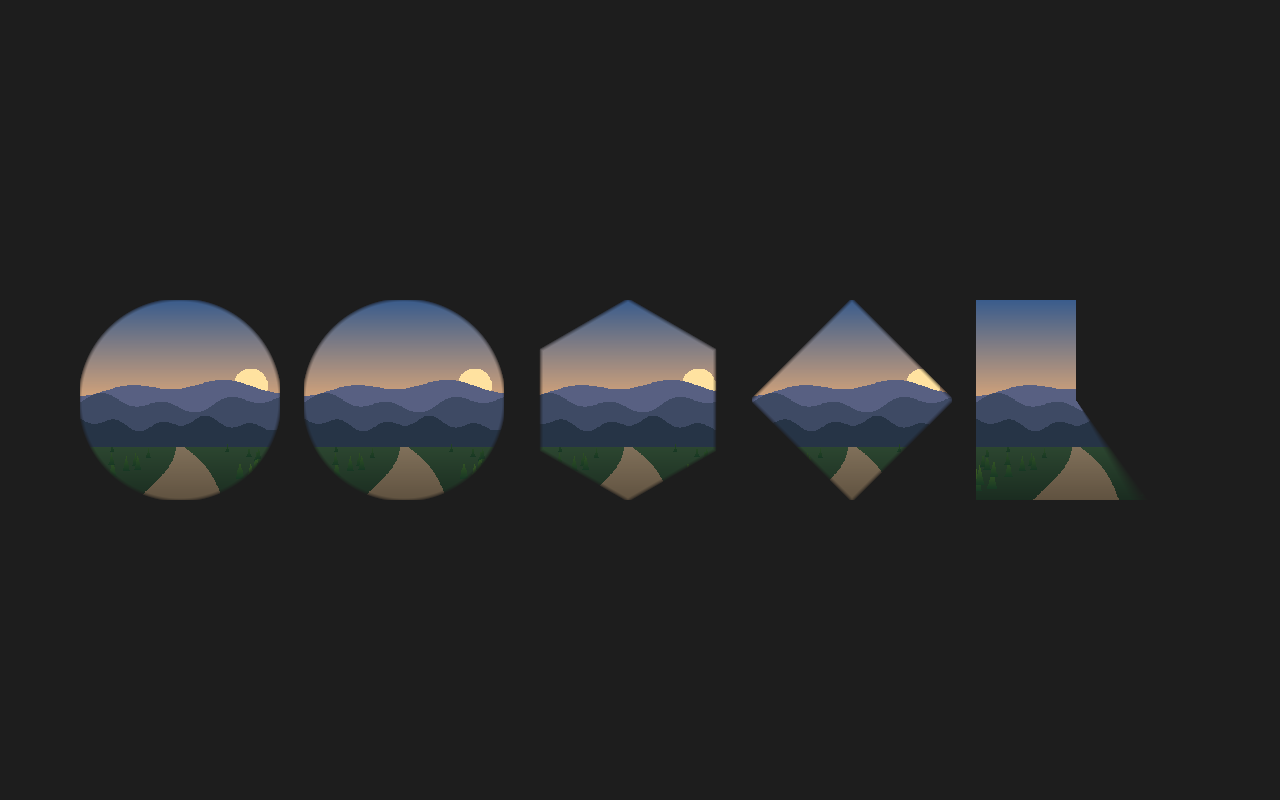
Video tutorial: AbilitySlot and Hotbar makes a round hero portrait with a MaskImage. All videos: Video tutorials. Demo scene: MaskImageDemo.unity.
How to show a round portrait:
<tb:MaskImage
    name="portrait"
    mask="Circle"
    style="width: 96px; height: 96px;" />
root.Q<MaskImage>("portrait").Image = Background.FromTexture2D(portrait);
How to make a wipe that you animate:
var wipe = new MaskImage
{
    Image = Background.FromTexture2D(picture),
    Mask = MaskShape.RadialWipe
};
wipe.Threshold = 0.25f; // a quarter is hidden, clockwise from the top
How to dissolve with a texture:
image.Mask = MaskShape.Texture;
image.MaskTexture = noise;            // any grayscale texture
image.MaskChannel = MaskChannel.Luminance;
image.Softness = 0.1f;
image.Threshold = 0.5f;               // half dissolved
| Member | Description |
|---|---|
Image (image) |
The picture: a Texture2D, Sprite or RenderTexture. None gives a solid tint color. |
Mask (mask) |
None, Circle, RoundedSquare, Hexagon, Diamond, RadialWipe (clockwise from the top), LinearWipe (left to right), RadialOut (center to edge) or Texture. |
MaskTexture (mask-texture) |
The mask when Mask is Texture. |
MaskChannel (mask-channel) |
Alpha or Luminance: the channel of the mask texture. |
Invert (invert) |
Shows the image where the mask is empty. |
Threshold (threshold) |
0 to 1. Mask values under it are hidden. Animate it for wipes and dissolves. |
Softness (softness) |
0 to 1. The width of the fade at the edge. Default 0.02. |
CornerRadius (corner-radius) |
0 to 0.5. The corner of RoundedSquare, as a share of the short side. Default 0.2. |
Tint (tint) |
Multiplies the result. The USS variable --tb-mask-tint multiplies it too. |
Saturation (saturation) |
0 to 1. 0 gives gray. It applies after the tint, so a tint turns gray too. |
ScaleMode (scale-mode) |
The fit of the image. Default ScaleAndCrop. |
MarkDirty() |
Draws the image again on the next frame, after you change the pixels of its texture. |
- The shapes are math in a shader. No mask textures ship, and every size stays sharp.
- MaskImage draws only when a value, its size or the scale of the panel changes. An animated
Thresholddraws once per frame and allocates nothing. - Animate
Threshold, not the size: each new size draws into a new render texture. - With
None, saturation 1 and no invert, the image shows as a plain background and draws no texture. - The draw works in URP, HDRP and the Built-in render pipeline.
Tips:
AbilitySlotuses one MaskImage for the icon and one withRadialWipefor the cooldown sweep.UserAvataruses a MaskImage for the picture when itsshapeisHexagonorTexture.
Styling
| Class | Element |
|---|---|
tb-mask-image |
The image. |
| Variable | Default | Does |
|---|---|---|
--tb-mask-tint |
white | Multiplies the result, with Tint. |
.portrait.tb-mask-image {
    --tb-mask-tint: rgb(255, 230, 200);
}
The MaskImageDemo scene shows a round portrait in each shape, a skill whose color comes back as it cools, a level picture that dissolves through a mask texture, and a skill tree with gray, dim locked skills.
SVG: Image is a Background. An SVG shows as it is, without the mask. An SVG imported as a VectorImage works as well as a texture. See Pictures: PNG or SVG.