

 Window overview
The window overview shows every open window of a Workspace in a grid, as the task view of a desktop does, so a player with a gamepad finds a window without a mouse. The windows keep running while they show in the grid: a game, a chart or a chat in a window goes on.
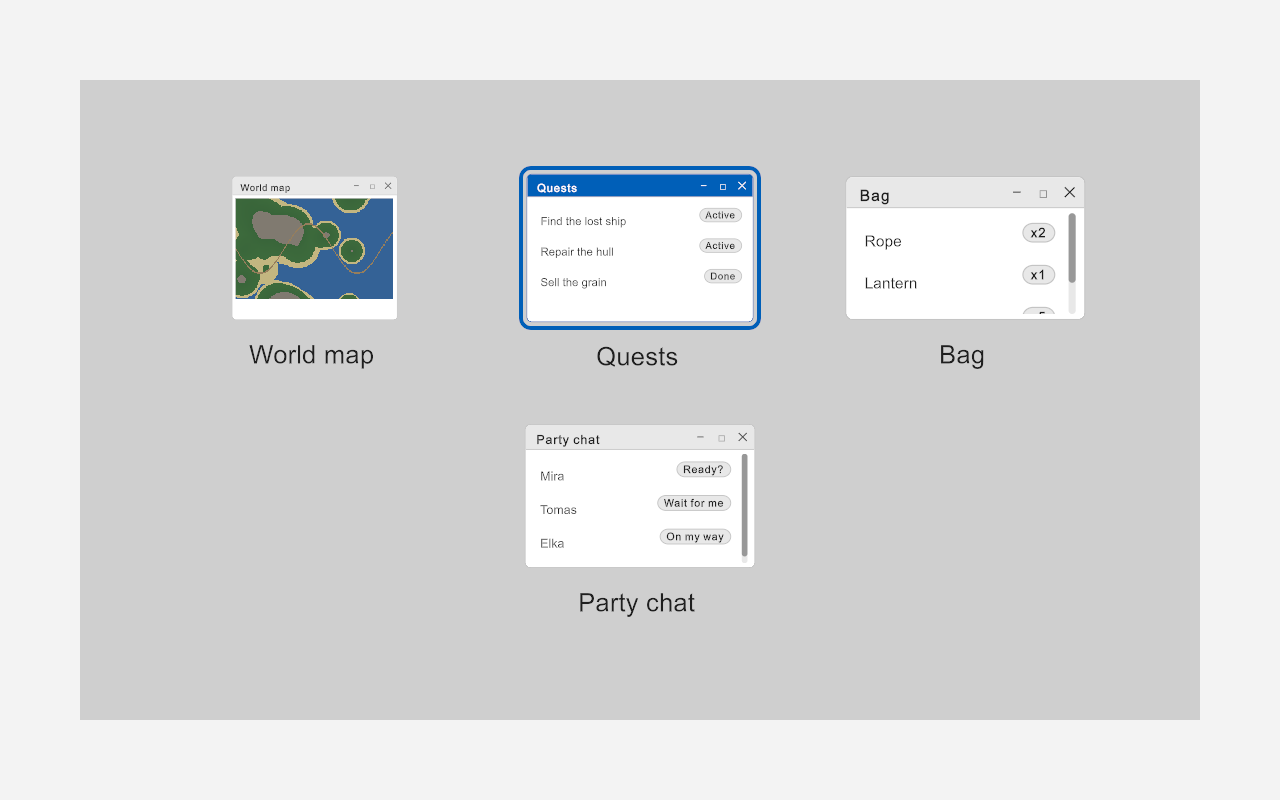
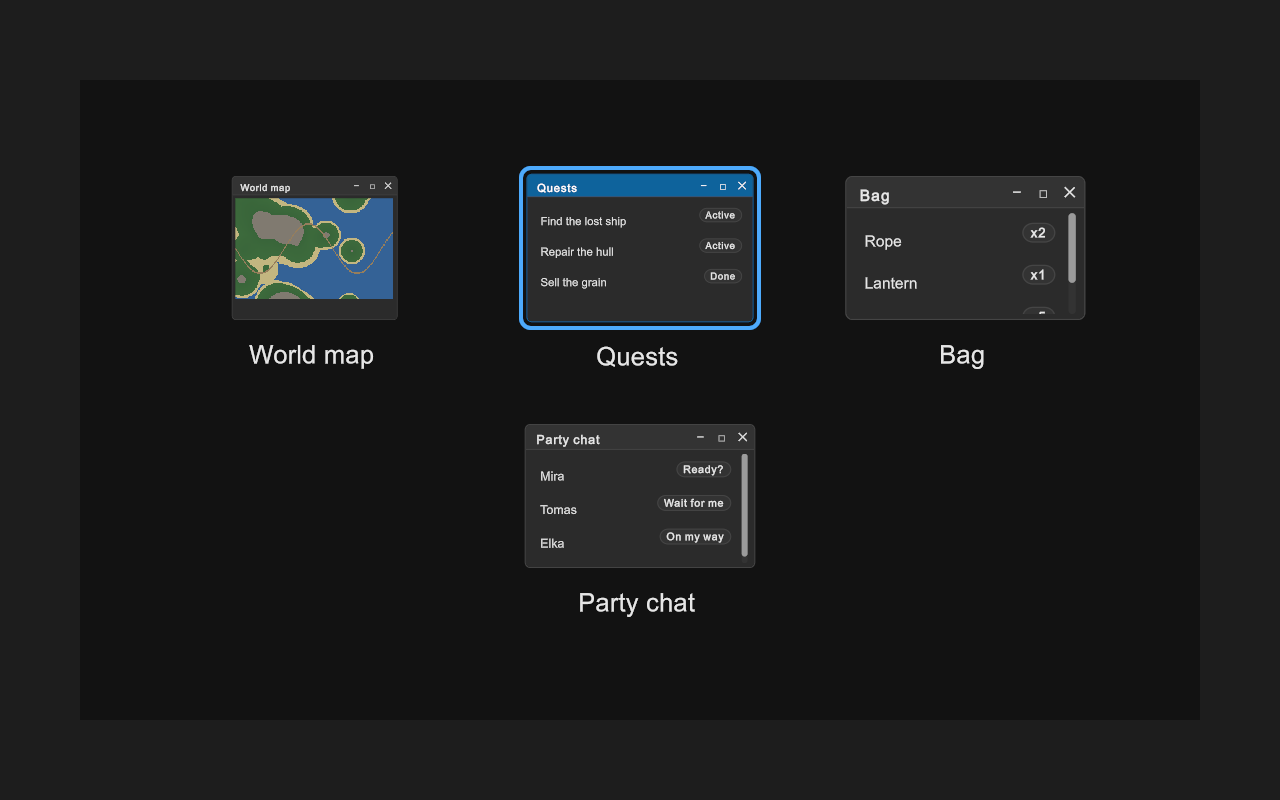
<tb:Workspace overview="true" overview-duration="200"
    window-mode="true" dpad-crosses-windows="false" />
Keys
| Action | Gamepad | Keyboard |
|---|---|---|
| Next or previous window | Tap RB or LB | Ctrl+Tab or Ctrl+Shift+Tab |
| Open the overview | Hold RB or LB for 0.3 seconds | Hold Ctrl after Ctrl+Tab |
| Move the pick | RB, LB, the D-pad or the left stick | Tab or the arrow keys |
| Pick | Let go of RB or LB, or press A | Let go of Ctrl, or press Enter |
| Close with no change | B | Escape |
| Window mode | Hold View | Ctrl+Alt+Space |
In the window mode the left stick or the arrow keys move the active window, and the right stick or Shift with the arrow keys resize it. A or Enter keeps the new bounds; B or Escape puts every moved window back. The D-pad moves only inside the overview and the window mode, so it never closes them. See Keyboard shortcuts for every rule.
Open it from code
// A toolbar button that shows every window
overviewButton.clicked += () => workspace.ShowOverview();

// The time of the animation, and no overview at all
workspace.OverviewDuration = 400;
workspace.OverviewEnabled = false;
| Member | Description |
|---|---|
ShowOverview() |
Shows the overview. False when it is off, already open, or no window can show. |
IsOverviewOpen |
True while the overview shows. The workspace has the class tb-workspace--overview then. |
OverviewEnabled (overview) |
True (default): a held window key shows the overview. False: the window keys only switch. |
OverviewDuration (overview-duration) |
The milliseconds that the windows take to move into the grid and back (200). 0 moves them at once. |
AnimationsEnabled (animations-enabled) |
False moves the windows at once, for players who turn the motion off. |
WindowModeEnabled (window-mode) |
True (default): Ctrl+Alt+Space or a held View starts the window mode. |
IsInWindowMode |
True while the window mode runs. |
DpadCrossesWindows (dpad-crosses-windows) |
False (default): the D-pad stays in the active window, and RB and LB switch. True: the D-pad goes on to the next window at an edge. |
- A minimized window shows restored in the grid, and stays minimized unless it is picked.
- A tab group shows as one preview, with its active tab.
- The animation makes no garbage per frame.
In the examples
The WindowOverviewDemo scene has six live windows: a slime pen and a guard post with walking sprites, a market chart, a clock tower that starts minimized, a tavern chat in a tab group with the market, and a watch map with patrols. A key strip lights the window keys, and the toolbar counts the frames that run while the overview shows. Its settings card turns the overview, its time, the motion and the D-pad rule on and off at once. The WorkspaceDemo scene has an Overview button in its top bar.