

 ParallaxView
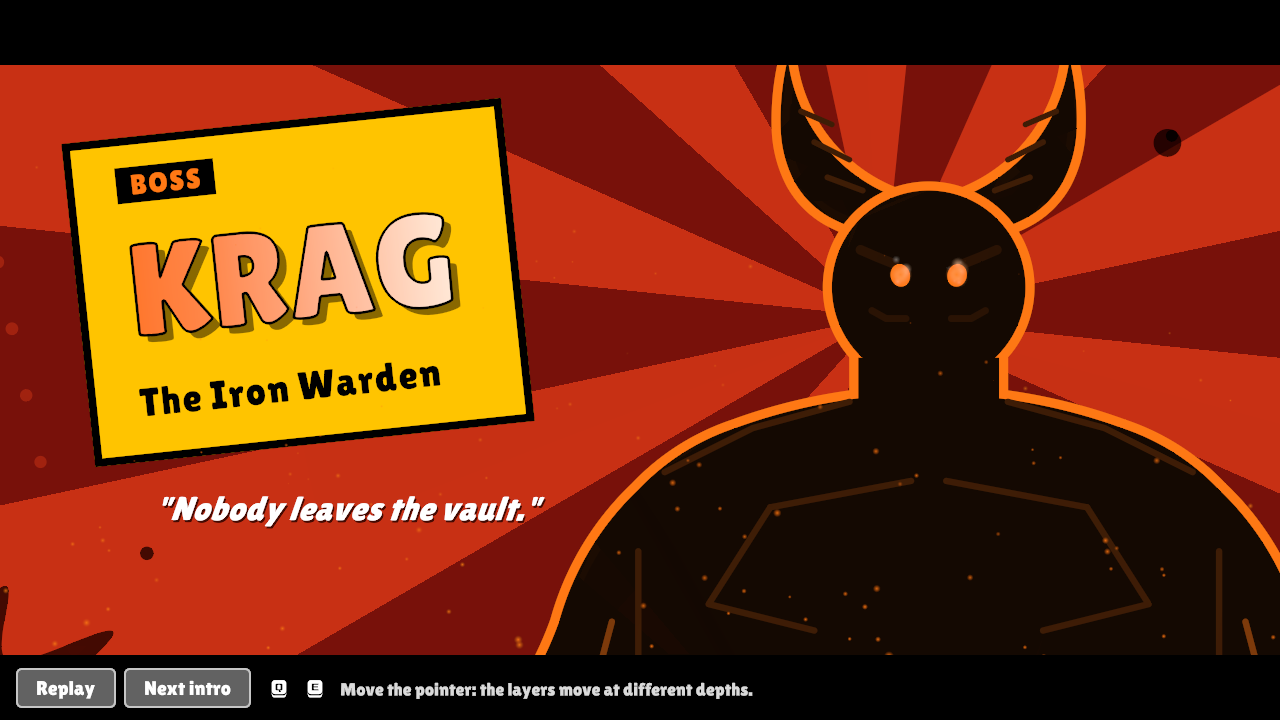
A ParallaxView moves its ParallaxLayer children by different amounts, so a flat picture gets depth: a title screen that follows the pointer, a menu background that drifts, a game that scrolls sideways, with hills that lag behind the ground, a shooter whose backdrop shifts with the aim. A layer is any content, or one picture that tiles with no end. With no other setting the layers spread from far (depth 0.1) to near (depth 1), so dropping in pictures works.
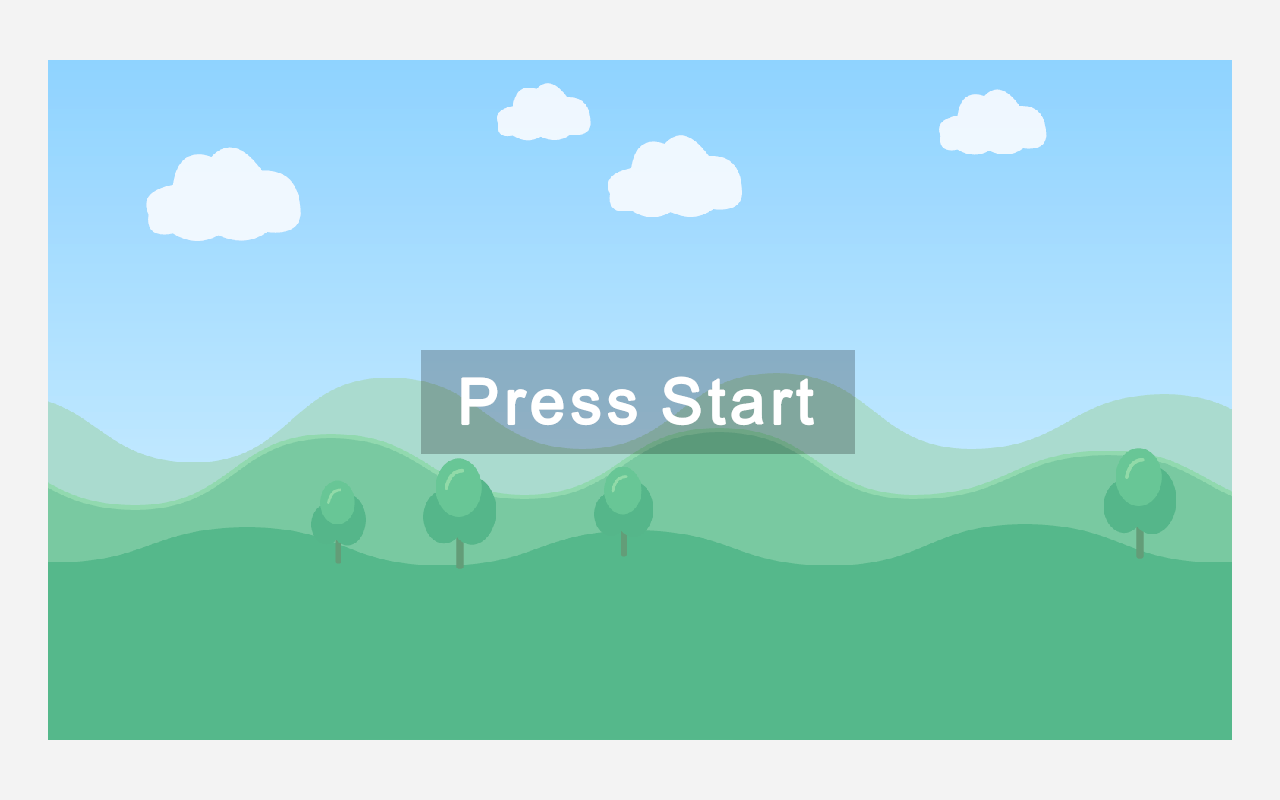
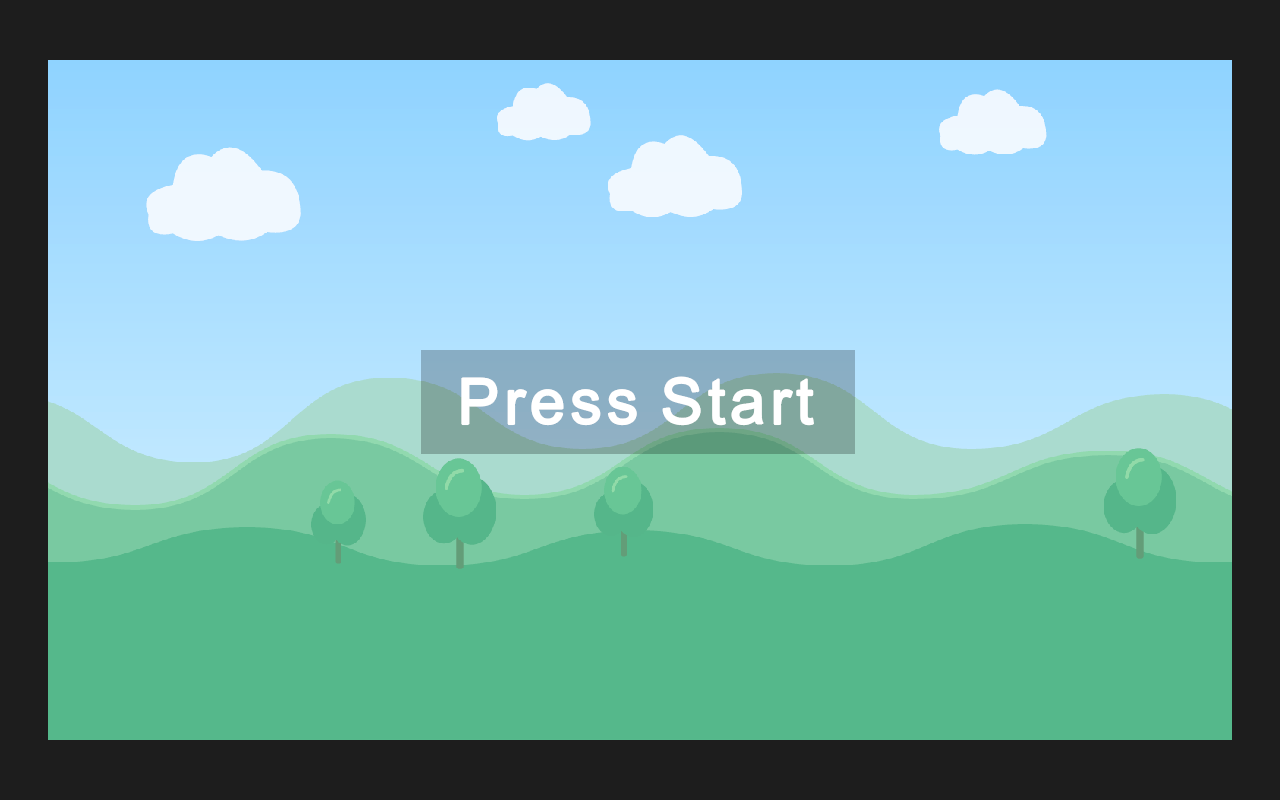
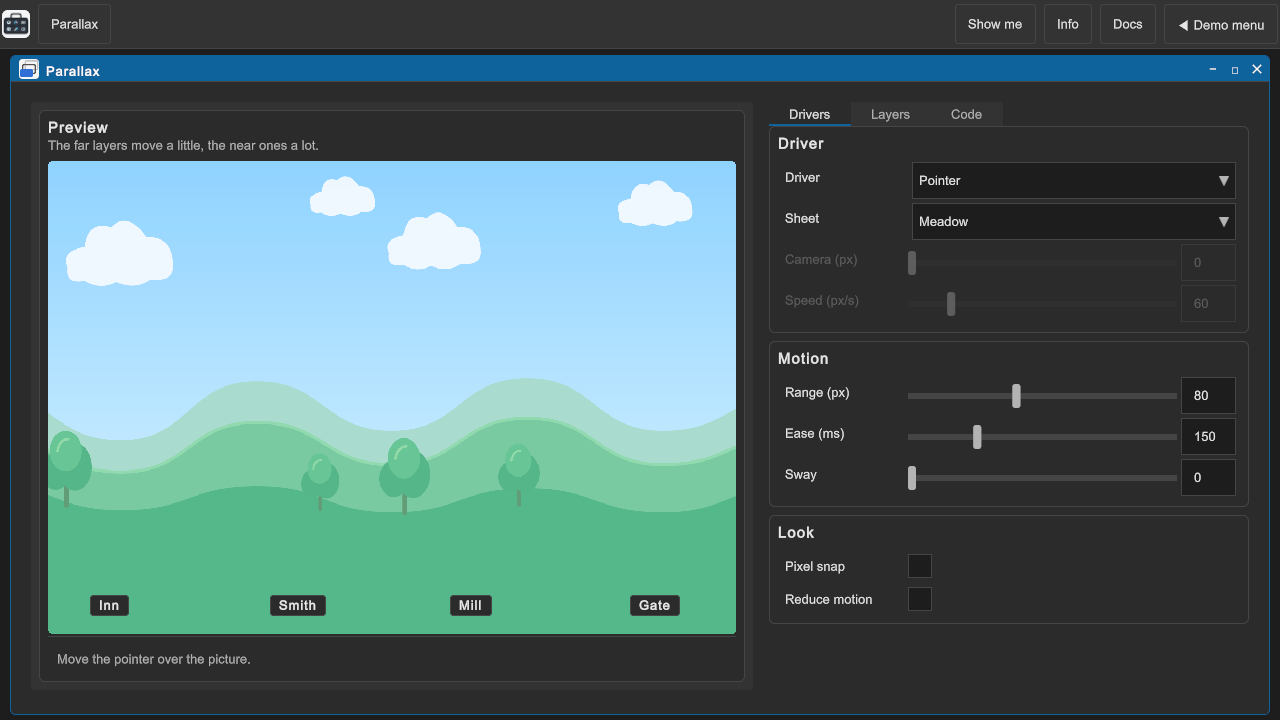
Demo scene: ParallaxDemo.unity.
<tb:ParallaxView follow-pointer="true" range="60,30" ease="150">
    <tb:ParallaxLayer image="project://database/Assets/Art/Sky.png" />
    <tb:ParallaxLayer image="project://database/Assets/Art/Hills.png" />
    <tb:ParallaxLayer image="project://database/Assets/Art/Trees.png" />
    <tb:ParallaxLayer>
        <ui:Label text="Press Start" />
    </tb:ParallaxLayer>
</tb:ParallaxView>
var view = new ParallaxView { FollowPointer = true };
view.Add(new ParallaxLayer { Image = sky });
view.Add(new ParallaxLayer { Image = hills });
view.Add(new ParallaxLayer { Image = trees, Depth = 1.4f });
panel.Add(view);

// A game that scrolls sideways: the camera moves the layers
view.Offset = new Vector2(camera.x, 0);
A view fills its parent and clips its layers. A layer fills its view and takes any content: labels, an AnimatedImage, a ParticleLayer, a whole panel. Its Image is a shortcut for a layer that is one picture. The layers draw back to front in the order of the UXML.
In UI Builder an empty view shows a sample of three layers, and the layers rest where Offset puts them: the view does not move while you design.
Drivers
Three drivers move the layers, and they add up. A layer moves by -offset * depth, so a camera that moves right moves the content left, the nearer the layer the more.
| Driver | Description |
|---|---|
Offset |
A position from code, such as a camera. It is the only driver that applies with ReduceMotion. |
FollowPointer |
Eases the layers toward the pointer. The pointer at the right edge moves the nearest layer left by Range.x pixels. After 2 seconds without a move, or when the pointer leaves, the layers sway (Sway) or return to the middle. |
FollowStick |
The same for the right stick of a gamepad. Off by default, because the right stick scrolls content in the toolbox scheme. A game that looks around with it turns it on. The stick wins over the pointer while it is pushed. |
AutoScroll |
Pixels per second that the layers move on their own, such as a menu background. |
ParallaxView
| Member | Description |
|---|---|
Offset (offset) |
The offset in pixels. (0, 0) by default. |
FollowPointer (follow-pointer) |
Eases the layers toward the pointer. Off by default. |
FollowStick (follow-stick) |
Eases the layers toward the right stick. Off by default. |
AutoScroll (auto-scroll) |
The speed of the layers in pixels per second. (0, 0) by default. |
Range (range) |
The pixels that a layer of depth 1 moves for a full push of the pointer or the stick: x to the right, y down. (80, 40) by default. |
Ease (ease) |
The time in milliseconds that the layers take to follow the pointer or the stick. 0 follows at once. 150 by default. |
Sway (sway) |
The size of a slow figure eight while the pointer is away, 0 to 1. 0 (the default) rests in the middle. |
ReduceMotion (reduce-motion) |
Stops the pointer, the stick, the sway and the auto scroll. The layers rest where Offset puts them. The view also stops them when its Workspace has its animations off. |
PixelSnap (pixel-snap) |
Moves each layer by whole pixels, so pixel art stays sharp while the layers move slowly. Off by default. |
Look |
The eased position of the pointer or the stick, from (-1, -1) at the top left to (1, 1) at the bottom right. |
CurrentOffset |
The offset of the nearest layer now. |
LayerCount, LayerAt(index) |
The number of layers, and the layer at a place from back to front. |
DepthOf(layer) |
The depth that a layer moves with, after the spread. |
SpreadDepth(index, count) |
The depth of a layer without its own: an even spread from 0.1 to 1. One layer is 1. |
SetPointer(position) |
Moves the layers as a pointer does, with (-1, -1) at the top left and (1, 1) at the bottom right. For a touch or a virtual cursor. |
ReleasePointer() |
Tells the view that the pointer is gone, so the layers sway or return to the middle. The view does it itself when the pointer leaves it; call it when you feed SetPointer from a larger area. |
Advance(seconds) |
Moves the drivers by this many seconds, also off a panel. Call it each frame to drive the view from a clock of your own. |
Refresh() |
Moves the layers to the drivers again. The view calls it when a setting or a layer changes. |
ParallaxLayer
| Member | Description |
|---|---|
Image (image) |
A texture, a sprite or a vector image for the layer. It sits behind the children of the layer. |
Fit (fit) |
Cover (the default) fills the layer and keeps the shape, Height is as tall as the layer, Width as wide, None keeps the size in pixels. Pixel is for pixel art: the picture grows by the smallest whole number that makes it as tall as the layer and sits on the bottom edge, so each art pixel is a square of whole screen pixels. Use Height or Pixel for a layer that tiles sideways. |
RepeatX (repeat-x), RepeatY (repeat-y) |
Tile the picture with no end on that axis. |
Depth (depth) |
0 stays where it is, 1 moves with the offset, above 1 is a foreground. A negative depth (the default) takes the place of the layer in the spread. |
WrapWidth (wrap-width), WrapHeight (wrap-height) |
The distance after which content that repeats itself is at its first place again, so it scrolls with no end. 0 does not wrap. A picture that repeats wraps by its tile and needs no value. |
Offset (offset) |
A fixed shift of the layer in pixels, on top of the view. |
AutoScroll (auto-scroll) |
Pixels per second that this layer drifts on its own, such as clouds. |
Scrolled |
The distance that the auto scroll has moved the layer. Set it to 0 to start again. |
Layers with content
A layer is a container, so a layer can hold anything that moves with it, such as fireflies, signs or a character in front of the hills. A layer that is wider than its view sets its own size or margins. Content that repeats, such as a row of trees, sets wrap-width to the width of one repeat.
<tb:ParallaxLayer depth="0.6" wrap-width="600">
    <ui:Label text="Inn" style="left: 100px;" />
    <ui:Label text="Inn" style="left: 700px;" />
</tb:ParallaxLayer>
Performance
A move sets one translate on each layer and nothing else, so it costs no layout and no repaint, and it allocates nothing. The layers carry the DynamicTransform hint, which keeps the move on the GPU. The view runs a timer only while it is on a panel, shows, and something moves: a still view, a hidden tab and a view with ReduceMotion cost nothing.
In the examples
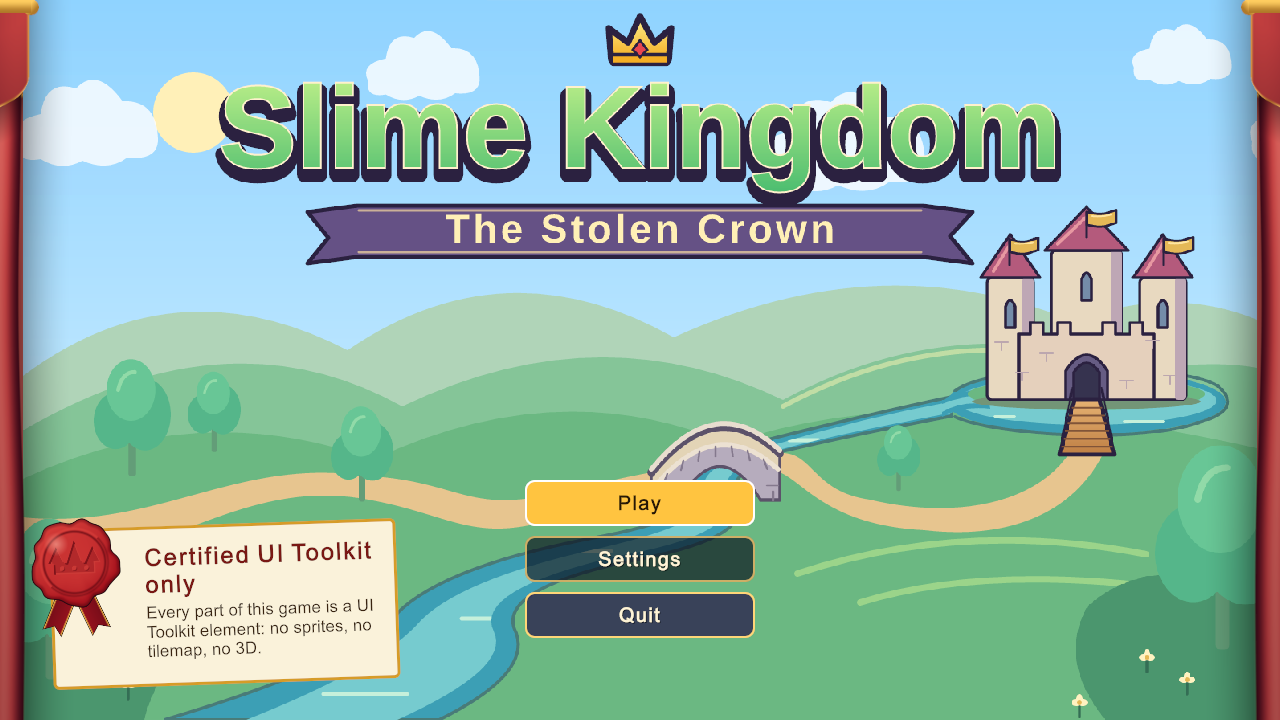
Styling
| Class | Element |
|---|---|
tb-parallax |
The view: it fills its parent and clips its layers. |
tb-parallax-layer |
A layer: it fills the view and does not take clicks itself. |
tb-parallax-layer__art |
The child of a layer that draws its Image. |
.my-menu .tb-parallax { min-height: 240px; }