

 EmptyState
An EmptyState is the content of a list or a panel that has nothing to show: an icon, a title, a message and action buttons, in the center. It tells the user why the place is empty and what to do next.
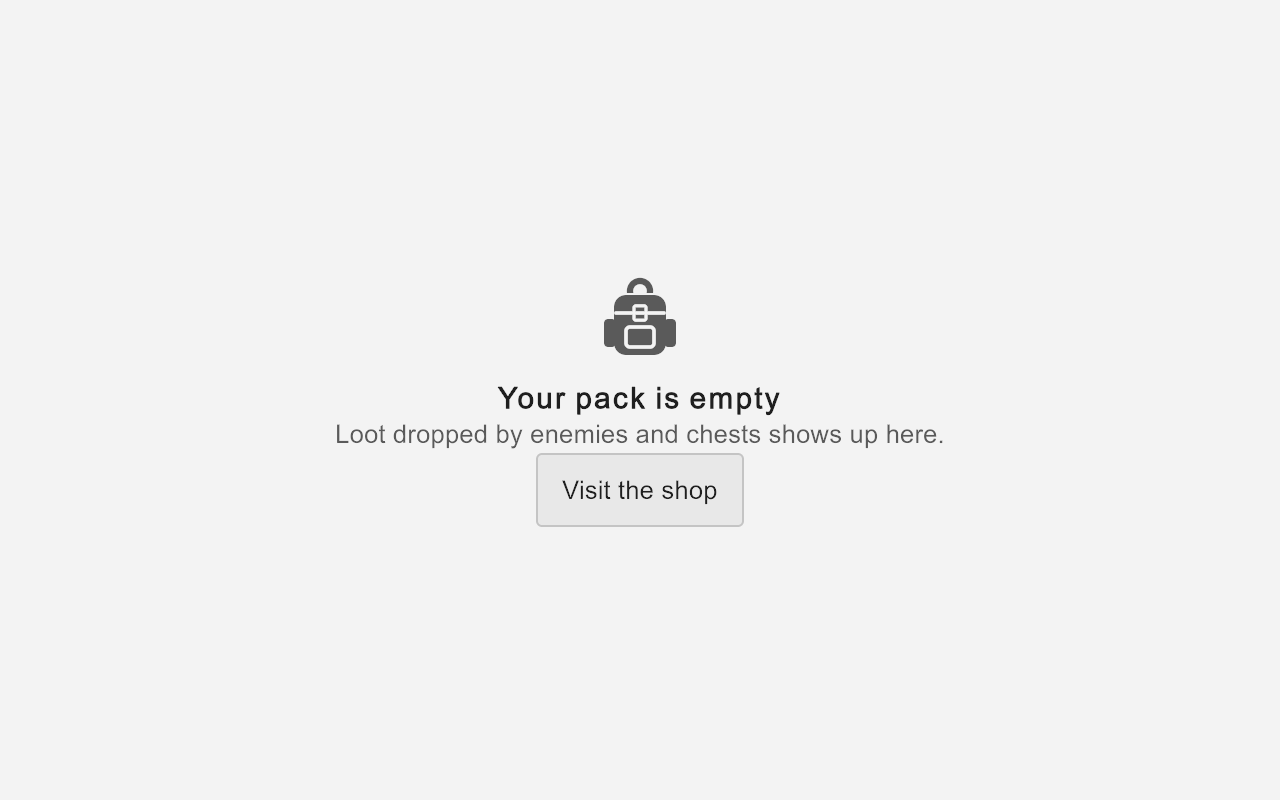
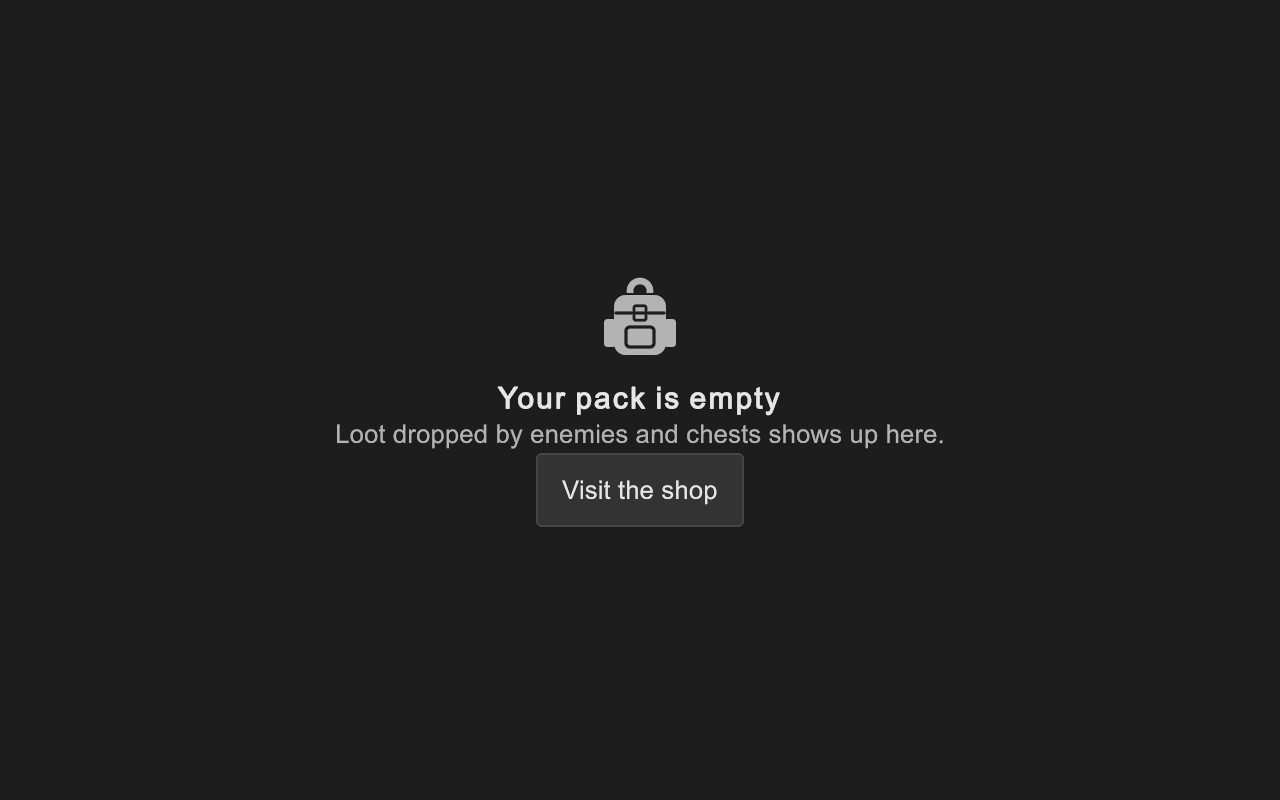
An empty state has three uses. It can stand alone, it can watch a list and show itself when the list has no items, and it can wrap content with an EmptyStateView.
1. Standalone
You show and hide the empty state yourself. Nothing changes for an EmptyState that watches nothing.
<tb:EmptyState name="noSaves" title="No saves yet"
    description="Start a game to make the first save.">
    <ui:Button text="New game" name="newGame" />
</tb:EmptyState>
var empty = root.Q<EmptyState>("noSaves");
empty.style.display = saves.Count == 0
    ? DisplayStyle.Flex
    : DisplayStyle.None;
2. Watching a list
Give the empty state the list to watch, and it does the rest. It shows while the list has no items, the list hides then, and both swap back when an item comes. It listens to the events of the list, so it costs nothing in a frame.
<ui:ListView name="saves" />
<tb:EmptyState for="saves" title="No saves yet"
    description="Start a game to make the first save.">
    <ui:Button text="New game" name="newGame" />
</tb:EmptyState>
var list = root.Q<ListView>("saves");
var empty = root.Q<EmptyState>();
empty.Watch(list);

// later, an item arrives
items.Add(save);
list.RefreshItems();
for is the name of the list. The search starts in the parent of the empty state and goes up one ancestor at a time. In C#, Watch(list) takes the element itself, Unwatch() stops, and Target and IsShown tell the state.
What can be watched:
| Target | When it counts as empty |
|---|---|
ListView, MultiColumnListView |
itemsSource has no items. |
TreeView, MultiColumnTreeView |
The tree has no items. |
DataGrid |
No row passes the search and the filters (ItemCount). |
DataTree |
No item shows (ItemCount). |
GridView |
ItemsSource has no items. |
Any other element, such as a ScrollView |
It has no children (a ScrollView counts its content). |
The toolbox lists tell the empty state when their items change. A ListView, TreeView or MultiColumnListView is followed through its content, so RefreshItems, Rebuild, SetRootItems and added or removed items show up one layout pass later with no call from you. Assigning the same list object to itemsSource again changes nothing in Unity. When you change the source list behind its back, call empty.Refresh() to count again.
An element that is not a list is watched with its children: a child that comes or goes is seen without polling, because the container changes its size. A first child with size 0 is not seen.
The focus
When the last item goes while the focus is inside the list, the focus moves to the first action button of the empty state, so a gamepad user can press A at once. The d-pad and the arrow keys never close or hide anything.
3. Wrapping content
An EmptyStateView holds the content as its children, and shows the empty state when it has none. Its icon, title and description are attributes, and a child with the class tb-empty-state-view__action is an action button. See EmptyStateView.
<tb:EmptyStateView title="No quests yet"
    description="Talk to the people in town.">
    <ui:Button text="Open the map"
        class="tb-empty-state-view__action" />
</tb:EmptyStateView>
var view = root.Q<EmptyStateView>();
view.Add(new Label("Find the key"));   // the content shows
view.Clear();                          // the empty state shows
Members
| Member | Description |
|---|---|
Icon (icon) |
The picture above the title, 48 px: a texture, a sprite, a render texture or a vector image. No picture by default. The USS tint is the muted text color, so a white image works best. |
Title (title) |
The bold line. An empty title shows no line. |
Description (description) |
The text under the title. Rich text tags work. An empty message shows no line. |
For (for) |
The name of the list or container to watch. Empty (the default) watches nothing. |
Watch(target), Unwatch() |
Start and stop watching an element. |
Refresh() |
Counts the items again, after a change that the list did not report. |
Target, IsShown |
The watched element, and whether the empty state shows for it. |
- The children of the control are its action buttons. They go in a row under the message.
- The control grows to fill its parent and puts its content in the center.
Empty state, call to action or Callout?
All three ask the user to do something, but they answer different questions.
| Use | When | Example |
|---|---|---|
EmptyState |
A place has no content. It shows in place of the content, and goes when content comes. | A pack with no items, with an "Open a chest" button. |
| Call to action | You want the user to take a step now. It is a button, or a button with a line of text, that stays. | A primary "Upgrade" button under a feature list. |
Callout |
You point at one control and explain it. It is anchored to that control and closes. | "Press here to save" next to the Save button. |
// An empty state: the pack has nothing, so the pack says so
packEmpty.Watch(packList);

// A call to action: a primary button that stays
var upgrade = new Button { text = "Upgrade" };
upgrade.AddToClassList(ButtonStyle.PRIMARY_CLASS);

// A callout: a hint that points at the Save button
var hint = new Callout { Description = "Press here to save" };
hint.Open(saveButton);
A chart with no data does not need an empty state: it shows a faint shape and a "No data" pill by itself. See the Sparkline page.
Tips:
- Write a title that says what is missing, and a message that says how to add it. "No saves yet" is better than "Empty".
- Use a different text for a search without results: "No results for 'xyz'", with a "Clear the search" button.
- While the data loads, show a
Skeleton, not the empty state. Show the empty state only after the load found nothing.
Styling
| Class | Element |
|---|---|
tb-empty-state |
The control. It grows, and puts its content in the center with --tb-spacing-lg padding. |
tb-empty-state__icon |
The picture, 48 px, with a --tb-color-text-muted tint. Hidden without an image. |
tb-empty-state__title |
The bold title in the large font size, 320 px wide at most. |
tb-empty-state__message |
The message in --tb-color-text-muted, 320 px wide at most. |
tb-empty-state__actions |
The centered row of the child elements. |
tb-empty-state-target--hidden |
State class of a watched list while it is empty. A ListView, TreeView or MultiColumnListView folds to a height of 0, so it keeps telling the empty state about new items; any other list has display: none. |
tb-empty-state-target--collapsed |
State class of a watched container while it is empty. It shrinks to nothing. |
.tb-empty-state__icon {
    width: 96px;
    height: 96px;
    -unity-background-image-tint-color: var(--tb-color-accent);
}
The EmptyStateDemo scene shows an empty pack, a friends list that the empty state watches, a search with no results and a lobby browser that cannot reach the server, in four looks.
SVG: Icon is a Background. An SVG imported as a VectorImage works as well as a texture. See Pictures: PNG or SVG.