

 RelativeTimeLabel
A RelativeTimeLabel is a label that shows a time as friendly text and keeps the text current: "just now", "12 minutes ago", "yesterday evening at 7:40 PM", "last Tuesday at 10:00". Set a time and the label does the rest, in the language of the player.
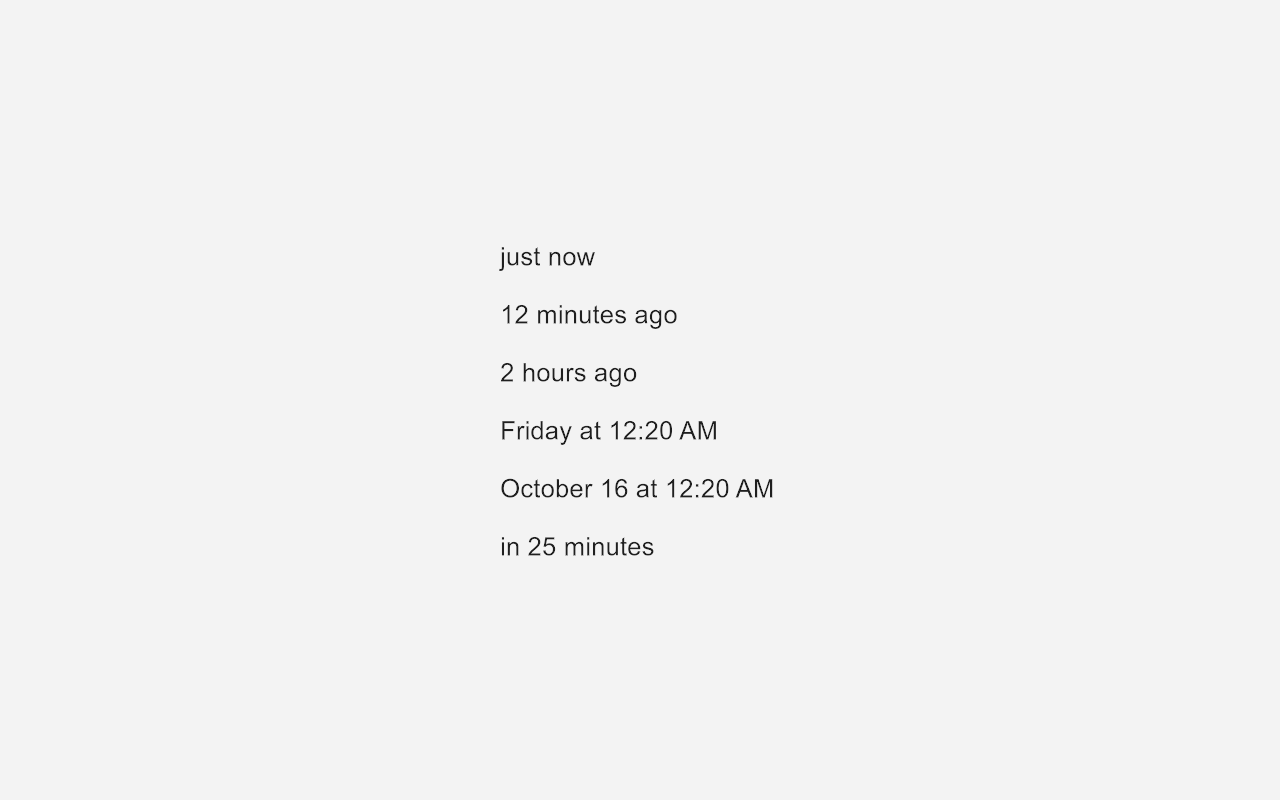
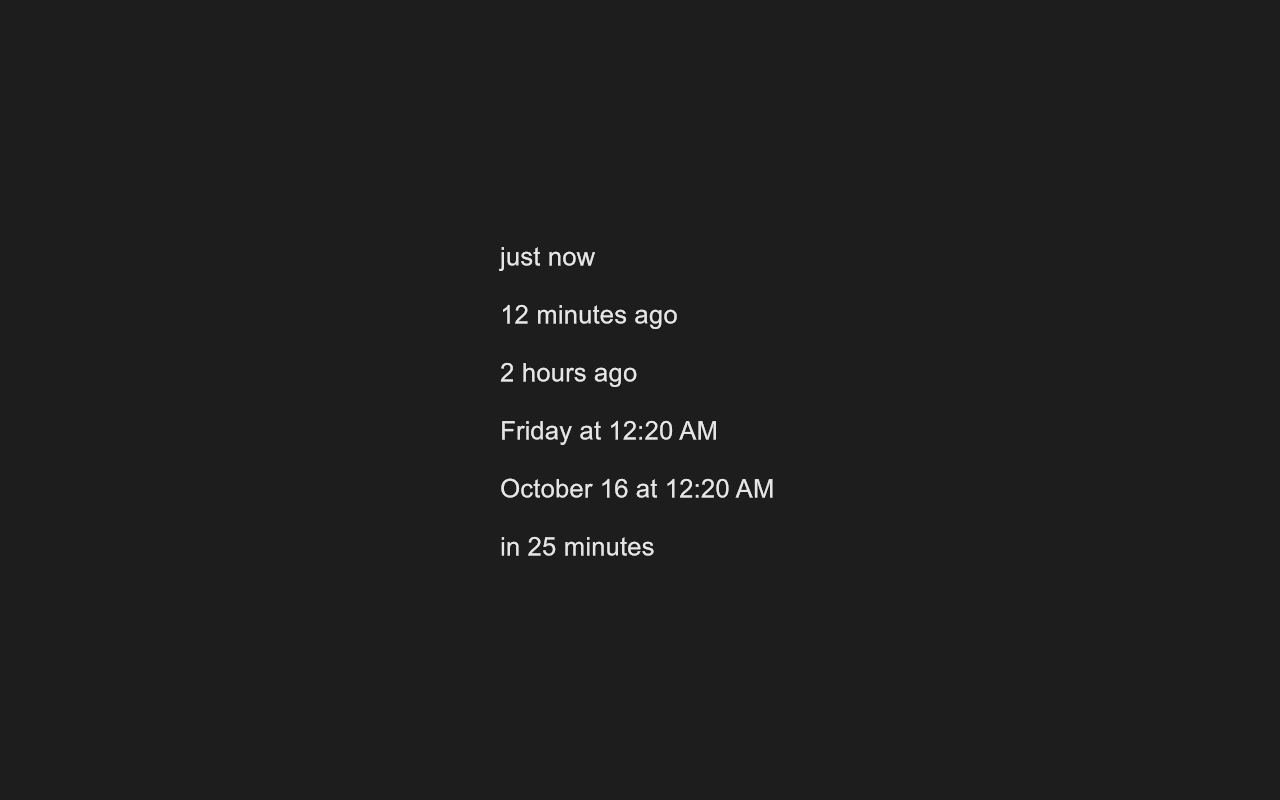
<UIToolbox.RelativeTimeLabel value="2026-10-25T09:30:00" />
var saved = root.Q<RelativeTimeLabel>("saved");
saved.Value = DateTime.Now; // reads "just now", then "10 seconds ago"
| Member | Description |
|---|---|
Value |
The time to show, as a DateTime. DateTime.MinValue is no time and reads "never". A UTC time is compared on the clock of the device. |
ValueText (value) |
The time as text, such as 2026-10-25T09:30:00, or a date and time in the current culture. Text that is not a date and time reads "never". |
The text comes from ToolboxConverters.RelativeTime(value, now). A time in the future reads "in a moment", "in 5 minutes", "in an hour", "tomorrow at 9:00 AM" and so on.
The texts
The rules run in this order, and the first one that fits gives the text.
| How long ago | Text |
|---|---|
| No time | never |
| Less than 10 seconds | just now |
| 10 to 59 seconds | 30 seconds ago |
| 1 to 2 minutes | a minute ago |
| More than 2 minutes, up to an hour | 12 minutes ago |
| 1 hour | an hour ago |
| 1.5 to 4 hours | 2 hours ago, 2 and a half hours ago |
| 4 hours or more, on the same day | this morning at 9:30 AM, today at 2:15 PM |
| Another day, 4 hours or more | yesterday morning, afternoon or evening at 7:40 PM; last night at 11:05 PM (from 21:00) |
| More than a day | Tuesday at 10:00 AM |
| More than 2 days, the same weekday | last Tuesday at 10:00 AM |
| 8 days or more | October 3 at 10:00 AM |
| The year before | October 3 of last year at 10:00 AM |
| Two years or more | the full date and time of the culture |
The weekday and month names and the time format come from CultureInfo.CurrentCulture. Every phrase is a ToolboxText key (tb.rel-just-now, tb.rel-minutes-ago, ...) with {0} and {1} places, so a translator can move the parts. A count has a key for the rest and the keys with the suffix .one and .few, which Russian needs.
Staying current
While the label is on a panel it sleeps until its text must change, writes the new text and sleeps again. There is no work in each frame, and a text that stays the same is not written again. When the label leaves the panel it stops, and it starts again when it returns. ToolboxText.Refresh reads the texts again after a language change.
To use the same text without a label, call ToolboxConverters.RelativeTime(value) and ToolboxConverters.NextChange(value, now), which tells when the text changes next. In a binding, use the converter group tb:relative-time: it turns a DateTime, a DateTimeOffset or a Unix time in seconds into the text, but it changes the text only when the source changes. For a text that stays current, use the label.
Styling
| Class | Element |
|---|---|
tb-relative-time-label |
The label. It takes the style of a Label. |
The SplitButtonDemo scene shows it next to the "Last save" line of a save screen.