
이 페이지는 번역본입니다. 지원과 동영상 튜토리얼은 주로 영어로 제공되며, 영어 페이지가 기준입니다. 영어 버전
데이터 바인딩 창
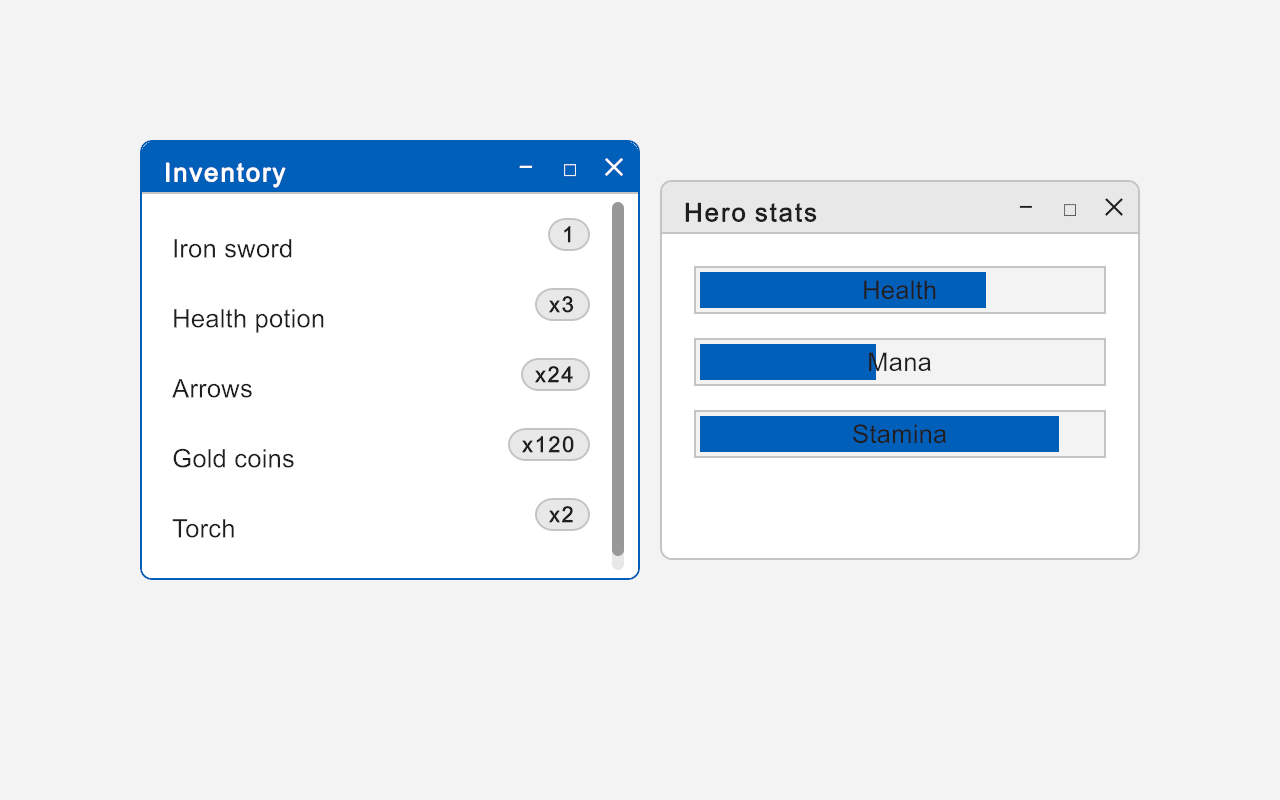
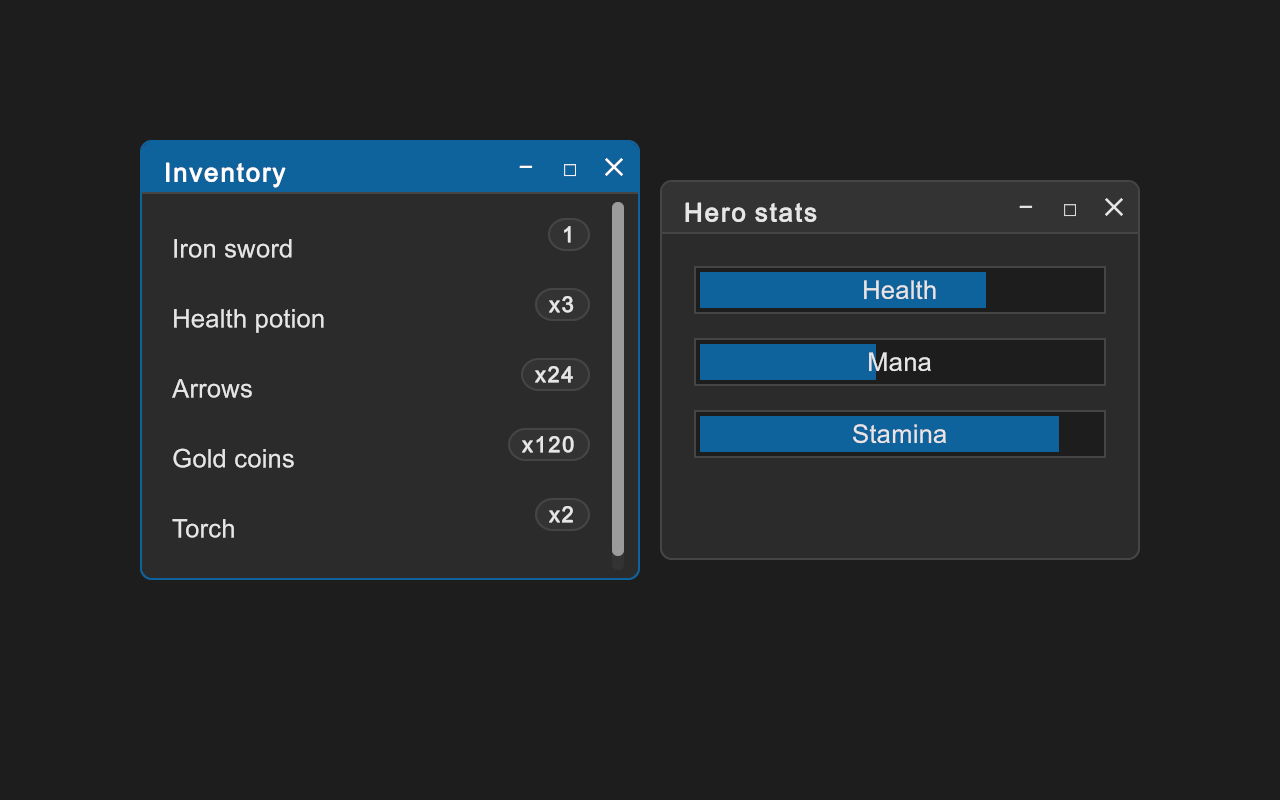
WindowDescriptor.DataSource는 창이 보여 주는 데이터를 담습니다. 창은 이를 내용의 UI Toolkit dataSource로 설정합니다. 내용의 바인딩은 이를 기준으로 해석되며, 창이 탭 그룹이나 도크로 옮겨진 뒤에도 마찬가지입니다.
- UXML에서는
<Bindings>와data-source-path로, C#에서는SetBinding으로 바인딩합니다. - 평범한 C# 오브젝트도 동작합니다. 바인딩 시스템은 프레임마다 이를 폴링합니다. 창이 많다면 데이터에
INotifyBindablePropertyChanged또는IDataSourceViewHashProvider를 구현하여 바인딩이 변경 시에만 갱신되게 하십시오. - public 필드는 기본으로 바인딩됩니다. 프로퍼티에는
[CreateProperty]가 필요합니다. - 툴박스 차트도 바인딩됩니다. C# 프로퍼티 이름을 사용하십시오.
<ui:DataBinding property="Value" data-source-path="Temperature" />. 바인딩 가능한 프로퍼티는Gauge.Value,MinValue,MaxValue,ProgressRing.Value,PieSlice.Label과Value,PieChart.CenterText,GraphSeries.Label과Data입니다.Data는float[]또는List<float>를 받습니다. 차트는 바인딩된 값이 바뀔 때만 다시 그립니다. - 같은 창에 다른 데이터를 보여 주려면
DataSource를 다시 설정하십시오. 창은DataSourceChanged를 발생시킵니다. 바인딩이 다루지 않는 상태에 사용하십시오. 제목에는TitleFromData를 설정합니다. - 레이아웃은 창 id를 저장하며 데이터는 저장하지 않습니다. 워크스페이스가 디스크립터를 유지하므로 창은 닫기, 다시 열기, 레이아웃 불러오기를 거쳐도
DataSource를 유지합니다.
내용 템플릿 하나, 창 여러 개:
<!-- Resources/UI/ItemDetail.uxml -->
<ui:UXML xmlns:ui="UnityEngine.UIElements">
  <ui:Label>
    <Bindings>
      <ui:DataBinding
          property="text"
          data-source-path="Name"
          binding-mode="ToTarget" />
    </Bindings>
  </ui:Label>
</ui:UXML>
public class Item
{
    public string Id = string.Empty;
    public string Name = string.Empty;
}

public static class ItemWindows
{
    private static readonly VisualTreeAsset Template =
        Resources.Load<VisualTreeAsset>("UI/ItemDetail");

    // Opens the item's window, or focuses it when it is already
    // registered
    public static void Show(Workspace workspace, Item item)
    {
        var id = $"Item_{item.Id}";
        if (workspace.GetWindow(id) == null)
        {
            WindowDescriptor.Builder()
                .WithId(id)
                .WithTitle(item.Name)
                .WithContent(Template.Instantiate())
                .WithDataSource(item)
                .BuildAndRegister(workspace);
        }
        workspace.OpenWindow(id);
    }

    // Queries use GetAllWindows
    public static WindowDescriptor? Find(Workspace workspace,
        Item item) =>
        workspace.GetAllWindows()
            .FirstOrDefault(w => w.DataSource == item);

    public static IEnumerable<WindowDescriptor> All(
        Workspace workspace) =>
        workspace.GetAllWindows().Where(w => w.DataSource is Item);
}
바인딩 컨버터
ToolboxConverters는 Unity에 없는 변환을 위한 컨버터 그룹을 등록합니다. 바인딩은 UXML이나 UI Builder에서 그룹 id로 선택합니다.
<ui:VisualElement>
  <Bindings>
    <ui:DataBinding
        property="style.display"
        data-source-path="IsAlive"
        binding-mode="ToTarget"
        source-to-ui-converters="tb:visible" />
  </Bindings>
</ui:VisualElement>
<ui:RadioButtonGroup choices="Easy,Normal,Hard">
  <Bindings>
    <ui:DataBinding
        property="value"
        data-source-path="Difficulty"
        binding-mode="TwoWay"
        source-to-ui-converters="tb:enum-int"
        ui-to-source-converters="tb:enum-int" />
  </Bindings>
</ui:RadioButtonGroup>
그룹에는 매개변수가 없으므로 id가 하는 일을 알려 줍니다. 그룹은 소스의 선언된 타입과 정확히 일치하며 기반 타입은 허용되지 않습니다. 그룹은 연쇄되지 않습니다.
| 그룹 | 소스 | UI | 결과 |
|---|---|---|---|
tb:visible, tb:hidden |
bool | DisplayStyle, style.display |
true는 표시(Flex), false는 숨김(None). tb:hidden은 반대입니다. |
tb:visibility, tb:invisibility |
bool | Visibility, style.visibility |
같지만 요소가 공간을 유지합니다. |
tb:not |
bool | bool | 양방향으로 반전합니다. |
tb:has-value |
string, object, 클래스 | bool | null, 파괴된 UnityEngine.Object, 빈 문자열이면 false. |
tb:has-items |
컬렉션: ICollection, IList, Array, List<string>, List<int>, List<float>, List<Object>, string[], int[] |
bool | null이거나 빈 컬렉션이면 false. |
tb:health-status |
float, double 0에서 1 | string | 0.9부터 "건강", 0.5부터 "부상", 0.25부터 "중상", 0보다 크면 "위독", 0 이하면 "쓰러짐". 플레이어의 언어로 표시됩니다. |
tb:yes-no, tb:on-off |
bool | string | "예" 또는 "아니요", "켜짐" 또는 "꺼짐". 플레이어의 언어로 표시됩니다. |
tb:percent |
float, double 0에서 1 | Length, StyleLength |
0.25는 25%가 됩니다. |
tb:hex |
Color | string | #RRGGBB, 불투명하지 않으면 #RRGGBBAA. 양방향이며 색이 아닌 텍스트는 clear가 됩니다. 텍스트 필드에 is-delayed="true"를 사용하십시오. |
tb:display-name |
enum | string | [InspectorName], 또는 공백이 들어간 이름: MaxHealth는 "Max Health"가 됩니다. |
tb:f0, tb:f1, tb:f2 |
int, long, float, double | string | 소수 0, 1, 2자리. |
tb:n0 |
int, long, float, double | string | 천 단위 구분자: "1,234,567". |
tb:percent-text |
int, long, float, double | string | 0.256은 "26%"가 됩니다. |
tb:currency |
int, long, float, double | string | 현재 문화권의 금액. |
tb:bytes |
int, long, float, double | string | 1536000은 "1.5 MB"가 됩니다 (1024 기준). |
tb:duration |
초 (int, long, float, double), TimeSpan | string | 5400은 "1:30:00", 90은 "1:30"이 됩니다. |
tb:date, tb:time, tb:datetime |
DateTime | string | 짧은 날짜, 짧은 시간, 또는 둘 다. |
tb:relative-time |
DateTime, DateTimeOffset, long | string | "5분 전", "어제 저녁 19:40". 원본이 바뀔 때만 갱신됩니다. 항상 최신인 문장이 필요하면 RelativeTimeLabel을 쓰세요. |
tb:upper, tb:lower |
string | string | 대문자 또는 소문자. |
tb:xy, tb:xz, tb:yz |
Vector2, Vector3, Vector2Int, Vector3Int | Vector3, Vector2 | id가 Vector3의 축을 가리킵니다. tb:xz: (x, y)는 (x, 0, y)가 되고, (x, y, z)는 (x, z)가 됩니다. 양방향입니다. |
tb:enum-int |
enum | int | 정수 값, 양방향. RadioButtonGroup.value와 DropdownField.index용입니다. |
모든 텍스트 그룹은 현재 문화권을 사용합니다. 그룹은 플레이어가 시작될 때와 에디터가 로드될 때 등록됩니다. 시작 시 UIToolbox.Runtime과 이를 참조하는 어셈블리의 public enum마다 tb:enum-int와 tb:display-name이, public 클래스마다 tb:has-value가 추가됩니다. 다른 타입은 바인딩이 갱신되기 전에 ToolboxConverters.RegisterEnum<KeyCode>() 또는 ToolboxConverters.RegisterHasValue<MyType>()를 호출하십시오. 다른 컬렉션 타입은 ToolboxConverters.RegisterHasItems<MyList>()를 호출하십시오.
나만의 그룹
도우미 두 개로 코드에서 그룹을 만듭니다. 시작할 때, 바인딩이 갱신되기 전에 한 번 호출하십시오. 텍스트는 ToolboxText.Translate를 거치므로 플레이어의 언어를 따릅니다.
// An int to the label at that index; an index out of range gives "".
ToolboxConverters.RegisterLabels("game:rank", "Rank",
    "Bronze", "Silver", "Gold");

// A bool to one of two texts.
ToolboxConverters.RegisterBool("game:door", "Door",
    "Open", "Closed");
<ui:DataBinding property="text" data-source-path="Rank"
    binding-mode="ToTarget"
    source-to-ui-converters="game:rank" />
같은 id로 두 번째 호출을 하면 그룹에 추가됩니다.