
本页为译文。技术支持和视频教程主要使用英语,内容以英文页面为准。 英文版
数据绑定窗口
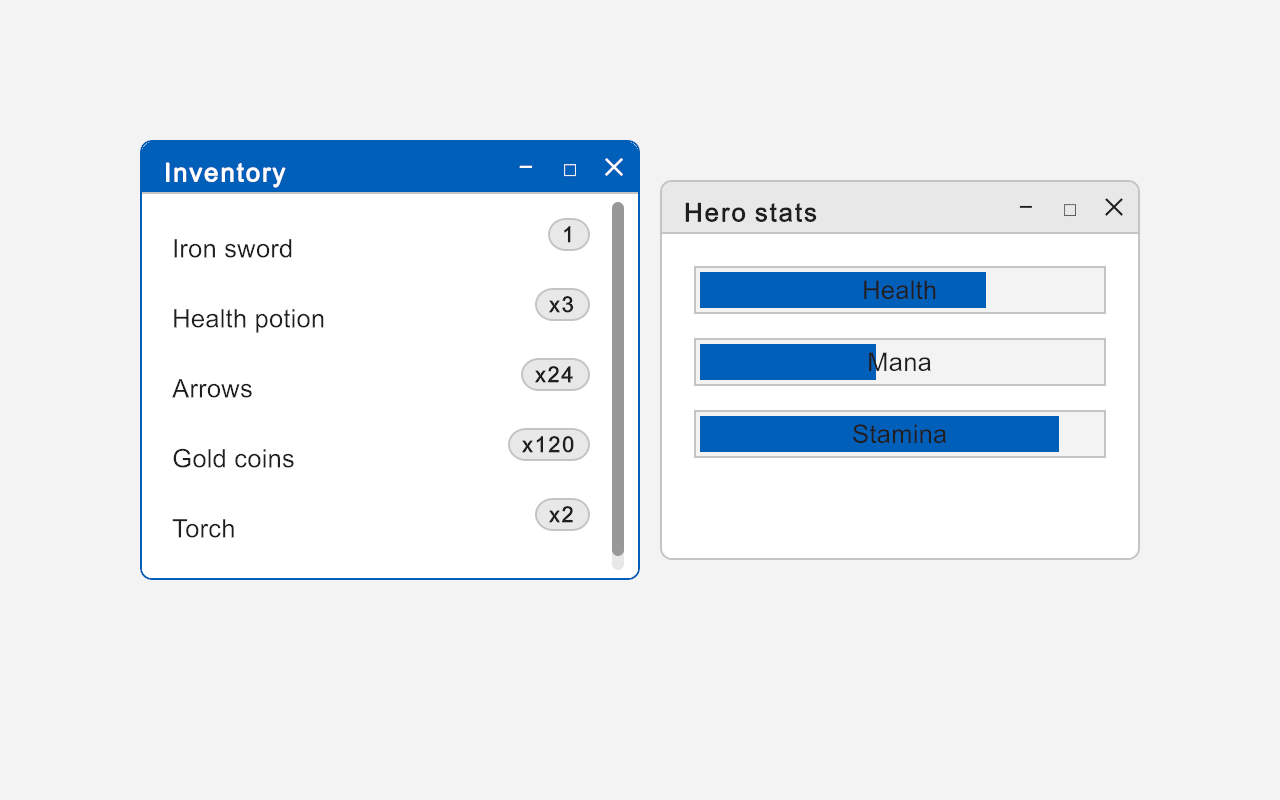
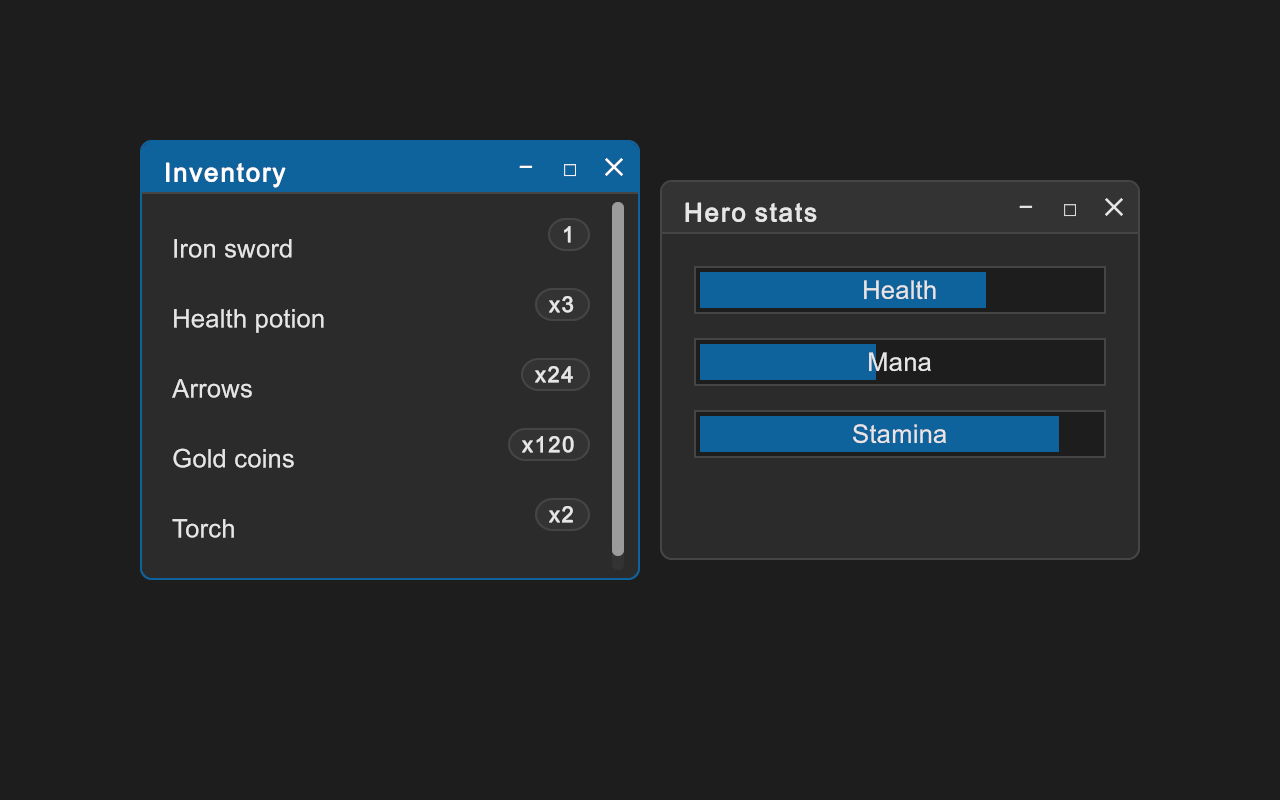
WindowDescriptor.DataSource 保存窗口显示的数据。窗口把它设为内容的 UI Toolkit dataSource。内容中的绑定针对它解析,窗口移入标签页组或停靠区之后也是如此。
- 在 UXML 中用
<Bindings>和data-source-path绑定,或在 C# 中用SetBinding。 - 普通 C# 对象也可以。绑定系统每帧轮询它们。窗口很多时,请在数据上实现
INotifyBindablePropertyChanged或IDataSourceViewHashProvider,这样绑定只在变化时更新。 - 公共字段默认可绑定。属性需要
[CreateProperty]。 - Toolbox 图表也可以绑定。使用 C# 属性名:
<ui:DataBinding property="Value" data-source-path="Temperature" />。可绑定的属性有Gauge.Value、MinValue和MaxValue,ProgressRing.Value,PieSlice.Label和Value,PieChart.CenterText,以及GraphSeries.Label和Data。Data接受float[]或List<float>。图表只在绑定值变化时重绘。 - 再次设置
DataSource可在同一个窗口中显示其他数据。窗口会触发DataSourceChanged。用它处理绑定覆盖不到的状态。标题请设置TitleFromData。 - 布局保存窗口 id,而不是数据。窗口在关闭、重新打开和加载布局后仍保留其
DataSource,因为工作区保留了描述符。
一个内容模板,多个窗口:
<!-- Resources/UI/ItemDetail.uxml -->
<ui:UXML xmlns:ui="UnityEngine.UIElements">
  <ui:Label>
    <Bindings>
      <ui:DataBinding
          property="text"
          data-source-path="Name"
          binding-mode="ToTarget" />
    </Bindings>
  </ui:Label>
</ui:UXML>
public class Item
{
    public string Id = string.Empty;
    public string Name = string.Empty;
}

public static class ItemWindows
{
    private static readonly VisualTreeAsset Template =
        Resources.Load<VisualTreeAsset>("UI/ItemDetail");

    // Opens the item's window, or focuses it when it is already
    // registered
    public static void Show(Workspace workspace, Item item)
    {
        var id = $"Item_{item.Id}";
        if (workspace.GetWindow(id) == null)
        {
            WindowDescriptor.Builder()
                .WithId(id)
                .WithTitle(item.Name)
                .WithContent(Template.Instantiate())
                .WithDataSource(item)
                .BuildAndRegister(workspace);
        }
        workspace.OpenWindow(id);
    }

    // Queries use GetAllWindows
    public static WindowDescriptor? Find(Workspace workspace,
        Item item) =>
        workspace.GetAllWindows()
            .FirstOrDefault(w => w.DataSource == item);

    public static IEnumerable<WindowDescriptor> All(
        Workspace workspace) =>
        workspace.GetAllWindows().Where(w => w.DataSource is Item);
}
绑定转换器
ToolboxConverters 注册了 Unity 没有的转换器组。绑定通过组 id 选用它们,可以在 UXML 中,也可以在 UI Builder 中:
<ui:VisualElement>
  <Bindings>
    <ui:DataBinding
        property="style.display"
        data-source-path="IsAlive"
        binding-mode="ToTarget"
        source-to-ui-converters="tb:visible" />
  </Bindings>
</ui:VisualElement>
<ui:RadioButtonGroup choices="Easy,Normal,Hard">
  <Bindings>
    <ui:DataBinding
        property="value"
        data-source-path="Difficulty"
        binding-mode="TwoWay"
        source-to-ui-converters="tb:enum-int"
        ui-to-source-converters="tb:enum-int" />
  </Bindings>
</ui:RadioButtonGroup>
组没有参数,所以 id 说明了它的作用。组精确匹配源的声明类型,不包括基类型。组之间不能串联。
| 组 | 源 | UI | 结果 |
|---|---|---|---|
tb:visible、tb:hidden |
bool | DisplayStyle、style.display |
True 显示(Flex)或隐藏(None)。tb:hidden 取反。 |
tb:visibility、tb:invisibility |
bool | Visibility、style.visibility |
同上,但元素保留其占位。 |
tb:not |
bool | bool | 取反,双向。 |
tb:has-value |
string、object、一个类 | bool | 对 null、已销毁的 UnityEngine.Object 或空字符串为 False。 |
tb:has-items |
集合:ICollection, IList, Array, List<string>, List<int>, List<float>, List<Object>, string[], int[] |
bool | 对 null 或空集合为 False。 |
tb:health-status |
float、double,0 到 1 | string | 从 0.9 起为“健康”,从 0.5 起为“受伤”,从 0.25 起为“重伤”,大于 0 为“濒危”,0 或更小为“倒下”。使用玩家的语言。 |
tb:yes-no, tb:on-off |
bool | string | “是”或“否”,“开”或“关”。使用玩家的语言。 |
tb:percent |
float、double,0 到 1 | Length、StyleLength |
0.25 得到 25%。 |
tb:hex |
Color | string | #RRGGBB,不透明度不为 1 时为 #RRGGBBAA。双向;不是颜色的文本得到透明色。在文本字段上使用 is-delayed="true"。 |
tb:display-name |
一个枚举 | string | 取 [InspectorName],否则取带空格的名称:MaxHealth 得到 "Max Health"。 |
tb:f0、tb:f1、tb:f2 |
int、long、float、double | string | 0、1 或 2 位小数。 |
tb:n0 |
int、long、float、double | string | 千位分隔符:"1,234,567"。 |
tb:percent-text |
int、long、float、double | string | 0.256 得到 "26%"。 |
tb:currency |
int、long、float、double | string | 当前文化的货币格式。 |
tb:bytes |
int、long、float、double | string | 1536000 得到 "1.5 MB"(以 1024 为基数)。 |
tb:duration |
秒(int、long、float、double)、TimeSpan | string | 5400 得到 "1:30:00";90 得到 "1:30"。 |
tb:date、tb:time、tb:datetime |
DateTime | string | 短日期、短时间,或两者。 |
tb:relative-time |
DateTime, DateTimeOffset, long | string | “5 分钟前”“昨天傍晚 19:40”. 只在来源改变时更新;要让文字保持最新,请使用 RelativeTimeLabel。 |
tb:upper、tb:lower |
string | string | 大写或小写。 |
tb:xy、tb:xz、tb:yz |
Vector2、Vector3、Vector2Int、Vector3Int | Vector3、Vector2 | id 指明 Vector3 的轴。tb:xz:(x, y) 得到 (x, 0, y),(x, y, z) 得到 (x, z)。双向。 |
tb:enum-int |
一个枚举 | int | 整数值,双向。用于 RadioButtonGroup.value 和 DropdownField.index。 |
所有文本组都使用当前文化。这些组在播放器启动和编辑器加载时注册。启动时会为 UIToolbox.Runtime 以及引用它的程序集中的每个公共枚举添加 tb:enum-int 和 tb:display-name,为每个公共类添加 tb:has-value。对于其他类型,请在绑定更新之前调用 ToolboxConverters.RegisterEnum<KeyCode>() 或 ToolboxConverters.RegisterHasValue<MyType>()。 对于其他集合类型,请调用 ToolboxConverters.RegisterHasItems<MyList>()。
你自己的组
两个辅助方法可以通过代码创建组。在启动时、绑定更新之前调用一次。文本会经过 ToolboxText.Translate,因此会跟随玩家的语言。
// An int to the label at that index; an index out of range gives "".
ToolboxConverters.RegisterLabels("game:rank", "Rank",
    "Bronze", "Silver", "Gold");

// A bool to one of two texts.
ToolboxConverters.RegisterBool("game:door", "Door",
    "Open", "Closed");
<ui:DataBinding property="text" data-source-path="Rank"
    binding-mode="ToTarget"
    source-to-ui-converters="game:rank" />
用相同的 id 再次调用,会向该组添加内容。