
本页为译文。技术支持和视频教程主要使用英语,内容以英文页面为准。 英文版

 AudioSettingsPanel 和 AudioOptions
AudioSettingsPanel 是音频设置界面。它是 AudioOptions 的 PropertyGrid,带有 Defaults、Revert 和 Apply 按钮。它拥有 SettingsPanel 基类的成员(参见自定义设置面板),以及 Mixer。
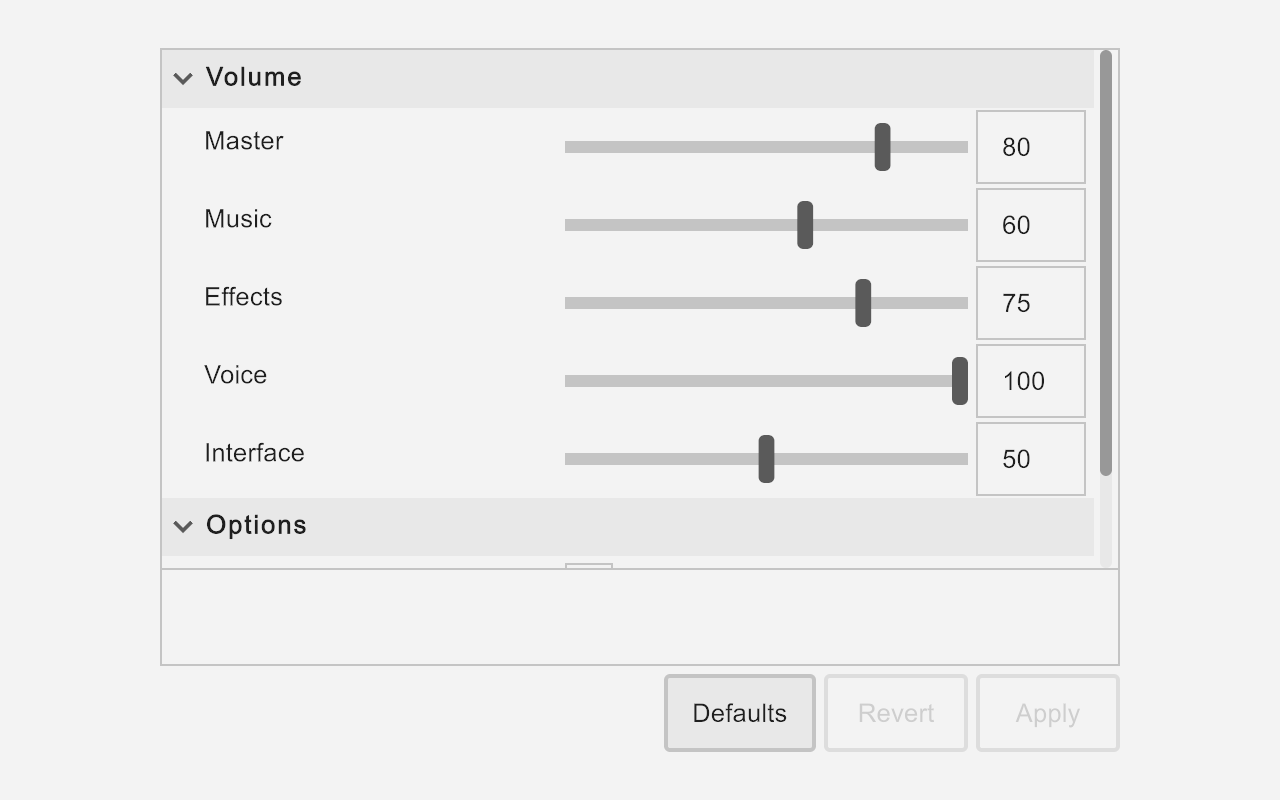
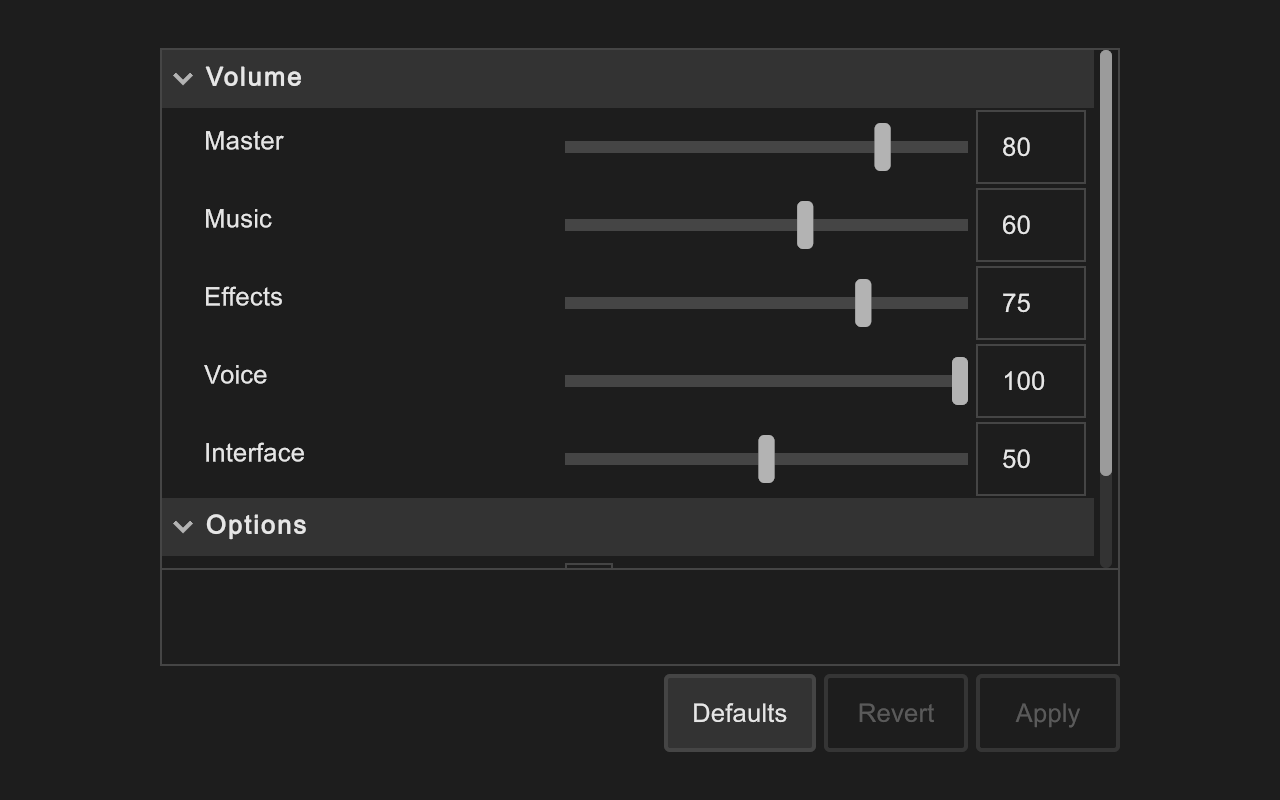
<tb:AudioSettingsPanel prefs-key="mygame.audio" />
// The mixer of the Music, Effects and Voice volumes
var panel = root.Q<AudioSettingsPanel>();
panel.Mixer = myMixer;
| 类别 | 选项 | 设置 |
|---|---|---|
| Volume | Master | AudioListener.volume。无需混音器即可工作。 |
| Volume | Music, Effects, Voice | 已公开的混音器参数 MusicVolume、EffectsVolume 和 VoiceVolume,单位为分贝。没有混音器时,这些行被禁用。 |
| Volume | Interface | ToolboxAudio.Volume:窗口、按钮和菜单的音效。 |
| Options | Mute | AudioListener.volume 为 0。Master 保留其值。 |
| Options | Mute in background | 游戏没有焦点时设置 AudioListener.pause。 |
每一行都是 AudioOptions 的一个字段:Master、Music、Effects、Voice 和 Interface(0 到 100)、Mute 和 MuteInBackground。面板的 Grid 是它的 PropertyGrid。
音量以百分数表示。AudioOptions.ToDecibels(percent) 在 100 时给出 0 dB,在 50 时约为 -6 dB,在 0 时为 -80 dB(SILENT_DB)。ToPercent(decibels) 则相反。
如何设置混音器:
- 在 Project 窗口中,右键单击一个文件夹,然后单击 Create > Audio Mixer。
- 打开混音器(双击它)。在 Groups 列表中,单击 + 三次。把这些组命名为
Music、Effects和Voice。 - 单击
Music组。在 Inspector 中,右键单击 Volume,然后单击 Expose 'Volume (of Music)' to script。 - 对
Effects和Voice重复步骤 3。 - 在混音器窗口中,单击右上角的 Exposed Parameters。把这三个参数重命名为
MusicVolume、EffectsVolume和VoiceVolume。 - 在游戏的每个
AudioSource上,把 Output 设为对应的组。 - 在面板上设置混音器:
panel.Mixer = mixer,或AudioOptions.Mixer = mixer。GameMenu 示例在其SettingsController上有一个 Mixer 字段。
AudioOptions 不需要面板也能工作:
// At the start of the game: set the saved options
AudioOptions.Mixer = mixer;
AudioOptions.LoadSaved("mygame.audio").Apply();
提示:
- 在游戏开始时调用
LoadSaved(key).Apply()。否则,已保存的音量只有在玩家打开面板之后才生效。 - 其他参数名称:在面板附加之前设置
AudioOptions.MusicParameter、EffectsParameter和VoiceParameter。 AudioOptions.Mixer是静态的,所以所有面板共用它。只需设置一次。- 混音器在下一次更新时才采用新值。用
GetFloat读取之前请等待一帧。 - 要通过某个组播放测试音效,请把
AudioSource.outputAudioMixerGroup设为mixer.FindMatchingGroups("Music")[0]。GameMenu 示例在SettingsController.PlayTestSound中这样做。 - 在编辑器中,播放模式结束时,监听器、混音器和 Toolbox 音效会恢复其原有的值(
AudioOptions.RestoreProject)。
AudioSettingsPanelDemo 场景展示了:无需任何设置的面板,以及旁边生效的音量和测试音效;混音器,以及带有自己音量的子类;它保存和加载的内容;Apply、Revert 和事件;按键和手柄;以及羊皮纸和终端风格的面板。