
本页为译文。技术支持和视频教程主要使用英语,内容以英文页面为准。 英文版

 Icon
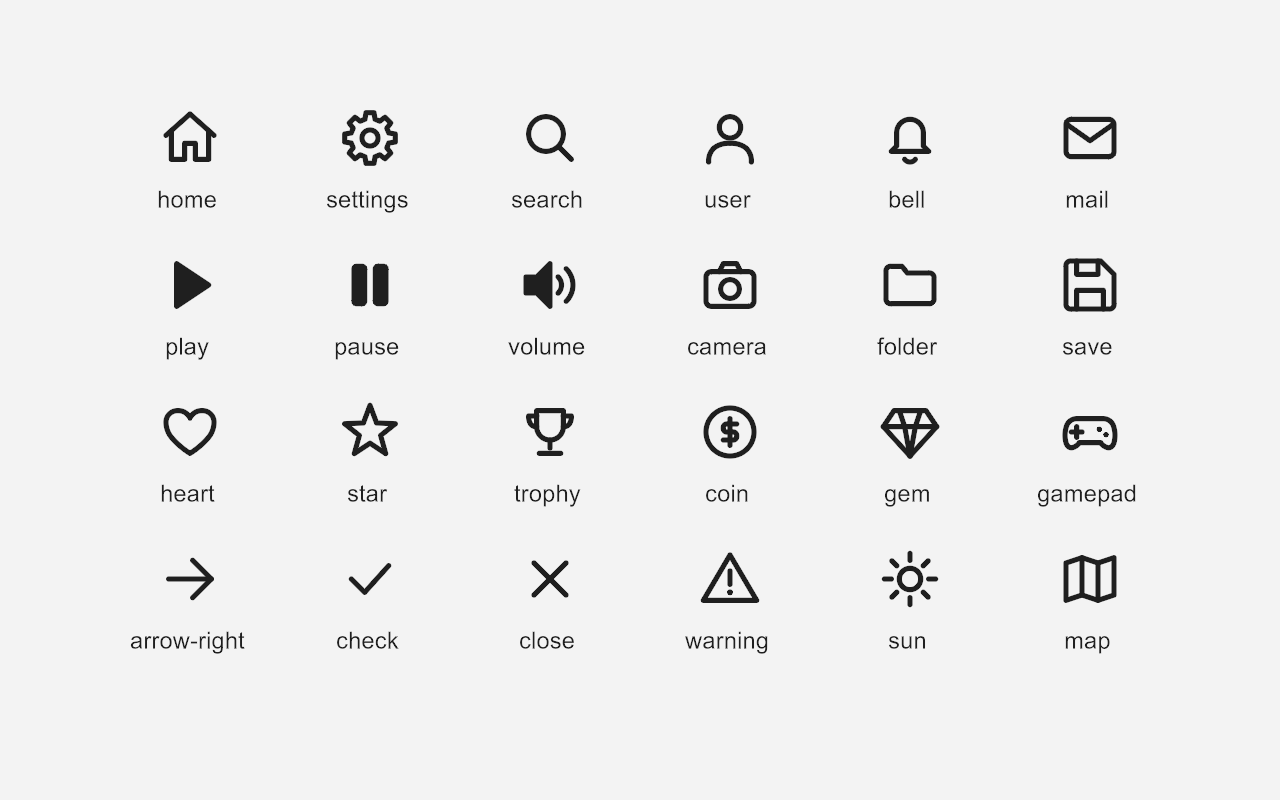
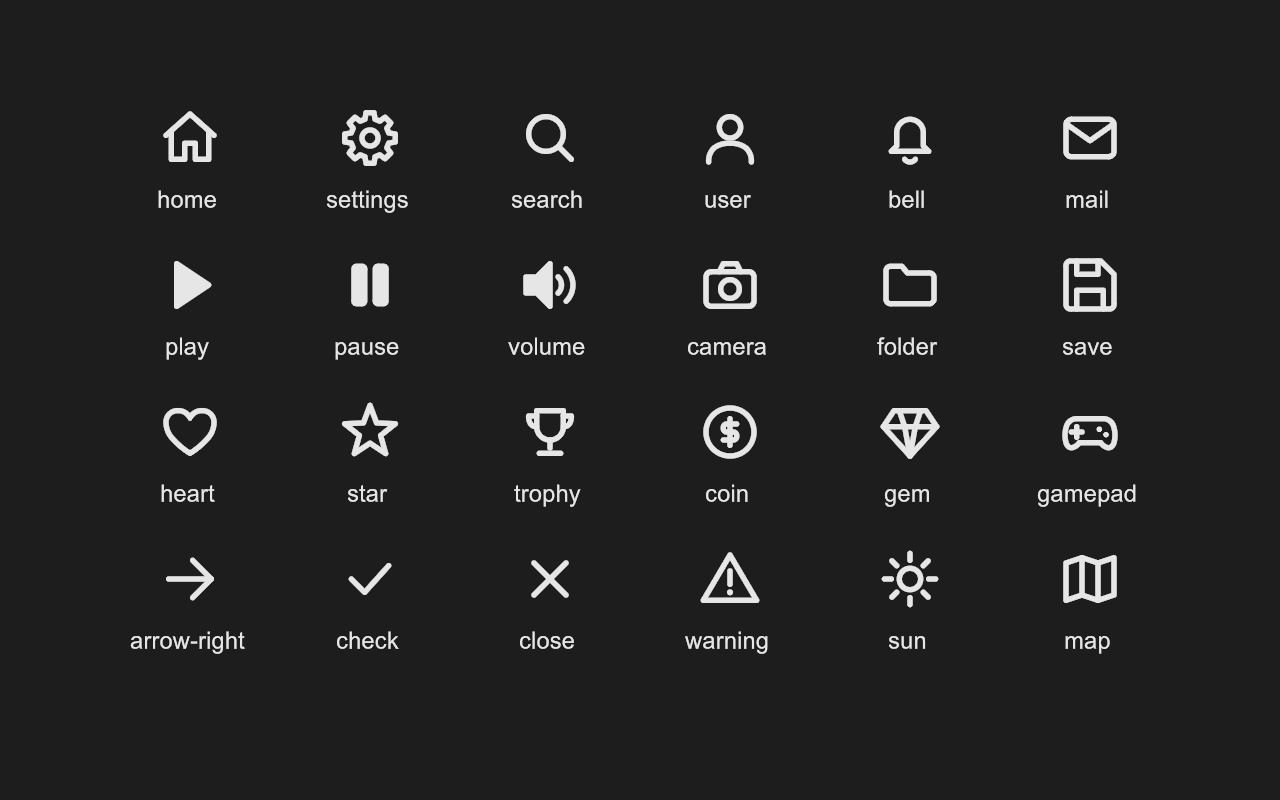
Icon 是 176 个内置图标之一,按名称选取:<tb:Icon name="settings" />。图标是工具箱用 painter 绘制的矢量形状,所以不用导入图片,任何大小下都清晰。图标的大小取自元素,颜色和 Label 一样取自主题的文字颜色 --tb-color-text。所以每个主题和皮肤都无需额外工作就能给图标上色。
如何添加:
<tb:Icon name="settings" />
<tb:Icon icon="heart-filled"
    style="width: 32px; height: 32px; color: #e55;" />
<ui:Button>
    <tb:Icon name="save" />
</ui:Button>
var icon = new Icon("download");
icon.IconName = "upload";            // swaps the shape
icon.style.width = 32;               // the size is the element size
icon.style.color = Color.cyan;       // the color is the text color

// The set, with no element
foreach (var name in IconSet.Names) Debug.Log(name);
bool has = IconSet.Contains("trophy");
name 是元素的名称,icon 为空时图标会使用它。这样常见的用法更简短。当你需要元素名称来做 Q<Icon>("name") 时,请使用 icon。
大小和颜色
默认大小是 20 x 20 像素。在 USS 或代码中设置 width 和 height,图标会按较短的一边居中绘制。图标画在 24 单位的网格上,线条宽 2 单位,所以线条随大小一起变粗,保持粗细比例。play 和 heart-filled 等少数图标是实心的。图标用自己的 color 绘制,默认是 --tb-color-text。要给图标上色,请在图标上设置 color:.my-row .tb-icon { color: #e55; } 会给一行里的每个图标上色。指针进入父元素或父元素获得焦点时图标会重绘,所以 .my-button:hover .tb-icon 这样的悬停规则也有效。
图标上的 USS background-image 会替换绘制的图形,所以主题可以用图片替换某个图标。
未知名称
未知名称不绘制任何内容,并只为该名称向日志写一条警告,不管有多少图标使用它。空名称不绘制任何内容,也不写日志。
名称
箭头 (21): arrow-up, arrow-down, arrow-left, arrow-right, arrow-up-right, arrows-horizontal, move, chevron-up, chevron-down, chevron-left, chevron-right, caret-up, caret-down, caret-left, caret-right, undo, redo, refresh, log-in, log-out, external-link
操作 (34): close, check, plus, minus, check-circle, x-circle, plus-circle, minus-circle, menu, more-horizontal, more-vertical, grip, search, zoom-in, zoom-out, filter, sort, copy, clipboard, edit, trash, save, download, upload, share, link, send, power, toggle-on, toggle-off, checkbox, checkbox-checked, radio, radio-off
媒体 (27): play, pause, stop, record, skip-next, skip-previous, fast-forward, rewind, shuffle, repeat, loop, volume, mute, maximize, restore, backspace, return, eyedropper, waveform, note, music, mic, headphones, camera, video, image, palette
文件和数据 (18): folder, file, file-text, package, inbox, database, code, terminal, bug, printer, book, bar-chart, line-chart, pie-chart, trending-up, trending-down, activity, hash
界面 (37): home, settings, sliders, grid, list, table, layers, sidebar, columns, window, user, users, lock, unlock, key, eye, eye-off, shield, shield-check, bell, mail, message, calendar, clock, hourglass, pin, flag, bookmark, tag, cursor, info, help, alert, warning, ban, thumbs-up, smile
自然和天气 (11): sun, moon, cloud, bolt, flame, droplet, leaf, globe, wifi, signal, battery
游戏和商店 (18): heart, heart-filled, star, star-filled, sparkle, crown, trophy, gift, cart, coin, gem, sword, crosshair, gamepad, map, compass, lightbulb, bolt-circle
形状 (10): circle, dot, square, triangle, diamond, hexagon, align-left, align-center, align-right, type
在文本中
InlineIconLabel 可以在文字之间显示集合中的图标:Press {settings} to open the options。图标的大小和颜色与文字相同。同名的手柄按钮、提示字形或你注册的图标优先,所以要明确选集合中的图标,请写 {icon:menu}。
设置
| Member | 说明 |
|---|---|
IconName (icon) |
图标的名称。为空则使用元素的名称。 |
Icon(name) |
接收名称的构造函数。 |
静态成员
| Member | 说明 |
|---|---|
IconSet.Names |
所有图标的名称,按图库顺序。 |
IconSet.Count |
图标的数量。 |
IconSet.Contains(name) |
集合中有该名称时为 true。 |
IconSet.TryGetIndex(name, out index) |
查找图标的索引,不写日志。 |
IconSet.Resolve(name) |
查找索引,对未知名称向日志写一条警告。 |
MediaIcon 的 play、pause、volume、mute、loop、maximize、restore、backspace、return、eyedropper、waveform、note 和 search 使用同样的形状,所以每个图标只存在一份。