
本页为译文。技术支持和视频教程主要使用英语,内容以英文页面为准。 英文版

 InputViewer
 是键盘、鼠标或手柄的图像,会点亮被按下的部分。按键或按钮会立即亮起,松开后逐渐淡出;摇杆用一小段轨迹显示位置;扳机按其数值填充。可用于教程视频、直播或无障碍。它只显示输入,从不消耗或阻止输入。
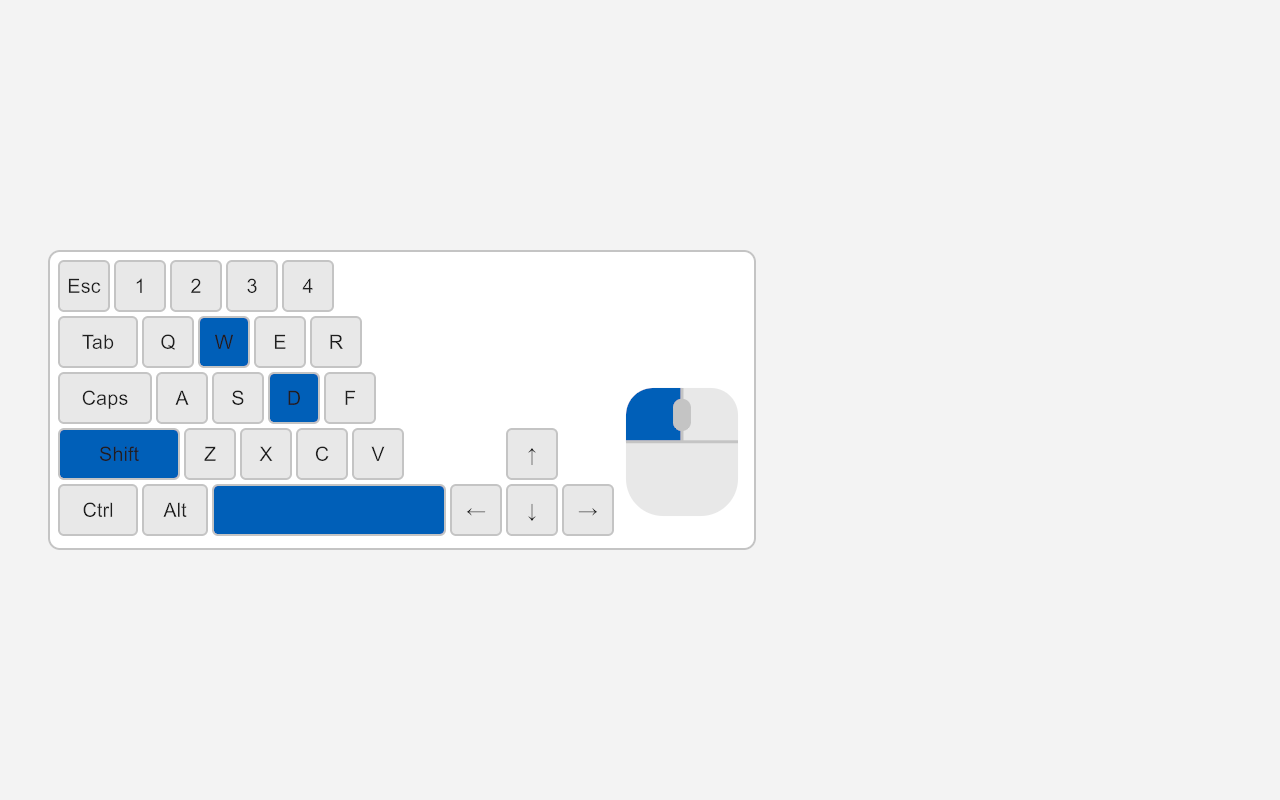
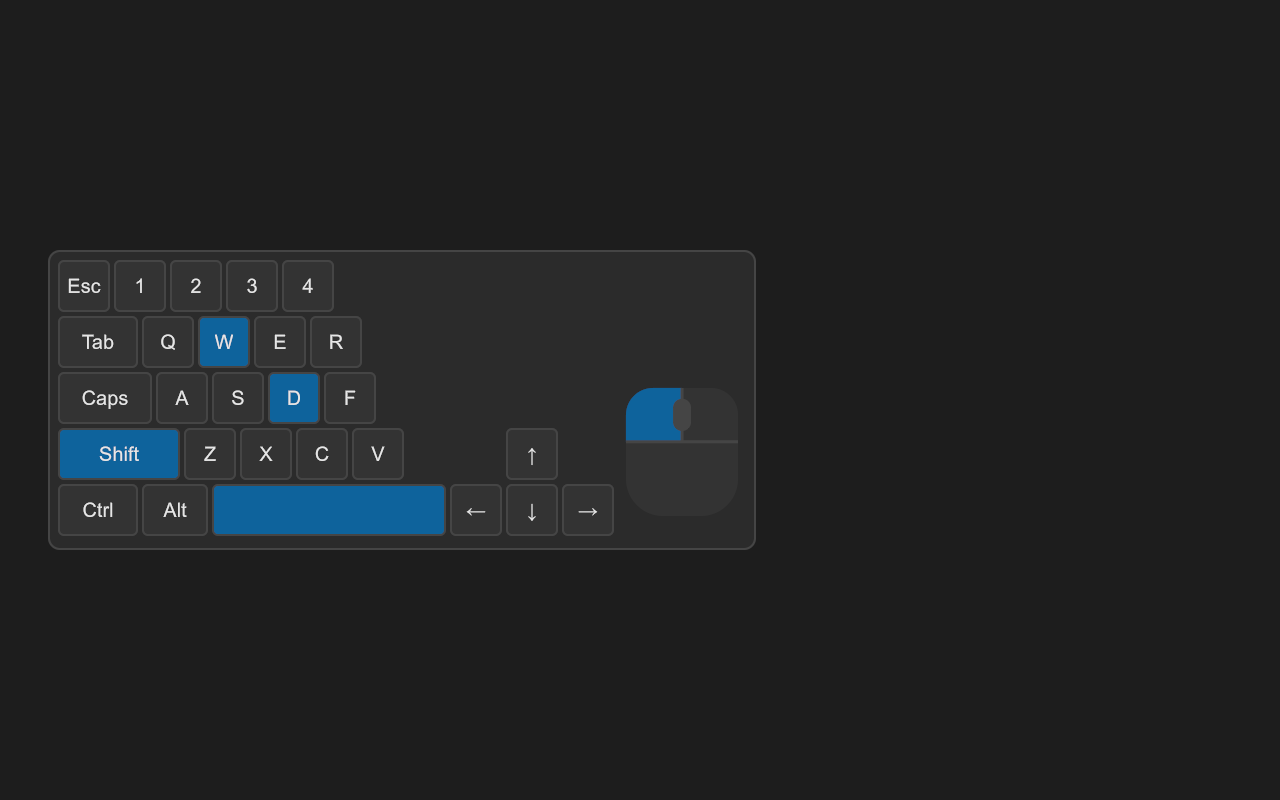
<!-- The keyboard or the gamepad that the player used last -->
<tb:InputViewer />

<tb:InputViewer device="Keyboard" layout="Compact" />
<tb:InputViewer device="Keyboard" layout="MouseOnly" />
<tb:InputViewer device="Gamepad" trail-length="24" />
<tb:InputViewer device="Both" show-mouse="false" />
var viewer = root.Q<InputViewer>();
viewer.Device = InputViewerDevice.Keyboard;
viewer.Layout = InputViewerLayout.Compact;
viewer.ShowMouse = false;

// Pause it while a menu is open
viewer.Paused = menu.IsOpen;
成员
| 成员 | 说明 |
|---|---|
Device (device) |
显示的图像,一个 InputViewerDevice:Auto(默认值)根据玩家最后使用的设备显示键盘或手柄,Keyboard,Gamepad,或并排显示的 Both。 |
Layout (layout) |
键盘上的按键,一个 InputViewerLayout:Full(默认值)包含功能键、数字键、字母键、修饰键和方向键;Compact 包含 WASD 区、方向键、修饰键和空格键;MouseOnly 没有按键,只有鼠标。 |
FadeDuration (fade-duration) |
按键或按钮松开后淡出所需的毫秒数(默认 300)。 |
TrailLength (trail-length) |
每个摇杆的轨迹显示的最近位置数(默认 12)。0 表示不显示轨迹。 |
ShowMouse (show-mouse) |
在键盘旁边显示鼠标(默认 true)。鼠标按键会亮起,滚轮显示一个会淡出的箭头。 |
HideInTextFields (hide-in-text-fields) |
在获得焦点的密码字段中键入的按键不会亮起(默认 true)。与 Ctrl、Alt 或 Super 的组合键仍会亮起。 |
Paused (paused) |
不接收新的输入(默认 false)。图像保持当前显示的内容,灯光会完成淡出。 |
手柄:
- 面板按钮显示当前使用手柄的图标,取自
LastInputDevice.Family:Xbox 手柄上是 A、B、X 和 Y,PlayStation 手柄上是各种形状,Switch 手柄上是对应的字母。参见 GamepadGlyph。 - 摇杆是一个圆环,圆点表示其位置,轨迹的最近位置会逐渐淡出。按下摇杆会点亮圆环。
- 扳机是一根按其数值填充的条。肩键、方向键、面板按钮以及 Start 和 Select 像按键一样亮起。
说明:
- 视图在面板上时会自行读取输入。使用 Input System 包时,它读取键盘、鼠标和手柄;使用 Input Manager 时,只读取键盘和鼠标。
- 键帽是美式键盘,以
KeyboardLayout的文字格式一次性构建。摇杆、扳机和鼠标用Painter2D绘制,仅在有东西移动或淡出时才绘制。视图运行时不产生垃圾。 - 淡出的时间是真实时间,因此游戏暂停时灯光也会淡出。
- 视图忽略指针,因此可以覆盖在游戏画面上方。
提示:
- 直播时,把
Compact布局放在游戏画面的一角,旁边放一个标出每个输入名称的 InputEcho。 MouseOnly适合只用鼠标游玩的游戏。- 更大的
TrailLength会显示摇杆的路径,例如特殊招式的圆圈。
样式
| 类或属性 | 元素 |
|---|---|
tb-input-viewer |
视图:一行,包含键盘、鼠标和手柄。 |
tb-input-viewer__keyboard |
键盘。 |
tb-input-viewer__row |
一行按键。 |
tb-input-viewer__key |
键帽,一个 Label。 |
tb-input-viewer__gap |
一行按键中的空位。 |
tb-input-viewer__mouse |
鼠标。它的宽度和高度就是图形的大小。 |
tb-input-viewer__gamepad |
手柄。它的宽度和高度就是图形的大小。 |
tb-input-viewer__button |
手柄上的面板按钮图标。 |
--tb-input-viewer-active |
视图上的自定义属性:灯光的颜色(--tb-color-accent)。 |
--tb-input-viewer-key |
视图上的自定义属性:按键或部件的颜色(--tb-color-surface-alt)。 |
--tb-input-viewer-line |
视图上的自定义属性:轮廓的颜色(--tb-color-border)。 |
--tb-input-viewer-key-size |
视图上的自定义属性:一个按键的宽度,单位为像素(28)。 当按键太小放不下名称时,会显示 Ent、Bksp、NL 之类的短标签。 |
.stream .tb-input-viewer {
    --tb-input-viewer-active: rgb(255, 200, 40);
    --tb-input-viewer-key-size: 34;
}
.stream .tb-input-viewer__gamepad { width: 360px; height: 225px; }
InputViewerDemo 场景展示了带鼠标的键盘和带轨迹的手柄、Keyboard 和 Gamepad 标签页中的每个成员,以及用于隐藏规则的 “Type here” 字段和密码字段。InputEchoDemo 场景有一个带紧凑视图的主播布局。