
本页为译文。技术支持和视频教程主要使用英语,内容以英文页面为准。 英文版
文本类
文本类让 Label 具有标题、引导文字、次要文字或行内代码的外观。它们在 WindowStyles.uss 中,因此对工作区里的每个标签都有效。
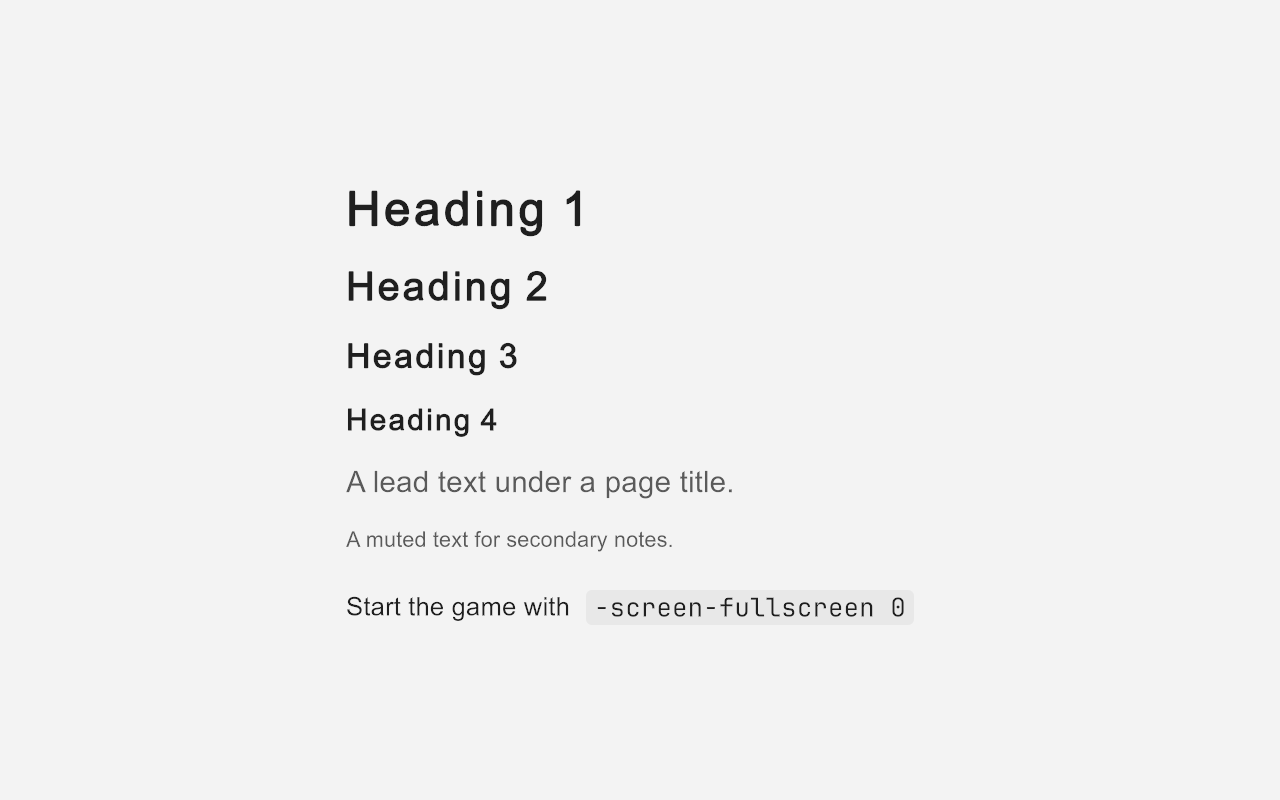
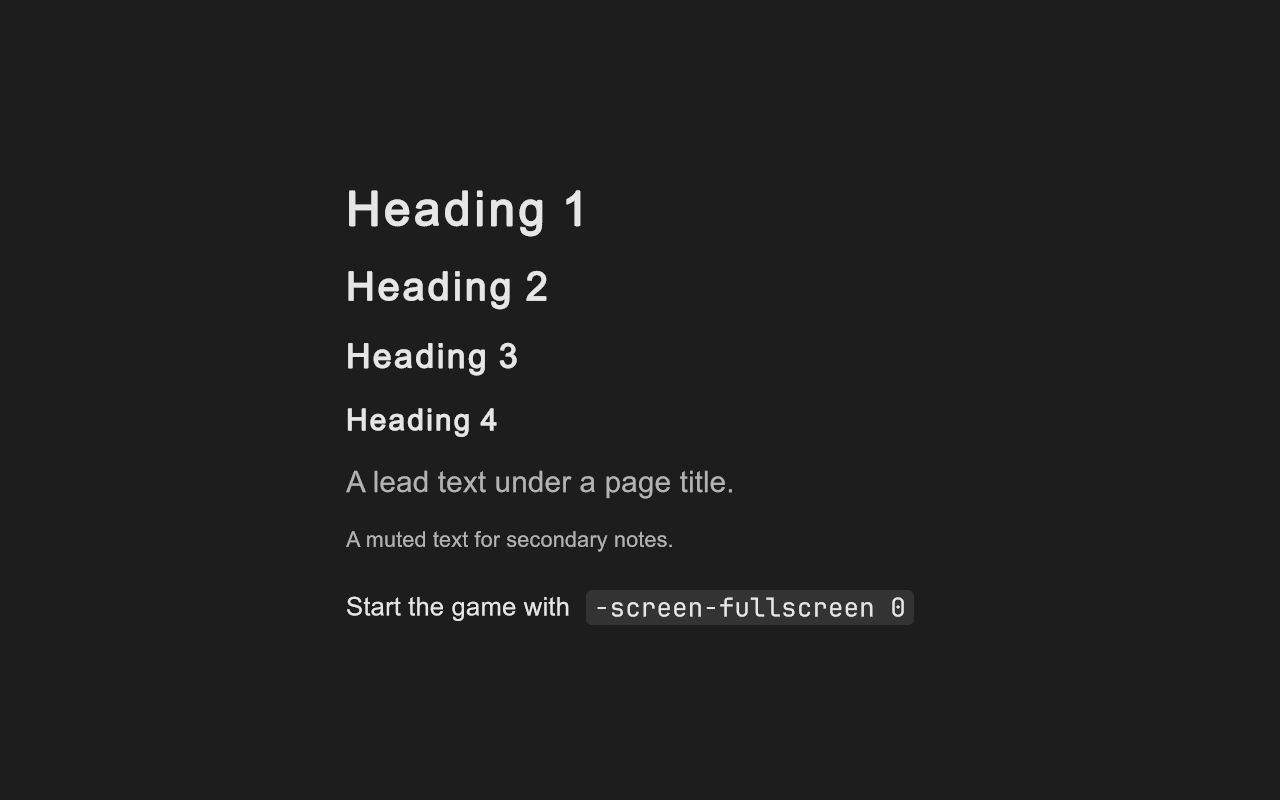
制作页面头部的方法:
<ui:Label text="Graphics" class="tb-text-h1" />
<ui:Label
    text="Settings for the picture quality and the screen."
    class="tb-text-lead" />
<ui:Label text="Display" class="tb-text-h3" />
<ui:Label text="The changes apply at once." class="tb-text-muted" />
<ui:VisualElement style="flex-direction: row;">
    <ui:Label text="Start the game with" />
    <ui:Label text="-screen-fullscreen 0" class="tb-text-code" />
</ui:VisualElement>
var title = new Label("Graphics");
title.AddToClassList("tb-text-h1");
| 类 | 外观 |
|---|---|
tb-text-h1 |
一级标题:粗体,24 px。 |
tb-text-h2 |
二级标题:粗体,20 px。 |
tb-text-h3 |
三级标题:粗体,17 px。 |
tb-text-h4 |
四级标题:粗体,使用 --tb-font-size-lg。 |
tb-text-lead |
页面标题下方的文字:--tb-font-size-lg,颜色为 --tb-color-text-muted。 |
tb-text-muted |
次要文字:--tb-font-size-sm,颜色为 --tb-color-text-muted。 |
tb-text-code |
行内代码:等宽字体,背景为 --tb-color-surface-alt,圆角为 --tb-radius-sm。 |
- 标题和引导文字会换行。
- 标题使用主题的文字颜色。
- 这些类不设置外边距。行与行之间的间距来自父元素或你的样式表。
提示:
- 每个页面使用一个
tb-text-h1,其下的各部分使用tb-text-h2到tb-text-h4。 - 对于句子中间的代码,请像示例那样把标签放在一行里。一个标签只有一种字体,因此一个标签不能同时混用正文字体和代码字体。
- 超过一行的代码,请使用
CodeBlock。 - 要为所有页面改变字号,请在你的样式表中覆盖该类:
.tb-text-h1 { font-size: 32px; }