

 AnalogClock
An AnalogClock is a round clock with an hour, a minute and an optional second hand. It shows the time of the device, or a time that your game sets, and the user can turn the hands to set a time.
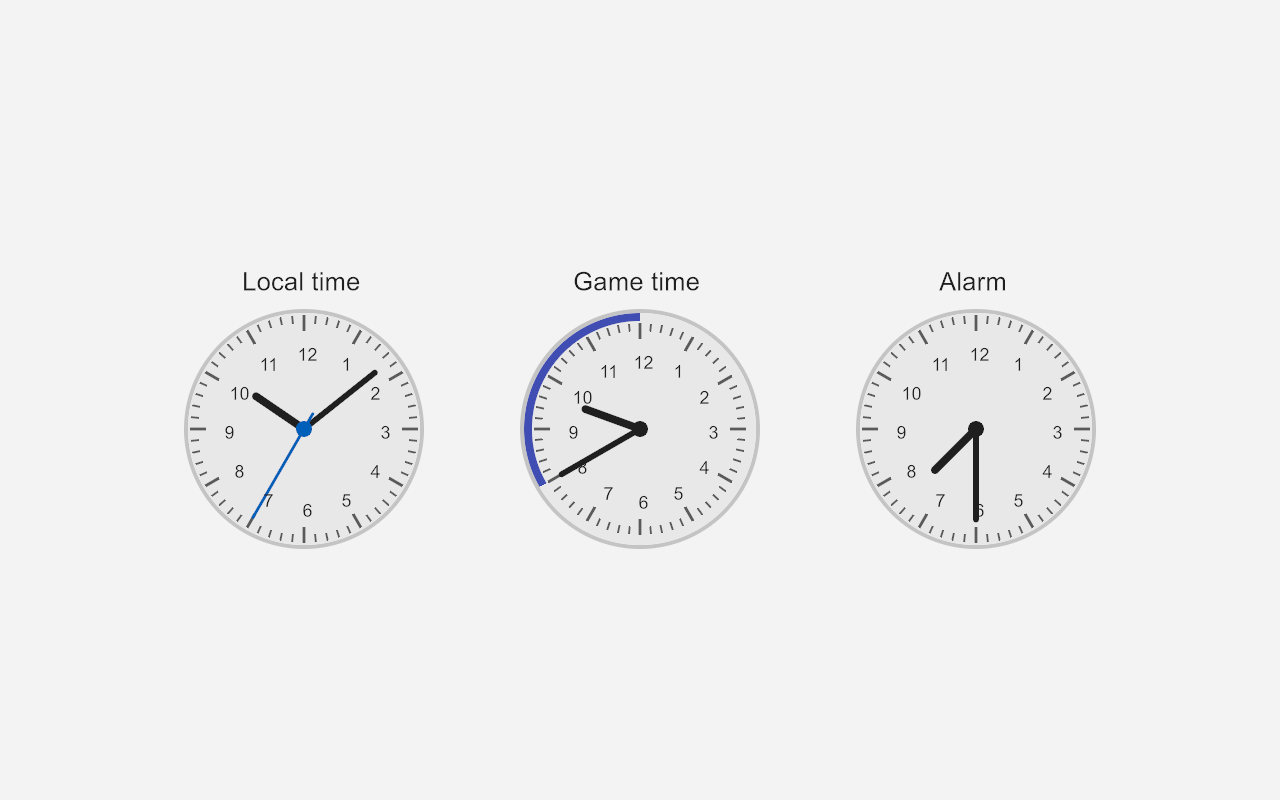
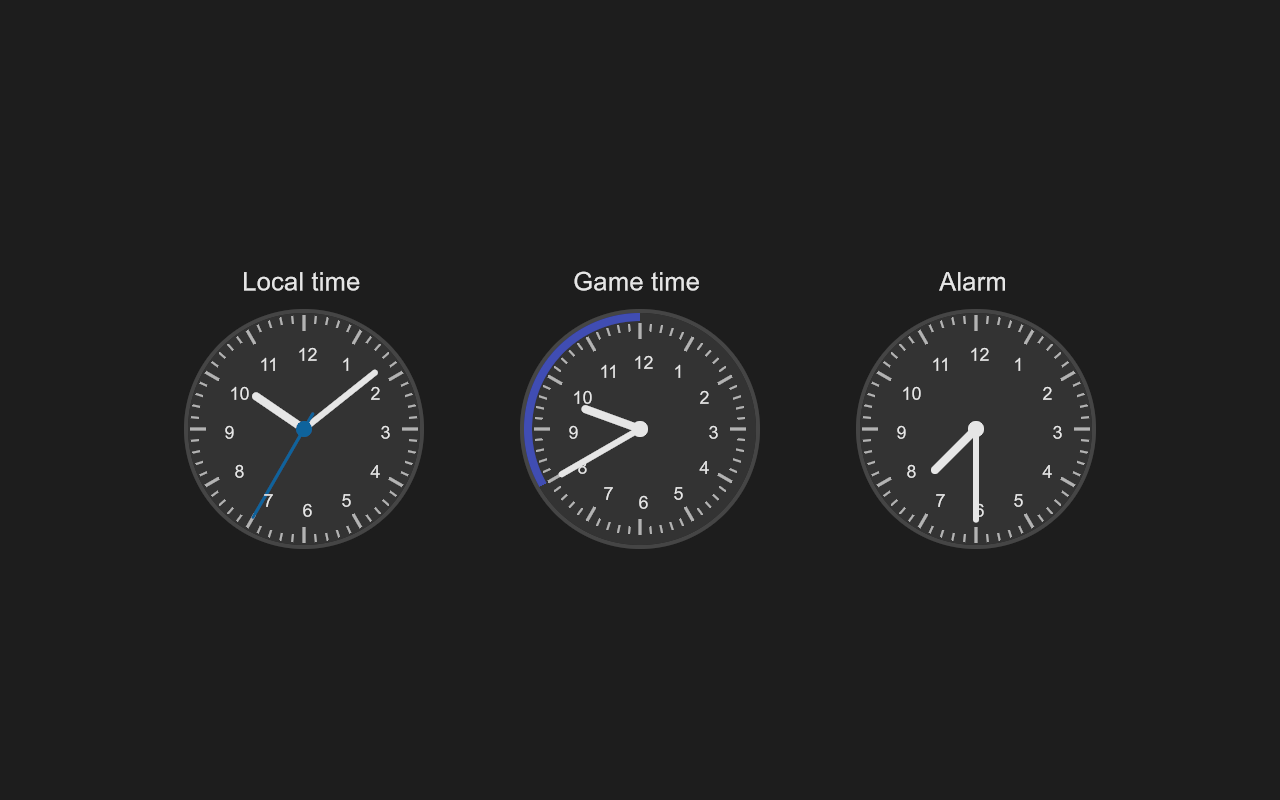
<tb:AnalogClock label="Local time" />
<tb:AnalogClock label="Alarm" value="07:30" show-seconds="false"
    interactive="true" step="5" />
The clock is live by default: it shows the time of the device and keeps up with it. A time that you set turns that off, so the clock shows your time and stands still until you set another:
// A game sets its own time as the game runs
clock.SetValueWithoutNotify(new TimeSpan(18, 30, 0));

// The time of a user: a change event fires
alarm.RegisterValueChangedCallback(evt => Save(evt.newValue));
alarm.value = new TimeSpan(6, 0, 0);

// Back to the time of the device
clock.Live = true;
| Member | Description |
|---|---|
Live (live) |
True (default) shows the time of the device and keeps up with it. Setting value or calling SetValueWithoutNotify turns it off. |
value (value) |
The time of day as a TimeSpan, kept inside one day. In UXML it is text on the 24-hour clock: 18:30 or 18:30:15. Other text is ignored. ValueText gives the same text in C#. |
Time |
The time that the clock shows now: the set time, or the time of the device while Live is on. |
ShowSeconds (show-seconds) |
Shows the second hand (on). Off, a live clock draws once a minute. |
SmoothSeconds (smooth-seconds) |
The second hand sweeps without a jump (off). This draws the clock on every frame while it shows. |
ShowMinuteMarks (show-minute-marks) |
Shows the 60 marks of the minutes, and not only the 12 of the hours (on). |
Numbers (numbers) |
A ClockNumbers: None, Four (3, 6, 9 and 12) or Twelve (default). A face too small for numbers hides them. |
Ranges (GaugeRange children) |
Colored bands on the rim, the hours of a shift or the night of a game. A band runs from one hour of the day to another, from 0 to 24. The face shows the half of the day that holds the time: bands up to 12 in the morning, bands from 12 in the afternoon. |
Interactive (interactive) |
Lets the user set the time (off). The clock takes the focus. |
Step (step) |
The minutes that the user changes the time by (1). A drag snaps to a multiple of it. |
Set the time
Turn on Interactive and the user sets the time in three ways.
| Input | Action |
|---|---|
| Mouse or touch | Drag the hour hand or the minute hand. The hand nearest to the pointer turns. Escape puts the time back. |
| Keyboard | Focus the clock. Left and down arrow keys take Step minutes off, right and up arrow keys add them. |
| Gamepad | Focus the clock with the d-pad. A starts the edit, and the right stick turns the time (about 30 minutes a second). A again keeps the time, B puts it back. The d-pad only moves the focus. |
- The change event fires when the user sets a time, not when your code calls
SetValueWithoutNotify. - While the edit runs, the clock shows the class
tb-editingand the gamepad hints say what A and B do. - The right stick belongs to the clock while it has the focus, so a scroll view behind it does not scroll.
Time of a game
A game has its own time, so give the clock that time. It stays still until you set another:
void Update()
{
    gameTime += TimeSpan.FromSeconds(Time.deltaTime * 60);
    clock.SetValueWithoutNotify(gameTime);
}
Each call draws the clock again, so set the time only when it changes by a minute or more, or on a timer. AnalogClockDemo sets it every half second with schedule.Execute.
Performance
- A live clock draws once a second, and once a minute without the second hand. A scheduled item checks the time four times a second. It draws nothing between two seconds.
- A live clock with
SmoothSecondsdraws on every frame, and only while it is visible and enabled. - A draw makes no garbage.
In the examples
The AnalogClockDemo scene shows three clocks: the time of the device, a game world with a night band and a Day or Night badge, and an alarm that you set with a drag, the arrow keys or the right stick. Its tabs show the UXML and C# of each. The Styles scene shows four looks of the clock.
Styling
| Class or property | Element |
|---|---|
tb-analog-clock |
The clock, with its label. |
tb-analog-clock__dial |
The face. Set its width and height for the size (120 px). |
tb-analog-clock__number |
A number. The script sets left and top; keep position: absolute and translate: -50% -50%. |
--tb-clock-face, --tb-clock-rim |
Custom properties on the dial: the face and the rim. A transparent color draws none. |
--tb-clock-tick |
A custom property on the dial: the color of the marks. |
--tb-clock-hour, --tb-clock-minute, --tb-clock-second |
Custom properties on the dial: the colors of the hands. |
tb-editing |
On the clock while a gamepad edit runs. The minute hand takes the accent color. |