

 AutoCompleteField
An AutoCompleteField is a TextField that suggests completions for the word at the caret. The choices that contain the typed text show in a ChoiceList under the word, and the rest of the highlighted choice shows gray after the caret. The value is the text, and it changes at each typed letter, as in a TextField.
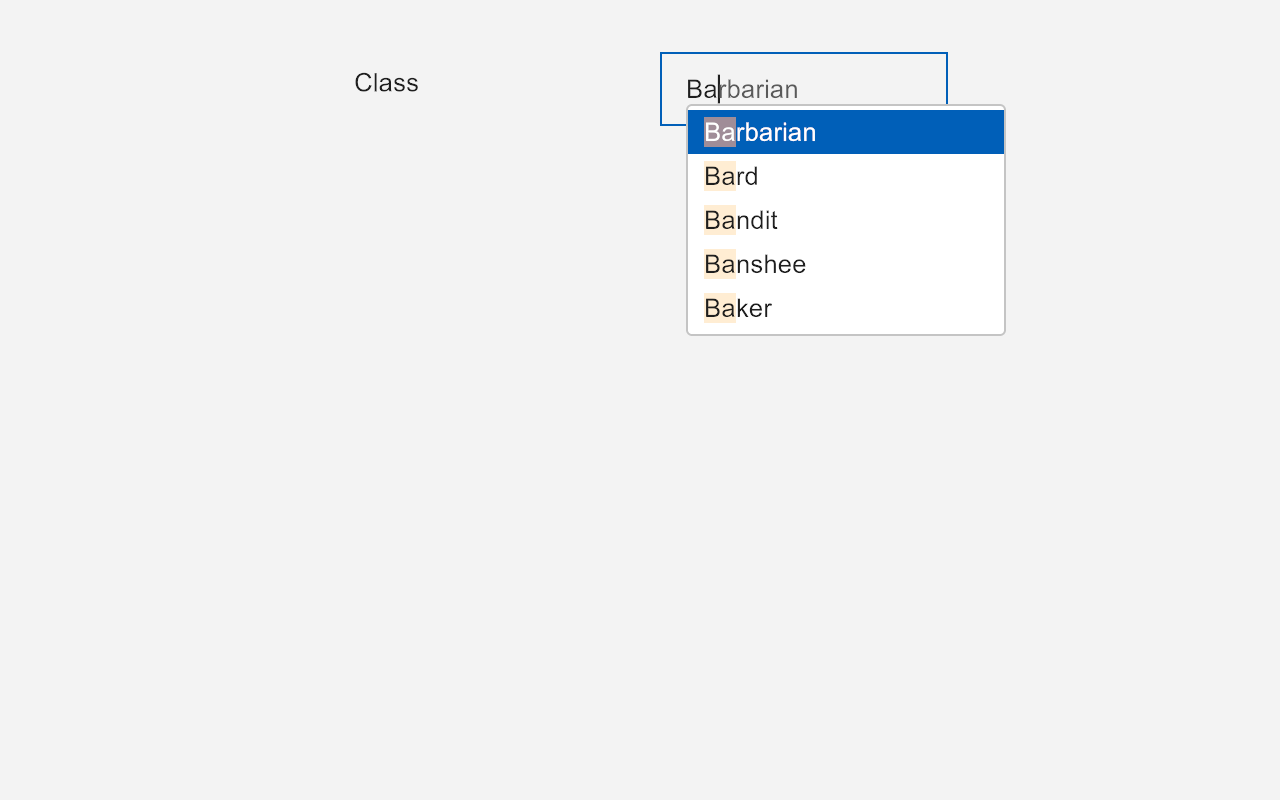
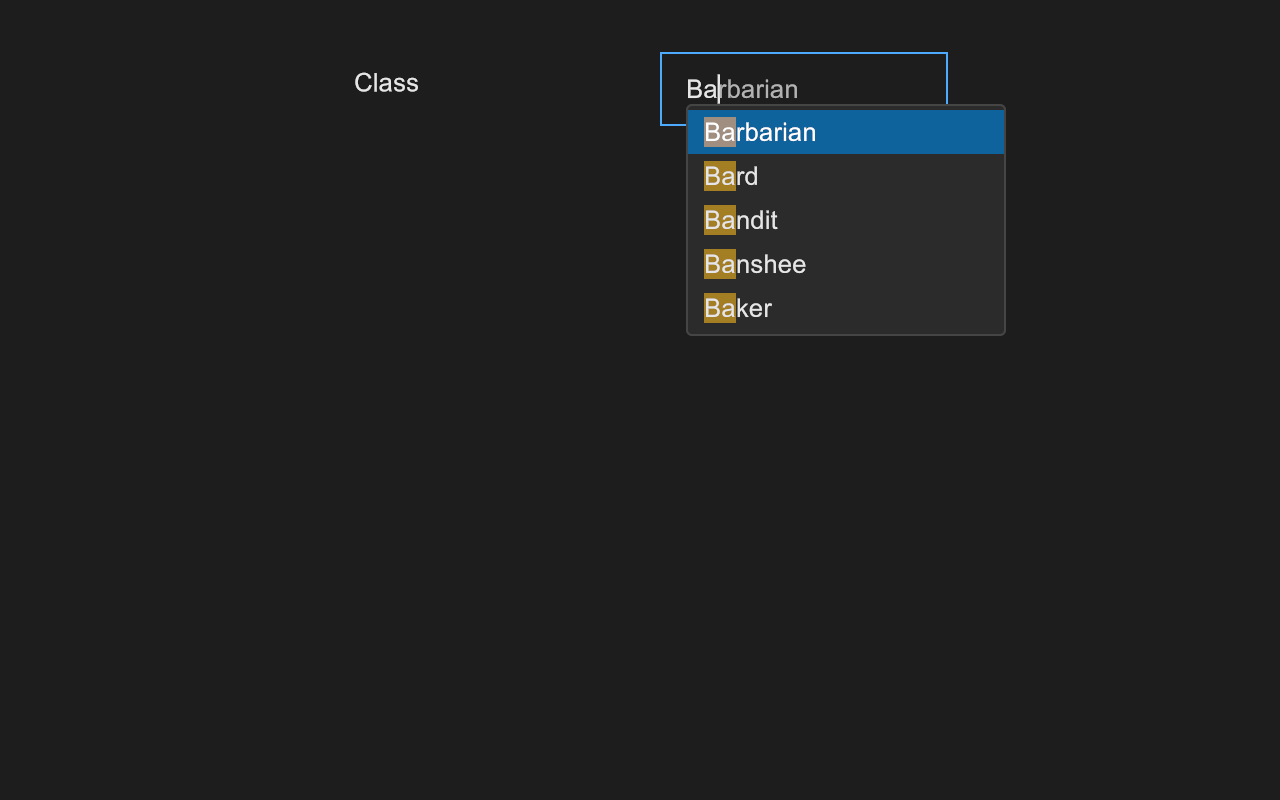
<UIToolbox.AutoCompleteField
    label="Message"
    choices="hello,help,thanks,today" />
var message = new AutoCompleteField("Message");
// "@" picks this provider for the word after it, also in the middle of
// the text
message.SetProvider("@", query =>
    people.Select(p =>
        new ChoiceItem(p.Name, p.Team) { InsertText = p.Handle }));
message.SetProvider("#", _ =>
    new List<ChoiceItem> { "bug", "feature", "docs" });
// A slow source, such as a server: a newer word cancels the token
message.SetAsyncProvider("$", async (query, token) =>
    await tickers.FindAsync(query.Query, token));
message.ItemPicked += item => Debug.Log($"Picked {item.Text}");
| Member | Description |
|---|---|
Choices (choices), Items |
The choices of the default provider, for the words without a trigger. |
SetProvider(trigger, provider) |
Sets the provider for the words after trigger. The trigger "" replaces Items for the other words. Null removes the provider. |
SetAsyncProvider(trigger, provider) |
Sets a provider that returns a Task. A newer word cancels the token of the older request, and the late results of an older word are dropped. While a request runs, the typed letters filter the last results. A failed task logs the exception and shows nothing. To wait for the typing to stop, start with await Task.Delay(200, token). |
CompletionQuery |
What a provider gets: Text, Trigger, Query (the typed part of the word), Before (the text before the word and its trigger), Start and Caret. |
ChoiceItem.InsertText |
The text that a choice puts in the field. Null puts Text. A trailing space adds the space at Tab. |
Matches, HasCompletion, IsOpen, CurrentQuery |
The choices for the word, and the state of the list. |
UpdateCompletion(force), Accept(item), Dismiss() |
Find the choices again, accept a choice (the highlighted one by default), and hide the choices. |
ItemPicked |
The accepted ChoiceItem. |
HistorySize (history-size) |
The most sent lines that Up and Down recall. Default 0: no history. |
History, AddToHistory(line) |
The sent lines, the oldest first, and the call that adds one. A line added again moves to the end. A blank line is not added. |
- The list shows when the word has typed text, or a trigger. Ctrl+Space shows it for an empty word.
- Tab accepts the gray text and keeps the focus. Without a completion, Tab moves the focus on.
- Enter accepts the highlighted choice while the list shows. Enter and its submit do not reach the field user at that press, so a console does not run the line.
- Up and Down move the highlight while the list shows. Else they recall the history, when
HistorySizeis above 0, or they go to the field user and the navigation. - Escape, Left, Right, Home and End hide the choices. A click on a row accepts it.
- The gray text shows only when the caret is at the end of the text. An empty field shows its placeholder and no gray text.
- The Debug console tab of the ConsoleDemo example uses an
AutoCompleteFieldfor the command line. Its provider gives the command names only for the first word:query.Before.Trim().Length == 0.
History
A chat line or a command line can recall the lines that the player sent. Set HistorySize above 0 and call AddToHistory where the line is sent:
var chat = new AutoCompleteField { HistorySize = 20 };
void send()
{
    chat.AddToHistory(chat.value);
    Post(chat.value);
    chat.value = "";
}
- Up gives the previous line and Down the next one, while the list of choices is hidden. Up stops at the oldest line. Down after the newest line gives back the line that was typed before the first Up.
- A recalled line shows no choices, so the next Up recalls again. The caret goes to the end of the line.
- The history is off by default: in a form, Up and Down move the focus from field to field, with the keyboard and with a gamepad. With a history, Up and Down keep the focus in the field, also while the history is empty.
- The field does not add a line at Enter by itself: only the code that sends a line knows that it was sent. A line that fails to send stays out of the history.
- A multiline field has no recall: Up and Down move the caret.
ConsoleViewkeeps its command lines in the history of itsCommandField.
Shared parts
ShowClearButton(show-clear-button) adds the shared ClearButton while the field has text. Default false.- Escape hides the choices first. Then, with the clear button on, it clears the text. After that it goes on to the screen.
Styling
The rules are in Assets/UIToolbox/Runtime/Resources/UIToolbox/Styles/Controls.uss.
| Class | Element |
|---|---|
tb-auto-complete |
The field, a TextField. |
tb-auto-complete__ghost |
The gray text after the caret: a label over the text, with --tb-color-text-muted. It copies the padding and the alignment of the text. The rule is .tb-auto-complete .unity-label.tb-auto-complete__ghost: a theme override needs the same specificity. |
tb-auto-complete__popup |
The list under the word, with tb-choice-list (see SearchDropdown). It is at least 160 px wide. |
The AutoCompleteFieldDemo scene shows a player name to invite to a party, a chat line where @ completes a player, # a channel and / a command, and Up recalls the sent lines, a server search that asks a slow server, and a spellbook with icons, groups and a locked spell.