

 ChoiceMenu
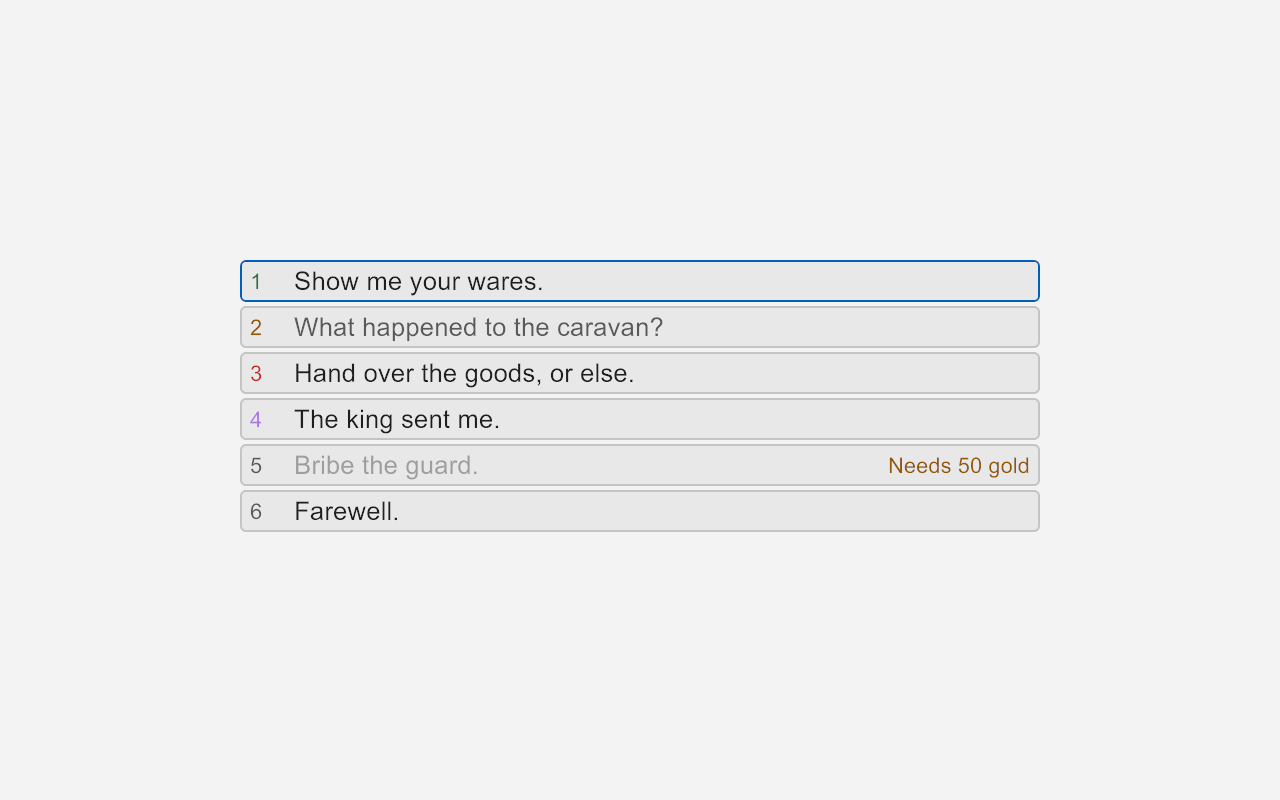
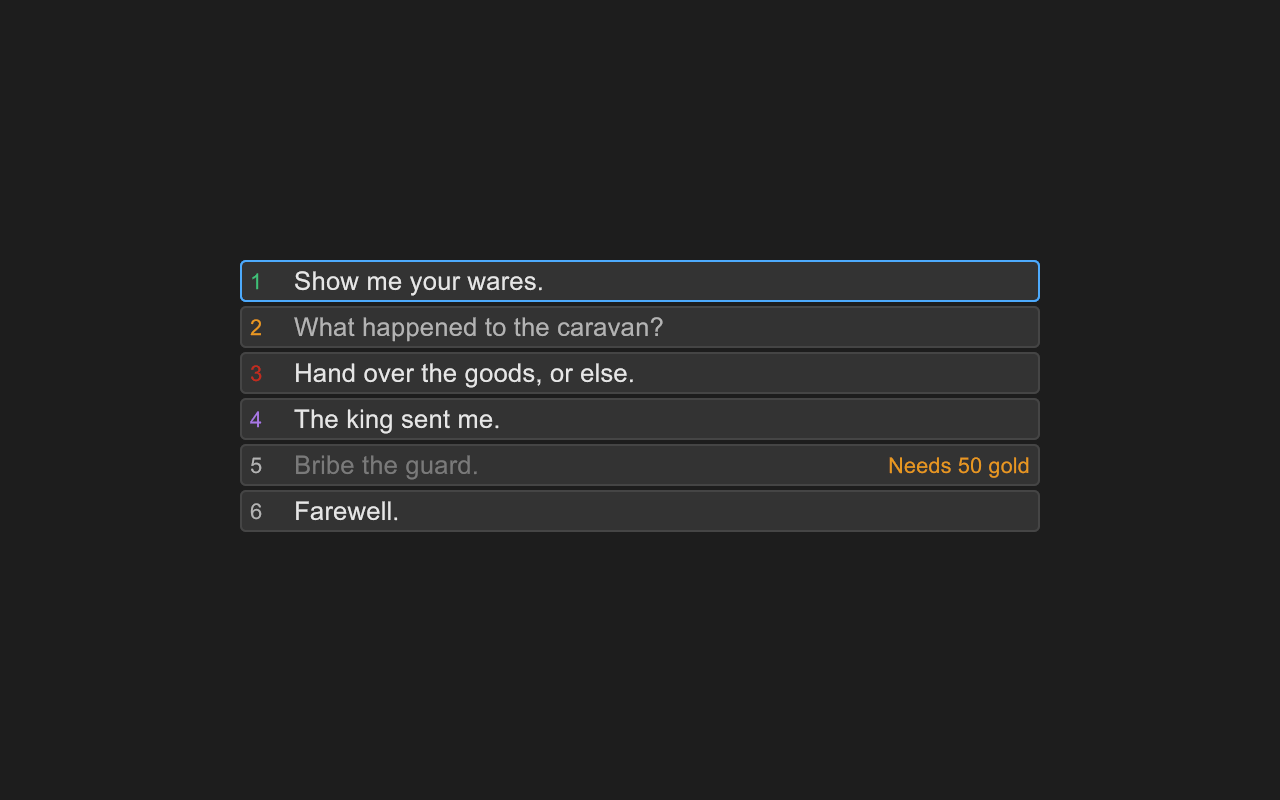
 in UIToolbox is a list of numbered choices in the layout, such as the answers of the player in a conversation or the options of a terminal. Each choice is a button: a click, Enter, Space, the gamepad South button or its number key picks it. A disabled choice is dimmed and skipped; a locked choice shows its reason, such as "Needs 5 Strength", and takes the focus but cannot be picked. StartTimer makes a timed choice. A DialogueBox shows its choices in a ChoiceMenu.
Video tutorial: Dialogue box. All videos: Video tutorials.
<tb:ChoiceMenu
    name="answers"
    choices="Show me the potions.,Any rumors?,Goodbye."
    cancel-choice="2" />
var menu = root.Q<ChoiceMenu>("answers");
menu.Items = new List<ChoiceItem>
{
    "Show me the potions.",
    new("Bribe them.", enabled: false),
    new("Intimidate them.")
    {
        Locked = true,
        Detail = "Needs 5 Strength"
    },
    "Goodbye.",
};
menu.Chosen += index => Debug.Log(menu.Items[index].Text);
menu.FocusFirst();

// The player has 10 seconds; then "Goodbye." is picked
menu.StartTimer(10, 3);
The items are ChoiceItem values, as in ChoiceList: a text, an optional icon and detail text, Enabled and Locked. A locked choice with no Detail says "Locked", and its reason is also its tooltip. Tone colors the number of a choice, as on the ChoiceWheel.
Settings
| Setting (UXML) | Type | Default | Does |
|---|---|---|---|
choices |
list of strings | empty | The choices, as text. Items in code sets icons, details and the disabled and locked states. |
show-numbers |
bool | true | Each of the first nine choices shows its number, and the number keys pick them. |
wrap |
bool | true | Up on the first choice goes to the last, and Down on the last goes to the first. |
cancel-choice |
int | -1 | The choice that Escape or the gamepad East button picks, such as "Goodbye.". -1 lets Escape go on to the parent, such as a window. |
Rows gives the buttons, FocusedIndex the choice with the focus, HighlightedIndex the choice that last took the focus or the pointer, IsTimed and TimeLeft the timer.
Methods
| Method | Does |
|---|---|
StartTimer(seconds, timeoutChoice) |
Starts a timer. A bar under the choices runs out, then timeoutChoice is picked, or Chosen occurs with -1 when it is -1. A pick stops the timer. |
StopTimer() |
Stops the timer without a pick. |
FocusFirst() |
Gives the focus to the first choice that takes it. |
Choose(index) |
Picks a choice, as a click does. False for a disabled or locked choice. |
Events
| Event | When |
|---|---|
Chosen(int) |
The player picks a choice, with its index. -1 when the timer runs out with no timeout choice: the player said nothing. |
HighlightChanged(int) |
A choice takes the focus or the pointer, with its index, or -1 when new items clear it. Show the full line of a short choice here. |
Mouse and keyboard
| Input | Does |
|---|---|
| Click, Enter, Space, gamepad South | Picks the choice with the focus. |
| 1 to 9, also on the keypad | Picks that choice, when show-numbers is on. |
| Up, Down, D-pad, left stick | Move the focus, past the disabled choices, and wrap. |
| Escape, gamepad East | Picks cancel-choice, or goes on to the parent when it is -1. |
Performance
- Nothing runs while the menu waits. The timer runs on the scheduler only while it counts, and a frame of it allocates nothing.
- The rows are pooled: new items reuse the buttons.
Styling
| Class | Element |
|---|---|
tb-choice-menu |
The menu. With --timed while the timer runs. |
tb-choice-menu__item |
The button of a choice. With --locked for a locked choice, --explored for an explored one, and --neutral, --friendly, --investigate, --hostile, --deceive or --leave for its tone. The tone colors are the --tb-choice-wheel-<tone> variables. |
tb-choice-menu__number |
The number of a choice. |
tb-choice-list__item, __text, __detail, __icon |
The parts of a row, shared with ChoiceList. With __item--disabled for a disabled choice. |
tb-choice-menu__timer |
The bar of the timer. It has the look of the AutoClickButton bar (tb-auto-click-button__progress). |
Color the bar of a timed choice:
.tb-choice-menu__timer { background-color: var(--tb-color-warning); }
The DialogueDemo scene shows the menu in a dialogue box, with a locked choice and a timed choice.
The ChoiceMenuDemo scene shows the menu on its own: a shop keeper whose choices depend on the gold and the charisma of the player, a timed vote of a crew, the moves of a turn-based fight that cost MP, and the looks of the menu.