

 CompassBar
A CompassBar is the strip at the top of the screen that shows the heading of the player, with the directions, notches, and an icon for each HudTarget at its bearing. Use it in an open world or a shooter, so the player knows where to turn.
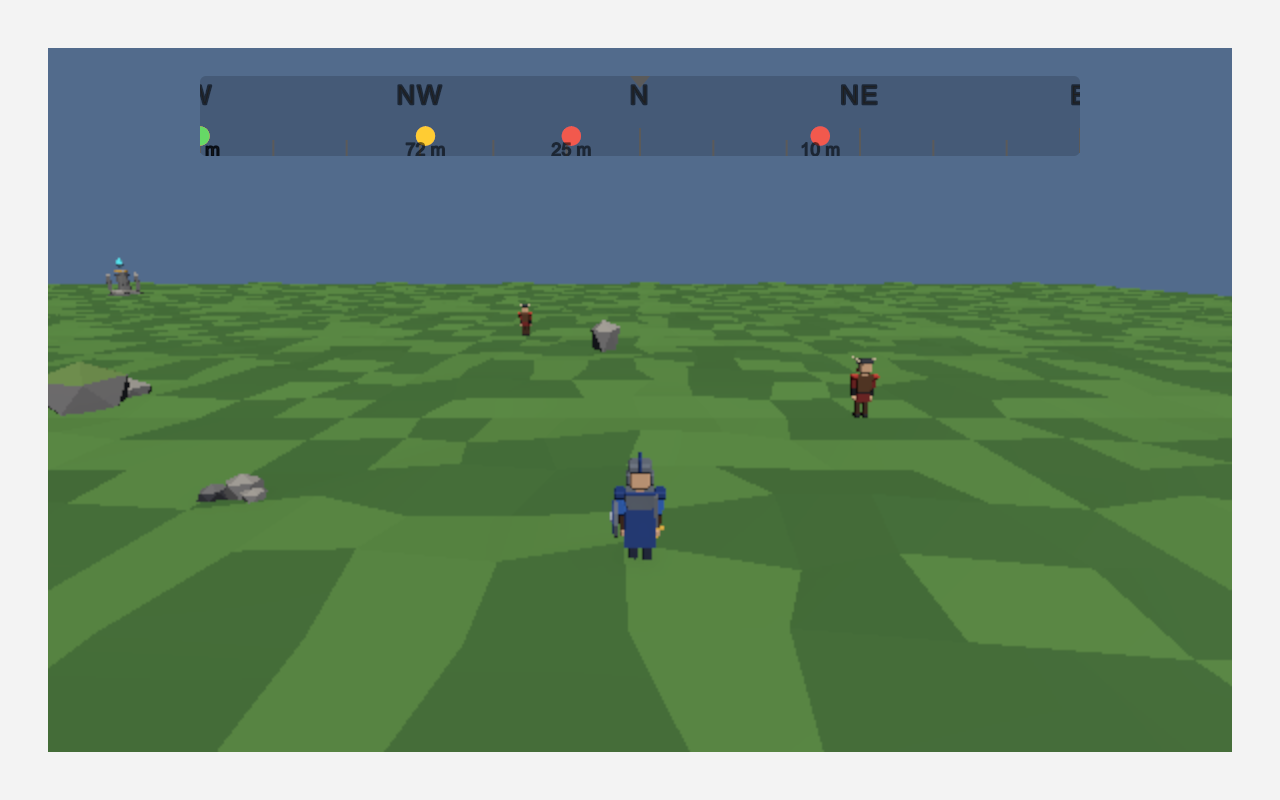
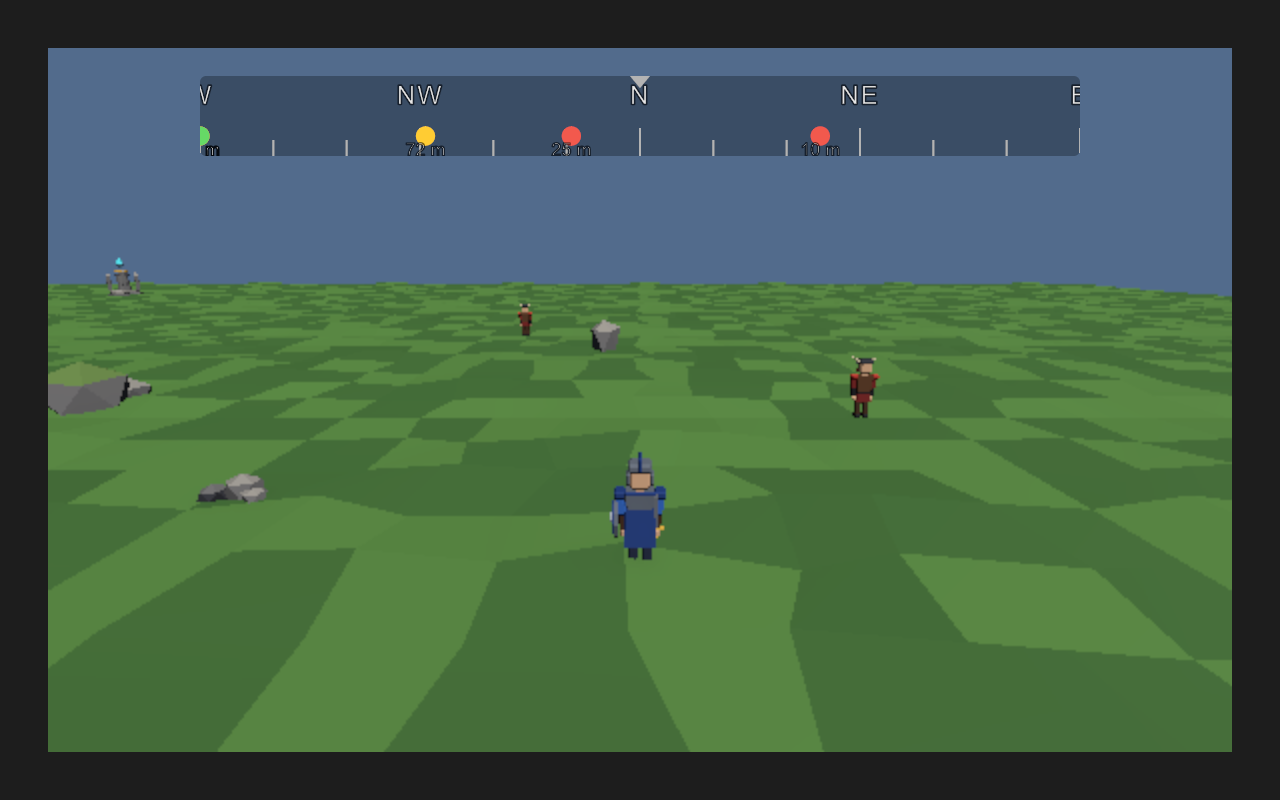
Video tutorial: World-space HUD. All videos: Video tutorials. Demo scene: CompassBarDemo.unity.
How to add a compass in UXML:
<tb:CompassBar style="width: 480px; align-self: center;" />
It shows every HudTarget whose ShowOn has Compass, with no code.
How to show more of the circle, with notches every 10 degrees and the distance under each icon:
<tb:CompassBar field-of-view="240" tick-step="10" show-distance="true" />
How to change the labels:
var compass = root.Q<CompassBar>();
compass.Labels = new List<string> { "N", "E", "S", "W" };
compass.Player = ship.transform;
| Member | Description |
|---|---|
Camera |
Gives the player when Player is null and no target is the player. Null (the default) uses Camera.main. |
Player |
The object whose heading the compass shows. Null (the default) uses the HudTarget with IsPlayer, else the camera. |
Labels (labels) |
The labels around the circle, from north clockwise at equal steps. The 8 directions by default. |
TickStep (tick-step) |
Degrees between two notches, at least 1. 15 by default. 0 draws no notches. |
FieldOfView (field-of-view) |
The degrees that the width of the bar shows, from 30 to 360. 180 by default. |
ShowDistance (show-distance) |
Shows the distance under the icon of each target. Off by default. |
DistanceFormat (distance-format) |
The format of the distance, with the meters as {0}. {0:0} m by default. A malformed format logs one warning and falls back to the default. |
ShowPathMark (show-path-mark) |
Marks the bearing of the next corner of the path that a Minimap shows. On by default. |
- North is +z of the world. The heading is the direction that the player faces on the ground, so looking up or down does not move the compass.
- The compass reads the positions of the targets from their transforms. With a
Playerset, it needs no camera. With noPlayer, it needs a camera to find the player target or to use the camera as the player. - A target outside the field of view stays at the near end of the bar when its
ClampToEdgeis on, and hides when it is off. - The compass draws the notches and the icons in one mesh. The labels are a fixed set of elements that move, so the code of the compass allocates no memory per frame. UI Toolkit makes a few dozen bytes of garbage per label whose text changes, such as a distance that reaches the next meter; that garbage is not from the control. A distance text allocates once per meter value, the first time it appears.
- The path mark is a diamond at the bottom of the bar in
--tb-compass-path-color. It shows while a path is set withMinimap.SetPath, or byPathToPinof a minimap. At the ends of the bar, it stays at the near end.
Tips:
- Give the compass a width of 400 to 600 px. With a field of view of 180, each degree is then 2 to 3 px.
- Turn
show-distanceon for few targets. For many targets, leave it off and useMaxDistanceon the targets. - Set
ShowOnon items toMarker | Minimap, so the compass shows only what the player travels to.
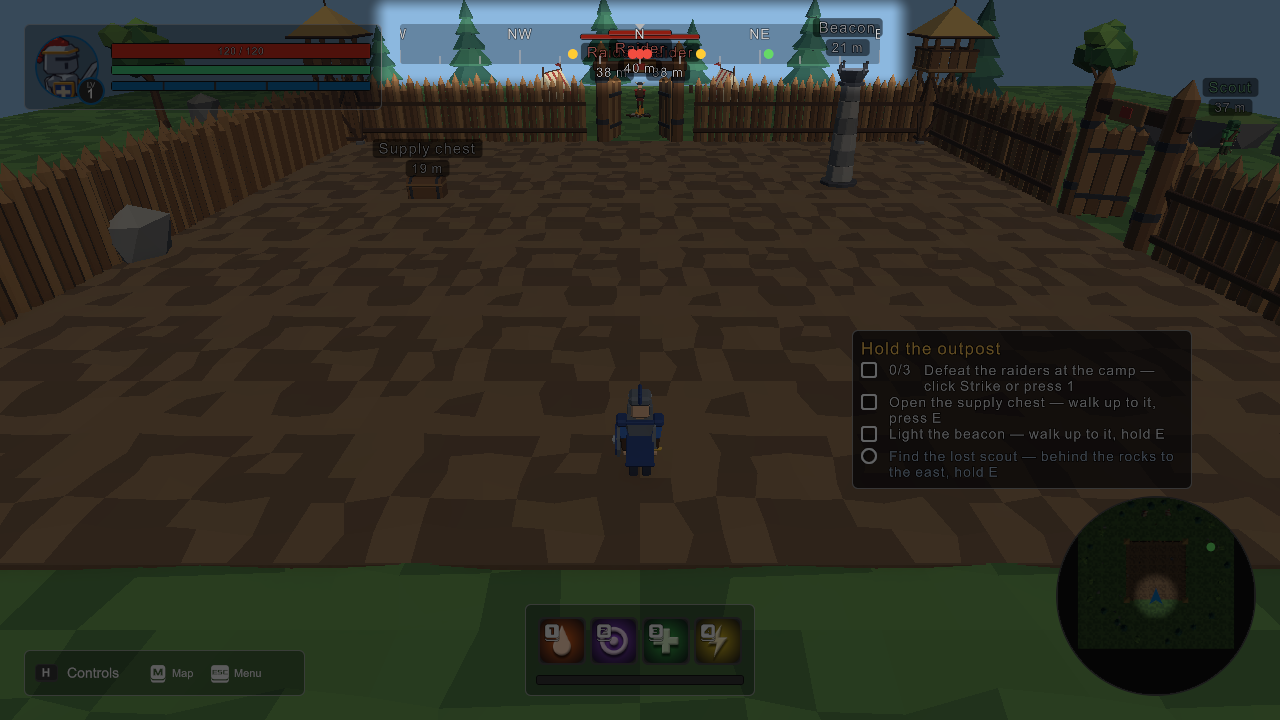
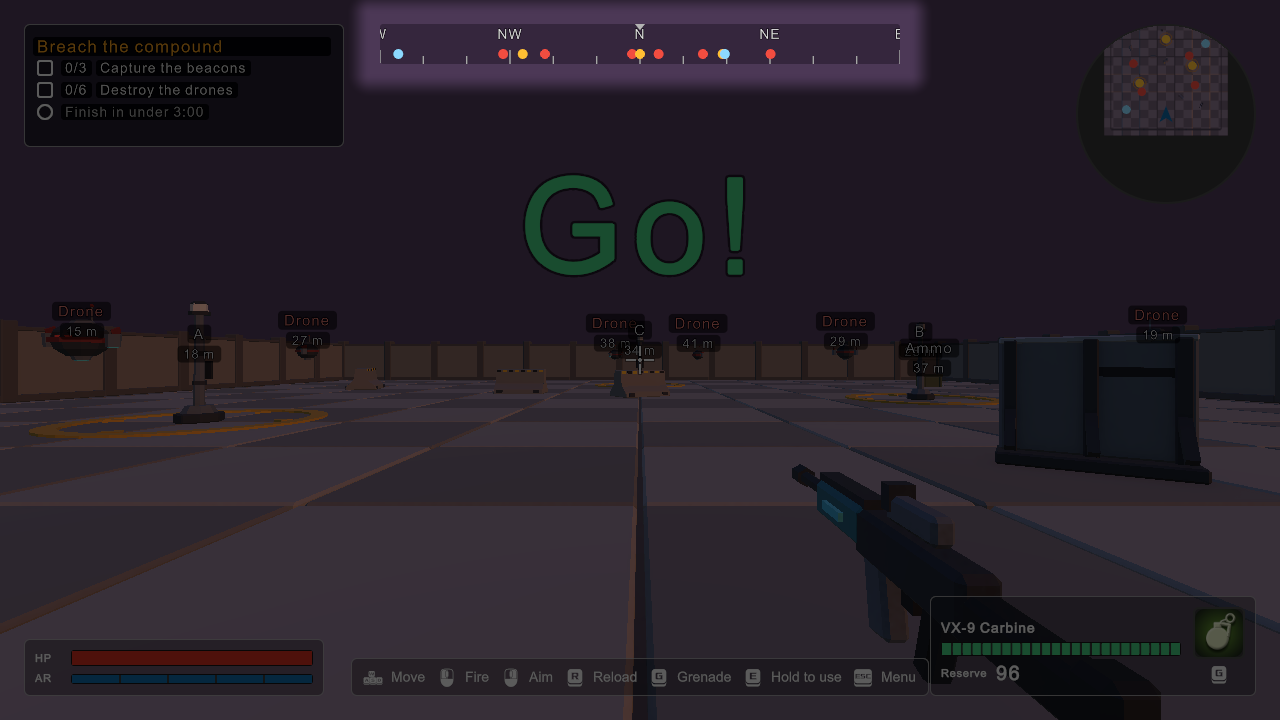
In the examples
Styling
| Class | Element |
|---|---|
tb-compass-bar |
The bar: 40 px high, 200 px wide at least, a --tb-color-overlay background with --tb-radius-sm. It clips the labels and the icons at its edges. |
tb-compass-bar__label |
A direction label: bold, --tb-color-text with an outline, near the top. |
tb-compass-bar__distance |
The distance under an icon: --tb-font-size-xs, at the bottom. |
| Variable | Description |
|---|---|
--tb-compass-notch-color |
The color of the notches and of the heading mark. --tb-color-text-muted by default. |
--tb-compass-icon-size |
The size of the target icons, in pixels. 16 by default. |
--tb-compass-path-color |
The color of the path mark. --tb-color-warning by default. |
--tb-color-hud-outline |
The color of the text outline of the labels. rgba(0, 0, 0, 0.8) by default. |
/* A light compass with large icons */
.hud-root .tb-compass-bar {
    background-color: rgba(255, 255, 255, 0.2);
    --tb-compass-notch-color: rgb(40, 40, 40);
    --tb-compass-icon-size: 22;
}
The CompassBarDemo scene shows the heading and the notches, the bearings of raiders, an ally and a far shrine with distances, sets of labels, a route with waypoints and three looks.