

 Credits
A Credits control rolls the credits of a game: a column of titles, headings, rows of a role and a name, lines, spaces and pictures that scrolls up through the control. A designer writes the items in a text file in a line based markup, or the code adds them with the Add methods. The roll starts when the control joins a panel. Holding the pointer, Space or Enter speeds it up, and Escape or the cancel action skips it. Use it for the end of a game, a "Credits" button in the main menu or the thanks of a jam game.
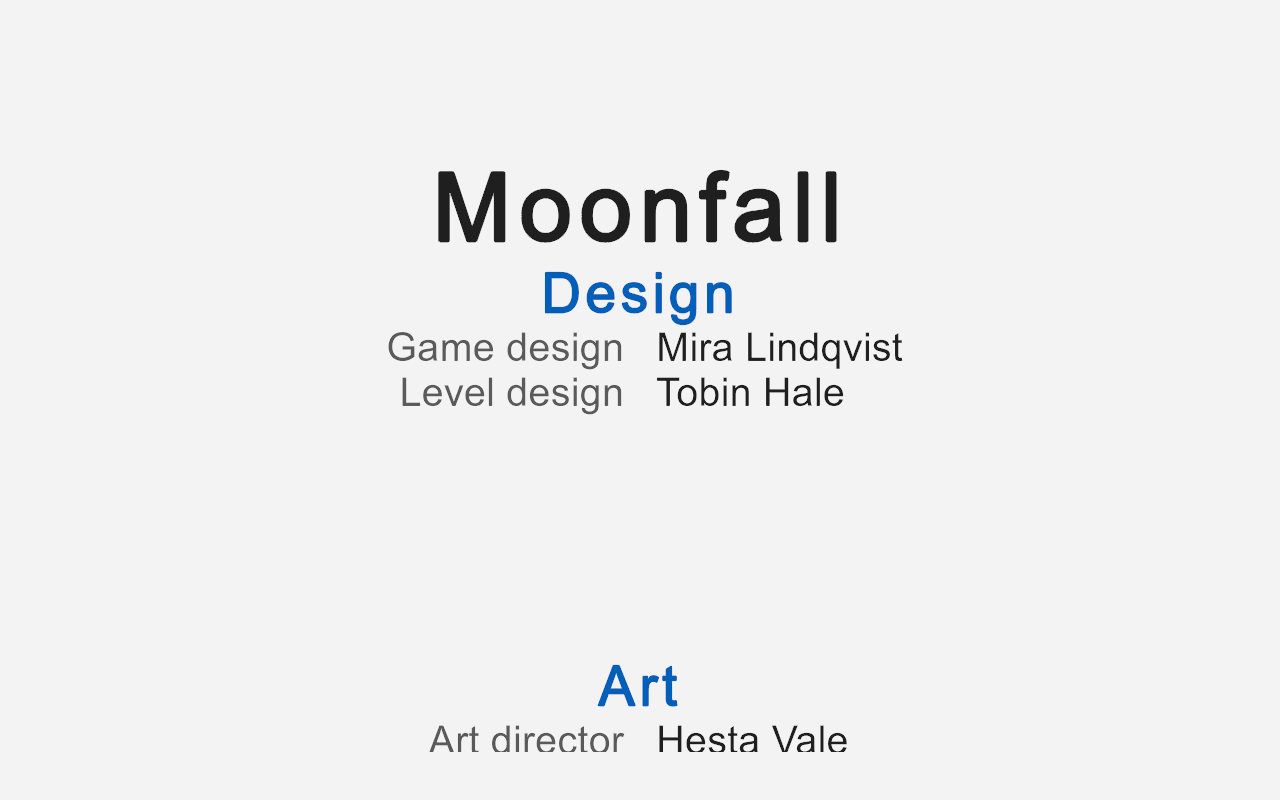
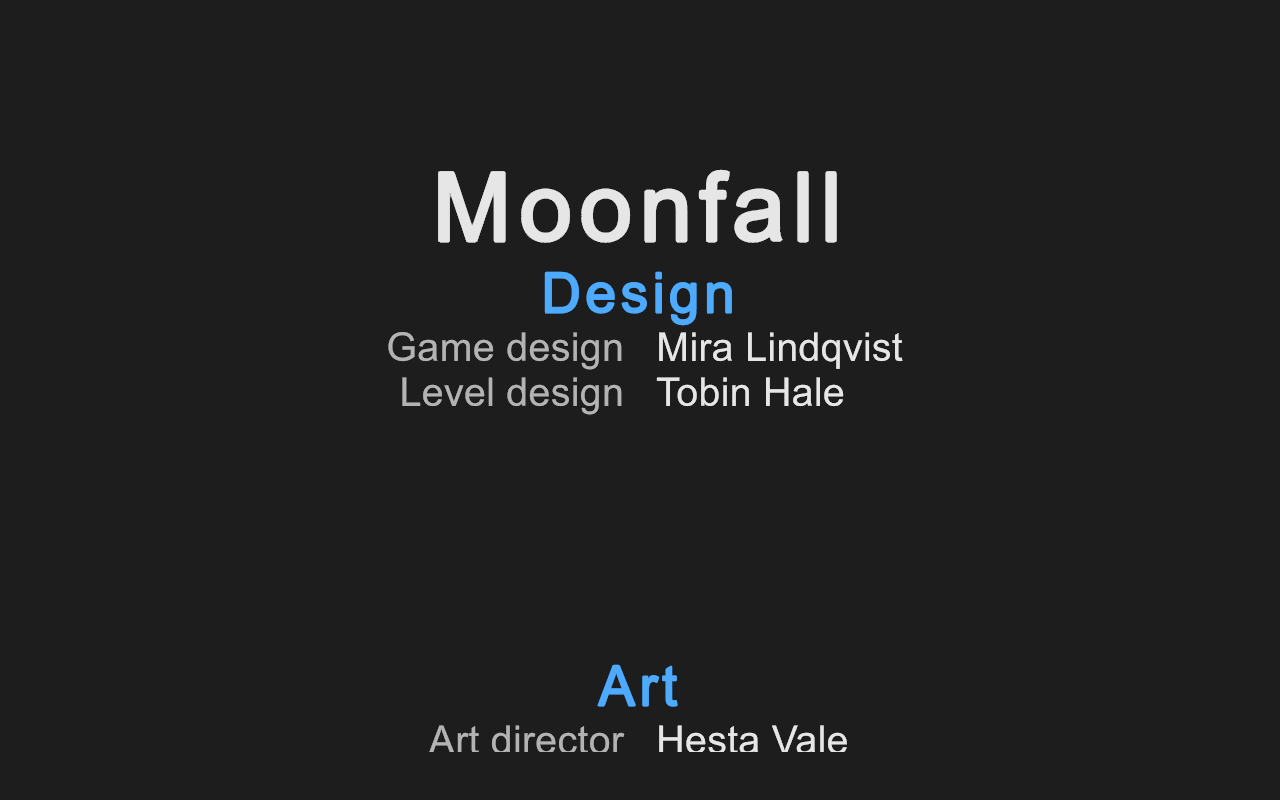
The control fills its parent and clips the column. It has no background, so it rolls over a picture, a video or a plain panel.
<tb:Credits
text="# Game ## Design Lead | Ada Thanks!" />
<tb:Credits
name="credits"
speed="60"
hold-last="true"
end-action="LoadScene"
scene="MainMenu" />
In UI Builder, pick the markup file in the Source field of the inspector. On the canvas, a credits control without text shows a sample. The first page shows still: the roll and the end action run in Play mode.
var credits = new Credits
{
    Speed = 50,
    EndAction = CreditsEndAction.Hide
};
// or credits.Source = creditsFile
credits.SetMarkup(creditsFile.text);
// the same items, from code
credits.AddRow("Sound", "Hiro Tanaka");
credits.Finished += () => ShowMainMenu();
credits.Skipped += () => ShowMainMenu();
// a button of your own
credits.FastForward = gamepad.buttonSouth.isPressed;
root.Add(credits);
Settings
| Member | Description |
|---|---|
Source (source) |
The markup file, a TextAsset. It wins over Text when both are set. Setting it replaces the items. |
Text (text) |
The markup inline. Setting it replaces the items. |
Speed (speed) |
Pixels per second. 40 by default. |
FastForwardFactor (fast-forward) |
The speed multiplier while the user holds a key or a button, or while FastForward is on. 5 by default. |
StartDelay (start-delay) |
Milliseconds between the start and the first movement. 1000 by default. |
EndDelay (end-delay) |
Milliseconds between the end of the roll and the end action. 2000 by default. |
HoldLast (hold-last) |
The roll stops when the last item is in the vertical center of the control, instead of when all items left through the top. Off by default. |
Skippable (skippable) |
Escape or the cancel action skips to the end, and a hint shows the keys. On by default. |
EndAction (end-action) |
What happens at the end and after a skip: None (the roll stays at its end), Hide (display: none), Loop (start again) or LoadScene. None by default. |
Scene (scene) |
The scene for LoadScene: a scene name, or a build index in digits. The scene must be in the build settings. |
PlayOnAttach (play-on-attach) |
The roll starts when the control joins a panel. On by default. Off, call Play or Restart. |
Markup
One item on a line:
| Line | Item | Class |
|---|---|---|
# Text |
A title | tb-credits__title |
## Text |
A section heading | tb-credits__heading |
Role | Name |
A row with the role on the left and the name on the right of the center | tb-credits__row, __role, __name |
Text |
A centered line | tb-credits__line |
| an empty line | A space of one line | tb-credits__space |
--- |
A large space | tb-credits__space--large |
 |
A picture from a Resources folder, a Sprite, else a Texture2D, else an SVG (VectorImage), with no file extension. AddImage(vectorImage, height) adds an SVG from code. A path that does not load adds nothing. |
tb-credits__image |
{height=N} |
The picture, N pixels high and scaled to fit. Without the height, the picture has the height of the texture or the sprite. | tb-credits__image |
The line break at the end of the file ends the last line and adds no space. Spaces around a line and around the | are trimmed.
An example file:
# Starfall Frontier
A game by Magikorp Studio

---

## Design
Game Director | Mira Okafor
Lead Designer | Tomas Reyes

## Programming
Lead Programmer | Priya Nair
Tools | Sam Whitaker

---

## Special thanks
Our testers
and you, for playing
A TextAsset needs no setup in the editor: drop the .txt file in the project and set the Source field. To load the file by name in a build, put it in a Resources folder and call credits.SetMarkup(Resources.Load<TextAsset>("Credits").text).
Methods, properties and events
| Member | Description |
|---|---|
Play() |
Starts the roll, or continues it after Pause. After the end, it starts again from the first item. |
Pause() |
Stops the movement. Play continues it. |
Restart() |
Starts from the first item, after the start delay. It shows a control that Hide hid. |
Skip() |
Ends the roll at once: the column goes to its end, Skipped occurs and the end action runs. A roll that ended does nothing. The keys call it only when Skippable is on; the code can always call it. |
FastForward |
True to roll at FastForwardFactor times the speed, for example from a gamepad button. Holding the pointer, Space or Enter on the control does the same, with no need to set it. |
IsPlaying |
True from Play or Restart until Pause, the end action or Skip. The start delay counts as playing. |
Progress |
How far the roll is, from 0 to 1. |
Clear() |
Removes all items. |
SetMarkup(markup) |
Replaces the items with the items of a markup text. CreditsMarkup.Apply(credits, markup) adds the items of a markup text and keeps the items there; CreditsMarkup.LARGE_SPACE is the line ---. |
AddTitle(text), AddHeading(text), AddLine(text) |
Add a title, a heading or a centered line. |
AddRow(role, name) |
Adds a row. |
AddSpace(pixels = 0) |
Adds an empty space. With 0, it is one line high; otherwise it has the height in pixels. |
AddImage(texture or sprite, height = 0) |
Adds a picture, centered and scaled to fit. With height 0, it has the height of the texture or the sprite. |
AddElement(element) |
Adds an element of your own, for example a logo. It scrolls with the other items. |
Advance(seconds) |
Moves the roll on by a time. The control calls it each frame while it plays; call it yourself to step the roll with a clock of your own, as a test does. |
Content |
The column that holds the items. |
Hint |
The hint at the bottom right, an InlineIconLabel. |
Finished |
The roll reached its end and the end delay passed. It occurs before the end action. |
Skipped |
Skip ended the roll. It occurs before the end action. |
The roll waits for the first layout of the control, so a control with no size does not end at once.
Input
| Input | Action |
|---|---|
| Hold the pointer on the control | Fast forward while held. Gives the control the focus. |
| Hold Space or Enter | Fast forward while held. |
| Hold the south button of a gamepad (A on Xbox) | Fast forward while held and the control has the focus. Needs the Input System package. |
| Escape | Skips, with Skippable on. |
| The cancel action (B on a gamepad) | Skips, with Skippable on. |
The control takes the focus when it joins a panel, if nothing else has it, so Escape works at once. Any input shows the hint "Hold to speed up · Esc to skip" for 3 seconds (Credits.HINT_SECONDS). After a gamepad input, the hint shows the buttons of that gamepad: "Hold {south} to speed up · {east} to skip". The texts are the ToolboxText keys tb.credits-hint and tb.credits-hint-gamepad. See Localization.
Performance
The control moves the column with one translate style per frame and does not lay the items out again. A scheduled item runs only while the roll moves or the hint counts down; a paused or finished roll costs nothing. A frame allocates no garbage.
Styling
| Class | Element |
|---|---|
tb-credits |
The control. It fills its parent and clips. |
tb-credits__content |
The column of items. The code moves it with translate. |
tb-credits__title, tb-credits__heading, tb-credits__line |
The text items. |
tb-credits__row, tb-credits__role, tb-credits__name |
A row. The role ends at the center and the name starts there, 16 px apart. |
tb-credits__space, tb-credits__space--large |
The spaces. |
tb-credits__image |
A picture. |
tb-credits__element |
An element that AddElement added. |
tb-credits__hint |
The hint. tb-credits__hint--visible fades it in. |
| Custom property | Default | Does |
|---|---|---|
--tb-credits-title-size |
48px | The font size of a title. |
--tb-credits-heading-size |
28px | The font size of a heading. |
--tb-credits-text-size |
20px | The font size of a line, a role and a name. |
--tb-credits-space |
24px | The height of a space. |
--tb-credits-space-large |
120px | The height of a large space. |
.my-credits { --tb-credits-title-size: 72px; }
.my-credits .tb-credits__heading { color: var(--tb-color-warning); }
The CreditsDemo example scene has a roll from a markup file, with the speed, the fast forward, hold last and the end action in fields, the markup in a field that you edit while the roll runs, and the buttons Play, Pause, Restart and Skip. The last section of its roll is Licenses, as in the credits of a game: one entry for each item of Third Party Notices.md, with its author, its license and, where the license or the author asks for one, its credit line. The Credits button of the demo menu rolls the credits of the toolbox.