

 Crosshair
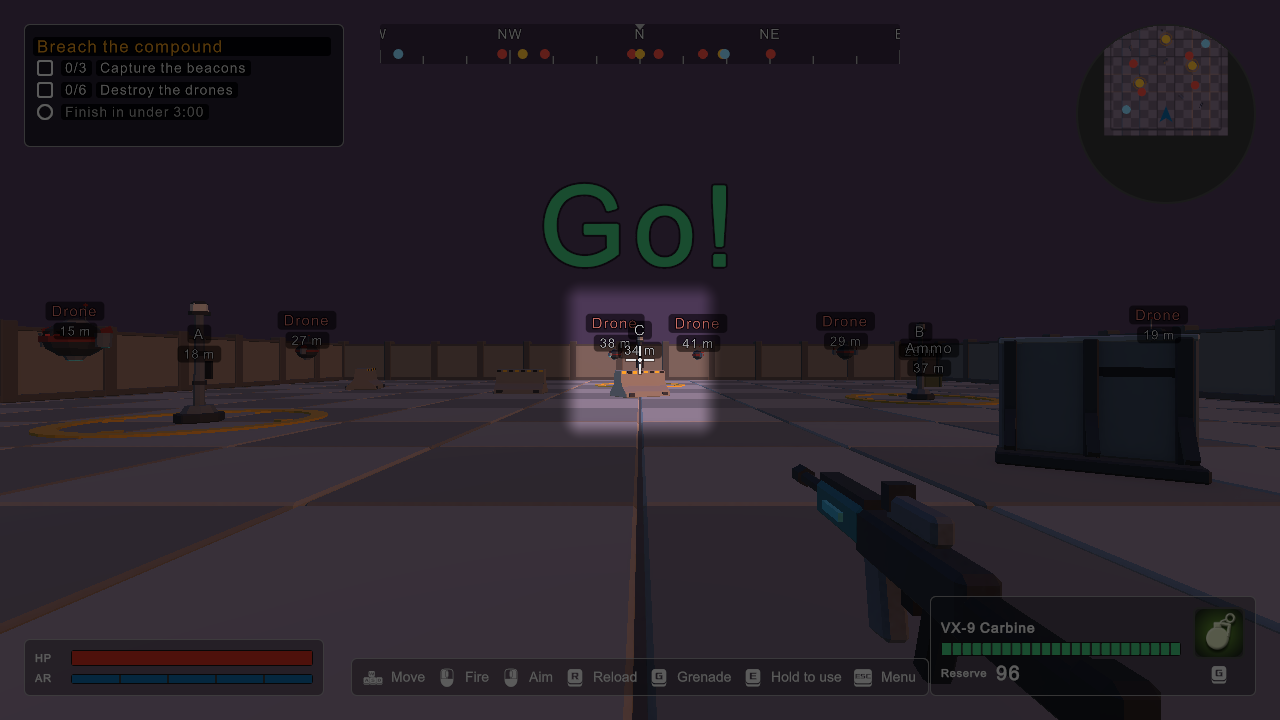
 is the reticle in the center of a first-person or over-the-shoulder screen. With no settings, it shows a cross with a dot in the center of its parent. A shot opens it and it closes again, a hit shows a hit marker, and the reticle takes the color of the target under it: red over an enemy, green over an ally.
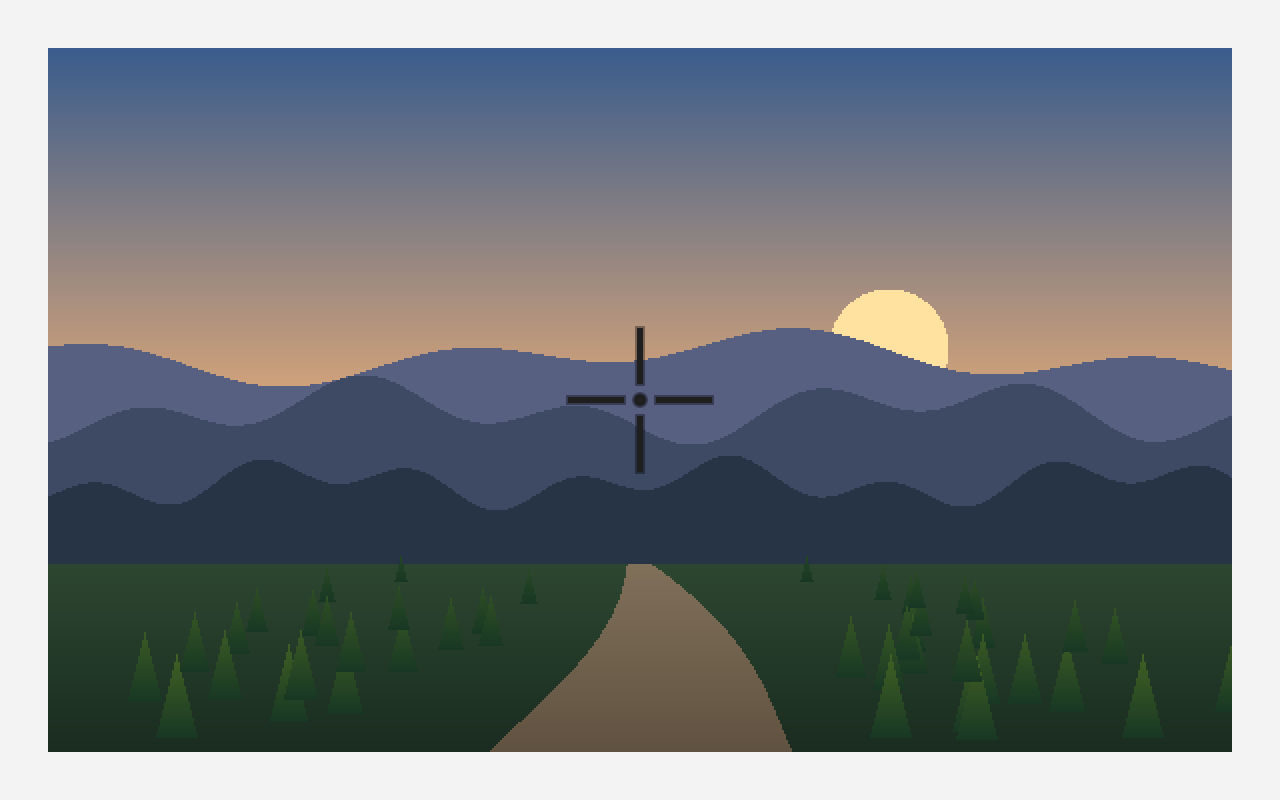
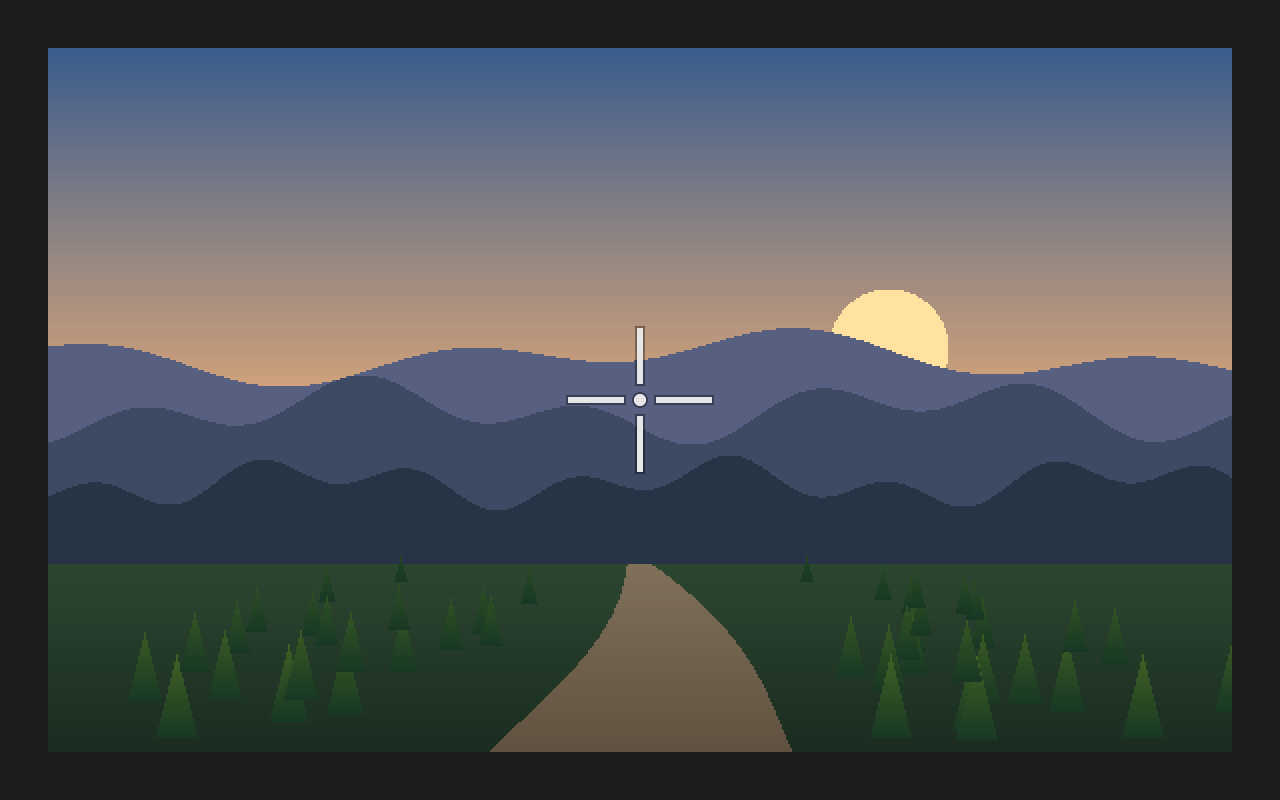
Video tutorial: Crosshair and hits. All videos: Video tutorials. Demo scene: CombatHudDemo.unity. Sample: Breach.
How to add a crosshair:
<tb:Crosshair name="crosshair" />
The crosshair centers itself in its parent, so put it in the full-screen HUD element. It takes no pointer events.
How to choose the shape:
<!-- A ring with a dot, larger, with a wide gap -->
<tb:Crosshair shape="Circle, Dot" size="14" gap="6" />
<!-- Corner brackets, for a shotgun -->
<tb:Crosshair shape="Brackets" max-gap="40" />
How to fire, hit and aim from code:
var crosshair = root.Q<Crosshair>("crosshair");

// A shot opens the reticle; it recovers at recover-speed
crosshair.AddSpread(0.25f);

// A hit, a kill or a headshot shows the hit marker
crosshair.ShowHit(killed ? CrosshairHit.Kill : CrosshairHit.Hit);
crosshair.HitShown += kind => audioSource.PlayOneShot(hitSound);

// The target under the reticle colors it: a HudTarget, or a kind
crosshair.Target = hit.collider.GetComponentInParent<HudTarget>();
crosshair.TargetKind = HudTargetKind.Enemy;

// A moving player aims worse: the reticle rests wider
crosshair.RestSpread = moving ? 0.3f : 0;

// A usable object, and the reload
crosshair.InteractText = "[E] Open";
// Or any element of yours instead of the text: a key cap, an icon
crosshair.InteractContent = new Badge("E", BadgeTone.Accent);
crosshair.State = lookingAtCrate ? CrosshairState.Interact
    : CrosshairState.Normal;
crosshair.State = CrosshairState.Disabled;
How to bind the spread to your data:
<tb:Crosshair recover-speed="0">
    <Bindings>
        <ui:DataBinding
            property="Spread"
            data-source-path="Inaccuracy"
            binding-mode="ToTarget" />
    </Bindings>
</tb:Crosshair>
Spread takes a data binding. A bound crosshair sets recover-speed="0", so the recovery does not fight the binding.
| Member | Description |
|---|---|
Shape (shape) |
Any mix of Dot, Cross, Circle, Brackets and T (a cross with no top line). Default Cross, Dot. None draws no reticle. The type is CrosshairShape. |
Size (size) |
The length of a cross line or a bracket, in pixels. Default 10. |
Thickness (thickness) |
The line width, in pixels. The dot has this radius. Default 2. |
Gap (gap) |
The gap from the center to a cross line at spread 0, in pixels. Default 4. |
MaxGap (max-gap) |
The gap at spread 1. The circle and the brackets grow by the same amount. Default 24. |
Spread (spread) |
How open the reticle is, from 0 to 1. Default 0. A set value holds; a game sets it from the accuracy of the weapon. Takes a data binding. |
RecoverSpeed (recover-speed) |
How fast the spread falls to RestSpread, in spread per second. Default 2. 0 turns recovery off. |
RestSpread (rest-spread) |
The spread the reticle recovers to. Default 0. A moving player raises it. |
Outline (outline) |
The width of the dark outline under each line, in pixels. Default 1. 0 turns it off. |
State (state) |
Normal (default), Interact (shows InteractText under the reticle), Disabled (dims the reticle) or Hidden. |
InteractText (interact-text) |
The text under the reticle in the Interact state, for example [E] Open. Default empty. |
InteractContent |
An element that shows under the reticle in the Interact state instead of InteractText. Null (the default) shows the text. |
HitDuration (hit-duration) |
Milliseconds a hit marker shows. Default 250. A kill and a headshot show 1.5 times longer. |
Target |
The HudTarget under the reticle, or null. Setting it sets TargetKind from the kind of the target. |
TargetKind |
The kind of the target under the reticle, or null for no target. A kind adds its class, such as tb-hud--enemy, so the style sheet colors the reticle. |
Color |
A color from code, for example from a setting of the player. Null (the default) uses --tb-crosshair-color and the target kind. |
CurrentGap |
The gap at the current spread: Gap + (MaxGap - Gap) * Spread. |
IsAnimating |
True while the spread recovers or a hit marker shows. |
IsHitShowing |
True while a hit marker shows. |
TextLabel |
The interact label. |
AddSpread(amount) |
A shot: the spread rises by the amount, at most to 1, and recovers after. |
ShowHit(hit) |
Shows the hit marker: four short diagonal lines around the center. Hit (the default), Kill (larger, in the kill color) or Headshot (larger, in the headshot color, with a small ring). A new hit restarts the marker. |
Advance(seconds) |
Steps the recovery and the marker. The crosshair calls it on each frame while it animates. Tests can call it to step without real time. |
HitShown |
ShowHit ran: the kind of hit, for a sound. |
- The marker shows at full strength for the first half of its time, then fades.
- The hit marker sits at the gap of the moment of the hit, so it clears the open reticle of a fast weapon.
Hiddenhides the reticle and the hit marker. Use it for a scope or a cut scene.- C# cannot set a USS custom property on one element, so
Colorsets the color from code. A skin sets--tb-crosshair-colorinstead.
Tips:
- Call
AddSpreadwith the recoil of the weapon: about 0.1 for a rifle, 0.4 for a shotgun. - Set
RestSpreadfrom the speed of the player, andrecover-speedhigher for a weapon that settles fast. - Use
TorDotfor a calm reticle, andCircleorBracketsfor a weapon that spreads its shots. InteractTextis a short text under the reticle. For a prompt with the glyph of the device of the player, a verb, an object and a hold, show an InteractionPrompt over the object, and keep theInteractstate for the look of the reticle.
In the examples
Styling
| Class | Element |
|---|---|
tb-crosshair |
The root. It draws the reticle. Absolute, 96 by 96 pixels, centered in its parent by left: 50%, top: 50% and a translate of half its size. |
tb-crosshair__hit |
The child that draws the hit marker. It fades through its opacity. |
tb-crosshair__hit--kill |
The hit child while a kill marker shows. |
tb-crosshair__hit--headshot |
The hit child while a headshot marker shows. |
tb-crosshair__text |
The interact label under the reticle. |
tb-crosshair--interact |
State is Interact. |
tb-crosshair--disabled |
State is Disabled. The reticle draws at 40 % opacity. |
tb-crosshair--hidden |
State is Hidden. |
tb-hud--enemy, --ally, --objective, --item, --custom |
The target kind. The default style sheet colors --enemy with --tb-color-danger and --ally with --tb-color-success. |
| Variable | Description |
|---|---|
--tb-crosshair-color |
The color of the reticle. --tb-color-text by default. |
--tb-crosshair-outline-color |
The color of the outline. Black at 60 % by default. |
--tb-crosshair-hit-color |
The color of a hit marker. White by default. |
--tb-crosshair-kill-color |
The color of a kill marker. --tb-color-danger by default. |
--tb-crosshair-headshot-color |
The color of a headshot marker. --tb-color-warning by default. |
/* A green reticle that turns orange over an objective */
.my-hud .tb-crosshair {
    --tb-crosshair-color: rgb(120, 255, 120);
}

.my-hud .tb-crosshair.tb-hud--objective {
    --tb-crosshair-color: rgb(255, 170, 40);
}

/* The reticle in the lower third, for a third-person camera */
.my-hud .tb-crosshair {
    top: 40%;
}
Performance
- A resting crosshair allocates no memory per frame and runs no scheduled item. One item runs only while the spread recovers or a hit marker shows, and it pauses after.
- A crosshair while it recovers and fades a marker allocates no memory per frame. The reticle draws with
Painter2Dcalls only. - The reticle draws again only when the spread or a setting changes. The hit marker fades through its opacity and draws again only on a new hit.
- A frame longer than 0.1 seconds steps the recovery and the marker by 0.1 seconds only, so a hitch does not end them at once.