

 DeviceSwap
A DeviceSwap shows one layer for the keyboard and the mouse and another for a gamepad, and swaps them when the player changes the device, with a fade, a slide or a scale.
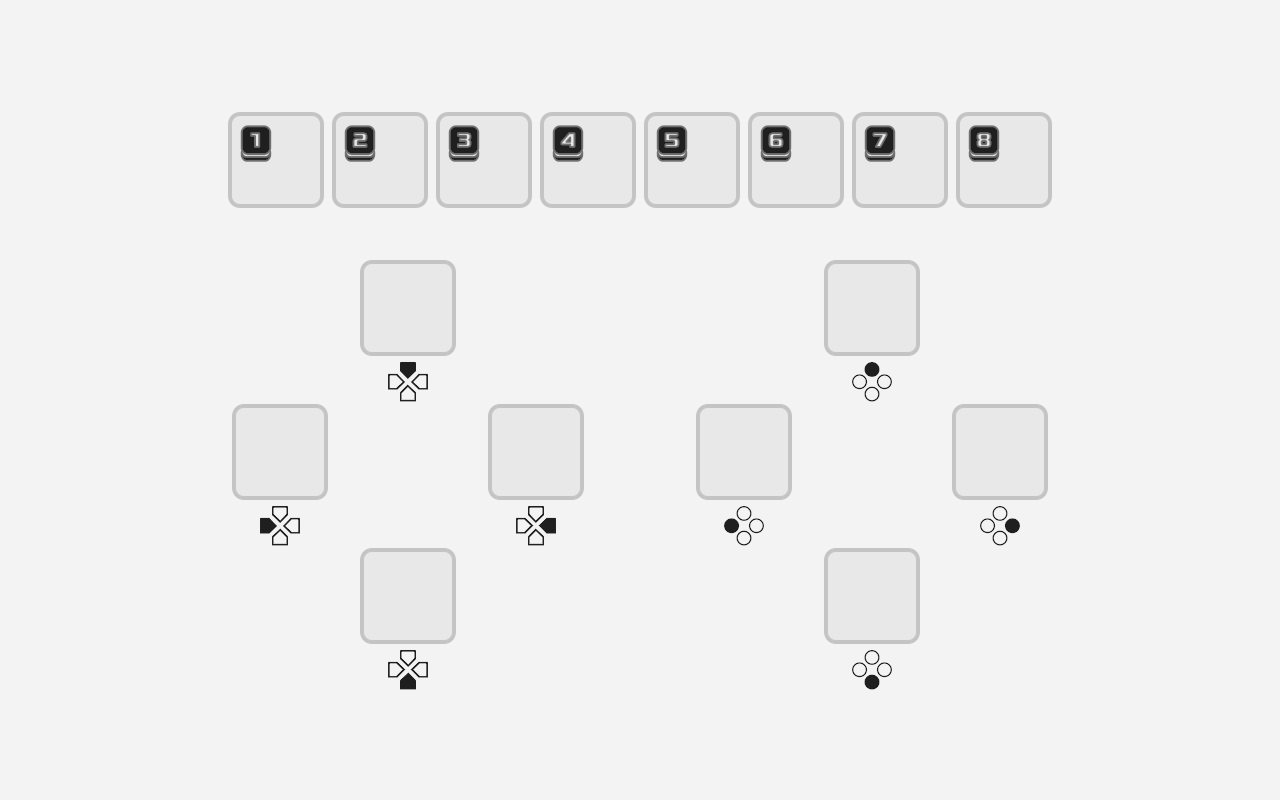
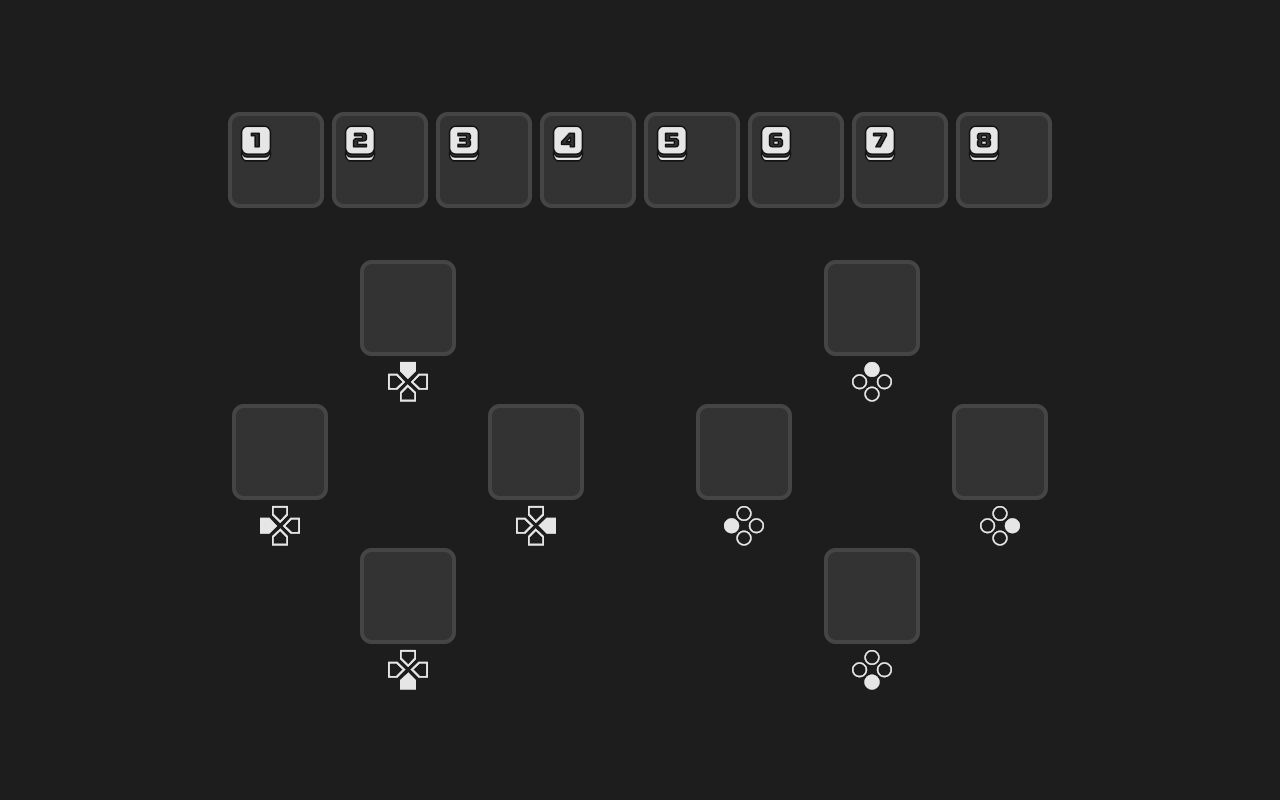
<tb:DeviceSwap transition="Slide" slide-direction="Up">
    <tb:DeviceLayer device="Keyboard">
        <!-- the hotbar: keys 1 to 8 -->
    </tb:DeviceLayer>
    <tb:DeviceLayer device="Gamepad">
        <!-- the crossbar: d-pad and face buttons -->
    </tb:DeviceLayer>
</tb:DeviceSwap>
The swap shows the layer of the device that the player used last, which LastInputDevice tracks. The keyboard layer shows before the first press. You can fill the layers from code too:
var swap = new DeviceSwap { Transition = SwapTransition.Fade };
swap.KeyboardLayer.Add(hotbar);
swap.GamepadLayer.Add(crossbar);
swap.Swapped += device => PlayClick();
KeyboardLayer and GamepadLayer make the layer when the swap has none.
| Member | Description |
|---|---|
Transition (transition) |
A SwapTransition: Fade (default), Slide, Scale or None. None shows the new layer at once. |
Duration (duration) |
The time of a swap in milliseconds (250). Zero swaps at once. |
SlideDirection (slide-direction) |
A SwapDirection: Up (default), Down, Left or Right. The old layer leaves this way and the new layer comes from the other side. |
Device (device) |
A DeviceSelect: Auto (default) follows the player, Keyboard and Gamepad fix the layer for a preview or the UI Builder. |
ActiveDevice |
The DeviceKind of the layer that shows now. |
KeyboardLayer, GamepadLayer |
The two DeviceLayers. |
Swapped |
An event with the DeviceKind of the new layer. It fires after a swap, not for the first layer. |
A DeviceLayer has one attribute, device (Keyboard or Gamepad).
How a swap runs
- The swap is a USS transition on opacity, translate and scale. The control runs no code in a frame, before, during or after a swap.
- Both layers stack at the top left corner while they swap. The control takes the size of the larger layer, so the layout around it does not jump.
- The layer that does not show takes no input. It is hidden, it ignores the pointer, and the Tab key and the d-pad do not reach its children.
- When the focus is inside the old layer at a swap, it moves to the first focusable element of the new layer. When the new layer has none, the focus is cleared.
- The control tracks the device only while it is on a panel. It stops when it leaves.
In the examples
The DeviceSwapDemo scene swaps a hotbar for the keys 1 to 8 with a crossbar of two diamonds of AbilitySlots with GamepadGlyphs: the left diamond for the d-pad, the right for the face buttons, with LT and RT above. Buttons switch the device by hand with LastInputDevice.Set, and a list picks the transition.
Styling
| Class or property | Element |
|---|---|
tb-device-swap |
The control. It has position: relative. |
tb-device-swap--fade, --slide, --scale, --none |
The transition. |
tb-device-swap--slide--up, --down, --left, --right |
The direction of the slide. |
tb-device-layer |
A layer. It has position: absolute at the top left corner and the transition properties. |
tb-device-layer--enter |
A layer that is hidden or starts to show: the first look of the transition. |
tb-device-layer--exit |
A layer that leaves: the last look of the transition. |