
Dialogue
A dialogue box is the screen where a character talks to the player. The text types letter by letter, and the player picks an answer from a list of choices. This example plays a conversation with a merchant in a DialogueBox, in a window of a workspace. The conversation is a small graph of lines that the box reads through IDialogueSource. Each speaker has a pixel-art face that shows the mood of the line and moves its mouth while the box types, and the box sits under a tavern where Hesta stands behind the counter by the fire. The window has the look of the Character sheet and the Shop: a carved frame, a wood title bar and toolbar, the Cinzel font for the titles and the names, and a room behind the window. Here the room is the common room of the tavern at night, with two lanterns under the beams.
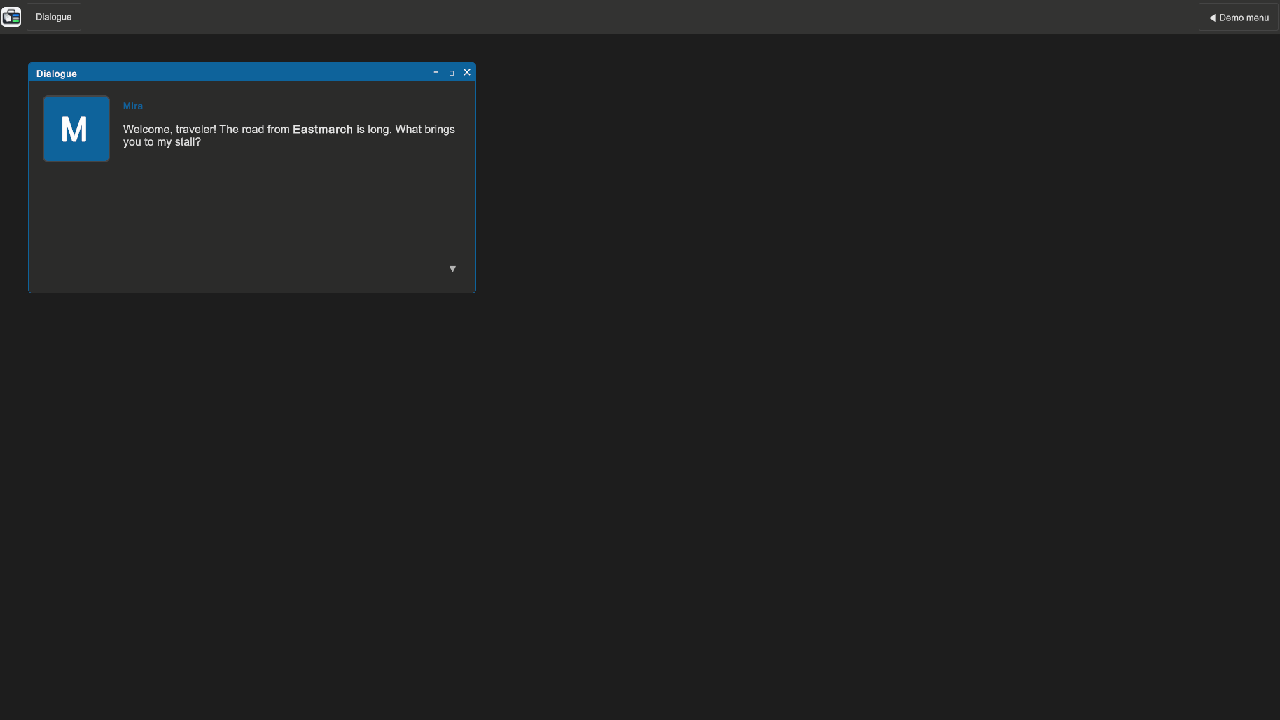
Scene: Assets/UIToolbox/Examples/Scenes/Dialogue.unity. Folder: Assets/UIToolbox/Examples/Dialogue.
Try it
- Open the scene. Hesta smiles and says "Welcome, traveler!". The line types, and the mouth of Hesta moves with a short blip of their voice, in the portrait and behind the counter. The fire in the hearth flickers and sends up embers. Around the window, the lanterns of the common room flicker and dust drifts in their light.
- Press Enter, Space or the gamepad South button while the line types. The whole line shows at once, and the mouth shuts.
- Press the same key again. The next line starts. A line without choices shows the Enter glyph at the bottom right when it is complete.
- Hesta sings "Potions and maps and a rumor or two", and the song waves. Three numbered choices appear. The first one has the focus.
- Press Up or Down. The focus moves between the choices and wraps from the last to the first.
- Press 1 to pick "Show me the potions.". Hesta names the price with a plain face. Pick "30 gold? That is too much.". Your face shows in the portrait, cross, with a lower voice; then Hesta answers crossly.
- Pick "Any rumors?". Hesta looks surprised at the lights in the old mill.
- Press History at the top right of the box. The screen dims, and a panel with the frame of the box slides in at the right edge. It shows the lines and the picks so far. Press Escape or click the dim part to close it.
- Pick "Goodbye.". The conversation ends with one choice, "Talk again.", which starts it again.
A click on the box does the same as submit. A click on a choice picks that choice.
How it is built
| File | Does |
|---|---|
Dialogue.uxml |
Declares the common room, the workspace, the window, the tavern in its gold frame with Hesta, the fire and the embers, and the DialogueBox. |
Dialogue.uss |
Sets the palette, gives the window the carved frame, the wood title bar and the Cinzel font, places the tavern at 4 x 4 screen pixels for each pixel of the art, gives the portrait a gold frame and the name a plate, and gives the history panel the frame of the box. |
TavernBackdrop.cs |
The common room: shows its pixel picture at a whole zoom of at least 4 x 4 screen pixels, large enough to cover the screen, and adds the light of the two lanterns and its flicker, the dust and the dark edges. |
DialogueController.cs |
Sends up the embers, plays the conversation in the box, gives the box the focus and moves the mouths. |
SampleDialogue.cs |
The data: SampleLine, SampleChoice and the conversation with Hesta, as an IDialogueSource. Each line has a Mood. |
PixelFace.cs |
A face: a sprite sheet with a clip for each Mood and a talk clip, from Resources/UIToolboxSamples/Sprites. |
DialogueFaces.cs |
The faces of Hesta and the traveler, and Of(speaker), which finds the face of a name. |
TalkingPortrait.cs |
Plays the clips of the face in the portrait, and of Hesta in the tavern, with an AnimatedImage, and talks while the box types, with a blip of the voice. |
Art/*.png |
The pixel art of the tavern: the wall, the counter and the three frames of the fire. Tools/generators/gen_tavern_art.cs paints them, and their import keeps the pixels sharp (point filtering, no compression). |
Resources/DialogueArt/tavern-room.png |
The common room, 480 x 270: the timber walls, the wainscot, the plank floor, the mugs, the lanterns and the barrels. node Tools/skins/tavern.mjs draws it, with the same import. |
The window holds the tavern and the box. The gold frame is a parent element around the tavern, so its border does not change the scale of the pixel art. Hesta in the tavern is a UserAvatar, as the portrait is:
<ui:VisualElement class="dialogue-tavern-frame">
  <ui:VisualElement name="tavern" class="dialogue-tavern">
    <tb:UserAvatar name="hesta" display-name="Hesta"
        class="dialogue-hesta" />
    <tb:AnimatedImage name="fire" sheet="Art/tavern-fire.png"
        columns="3" frames-per-second="7" class="dialogue-fire" />
    <ui:VisualElement name="counter" class="dialogue-counter" />
    <ui:VisualElement name="emberSource"
        class="dialogue-ember-source" />
    <tb:ParticleLayer name="embers" />
  </ui:VisualElement>
</ui:VisualElement>
<tb:DialogueBox name="dialogueBox" characters-per-second="45"
    show-history="true" class="dialogue-box" />
A face is a sprite sheet, hesta-face, in Resources/UIToolboxSamples/Sprites. It has a clip for each mood, such as happy, and a talk clip with the mouth shut and open, such as happy-talk. The still pictures in Resources/UIToolboxSamples/Portraits (hesta-happy.png, for example) stay in the UXML. The file name of the face picks the sheet:
public static readonly PixelFace Hesta =
    new("Hesta", 620, "hesta");
PixelFace.Get loads the still picture of a mood the first time and keeps it, and PixelFace.Show plays the clip of a mood on an AnimatedImage. Point filtering keeps the pixels sharp at any size:
var happy = DialogueFaces.Hesta.Get(Mood.Happy);
var talk = DialogueFaces.Hesta.Get(Mood.Happy, talking: true);
Tools/portraits/heroes.mjs draws the pictures and packs the sheets: one head for each speaker, and the brows, the eyes and the mouth of each mood over it. Run node Tools/portraits/heroes.mjs after a change.
A conversation is a dictionary of lines by id. A line has a speaker, a mood and a text, and names the next line or lists choices that name it. The haggle makes both faces cross:
["potions"] = new(MERCHANT_NAME, Mood.Neutral,
    "A <color=#e06060>healing draught</color> is 30 gold. " +
    "I made it fresh this morning.", null,
    new SampleChoice("I will take one.", "buy"),
    new SampleChoice("30 gold? That is too much.", "haggle")),
["haggle"] = new(PLAYER_NAME, Mood.Angry,
    "The healer in Eastmarch asks 10 gold for the same!",
    "haggle2"),
SampleDialogue walks the graph for the box. The box asks for the line, with the face of its mood as the portrait, shows the choices after it, and calls Continue or Choose:
public bool TryGetLine(out DialogueLine line)
{
    var face = Current.Face?.Get(Current.Mood);
    line = new DialogueLine(Current.Speaker, Current.Text, face);
    return true;
}

public void Continue()
{
    if (Current.Next != null) Current = Lines[Current.Next];
}
The controller starts the conversation, and each frame ticks the portrait. While the box types, the talk clip of the mood opens and shuts the mouth every 0.12 seconds, with a blip each time it opens. A tick changes the clip only when the face, the mood or the talking changes, so it makes no garbage:
Talk = new TalkingPortrait(Box, Hesta, DialogueFaces.Hesta);
Box.Play(Conversation);
Box.Focus();

private void Update()
{
    var line = Conversation.Current;
    Talk.Tick(line.Face, line.Mood, Time.deltaTime);
}
The portrait is a square face in a gold frame, and the name sits on a plate. The frame is 2 px on each side, so the face of 24 pixels fills 96 px at 4 screen pixels for each of its pixels:
.dialogue .tb-dialogue-box__portrait > .tb-avatar__image {
    border-radius: var(--tb-radius-md);
    border-width: var(--tb-border-width-thick);
    border-color: #c9a24a;
    background-color: var(--tb-color-background);
}
The name of each speaker is a gradient in their own colors. The box shows the name with the effect, and AnimatedLabel.WithoutEffectTags(box.Speaker) gives it without the tags:
private const string MERCHANT_NAME =
    "<gradient=#ffb36b,#ff8fb8>" + MERCHANT + "</gradient>";
The history is a Drawer at the right edge of the workspace. Its panel has the class tb-dialogue-box__history, so Dialogue.uss gives it the accent border and the round corners of the box.
Use it in your game
- Replace
SampleDialogue.Lineswith your conversation. Keep a line with the idSampleDialogue.START. - Or implement
IDialogueSourceover Ink, Yarn Spinner or your own graph. The DialogueBox page has a source over Ink. - Give a
DialogueLineaPortraittexture to show a picture of the speaker. A speaker with no picture shows the initials. - Draw your own faces: add a speaker to
Tools/portraits/heroes.mjs, or put a picture of your own art for each mood inResources/UIToolboxSamples/Portraitsand name it as the others. Pack a sprite sheet with a clip for each mood and a talk clip, and name it<name>-face;TalkingPortraitplays the clips. - Change
characters-per-secondin the UXML for a faster or slower voice, andPixelFace.Voicefor its pitch. - The last line of the sample offers "Talk again." so the demo never stops. A source that ends returns true from
IsDone; the box then raisesFinished, where a game closes the box or runs a quest event. - The conversation, the names, the faces, the tavern and the 30 gold potion are sample data.