

 EmptyStateView
An EmptyStateView is a panel that shows its content while it has any, and an EmptyState when it has none. Its children are the content. The icon, title and description of the empty state are attributes, and its action buttons are children with a class. Use it for a place that fills and empties, such as a pack, a friends list or a quest log, when you do not want to show and hide anything by hand.
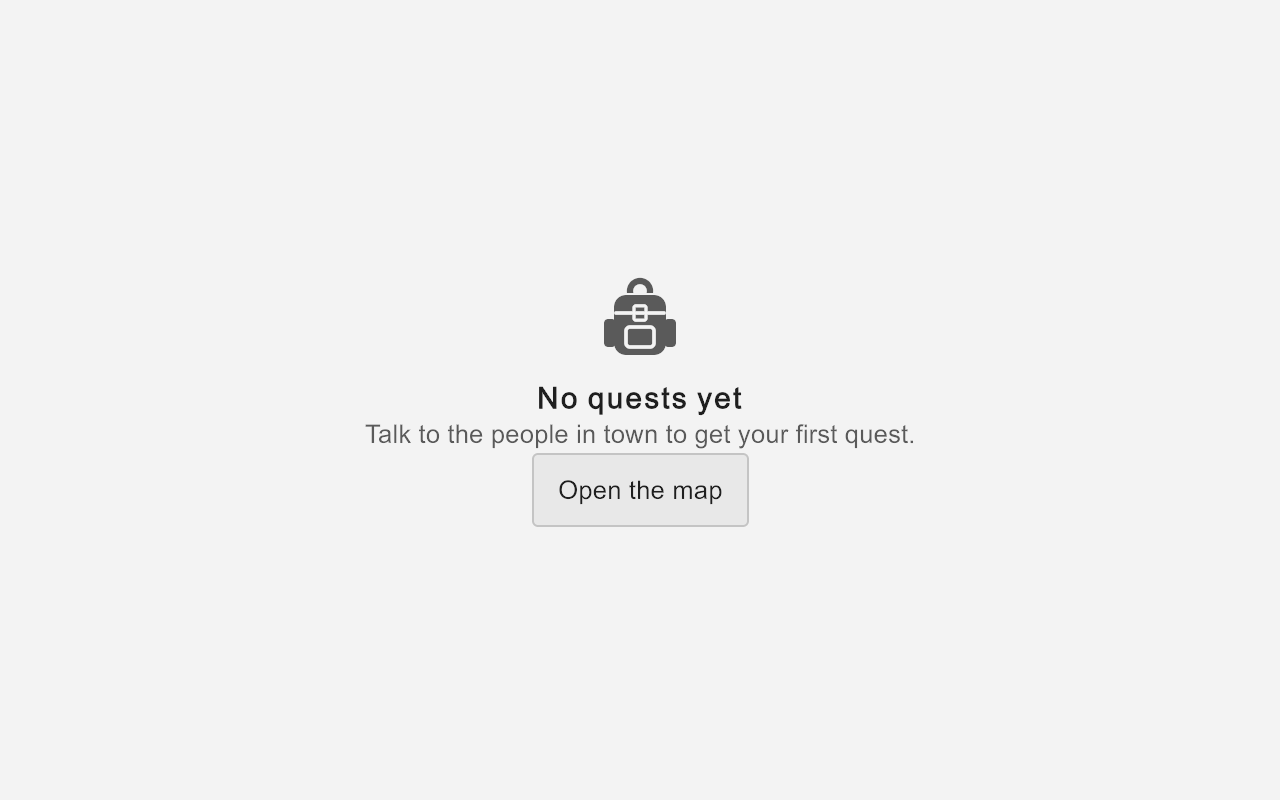
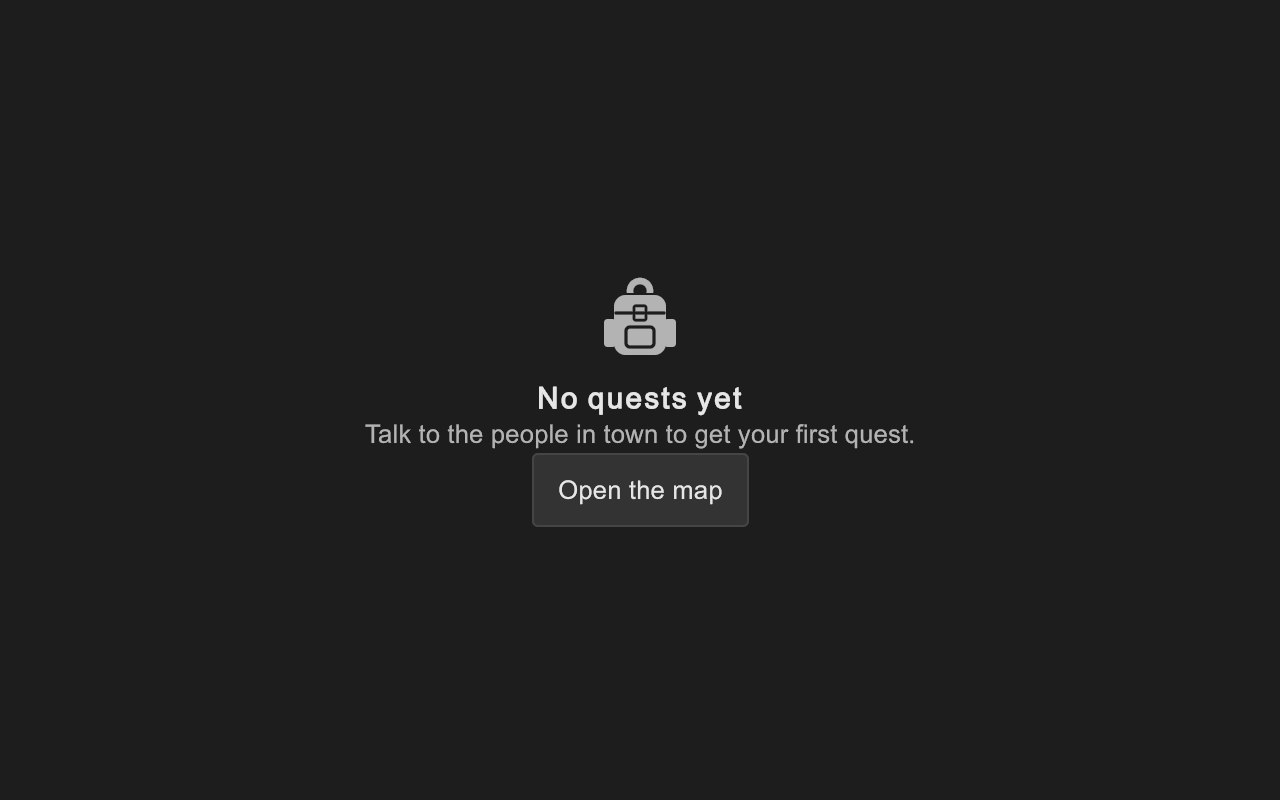
How to add a view in UXML:
<tb:EmptyStateView name="quests" title="No quests yet"
    description="Talk to the people in town.">
    <ui:Button text="Open the map"
        class="tb-empty-state-view__action" />
</tb:EmptyStateView>
A child with the class tb-empty-state-view__action is an action button of the empty state. Any other child is content.
How to fill and empty it in code:
var view = root.Q<EmptyStateView>("quests");
view.Add(new Label("Find the key"));   // the content shows
view.Clear();                          // the empty state shows

view.Actions.Add(new Button { text = "Open the map" });
The view counts its children when one comes or goes, with no polling, so it costs nothing while it is idle. When the focus was in the content and the last child leaves, the focus moves to the first action button, so a gamepad user can press A at once. The d-pad and the arrow keys never close anything.
| Member | Description |
|---|---|
Icon (icon) |
The picture above the title of the empty state. No picture by default. |
Title (title) |
The bold line of the empty state. |
Description (description) |
The text under the title. Rich text tags work. |
EmptyState |
The empty state that the view shows. |
Actions |
The element for the action buttons. Actions.Add puts a button under the message. |
IsEmpty |
True while the view has no content. |
To show the empty state for a list that you already have, or for another element, use EmptyState.Watch instead.
Styling
| Class | Element |
|---|---|
tb-empty-state-view |
The control. It grows, and holds the content and the empty state in a column. |
tb-empty-state-view__content |
The element that holds the content. It shrinks to nothing while the view is empty. |
tb-empty-state-view__action |
The class of a child that becomes an action button. |
The empty state inside the view has the classes of EmptyState.