

 FloatingTextLayer
A FloatingTextLayer shows texts that rise from a point of the 3D scene and fade out: damage numbers, heals, critical hits and status texts such as "Stunned". Hits on one target in a short time add into one number.
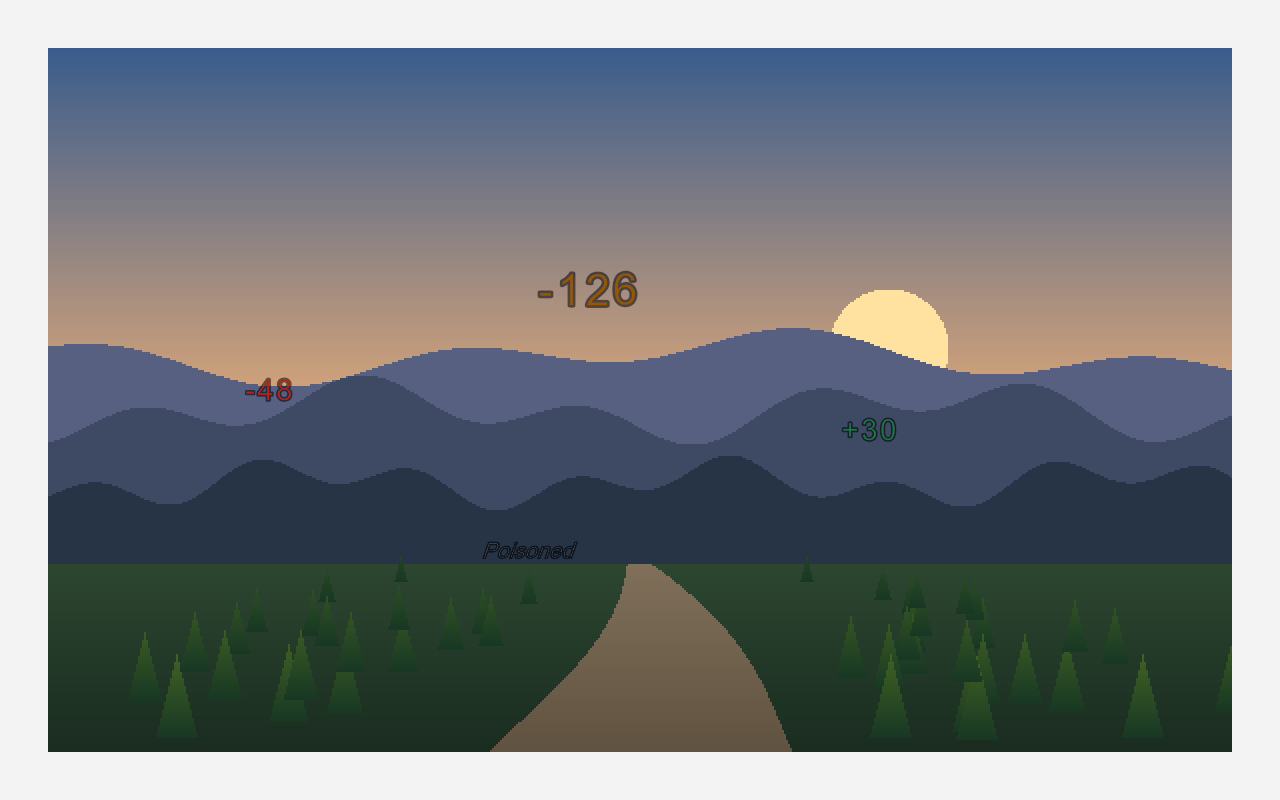
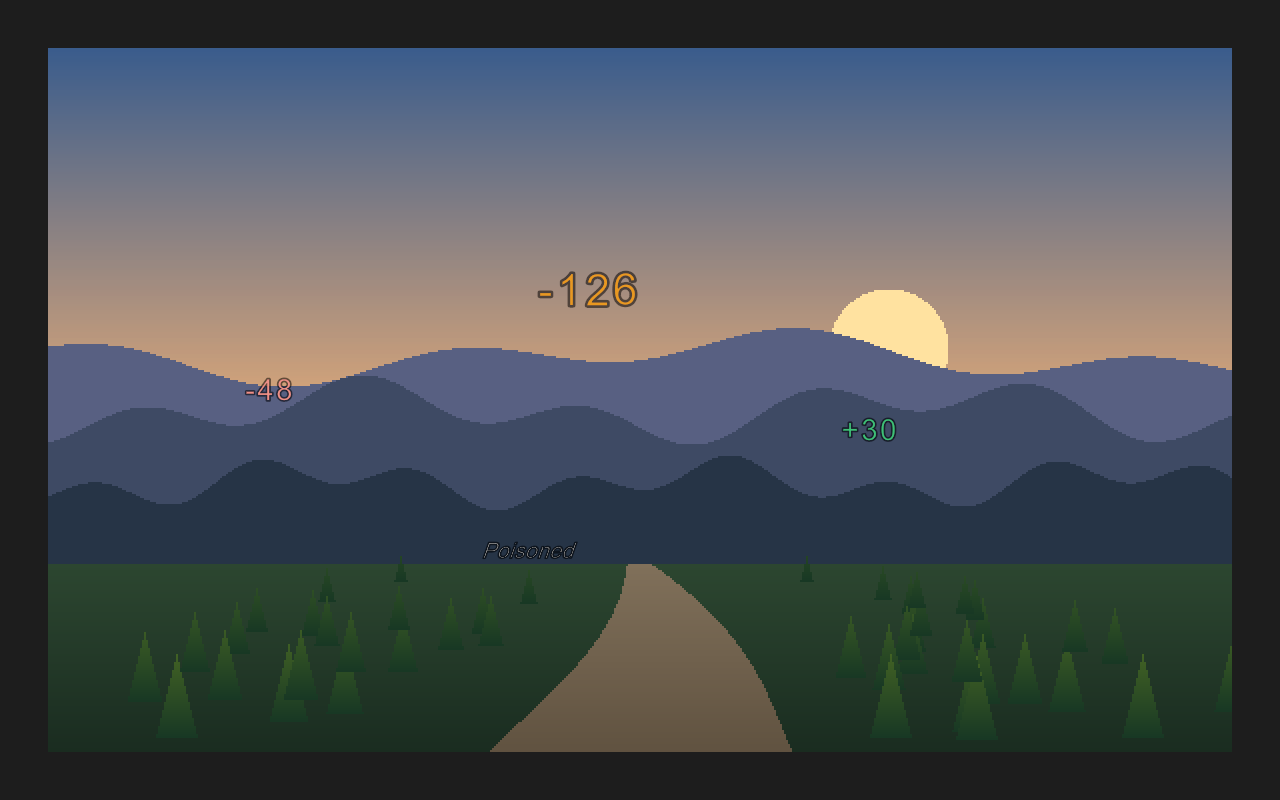
Video tutorial: World-space HUD. All videos: Video tutorials. Demo scene: FloatingTextLayerDemo.unity.
How to add the layer in UXML:
<ui:VisualElement class="hud-root">
    <tb:FloatingTextLayer name="floatingText" class="gold-layer" />
</ui:VisualElement>
How to show damage and heals:
var texts = root.Q<FloatingTextLayer>("floatingText");

// On a transform: the text follows the enemy
texts.Show(enemy.transform, "12");
texts.Show(enemy.transform, "48", FloatingTextKind.Critical);
texts.Show(player.transform, "+25", FloatingTextKind.Heal);
texts.Show(enemy.transform, "Stunned", FloatingTextKind.Status);

// At a point: the text stays where the hit was
texts.Show(hit.point, "7");

// Over an element of the UI, with no camera: the text rises from the
// wood counter
texts.Show(woodCounter, "+1 Wood", FloatingTextKind.Status);
How to make the texts rise higher and stay longer:
<tb:FloatingTextLayer rise="100" duration="1600" spread="40" />
| Member | Description |
|---|---|
Camera |
The camera of the game view. Null (the default) uses Camera.main. |
Viewport |
The element that shows the render texture of Camera, or null when the camera draws on the screen. |
Rise (rise) |
The pixels that a text rises over its time. 60 by default. |
Spread (spread) |
The width in pixels of the random side offset of a new text, so texts on one point do not cover each other, at least 0. 20 by default. |
Duration (duration) |
The milliseconds that a text shows, at least 50. 1000 by default. |
StackTime (stack-time) |
A number on a target adds into the last number on that target when it comes within these milliseconds. 300 by default. 0 turns it off. |
MaxActive (max-active) |
The most texts that show at one time. A new text then reuses the oldest one. 32 by default. |
Show(position, text, kind) |
Shows a text rising from a fixed point of the scene. kind is Damage by default. |
Show(transform, text, kind) |
Shows a text rising from a transform. The text follows the transform. |
Show(element, text, kind) |
Shows a text rising from the center of an element in the panel of the layer, such as a slot, a button or a counter. It needs no camera. The text follows the element. |
Clear() |
Removes every text. |
FloatingTextLayer.KindClass(kind) |
The class of a kind, such as tb-floating-text--heal. |
- A text rises with an ease out and fades out in the last 40 % of its time.
- A text rises at most to the top of the layer, so a text near the top edge shows whole.
- A
Criticaltext starts at 1.5 times its size, shrinks to its size in the first part of its time, and shakes. - Stacking: a second number on the same transform, of the same kind, within
StackTime, adds into the first text and starts its time again. "12" and "8" show as "20". Texts that are not numbers do not stack, and neither do texts shown at a point. - A text on a transform ends when the transform is destroyed.
- A text on an element hides while the element does not show, for example in a closed window or a hidden tab, and ends when the element leaves the panel. Texts on an element do not stack.
- The code of the layer allocates no memory per frame. It keeps a pool of texts that stay in the layer, hidden, until they show again. Stacking makes no garbage once a number has shown before, for whole numbers from -999 to 9999; a fraction or a larger number makes one short string. UI Toolkit makes a few dozen bytes of garbage per label whose text changes, such as a stacked number that changes; that garbage is not from the control.
- The layer uses real time, so the texts move while the game is paused. It does no work while no text shows. Its texts go when the layer leaves the panel.
Tips:
- Use
Show(transform, ...)for hits on a moving enemy, andShow(position, ...)for a hit on the ground. - Use
Show(element, ...)in a game made of UI, such as a card battle or a shop: "+100" rises from the reward button, and "CRIT!" from the portrait of the enemy. - Keep
StackTimeshort for a fast weapon, so the player sees one growing number in place of a column of small ones. - Use
Customfor a new kind, such as gold or experience. AllCustomtexts share the classtb-floating-text--custom, andShowreturns nothing, so oneCustomlook per layer is what the API gives. Use a second layer, with its own class in your USS, for a second look:
texts.Show(chest.transform, "+50 gold", FloatingTextKind.Custom);
Styling
| Class | Element |
|---|---|
tb-floating-text-layer |
The layer: absolute, fills its parent. |
tb-floating-text__root |
The holder of a text: a point that moves with the text. |
tb-floating-text |
One text: bold, --tb-font-size-lg, centered on its point, with an outline. |
tb-floating-text--damage |
A damage text: --tb-color-text-danger. |
tb-floating-text--critical |
A critical hit: --tb-color-warning. |
tb-floating-text--heal |
A heal: --tb-color-success. |
tb-floating-text--status |
A status text: --tb-color-text-muted, --tb-font-size-sm, italic. |
tb-floating-text--custom |
A text of kind Custom. It has no rule; give it one. |
| Variable | Description |
|---|---|
--tb-color-hud-outline |
The color of the text outline. rgba(0, 0, 0, 0.8) by default. |
/* Gold texts of kind Custom in the layer with the class gold-layer */
.gold-layer .tb-floating-text--custom {
    color: rgb(255, 210, 60);
    font-size: 20px;
}

/* Larger damage numbers */
.hud-root .tb-floating-text--damage {
    font-size: 24px;
}
The FloatingTextLayerDemo scene shows the damage numbers, critical hits, heals and status words of a fight, pickup texts at a point or over the player, the motion of the texts and three looks.