

 NumericUpDown
A NumericUpDown is a number field with up and down buttons. Its value is a double.
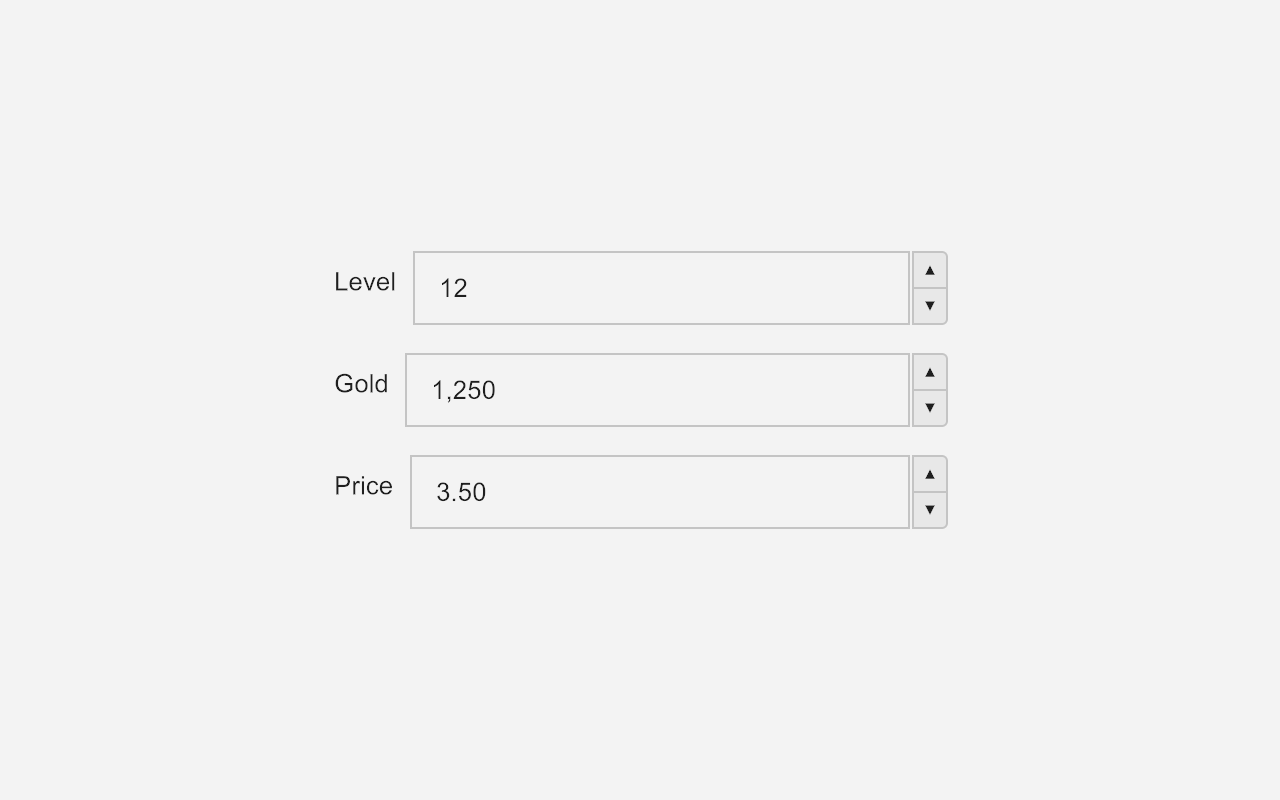
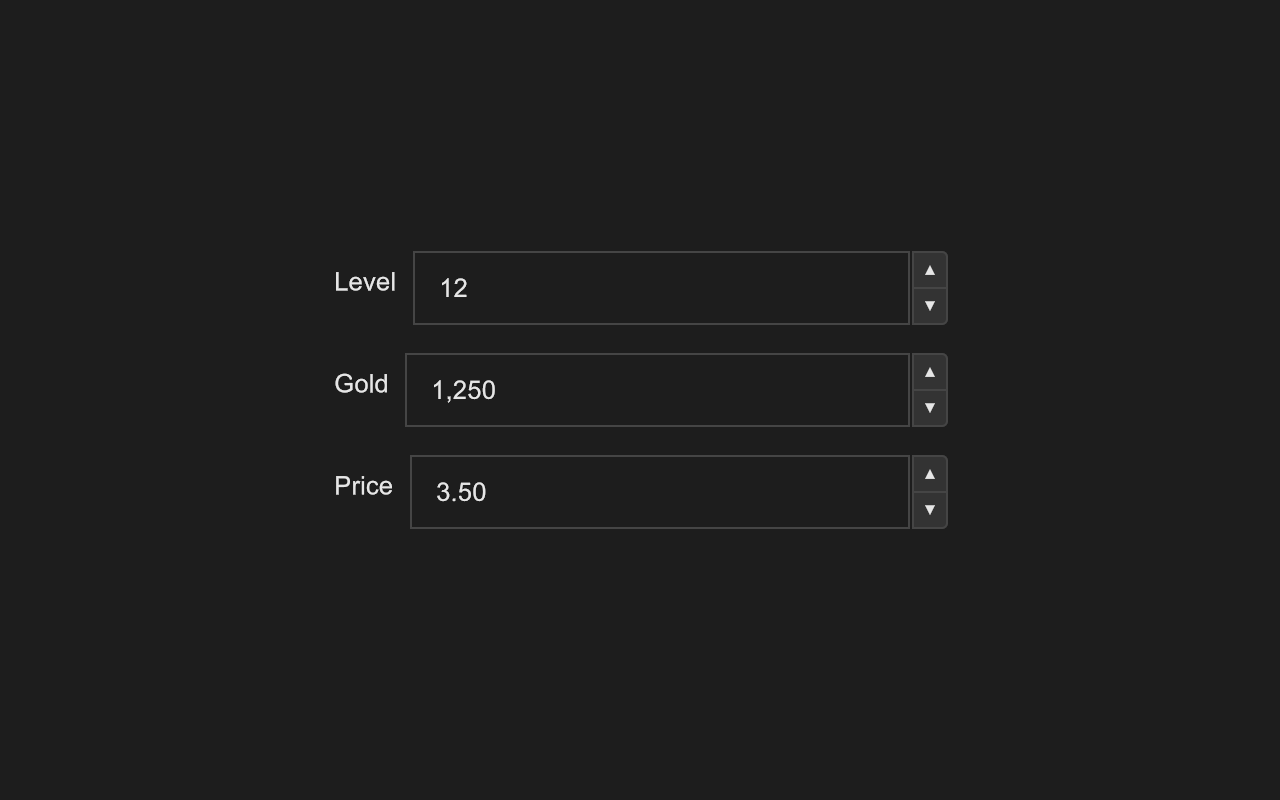
<UIToolbox.NumericUpDown
    label="Qty"
    value="10"
    min-value="0"
    max-value="100"
    step="5" />
<UIToolbox.NumericUpDown label="Price" step="0.01" format-string="F2" />
<UIToolbox.NumericUpDown
    label="Cost"
    format-string="$#,0.00;($#,0.00)" />
<UIToolbox.NumericUpDown
    label="Tax"
    min-value="0"
    max-value="1"
    step="0.005"
    format-string="P1" />
| Member | Description |
|---|---|
MinValue (min-value), MaxValue (max-value) |
The range. The value is clamped. A minimum above the maximum moves the maximum, and the other way around. |
Step (step) |
How much a button, a key or a wheel notch changes the value (1). |
FormatString (format-string) |
A .NET numeric format for the text, such as F2, N0, P1 or $#,0.00. The text uses the invariant culture. |
TryParseText(text, out number) |
Reads a number in the look of FormatString, as the field does with typed text. Returns false for other text, such as an expression. |
Increment(), Decrement() |
Change the value by Step. |
- Hold a button to repeat the step. A button is disabled at its end of the range.
- Up and Down on the arrow keys change the value while the field has focus. They do not move focus. The mouse wheel also changes the value while the field has focus.
- The d-pad and the left stick of a gamepad move the focus. Press A (Submit) to start the edit mode: the control gets the class
tb-editing, and Up and Down change the value, with the focus kept in the field. A again keeps the value. B (Cancel) puts back the value from before the edit mode. When the focus leaves the field, the edit mode ends and the value stays. A keyboard or a mouse starts no edit mode. - The on-screen keyboard does not open by itself on this field, as A starts the edit mode. Y opens it with the number pad, also while the auto open is off. A
PromptBarthat follows the focus shows the hints Select, Keyboard and Back (Keep, Keyboard and Cancel in the edit mode), unless you set your own withPromptBar.SetHints. See OnScreenKeyboard. - The typed text can be in the look of the format:
- Text and currency symbols before and after the number: "$1,234.50", "12.5 kg", "USD 5".
- Invariant group separators: "1,234,567". A lone comma, as in "1,5", is not a group separator.
- A negative number with a minus sign ("-$5", "$-5") or parentheses ("($5.00)").
- In a percent format (
P,P1, or a custom format with "%"), a number in percent, with or without "%": "7.5 %" and "7.5" are 0.075. A format with "‰" reads per mille.
- Other text goes to the
DoubleField, so it takes expressions such as2*8. In a percent format, an expression is not in percent: "5+5" is 10, not 0.1. - The standard
Cformat shows the invariant currency sign "¤". For a real currency sign, use a custom format such as$#,0.00;($#,0.00). - Steps are rounded to 10 decimal places, so 0.1 three times is 0.3.
In the examples
Styling
The rules are in Assets/UIToolbox/Runtime/Resources/UIToolbox/Styles/Controls.uss.
| Class | Element |
|---|---|
tb-numeric-up-down |
The field. |
tb-numeric-up-down__field |
The inner DoubleField. |
tb-numeric-up-down__spinner |
The button column. |
tb-editing |
On the control while the gamepad edit mode is on: the buttons have the accent fill, and the focus ring stays. |
tb-numeric-up-down__up, tb-numeric-up-down__down |
The buttons (RepeatButton). A button at the end of the range is disabled: no fill, and the arrow in --tb-color-text-disabled. |
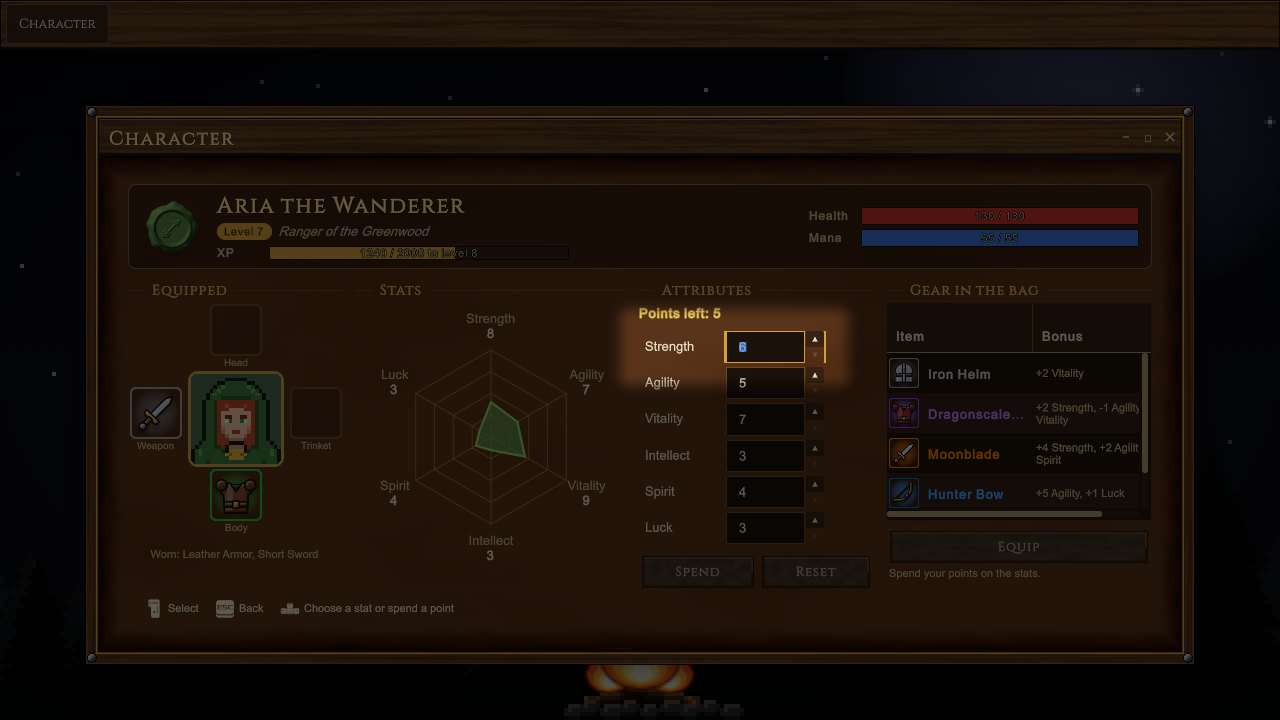
A disabled NumericUpDown takes no focus and no typing, and its label, text and buttons have --tb-color-text-disabled. To stop a value from going up, as a stat with no points left, disable the field or the whole control, not only the up button. See Disabled state.
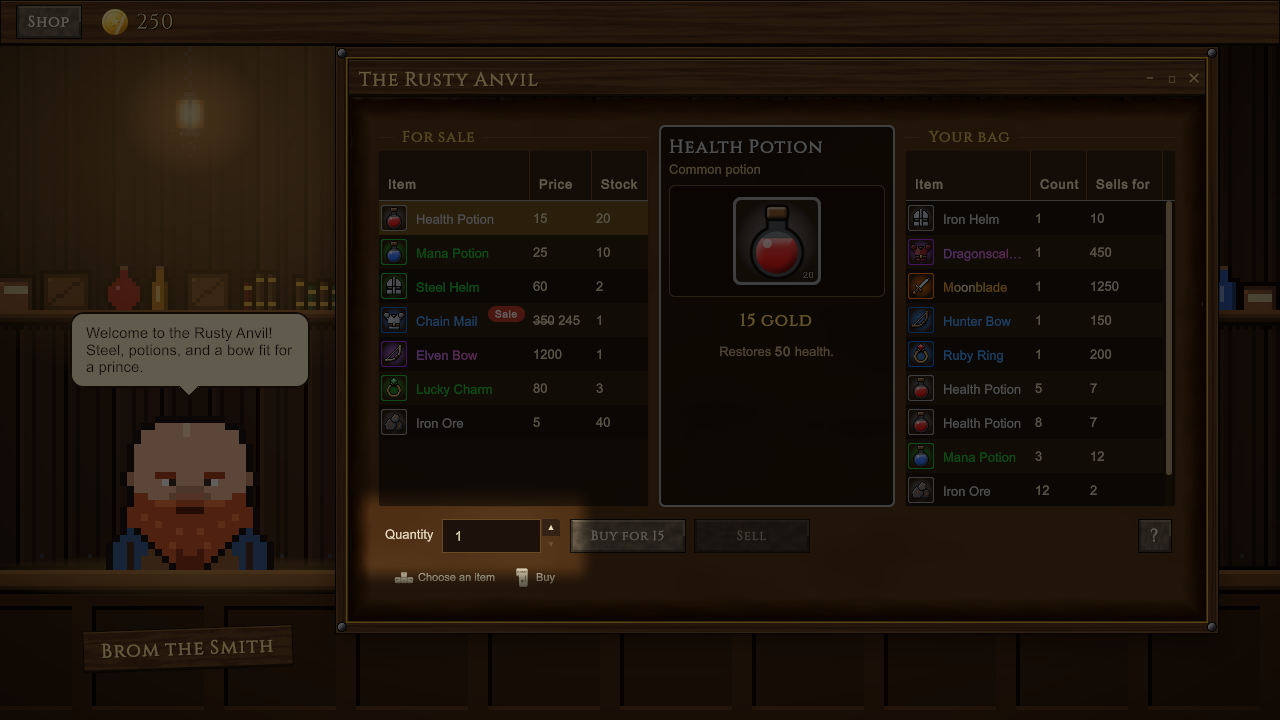
The NumericUpDownDemo scene shows the reward of a bounty with the defaults, a stack split, a crafting amount that the materials in the bag limit, and a settings menu with a format for each option.