

 ObjectiveTracker
 is the quest list of a HUD. Each quest has a title and a list of objectives. Each objective has a check box, a text and, if you want, a count such as "2/5" in front of the text. With no settings, you add a quest with one call, add its objectives, and the tracker does the rest: a count that reaches its target completes the objective, the last required objective completes the quest, and a completed entry shows its check for two seconds and then fades out and collapses. New entries slide in, and a completed objective pops its check box, draws a check mark and strikes its text through (see Animations).
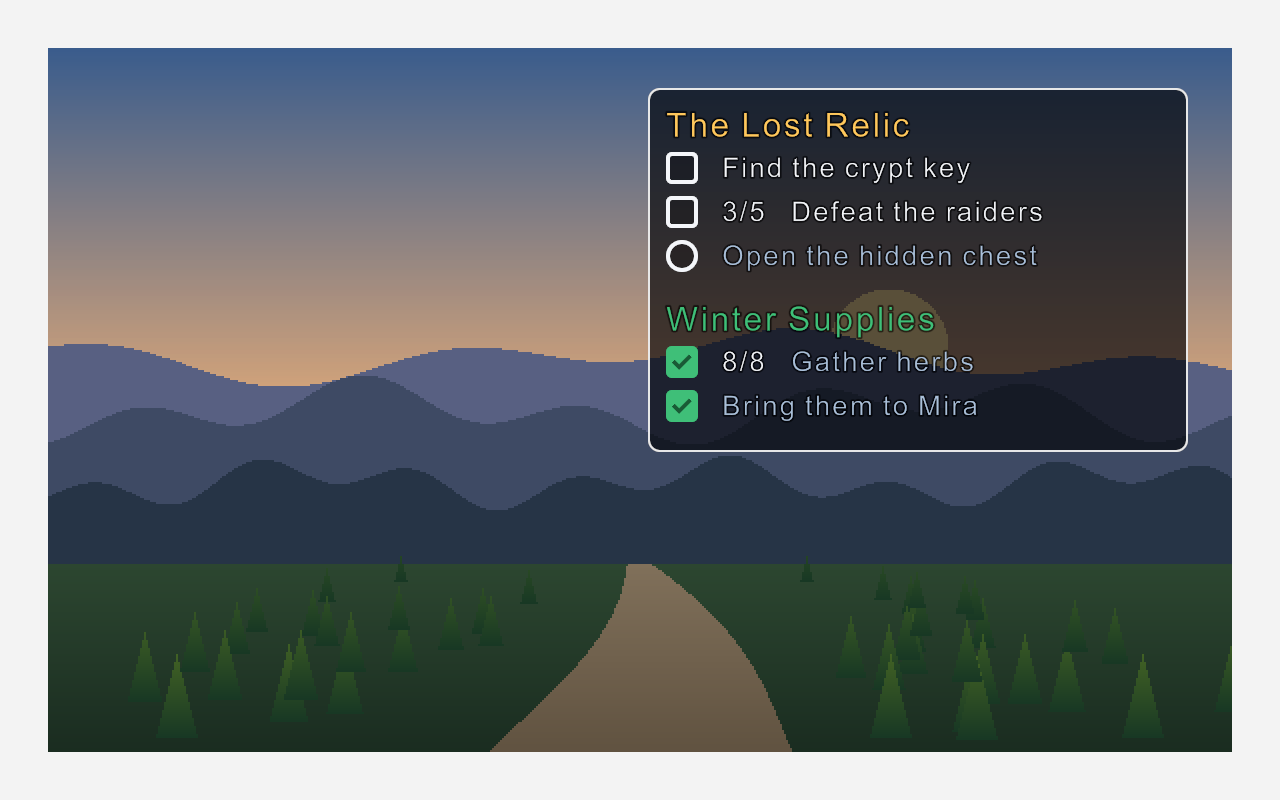
Video tutorial: StatBar and ObjectiveTracker. All videos: Video tutorials. Demo scene: ObjectiveTrackerDemo.unity. Sample: Outpost.
How to add a tracker:
<tb:ObjectiveTracker name="tracker" />
How to put a dark panel behind the quests, for a bright or busy scene:
<tb:ObjectiveTracker
    name="tracker"
    class="tb-objective-tracker--panel" />
The panel has light text in every theme. With no panel the text has the colors of the theme, and it is bold with an outline and a shadow, so it still reads on most scenes. A tracker with no quest takes no room: before the first quest, and after the last one leaves, its panel does not show. It shows again when a quest arrives.
How to add a quest and its objectives:
var tracker = root.Q<ObjectiveTracker>("tracker");
var quest = tracker.AddQuest("Hold the outpost");
var raiders = quest.Add("Defeat the raiders", target: 3);   // shows 0/3
var chest = quest.Add("Open the supply chest");
var scout = quest.Add("Find the lost scout", optional: true);

// In the game:
raiders.Progress++;   // 1/3, and the line pulses
chest.Complete();     // the check turns green
How to answer the events:
tracker.ObjectiveCompleted += o =>
    toasts.Show("Objective complete: " + o.Text);
tracker.ObjectiveFailed += o => toasts.Show("Failed: " + o.Text);
tracker.QuestCompleted += q => rewards.Give(q.Title);
How to write the quests in UXML:
<tb:ObjectiveTracker max-quests="2">
    <tb:TrackedQuest title="Gather wood">
        <tb:TrackedObjective text="Chop trees" target="10" />
        <tb:TrackedObjective text="Build a fire" />
    </tb:TrackedQuest>
</tb:ObjectiveTracker>
Add and remove quests from code with AddQuest and RemoveQuest. The tracker reads the quests that you write in UXML when it attaches to a panel, and it queues them then.
Why the names are TrackedQuest and TrackedObjective: a game often has its own types called Quest and Objective. The tracked types are the elements on the screen. Your own types keep their names, and you need no namespace alias.
ObjectiveTracker
| Member | Description |
|---|---|
MaxQuests (max-quests) |
The most quests on screen. Later quests wait and show when one leaves. 0 shows all. Default 3. |
HideCompleted (hide-completed) |
A completed objective or quest stays for CompleteHold milliseconds, then fades out and leaves the tracker. On by default. |
CompleteHold (complete-hold) |
The milliseconds a completed objective or quest stays. Default 2000. |
ShowOptional (show-optional) |
Shows the optional objectives. On by default. |
Animate (animate) |
Plays the animations in Animations. Off, entries appear and leave at once. On by default. |
AddQuest(title) |
Adds a quest at the end of the list and returns it. |
RemoveQuest(quest) |
Removes a quest at once. A waiting quest shows in its place. |
Clear() |
The VisualElement method: it removes all quests at once, also the entries that wait to leave. Their timers still run, so LeavingCount returns to 0 after the hold and the fade. |
Quests |
The quests in order, the waiting ones too. The list refreshes on each read. |
LeavingCount |
The entries that wait to leave. A tracker at rest has 0. |
ObjectiveCompleted |
An objective completed: the objective. |
ObjectiveFailed |
An objective failed: the objective. |
QuestCompleted |
A quest completed: the quest. |
TrackedQuest
| Member | Description |
|---|---|
Title (title) |
The quest title. |
Add(text, target, optional) |
Adds an objective and returns it. A target above 0 shows a count. |
Objectives |
The objectives in order. The list refreshes on each read. |
State |
A TrackedState: Active, Complete or Failed. |
A quest completes when every required objective completes. A required objective that fails fails the quest. An optional objective never holds back the quest, and its failure does not fail the quest. A quest with no required objective stays active.
TrackedObjective
| Member | Description |
|---|---|
Text (text) |
The text of the step. |
Target (target) |
Above 0 the step shows a count, and reaching the target completes the step. Default 0. |
Progress (progress) |
The count. It is never below 0. When Target is above 0, it is also never above Target. A change pulses the step and bumps the count, but not while the step is set up in UXML before it is in a panel, and not when the tracker has animated off. Default 0. |
Optional (optional) |
An optional step does not hold back its quest. It shows a round check box and its text in --tb-objective-muted-color. Default off. |
State |
A TrackedState: Active, Complete or Failed. |
CountLabel |
The label of the count, for example "2/5". |
Complete() |
Completes the step. It does nothing when the step is not active. |
Fail() |
Fails the step. It does nothing when the step is not active. |
TrackedState
| Value | Meaning |
|---|---|
Active |
In progress. |
Complete |
Done. The check box is green. |
Failed |
Lost. The check box and the text are red. |
- A completed or failed entry does not change its state again.
- A completed objective of a quest that is still active leaves the list after the hold. A failed objective stays, so the player sees what went wrong.
- A completed quest leaves the tracker after the hold. A failed quest stays until your code calls
RemoveQuest. - With
hide-completed="false"nothing leaves. Remove the entries from your own code. - When a quest leaves, the next waiting quest shows.
- Objectives in UXML that are complete before the quest is in a panel count for the quest when it attaches. They raise no event.
Tips:
- Keep the tracker in a corner. It takes no pointer event, so clicks go through to the game.
- Over a bright sky or a busy scene, add the panel class. Put the class on the tracker, not on a parent of your own, so the panel hides with the last quest.
- Put toasts in a different corner, or lower than the tracker, so they do not cover it.
- Set
max-queststo the number of quests your HUD has room for (3 by default). The other quests wait in the queue. - Set
animate="false"for a HUD that must stay still. - Use
Progressfor a count that your game owns, andComplete()for a step with no count.
Animations
With no settings the tracker plays these animations. They are USS transitions that the tracker starts by adding a class and removing it a moment later, so no code runs for each frame.
| Event | Animation |
|---|---|
| A quest is added, or a waiting quest shows | The quest slides in from the right and fades in. |
| An objective is added to a quest that already shows | The objective slides in from the right and fades in. The objectives that you add together with their quest slide in with the quest. |
| An objective completes | The check box pops (it grows to 1.25 and returns to 1), the check mark draws in, and a line sweeps from left to right over the text (the strike-through). The text dims. |
| The count changes | The count bumps (it grows to 1.3 and returns) and flashes --tb-objective-flash-color. The objective also pulses (it grows to 1.06 and returns). |
| A quest completes | The title pops and flashes --tb-objective-done-color. |
| An entry leaves after the hold | It fades and slides to the right, then collapses its height, so the entries below slide up and do not jump. Then it leaves the tracker. |
How to turn them off:
<tb:ObjectiveTracker animate="false" />
tracker.Animate = false;
With animate off no animation class is applied. A new entry shows at once, a completed objective shows its green check box and its dim text, and an entry that leaves after the hold is removed with no fade and no collapse. The tracker also shows the end state at once in an editor panel, such as the UI Builder canvas. The toolbox has no separate reduce-motion setting, so a game that offers one sets Animated from it.
The classes of the animations are on the elements below. The tracker adds them and removes them, except --struck (it stays while the objective is complete) and --collapse (the entry is removed after it).
| Class | Element | Applied |
|---|---|---|
tb-objective-tracker__quest--enter |
The quest. | For 50 ms after the add. The element starts at 0 opacity, 24 px to the right, and the transition runs when the class leaves. |
tb-objective-tracker__objective--enter |
The objective. | The same, for an objective. |
tb-objective-tracker__check--pop |
The check box. | For 150 ms after the objective completes. |
tb-objective-tracker__objective--struck |
The objective. | From the completion on. The strike-through line grows to the full width of the text. |
tb-objective-tracker__count--bump |
The count. | For 150 ms after a change of the count. |
tb-objective-tracker__title--flash |
The quest title. | For 150 ms after the quest completes. |
tb-objective-tracker__objective--leaving, tb-objective-tracker__quest--leaving |
The entry. | The fade, after the hold. |
tb-objective-tracker__objective--collapse, tb-objective-tracker__quest--collapse |
The entry. | The collapse, 0.3 seconds after the fade starts. The entry is removed 0.3 seconds later. |
tb-objective-tracker--static |
The tracker. | Animate is false. Every transition of the tracker is off. |
The elements that the animations use: tb-objective-tracker__mark (the check mark, inside the check box) and tb-objective-tracker__strike (the strike-through line, over the text in tb-objective-tracker__text-box).
A skin can change the colors and the text sizes with these variables. Set them on the tracker, or on a class of the tracker: the tracker declares the variables itself, so a value on a parent does not reach it.
| Variable | Default | Use |
|---|---|---|
--tb-objective-title-color |
--tb-color-warning; with the panel class rgb(255, 200, 92) |
The color of a quest title. |
--tb-objective-text-color |
--tb-color-text; with the panel class rgb(244, 246, 250) |
The color of the text and the count of an objective, and of the border of a check box. |
--tb-objective-muted-color |
--tb-color-text-muted; with the panel class rgb(170, 192, 218) |
The color of the text of an optional or completed objective, and of the strike-through line. |
--tb-objective-panel-color |
rgba(10, 13, 20, 0.9) |
The color of the panel that the panel class adds. |
--tb-objective-flash-color |
--tb-color-accent |
The color of the count while it bumps. |
--tb-objective-done-color |
--tb-color-success |
The color of a completed check box, of a completed quest title and of its flash. |
--tb-objective-mark-color |
--tb-color-hud-outline |
The color of the check mark. |
--tb-objective-title-size |
17px | The font size of a quest title. |
--tb-objective-text-size |
14px | The font size of the text and the count of an objective. |
--tb-objective-box-color |
rgba(0, 0, 0, 0.35) |
The fill of an empty check box. |
The panel is dark in every theme, so the panel class sets the three text colors itself. To change them on a tracker with the panel class, use a selector of two classes, such as .my-hud .tb-objective-tracker.
To change the speed or the distance of an animation, override the class in your USS with a longer transition-duration, or with another translate or scale in the class of the effect:
/* A slower slide in from further away, and a bigger pop */
.my-hud .tb-objective-tracker__objective--enter,
.my-hud .tb-objective-tracker__quest--enter {
    translate: 60px 0;
}
.my-hud .tb-objective-tracker__check--pop {
    scale: 1.5 1.5;
}
The slide in runs for the duration of the entry class (0.3 s). A skin changes it with transition-duration on tb-objective-tracker__quest and tb-objective-tracker__objective.
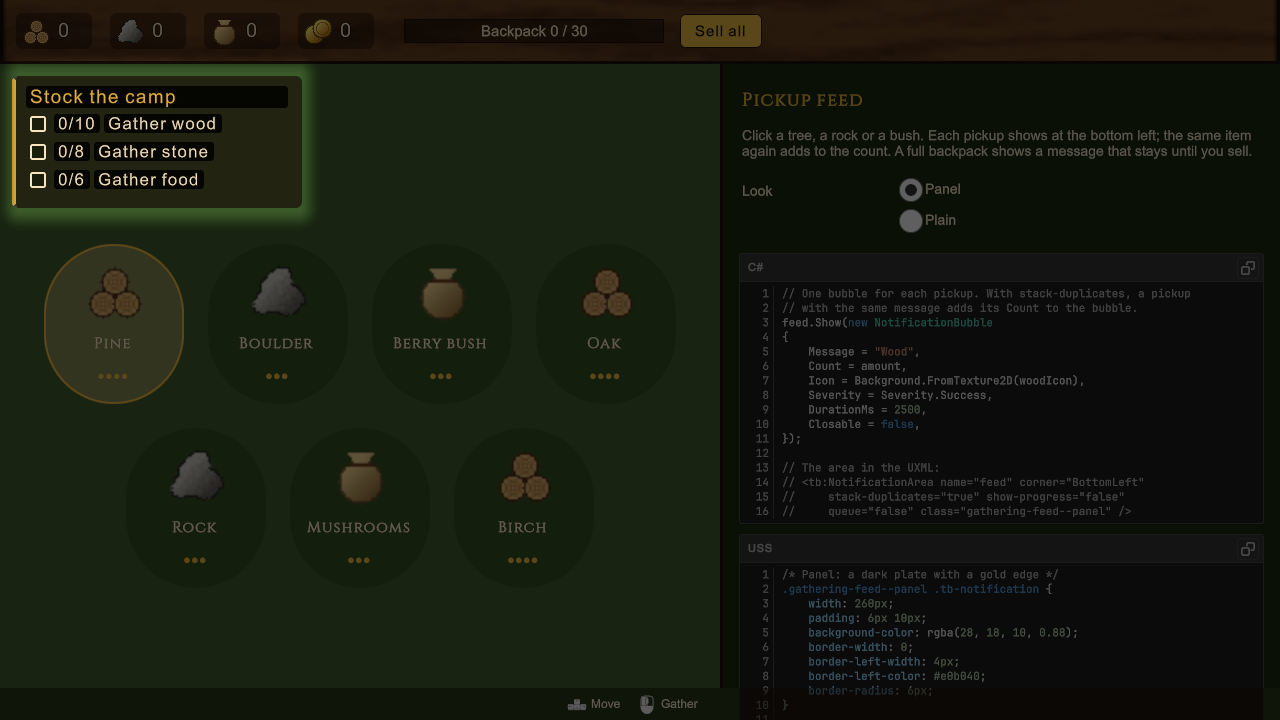
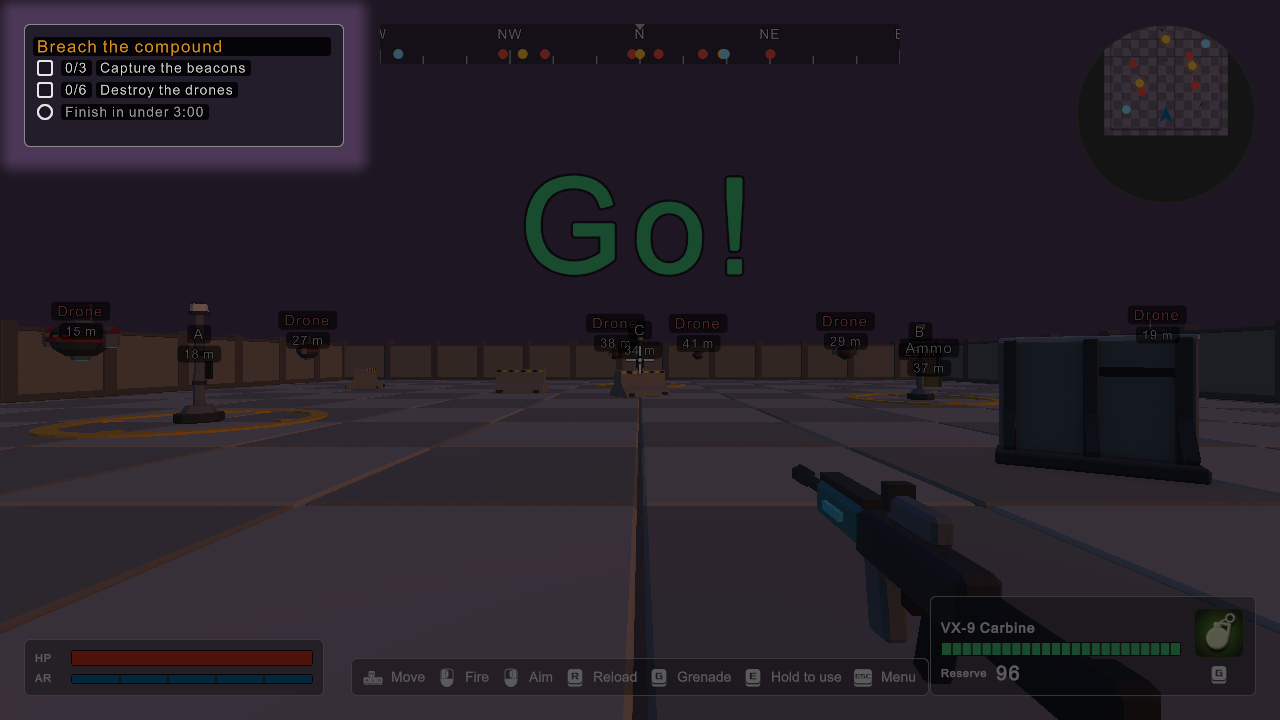
In the examples
Styling
| Class | Element |
|---|---|
tb-objective-tracker |
The tracker. |
tb-objective-tracker--panel |
ObjectiveTracker.PANEL_CLASS. Add it to the tracker for a dark panel behind the quests: --tb-objective-panel-color with a 1 px border in --tb-color-glass-border and --tb-radius-md corners, and light text colors of its own. |
tb-objective-tracker--empty |
ObjectiveTracker.EMPTY_CLASS. The tracker has no quest to show: none was added, or the last one left. It is not displayed, so its panel does not show. In an editor panel, such as the UI Builder canvas, an empty tracker still shows. |
tb-objective-tracker--hide-optional |
ShowOptional is false. The optional objectives hide. |
tb-objective-tracker__quest |
One quest. |
tb-objective-tracker__quest--complete |
The quest completed. The title is green. |
tb-objective-tracker__quest--failed |
The quest failed. The title is red. |
tb-objective-tracker__quest--leaving |
The quest fades out and slides to the right. |
tb-objective-tracker__quest--waiting |
The quest waits for a place. It is not displayed. |
tb-objective-tracker__title |
The quest title. Bold, --tb-objective-title-size, in --tb-objective-title-color. |
tb-objective-tracker__objectives |
The list of objectives. |
tb-objective-tracker__objective |
One objective: a row. |
tb-objective-tracker__objective--complete |
The objective completed. |
tb-objective-tracker__objective--failed |
The objective failed. |
tb-objective-tracker__objective--optional |
An optional objective: a round check box, and the text in --tb-objective-muted-color. |
tb-objective-tracker__objective--progress |
The objective pulses for 0.15 seconds after a change of the count. |
tb-objective-tracker__objective--leaving |
The objective fades out and slides to the right. |
tb-objective-tracker__check |
The check box: 16 x 16 px, with a 2 px border in --tb-objective-text-color and the fill --tb-objective-box-color. It lines up with the first line of the text. |
tb-objective-tracker__count |
The count, in front of the text: bold, --tb-objective-text-size, in --tb-objective-text-color. |
tb-objective-tracker__text-box |
The box that holds the text and its strike-through line. It shrinks when the row is narrow, and a long text wraps under itself. |
tb-objective-tracker__text |
The text of the objective: bold, --tb-objective-text-size, in --tb-objective-text-color. |
Each text has a 1 px outline in --tb-color-hud-outline and a dark shadow, so it reads on a light or busy scene with no panel. The text is bold because the outline eats the thin strokes of a regular font. The tracker uses the variables --tb-color-warning, --tb-color-accent, --tb-color-success, --tb-color-danger, --tb-color-text, --tb-color-text-muted, --tb-color-hud-outline and, with the panel class, --tb-color-glass-border. The fade, the slide and the collapse of a leaving entry, and the slide in of a new entry, are USS transitions of 0.3 seconds.
/* Larger text for a HUD that is read from a couch, on a brown panel.
   The tracker has the panel class. */
.my-hud .tb-objective-tracker {
    --tb-objective-title-size: 20px;
    --tb-objective-text-size: 17px;
    --tb-objective-panel-color: rgba(30, 20, 10, 0.9);
    border-radius: 6px;
}
.my-hud .tb-objective-tracker__check {
    width: 18px;
    height: 18px;
}
Performance
- A resting tracker allocates no memory per frame and runs no scheduled item.
- The tracker owns one scheduled item for all the timed steps of its entries: the end of a slide in, the hold, the fade and the collapse. It runs only when a step is due, and its list of steps keeps room for 16 steps. Each objective owns one item that ends the pop, the bump and the pulse, made when the objective is created. Nothing runs between changes.
- The lists
QuestsandObjectivesreuse one list for each read. They allocate no memory after the first read. - A change of the count and a completion allocate no memory. The count texts of a target up to 100 are made when the target is set; a higher target allocates a text for each change. An entry that leaves allocates once when its inline style is first set for the collapse.
The ObjectiveTrackerDemo scene shows trackers with the panel class, which hides when the last quest leaves, a quest that counts, completes and fails, optional objectives, an escape on a clock that fails at 0, a quest log with more quests than room and two looks of its own.