

 PasswordStrength
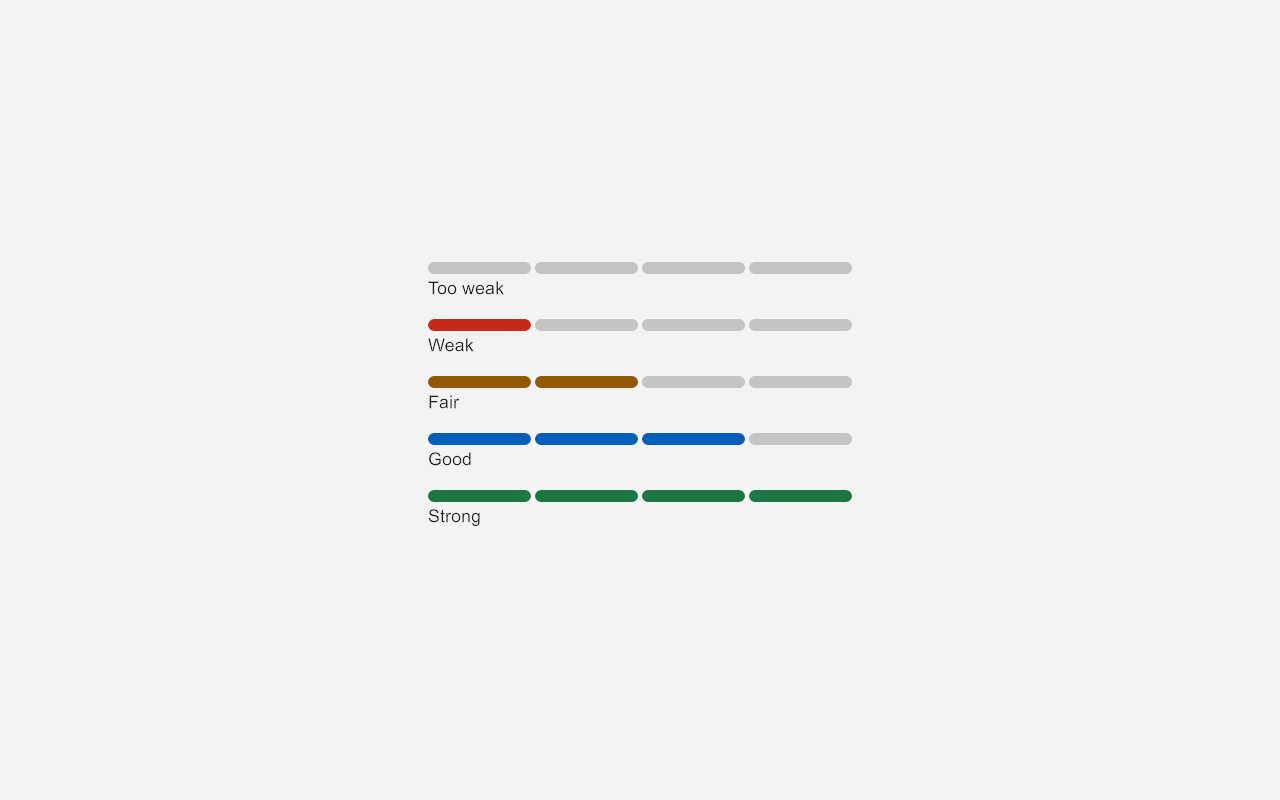
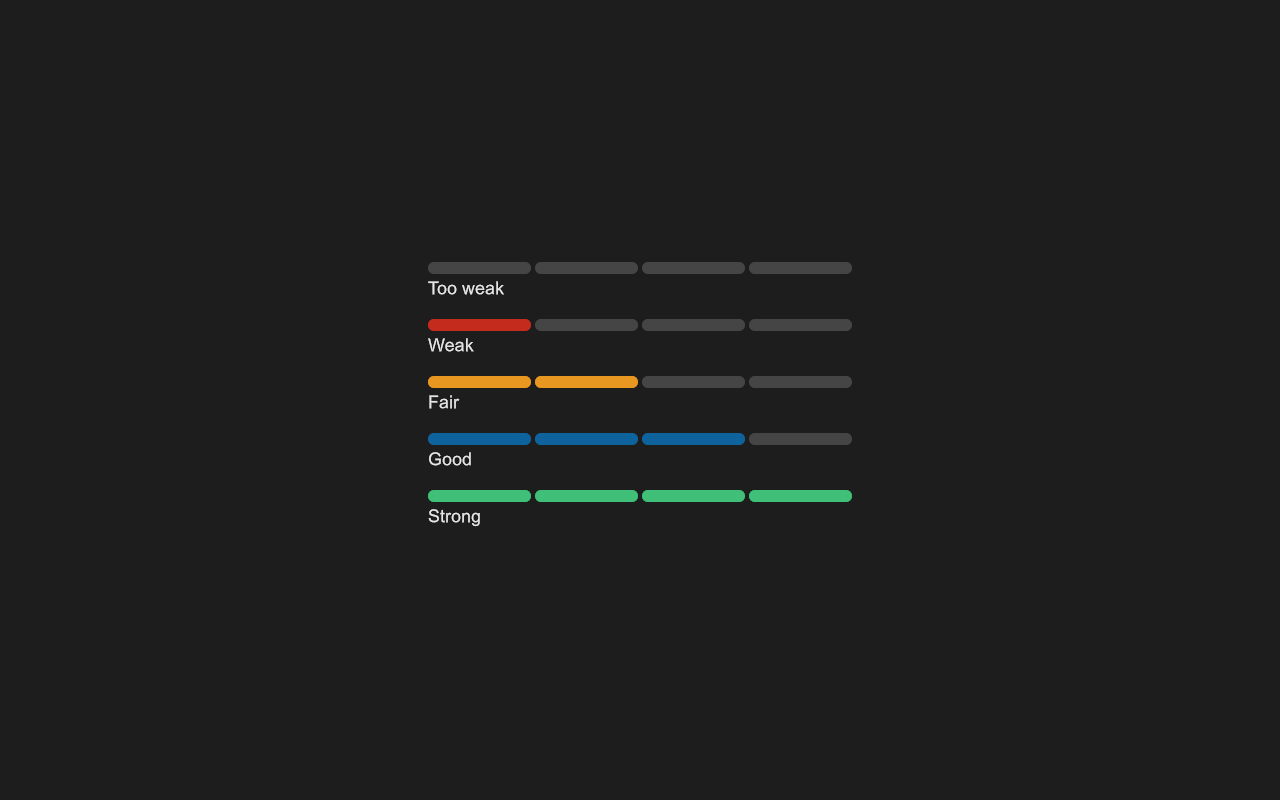
A PasswordStrength is a bar of four steps and a label that tell how strong a password is: "Too weak", "Weak", "Fair", "Good" or "Strong". Put it under a password TextField and set Target; the bar follows each key, with no allocation while the player types.
<ui:TextField name="password" label="Password" password="true" />
<tb:PasswordStrength target="password" />
var strength = root.Q<PasswordStrength>();
strength.Target = root.Q<TextField>("password");
strength.StrengthChanged += level =>
    create.SetEnabled(level >= PasswordStrengthLevel.Fair);
To check a text without a field, call Evaluate:
var level = strength.Evaluate("Tr0ub4dor&3"); // Good
| Member | Description |
|---|---|
Target (target) |
The text field with the password. In UXML the value is the name of the field; the control looks for it when it joins a panel. Set null to stop following a field. |
WeakBits (weak-bits) |
The bits at which the first step lights. Default 28. |
FairBits (fair-bits) |
The bits for the second step. Default 36. |
GoodBits (good-bits) |
The bits for the third step. Default 60. |
StrongBits (strong-bits) |
The bits for the fourth step. Default 128. |
ShowLabel (show-label) |
Shows the word of the level under the bar. Default true. |
Level |
The PasswordStrengthLevel of the last password: Empty, TooWeak, Weak, Fair, Good or Strong. |
Steps |
The number of lit steps, 0 to 4. |
Bits |
The bits of the last password. |
LevelLabel |
The label under the bar. |
StrengthChanged |
Raised when the level changes, not for each key. |
Evaluate(string) |
Checks a text, sets the bar and returns the level. |
BitsOf(string) |
Static. The bits of a text, with no control. |
The bits
The bits are the length times log2 of the size of the character set: 26 for lower case letters, 26 for upper case, 10 for digits, 33 for the other signs of the keyboard and 100 for any other character. A character that goes on with the step of the two before it (the same letter, the next one or the previous one, as in aaaa, abcd or 4321) adds no bits. So "password" has 37.6 bits (Fair), "Tr0ub4dor&3" has 72.3 (Good) and 20 mixed characters have more than 128 (Strong). The estimate does not know word lists; use it as a hint to the player, not as a rule of security.
The label words are ToolboxText keys (tb.password-too-weak, tb.password-weak, tb.password-fair, tb.password-good, tb.password-strong), so a language change reads them again.
Styling
The colors come from the status variables of the theme: danger for "Too weak" and "Weak", warning for "Fair", accent for "Good" and success for "Strong".
| Class | Element |
|---|---|
tb-password-strength |
The control. It has one of the level classes tb-password-strength--empty, --too-weak, --weak, --fair, --good and --strong. |
tb-password-strength__bar |
The row of four steps. |
tb-password-strength__step |
One step. A lit step also has tb-password-strength__step--on, and the last step has tb-password-strength__step--last. |
tb-password-strength__label |
The label. |
tb-password-strength--no-label |
The control when ShowLabel is false. |
The FormDemo scene shows it under a password field in the Settings tab.