

 QrCode
 in UIToolbox draws a QR code of a text: a link to a companion app, a page of the game wiki, a friend code, a support ticket or a save to share. A phone camera reads it. The encoder follows ISO/IEC 18004, for versions 1 to 40 and the four error-correction levels, and runs in the game with no plugin and no network.
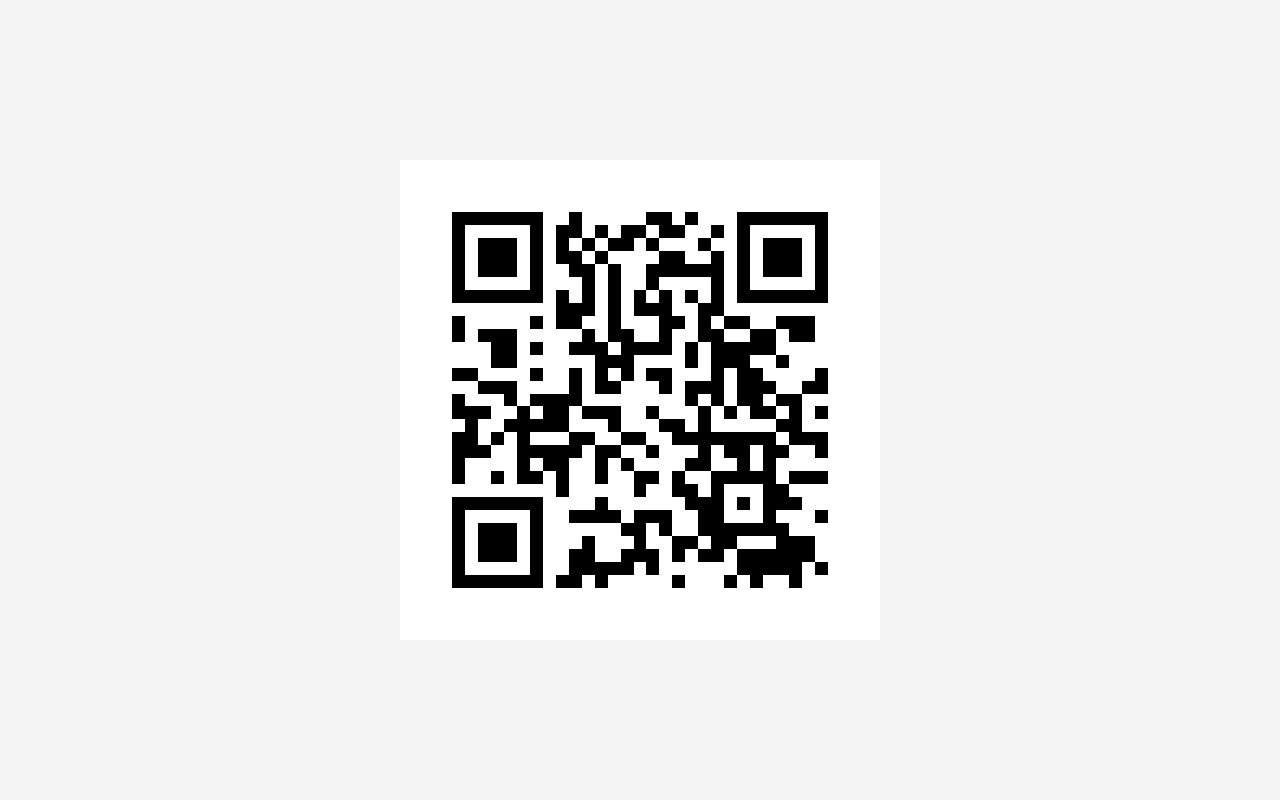
<tb:QrCode text="https://magikorp.com" />
<tb:QrCode text="HELLO" ecc="Q" min-version="3" quiet-zone="2" />
var code = new QrCode { Text = "https://magikorp.com" };
root.Add(code);

code.Logo = logoTexture;   // the level goes up to H
// the size stays the same while the text changes
code.MinVersion = 4;
if (!code.IsValid) ShowTooLong();
The code is the largest square that fits in the content box of the element, centered. The default size is 160 × 160 pixels; set width and height in USS for another size.
In the UI Builder, a code without text shows the code of a sample link in a dashed outline. The sample does not show in Play mode or in a build, and the UI Builder does not save it to the UXML file.
Settings
| Setting (UXML) | Type | Default | Does |
|---|---|---|---|
text |
string | "" | The text to encode. An empty text draws nothing. |
ecc |
QrErrorCorrection |
M |
The error-correction level: L (7 % of the code can be lost), M (15 %), Q (25 %), H (30 %). A higher level makes a larger code for the same text. |
quiet-zone |
int | 4 | The light border around the code, in modules. The standard asks for 4. |
min-version |
int | 1 | The smallest version, from 1 to 40. A version of 4 keeps the code at 33 × 33 modules while the text changes, as long as the text fits. |
logo |
Texture2D |
null | An image in the center of the code, on a light square. A logo raises the level to H. |
logo-vector |
VectorImage |
null | An SVG in the center of the code, in place of logo. It raises the level to H too. |
logo-size |
float | 0.2 | The width of the logo as a part of the width of the code, at most 0.2. |
Properties
| Member | Description |
|---|---|
Text, Ecc, QuietZone, MinVersion, Logo, LogoSize |
The settings above. A change of Text, Ecc, MinVersion or Logo encodes the code again. |
IsValid |
True when the element shows a code. False for an empty text and for a text that is too long. |
Version |
The version of the code, from 1 to 40. 0 when there is no code. |
ModuleCount |
The number of modules on a side: 17 + 4 × version. 0 when there is no code. |
Matrix |
The modules of the code, a QrMatrix, or null when there is no code. |
CodeRect |
The square, in the local space of the element, that the code fills, quiet zone included. |
A text that does not fit in version 40 at the level draws nothing, adds the class tb-qr-code--error and logs one warning. The warning comes once until the text fits again.
Encoder
QrEncoder is the encoder that the control uses. Call it to read the modules in your own code, for example to print a code or to draw it into a texture.
var matrix = new QrMatrix();
if (QrEncoder.TryEncode("https://magikorp.com", QrErrorCorrection.M,
    matrix))
{
    for (var y = 0; y < matrix.Size; y++)
        for (var x = 0; x < matrix.Size; x++)
            texture.SetPixel(x, matrix.Size - 1 - y,
                matrix[x, y] ? Color.black : Color.white);
    texture.Apply();
}
| Member | Description |
|---|---|
QrEncoder.TryEncode(text, ecc, result, minVersion = 1) |
Encodes the text into result. False, and an empty result, when the text does not fit in version 40. |
QrEncoder.SizeOf(version) |
The number of modules on a side of a version. |
QrEncoder.DataCodewordsOf(version, ecc) |
The number of data bytes that a version holds at a level. |
QrEncoder.MIN_VERSION, MAX_VERSION |
1 and 40. |
QrMatrix.Size |
The number of modules on a side, without the quiet zone. 0 when it is empty. |
QrMatrix[x, y] |
True for a dark module. The top left module is (0, 0). False outside the code. |
QrMatrix.Version, Ecc, Mask |
The version, the level and the mask pattern (0 to 7) of the code. |
QrMatrix.IsEmpty, Clear() |
An empty matrix, and the call that empties it. |
The encoder picks one mode for the whole text:
- Numeric when the text has only the digits 0 to 9.
- Alphanumeric when the text has only the digits, the capital letters A to Z, the space and
$ % * + - . / :. A link in capitals, such asHTTPS://MAGIKORP.COM, makes a smaller code than the same link in small letters. - Byte for any other text, in UTF-8. A letter outside ASCII takes 2 to 4 bytes.
It takes the smallest version from minVersion that holds the text, adds the Reed-Solomon error correction, places the patterns, and keeps the mask with the lowest penalty of the standard. TryEncode can run on any thread; one encode runs at a time.
Capacity
The number of characters that a version holds at each level, as numeric / alphanumeric / bytes:
| Version | Modules | L | M | Q | H |
|---|---|---|---|---|---|
| 1 | 21 × 21 | 41 / 25 / 17 | 34 / 20 / 14 | 27 / 16 / 11 | 17 / 10 / 7 |
| 2 | 25 × 25 | 77 / 47 / 32 | 63 / 38 / 26 | 48 / 29 / 20 | 34 / 20 / 14 |
| 5 | 37 × 37 | 255 / 154 / 106 | 202 / 122 / 84 | 144 / 87 / 60 | 106 / 64 / 44 |
| 10 | 57 × 57 | 652 / 395 / 271 | 513 / 311 / 213 | 364 / 221 / 151 | 288 / 174 / 119 |
| 20 | 97 × 97 | 2061 / 1249 / 858 | 1600 / 970 / 666 | 1159 / 702 / 482 | 919 / 557 / 382 |
| 40 | 177 × 177 | 7089 / 4296 / 2953 | 5596 / 3391 / 2331 | 3993 / 2420 / 1663 | 3057 / 1852 / 1273 |
A phone reads a small version from far away and at a small size on the screen. Keep the text short: a link of about 30 characters fits in version 2 or 3 at level M. A module of at least 3 pixels on the screen is easy to scan.
Make it scannable
Keep a strong contrast. A scanner looks for dark modules on a light ground. Make
--tb-qr-colormuch darker than--tb-qr-background. A light code on a dark ground (the colors reversed), a pale color, or two colors of the same lightness can fail on many phones. The default black on white always works.
- Keep the quiet zone at 4 modules, or at least 2 when the ground around the element is as light as
--tb-qr-background. - A logo hides the modules under it. The control raises the level to
Hand keeps the logo at most 0.2 of the width, so the code can still be read. Test the code with a phone after you change the logo. - Do not stretch the code. The element draws a square, so a wide element leaves a margin at the sides.
In the examples
Styling
| Class | Element |
|---|---|
tb-qr-code |
The code (160 × 160 pixels; does not shrink). |
tb-qr-code__logo |
The Image of the logo, on a light square in the center. |
tb-qr-code--error |
The code while the text is too long. It shows a border in --tb-color-danger. |
| Variable | On | Description |
|---|---|---|
--tb-qr-color |
tb-qr-code |
The color of the dark modules. Default black. |
--tb-qr-background |
tb-qr-code |
The color of the light modules, the quiet zone and the square under the logo. Default white. |
The style families of a workspace do not change the two colors, so the code stays easy to scan in each theme. Set them yourself:
.my-code {
    --tb-qr-color: rgb(20, 33, 61);
    --tb-qr-background: rgb(250, 243, 224);
}
Performance
- The control encodes only when the text, the level, the min version or the logo changes. At rest it does no work and allocates nothing.
- The encoder keeps its tables and buffers, so an encode at a version that it has used before allocates nothing. The first encode at a new version or level can allocate once, for the storage of the modules and the error-correction tables.
- The control draws one mesh: one quad for each horizontal run of dark modules, in parts of at most 10 000 quads.
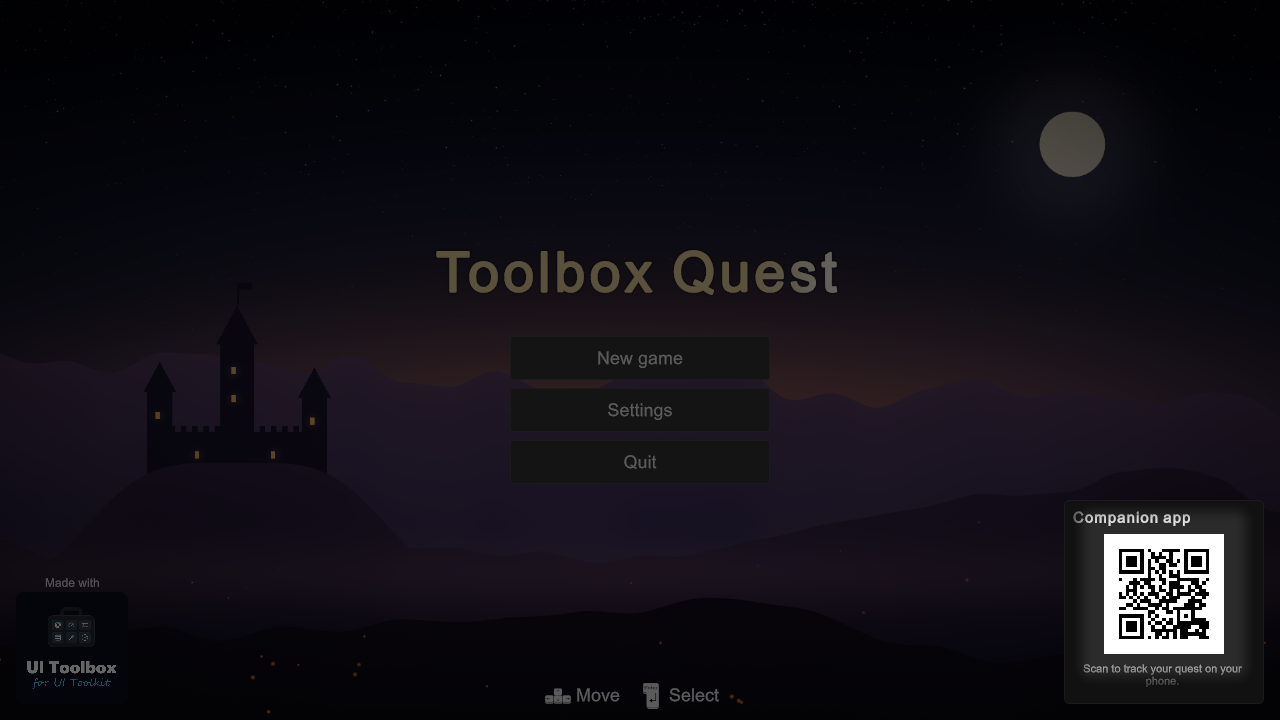
The QrCodeDemo scene encodes a text as you type, with the level, the quiet zone, the min version, a logo, the colors and a readout of the version, the size and the mask. Its Scan the code button bursts sparkles and "+50 gold" over a valid code. The Game menu example shows a companion app code on its main menu.