

 SankeyChart
 in UIToolbox draws a Sankey diagram: nodes in columns, joined by bands as wide as the amounts that flow between them. The links are the data: each link names the node it leaves, the node it enters and its value, and each name a link gives is a node. Use it for the resources that flow through a factory, the income and the spending of a budget, or where the players of a level go.
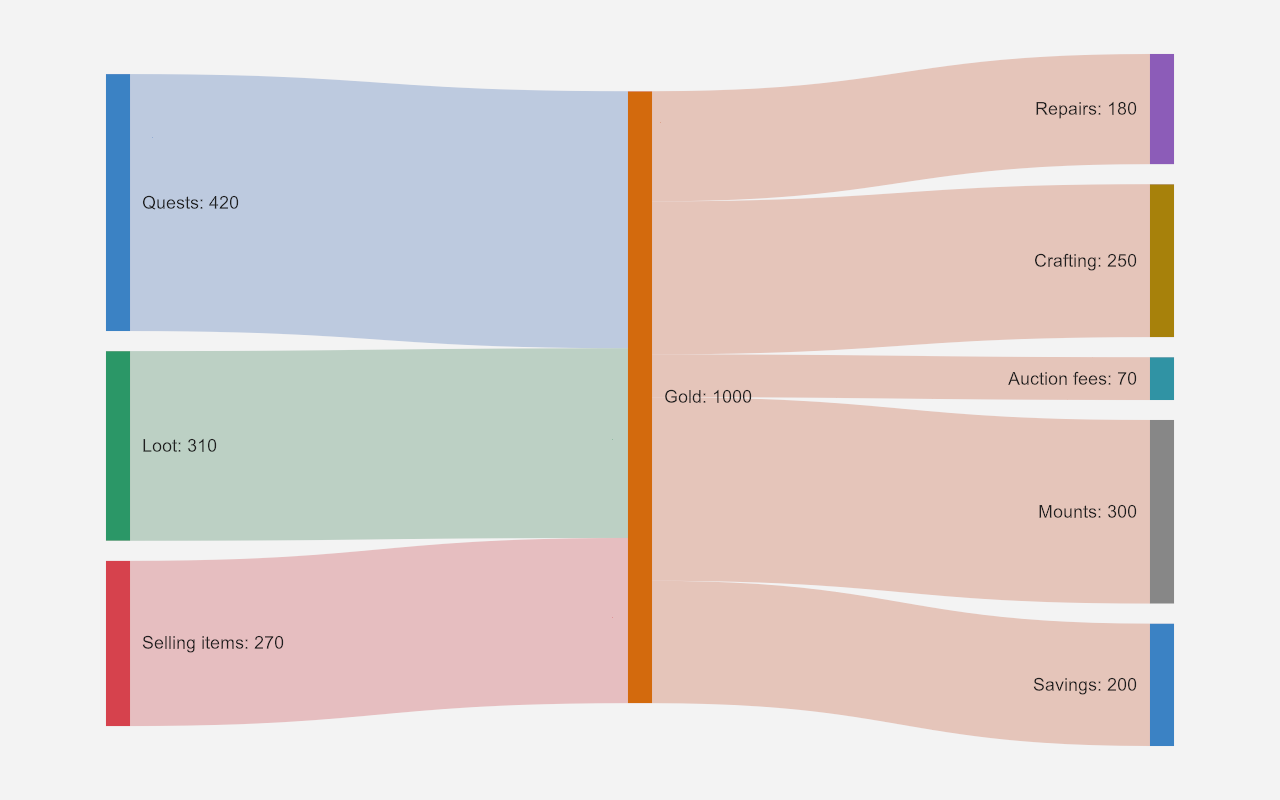
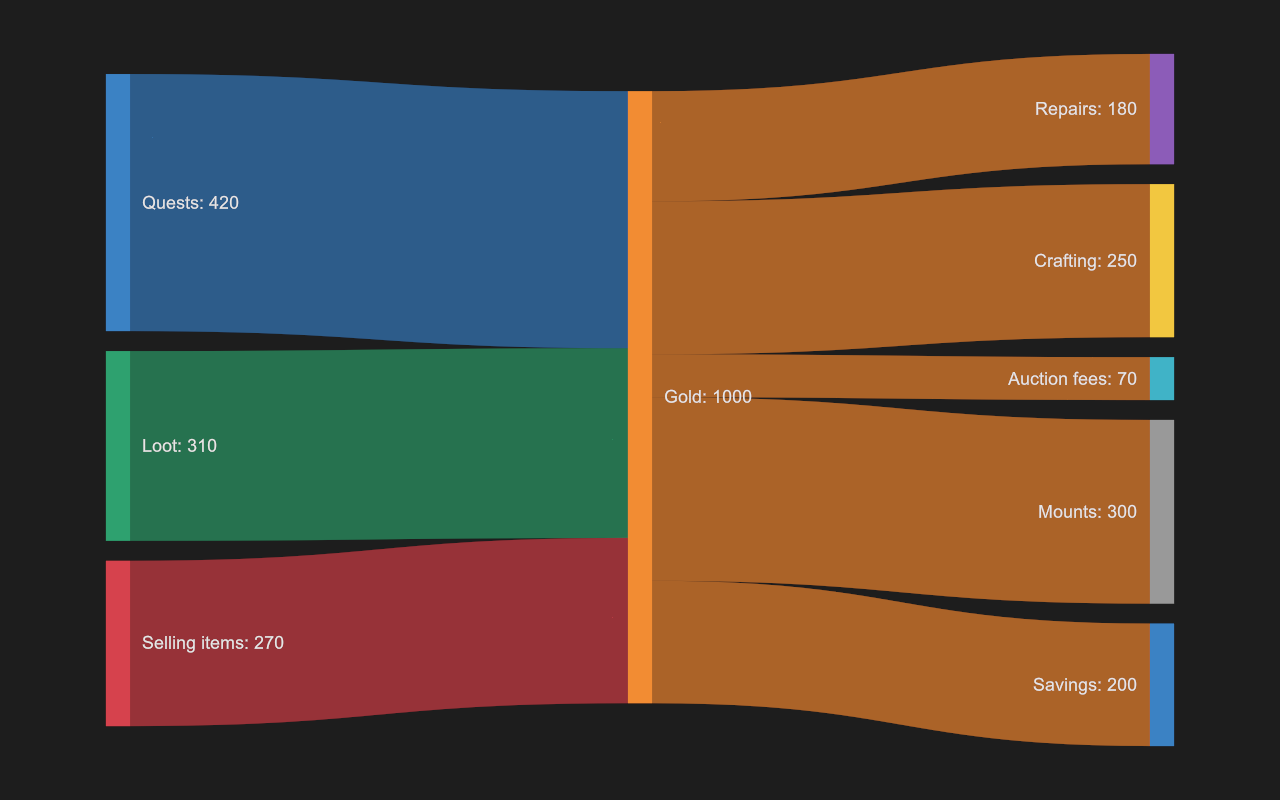
Video tutorial: SankeyChart. All videos: Video tutorials.
<tb:SankeyChart
    links="Iron ore, Smelter, 120; Copper ore, Smelter, 80;
           Smelter, Iron plates, 120; Smelter, Copper wire, 80" />
<tb:SankeyChart
    show-values="false"
    node-colors="Boss: #D9534F; Quit: #6C7A89"
    links="Start, Cave, 60; Start, Forest, 40; Cave, Boss, 35;
           Cave, Quit, 25; Forest, Boss, 30; Forest, Quit, 10" />
var chart = root.Q<SankeyChart>("factory");
// adds the link, and with it the two nodes
chart.SetLink("Iron ore", "Smelter", 120);
chart.SetLink("Smelter", "Iron plates", 120);
chart.SetLink("Iron plates", "Gears", 50);
chart.SetNodeColor("Gears", new Color(0.42f, 0.48f, 0.54f));
chart.NodeClicked += node =>
    Debug.Log($"{node}: {chart.GetNodeValue(node)} units");
// the nodes and the bands ease to their new sizes
chart.SetLink("Iron plates", "Gears", 65);
Each node stands in the column of the longest path of links into it, and a node that sends nothing on stands in the last column. A node is as tall as the larger of what comes in and what goes out, and the column that carries the most fills the height. The nodes move toward the nodes they link to, and the bands leave and enter each node in the order of the nodes at their other ends, so the bands cross as little as they can. A link that would close a loop, such as a link of a node to itself, draws no band. The chart grows to fill its parent and is at least 120 pixels high.
Settings
| Setting (UXML) | Type | Default | Does |
|---|---|---|---|
links |
string | "" | The links: the node a link leaves, the node it enters and its value, separated by commas, and the links separated by semicolons or new lines. A value below 0, or that is not a number, counts as 0. A name cannot hold a comma or a semicolon here; SetLinks takes any name. |
show-values |
bool | true | Shows the value of each node after its name. |
format-string |
string | 0.## |
The number format of the values on the labels and in the tooltips. |
interactive |
bool | true | Lets the pointer and the keys highlight and select nodes and links. Off clears the highlight; code can still select. |
node-colors |
string | "" | The colors of nodes: a name and a color separated by a colon, and the nodes separated by semicolons, as in Ore: #8C6E4A; Coal: #333333. A node without a color takes the theme chart color (--tb-chart-1 to --tb-chart-8) at its place in Nodes, and each band takes the color of the node it leaves. |
animate |
bool | true | Moves the nodes and the bands to their new sizes in a short ease when the values change. A change of the nodes, or a new size of the chart, places them at once. |
Each node has a label with its name: on its right in the left half of the chart, and on its left in the right half.
Properties and methods
| Member | Description |
|---|---|
Links, ShowValues, FormatString, Interactive, NodeColors, Animate |
The settings of the chart above. |
LinkData |
The links as a list of SankeyLink, for a binding or for code. Setting it replaces them. |
SetLinks(links) |
Replaces the links. New values for the same links in the same order ease; other changes place the nodes at once. |
SetLink(from, to, value) |
Sets the value of the first link from one node to another, or adds the link when there is none. |
RemoveLink(from, to), ClearLinks() |
Removes the first link between two nodes (false when there is none), or all the links. A node goes when no link names it. |
GetLinkValue(from, to) |
The value of the first link between two nodes, or 0 when there is none. |
Nodes |
The names of the nodes, in the order the links first name them. |
GetNodeValue(name) |
The value of a node: the larger of what comes in and what goes out. 0 for a name that is not a node. |
SetNodeColor(name, color), GetNodeColor(name) |
Gives a node its own color, or with a clear color its palette color back, and reads the color a node shows. The name does not have to be a node yet. |
SelectedNode, SelectedLink |
The selected node or link, or null; one of them at a time. Setting a link selects the first link between its two nodes, whatever its value. A name that is not a node, or two nodes that no link joins, throws. |
HoveredNode, HoveredLink |
The node or the link under the pointer, or null. |
ClearSelection() |
Clears the selection. |
SankeyLink(from, to, value) |
One link: From, To and Value. |
Setting a link to the value it has, or setting links equal to the links, changes nothing, so a binding or a call each frame is free. The layout follows a change once a frame, so a loop that sets many links lays out once. The selection stays on the same node, or on the link between the same two nodes, while the links change; when that node or link goes, the selection is cleared and NodeSelected or LinkSelected sends null.
Events
| Event | Sent when |
|---|---|
NodeSelected(name) |
A click, a key or SelectedNode selects a node, or no node is selected any more (null). |
LinkSelected(link) |
A click, a key or SelectedLink selects a link, or no link is selected any more (null). |
NodeHovered(name), LinkHovered(link) |
The pointer moves onto a node or a band, or off it (null). |
NodeClicked(name), LinkClicked(link) |
A node or a band is clicked, or Enter, Space or the submit button of a gamepad is pressed while it is selected. |
When the selection moves from a node to a link, NodeSelected(null) comes first, so a handler that shows the selection ends on the new one.
Mouse and keyboard
| Input | Does |
|---|---|
| Pointer over a node or a band | Draws a thin line around it, and its bands stand out while the others fade. Its tooltip shows the name and the value of the node, or the two nodes and the value of the link. |
| Click | Selects the node or the band, or clears the selection when it is selected. A click on empty space clears the selection. Sends NodeClicked or LinkClicked. |
| Arrow keys, D-pad, left stick | The first press selects the top node of the first column. Right goes from a node to its first link out and on to the node it enters, and Left goes back along the links into it. Up and Down go along a column, or along the links out of the same node. At the end the focus moves on. |
| Enter, Space, submit | Sends NodeClicked or LinkClicked for the selection. |
| Escape, cancel | Clears the selection. |
The SankeyChart takes the focus; its border takes the accent color while it has it.
No data
A Sankey chart with no links draws two faint bands between two columns and a centered pill with the text "No data".
<tb:SankeyChart />
<tb:SankeyChart no-data-text="No trades yet" />
| Member | Description |
|---|---|
NoDataText (no-data-text) |
The text of the pill. Empty (the default) shows the translated "No data" (the ToolboxText key tb.no-data, in nine languages), which follows a language change. |
ShowNoData (show-no-data) |
True (the default) shows the faint shape and the pill. False leaves an empty chart. |
- A Sankey chart is empty while it has no links.
- The pill hides as soon as data arrives, and shows again when the data goes. No code runs per frame.
- The pill needs a chart of at least 72 × 36 pixels (for a graph and a Sankey chart, the plot). A smaller chart shows no pill.
- The pill sits in the middle of the plot.
- The classes are
tb-chart-no-data(the overlay, in--tb-color-text-muted) andtb-chart-no-data__pill(the pill). Restyle them for the look of your game.
Performance
- The bands and the nodes draw in one mesh, with a label for each node, which suits up to a few hundred links.
- At rest the chart does no work, and no scheduled item runs. The ease runs only while the nodes and the bands move.
- A layout takes a few passes over the links, at most once a frame, and allocates nothing while the nodes stay: the chart keeps its lists, and the text of a value is made once and kept while the value stays. A value that changes each frame makes one string for its label while
show-valuesis on. A new node makes larger buffers when the chart outgrows them. - The tooltip of a link,
{0} → {1}: {2}, is theToolboxTextkeytb.sankey-link, so it follows the language. See Localization.
Styling
| Class | Element |
|---|---|
tb-sankey-chart |
The chart. It grows, is at least 120 pixels high, and its border shows the focus. |
tb-sankey-chart--empty |
The chart while it has no links. |
tb-sankey-chart__plot |
The area of the nodes and the bands, which takes the pointer and shows the tooltips. |
tb-sankey-chart__label |
The label of a node. tb-sankey-chart__label--end is a label on the left of its node, in the right half of the chart. |
| Variable | On | Description |
|---|---|---|
--tb-sankey-chart-node-width |
tb-sankey-chart |
The width of a node in pixels, written without a unit. Default 12. |
--tb-sankey-chart-node-spacing |
tb-sankey-chart |
The least gap between two nodes of a column in pixels, written without a unit. A chart too short for the gaps makes them smaller. Default 10. |
--tb-sankey-chart-link-opacity |
tb-sankey-chart |
The opacity of the bands, from 0 to 1. While a node or a link is pointed at or selected, its bands go halfway to opaque and the others to half the opacity. Default 0.45. |
--tb-sankey-chart-selection |
tb-sankey-chart |
The color of the line around the selected node or band, and of the fainter line around the one under the pointer. Default var(--tb-color-text). |
Wide nodes with more room between them, bands that show more, and a gold selection:
.factory-flows {
    --tb-sankey-chart-node-width: 20;
    --tb-sankey-chart-node-spacing: 16;
    --tb-sankey-chart-link-opacity: 0.6;
    --tb-sankey-chart-selection: rgb(255, 210, 60);
}

.factory-flows .tb-sankey-chart__label {
    font-size: 14px;
}
In the UI Builder, a Sankey chart without links shows a sample. The sample does not show in Play mode or in a build, and the UI Builder does not save it to the UXML file.
The SankeyChartDemo scene shows the gold of a game economy day by day, the goods of a factory hour by hour, the players of a dungeon at each difficulty, and four looks. A status line under the chart tells the selected node or link and the one under the pointer.