

 SearchField
A SearchField is a text field for searching: a magnifier that stays while the player types, a "Search" placeholder in the language of the player, a clear button, and a search event that waits until the player stops typing. It is an InputGroup with all of that set up, so you add icons or a Kbd the same way. The search box of the EmojiPicker, the FileBrowser, the PropertyGrid, the LogView and the CommandPalette is a SearchField.
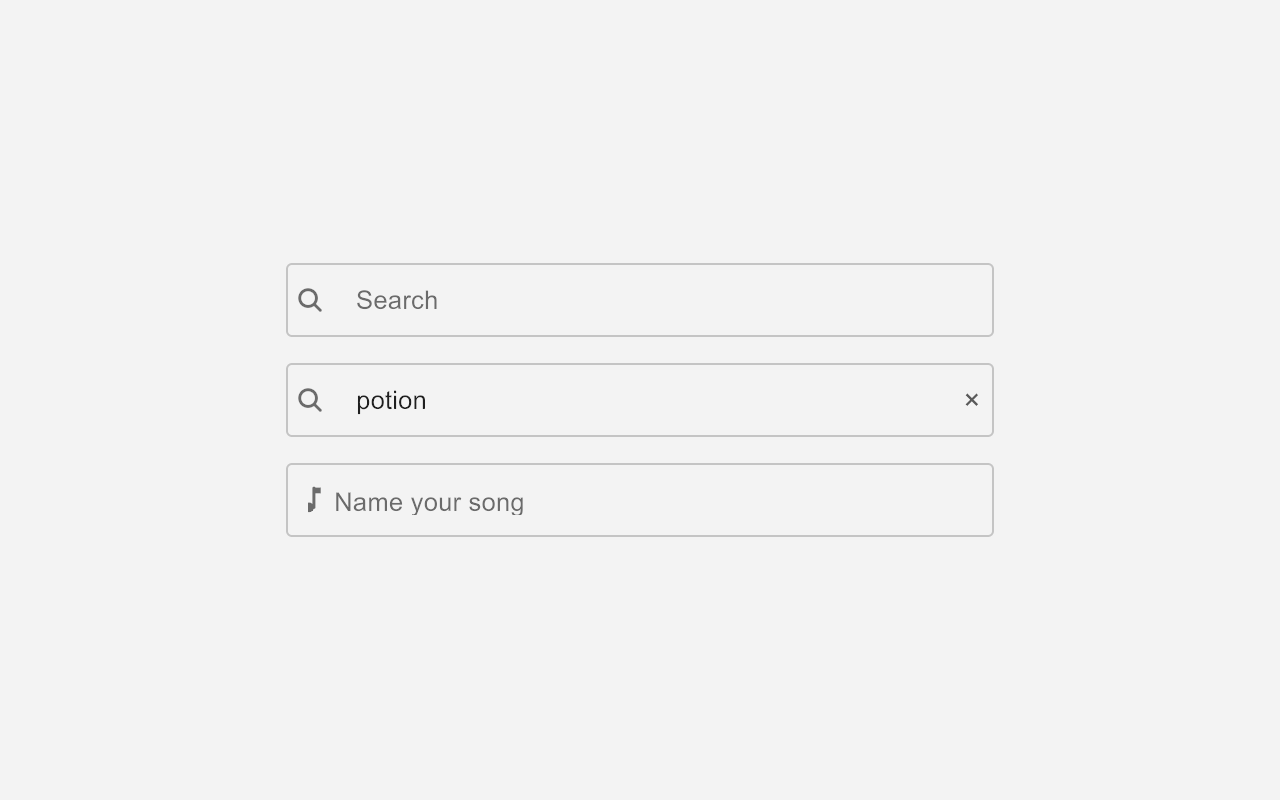
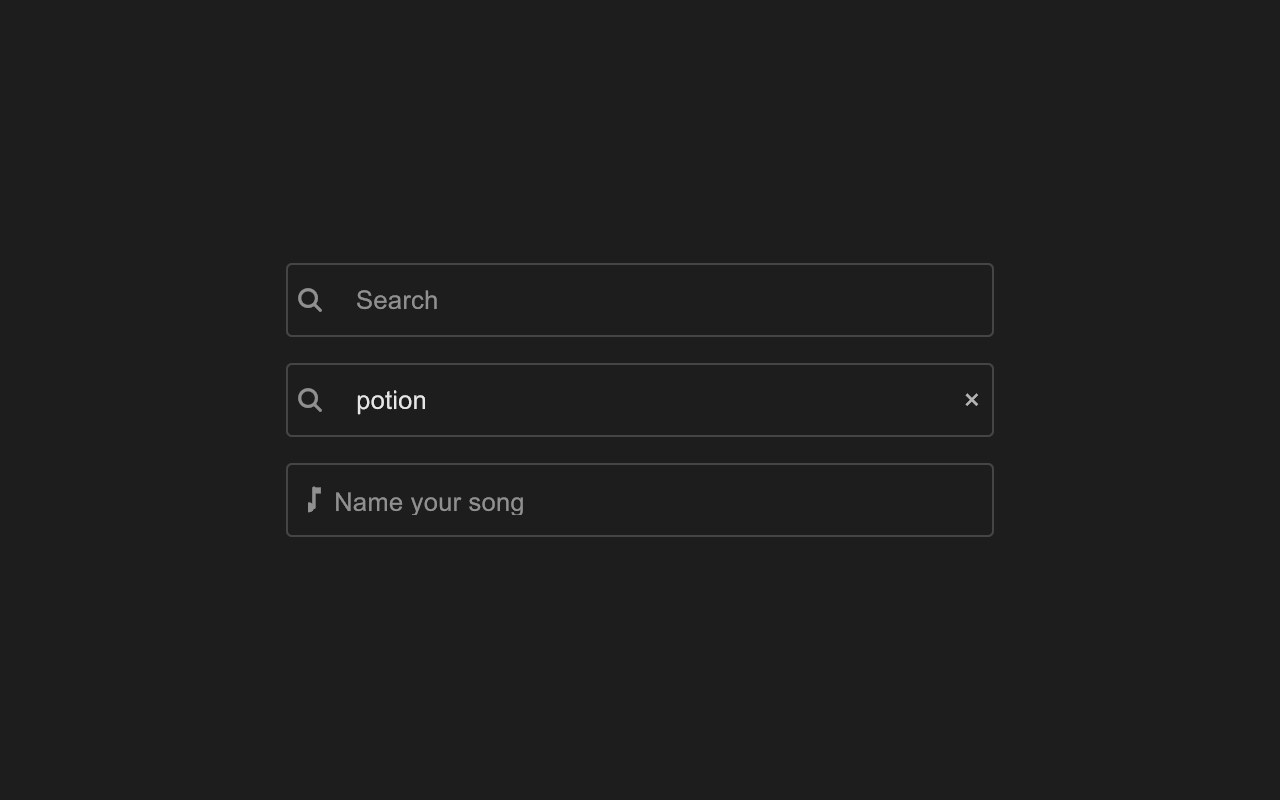
How to add a search field:
<tb:SearchField name="search" placeholder="Search the bag" />

<tb:SearchField delay="0" show-icon="false" clear-on-escape="false">
    <tb:Kbd keys="Ctrl+F" />
</tb:SearchField>
var search = new SearchField { Delay = 300 };
root.Add(search);

// Runs 300 ms after the last key, and at once for an empty text
search.SearchChanged += text => list.Filter(text);

// Runs when the player presses Enter, after the pending search
search.Submitted += text => list.OpenFirst(text);

// A custom placeholder, and a hint for a shortcut
search.Placeholder = "Search the bag";
search.Add(new Kbd { Keys = "Ctrl+F" });
SearchField settings
| Member | Description |
|---|---|
value |
The text. A set shows it in the box and sends a change event. SetValueWithoutNotify sets it and sends no event. |
Placeholder (placeholder) |
The text of the empty box. By default it is "Search", and it follows the language of the player. Set it to your own text, or to null for the default. |
Delay (delay) |
The wait in milliseconds between the last change of the text and SearchChanged. Default 200. With 0 each change sends its event at once. An empty text always searches at once. |
ShowIcon (show-icon) |
Shows the magnifier in front of the box. Default true. |
ClearOnEscape (clear-on-escape) |
Escape empties a box that has text, and the screen does not see that key. With no text, Escape goes on to the screen. Default true. |
Icon |
The element in front of the box. A set replaces the magnifier; null takes it away. |
TextField |
The text field inside, for the focus and the text edition. |
SearchChanged |
An event with the text, after Delay. |
Submitted |
An event with the text when the player presses Enter. A search that waits runs first. |
show-clear-button |
The clear button, from InputGroup. It is on by default for a search field. |
Watermark (hide-watermark-on-focus) |
From InputGroup: any element over the empty box, as in InputGroup. |
- The magnifier stays while the player types, so the box never looks like a plain field.
- The placeholder is the text of the empty box. A Watermark takes its place without a second placeholder.
- A change of the language changes the placeholder at once, as long as you did not set your own.
- Enter sends
Submitted. On a gamepad the on-screen keyboard shows a Search key. - The d-pad never empties the box and never closes the screen. Only Escape or B, with no text left, goes on to the screen.
- A
SearchFieldmakes no garbage while it idles or while the player types.
Tips:
- Use
Delay0 for a list in memory that is quick to filter, and 300 or more for a search on a server. - To search at once on Enter only, set a long
Delayand listen toSubmitted. - A SearchDropdown is the control for choosing one of many options; a
SearchFieldfilters whatever you show next to it.
Styling
The rules are in Assets/UIToolbox/Runtime/Resources/UIToolbox/Styles/Controls.uss. A SearchField has the classes of an InputGroup too.
| Class | Element |
|---|---|
tb-search-field |
The group. |
tb-search-field__icon |
The magnifier. Its color is --tb-color-text-muted. |
tb-search-field__text |
The text field. |
The InputGroupDemo scene shows a search field that filters a bag, with a key hint and the options of the field.