

 TagField
A TagField is a text field whose entries become tags, shown as chips with a "×" button. Its value is the list of tags, an IReadOnlyList<string>.
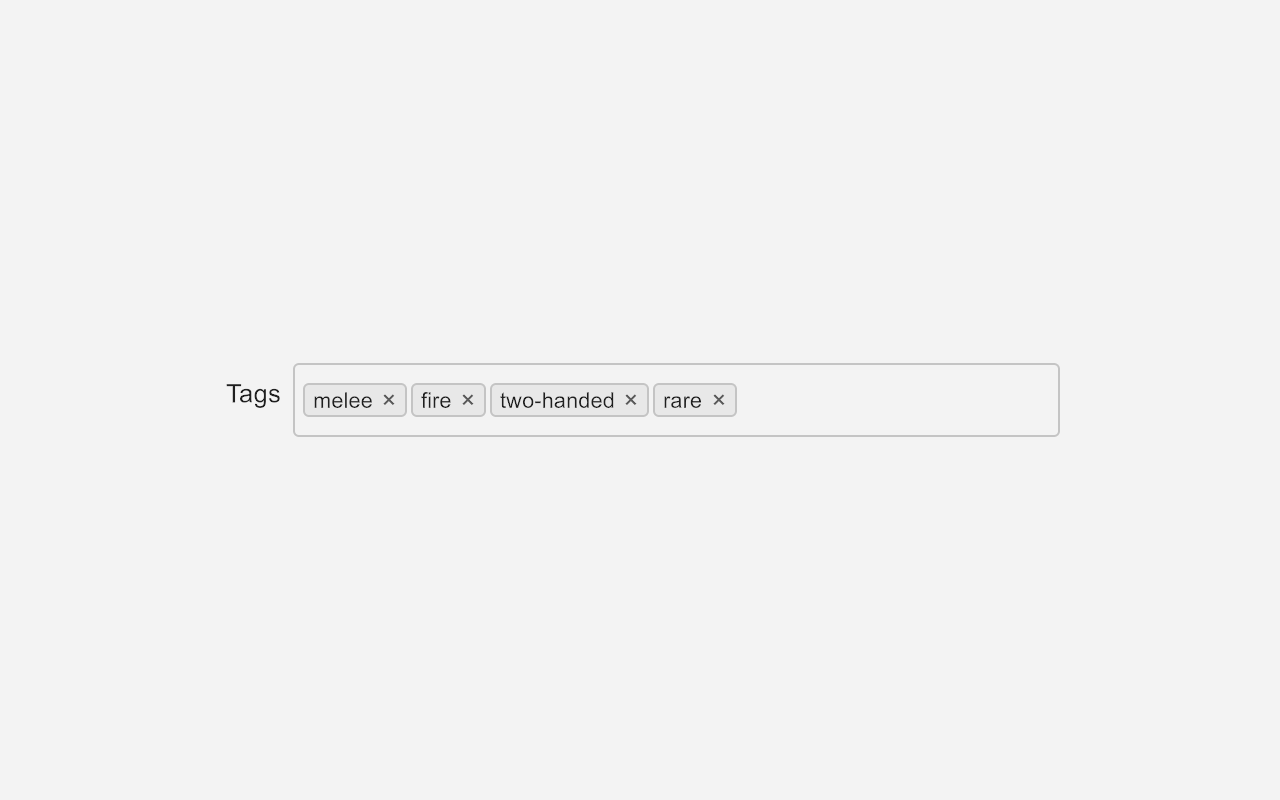
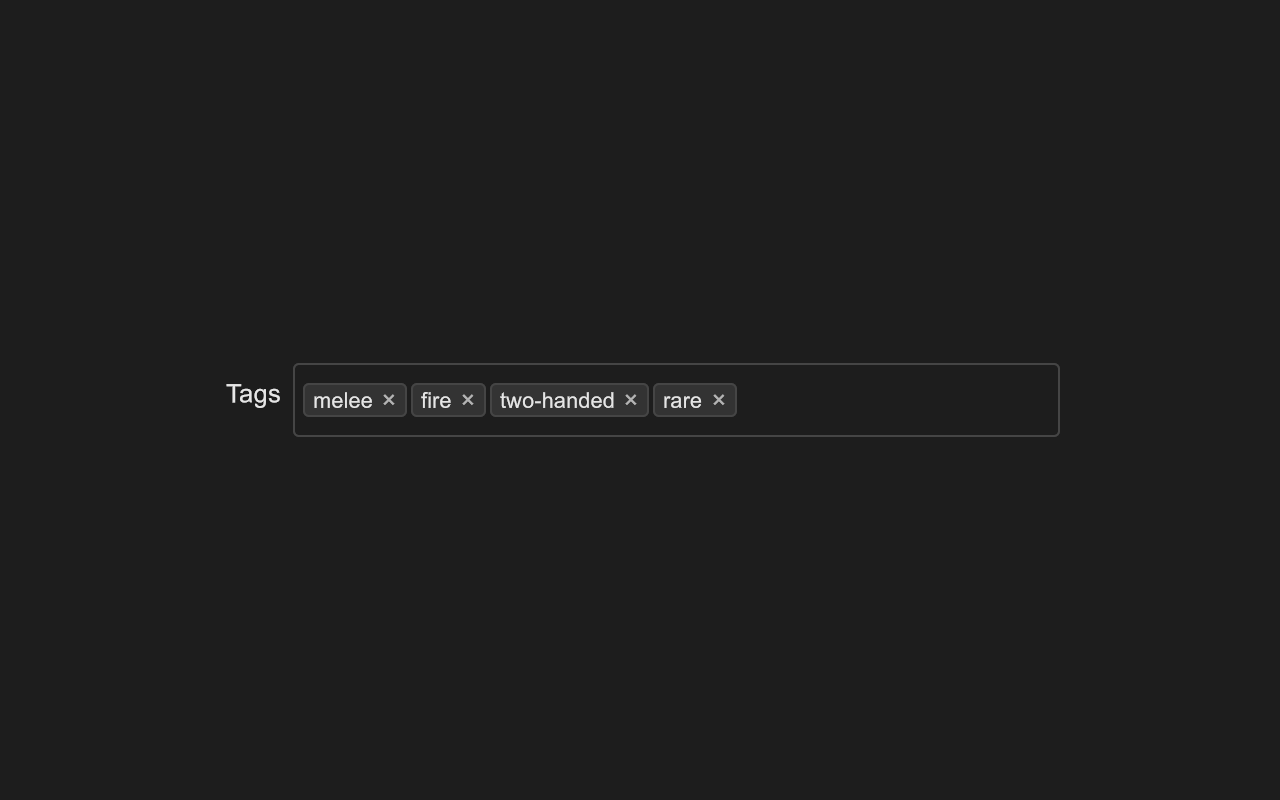
<UIToolbox.TagField label="Tags" placeholder="Add a tag" max-tags="5" />
<UIToolbox.TagField
    label="Skills"
    suggestions="Archery,Alchemy,Smithing,Stealth"
    tags="Archery" />
var field = new TagField("Tags")
{
    MaxTags = 5,
    Suggestions = { "bug", "feature", "docs" }
};
field.AddTag("bug");
field.RegisterValueChangedCallback(evt =>
    Debug.Log(string.Join(", ", evt.newValue)));
| Member | Description |
|---|---|
value |
The tags. A set trims each tag, drops the empty ones and the duplicates, and keeps the first MaxTags. The UXML value attribute takes the tags with commas between them, as tags does. |
Tags (tags) |
The tags as a List<string>, for UXML. A set sends no change event. |
MaxTags (max-tags) |
The most tags. 0 (the default) sets no limit. |
AllowDuplicates (allow-duplicates) |
Lets the same tag in more than one time. Off by default. The comparison ignores case. |
Placeholder (placeholder) |
The text shown while there is no tag and no typed text. |
Suggestions (suggestions) |
The entries that show in a list under the field while the user types. |
AddTag(string) |
Adds a tag as typing it and pressing Enter does. Returns false for an empty text, a duplicate, or a full field. |
RemoveTag(string) |
Removes the first tag that equals the text, ignoring case. Returns false when there is none. |
Text |
The text that the user typed and did not add yet. |
IsSuggestionListOpen |
True while the list of suggestions shows. |
Popup |
The list of suggestions, a ChoiceList: its Items and its Highlighted row. |
Adding and removing
- Enter, a comma or Tab adds the typed text as a tag. Tab adds only when there is text; without text it moves the focus on. A pasted text with commas adds each part, in one change.
- Backspace in an empty text selects the last tag. Another Backspace, Delete or Enter removes the selected tag. Left and Right (or the gamepad D-pad) move the selection along the tags, Right after the last tag goes back to the text, and Escape clears the selection.
- The "×" button of a chip removes that tag.
- A press on the empty part of the field focuses the text.
- The chips wrap onto more lines, and the field grows in height.
Suggestions
With Suggestions, a list opens under the field when the typed text matches an entry. The list leaves out the tags that the field has, unless AllowDuplicates is on.
- Up and Down pick a row (the gamepad D-pad too). The first Down picks the first row and the first Up picks the last one.
- Enter adds the picked row. Without a picked row, Enter adds the typed text.
- A click on a row adds it. Escape closes the list.
Events
Each change of the tags sends one ChangeEvent<IReadOnlyList<string>>. A pasted text or an AddTag call is one change. Typing sends none. A tag that is refused (a duplicate, empty, or over MaxTags) sends none.
Shared parts
Watermarktakes any element and shows it over the empty field, as in InputGroup. It hides while the field has tags or typed text.- Escape works in this order: it closes the suggestion list, then clears the chip selection, then drops the typed text, then goes on to the screen.
Styling
| Class | Element |
|---|---|
tb-tag-field |
The field. tb-tag-field--focus is on it while the text or a chip has the focus. |
tb-tag-field__box |
The box around the chips and the text. |
tb-tag-field__input |
The text field. |
tb-tag-field__chip |
A chip. tb-tag-field__chip--selected marks the chip that Backspace removes. |
tb-tag-field__chip-text |
The text of a chip. |
tb-tag-field__chip-remove |
The "×" button of a chip. |
tb-tag-field__popup |
The list of suggestions. |
The chips look like the chips of SearchDropdown. Use tb-field--error on the field for the error border.
The TagFieldDemo scene shows a filter for the items of a bag, the skills of a character with suggestions and a limit, and the runes of a spell, where a rune can come twice.