

 WorldMarkerLayer
A WorldMarkerLayer shows a marker over each HudTarget of the scene: an icon, a label and the distance. A target off the screen stays at the edge, with an arrow toward it. Use it for quest markers, waypoints, enemy tags and lock-on brackets.
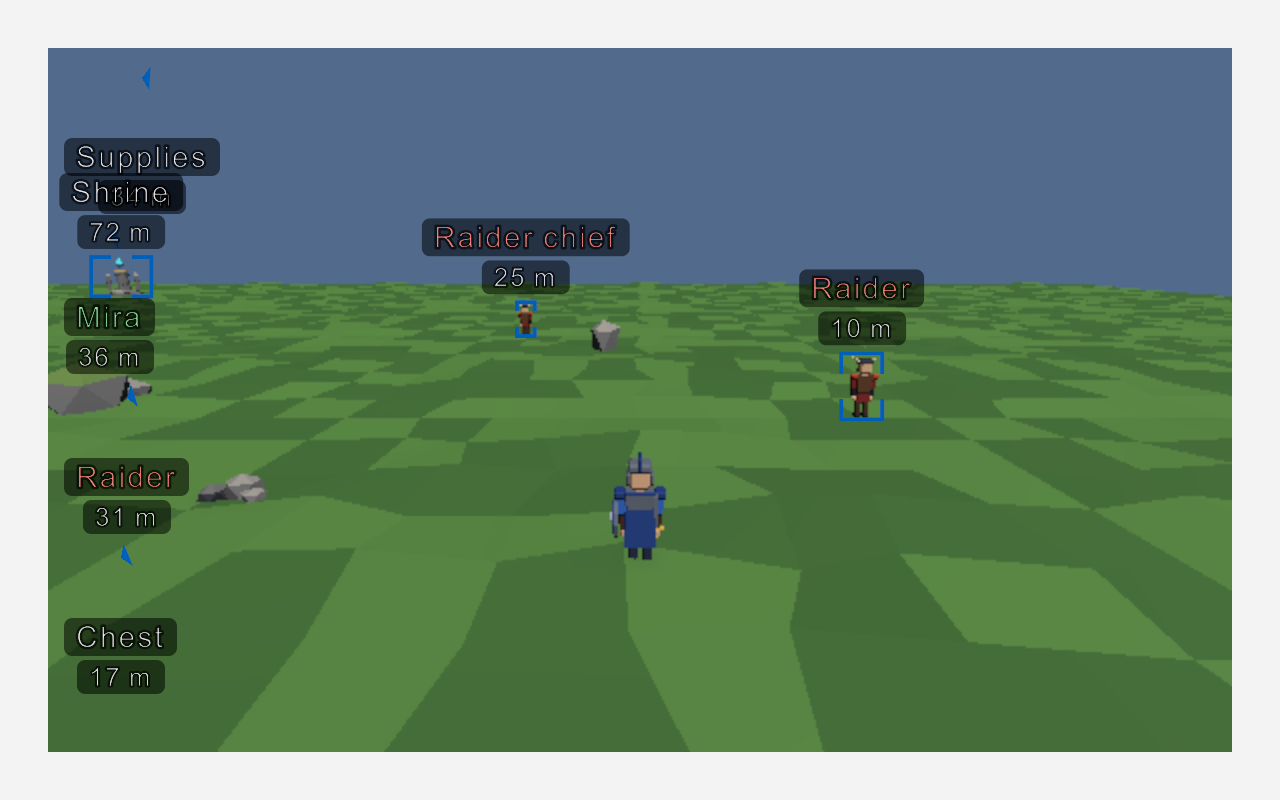
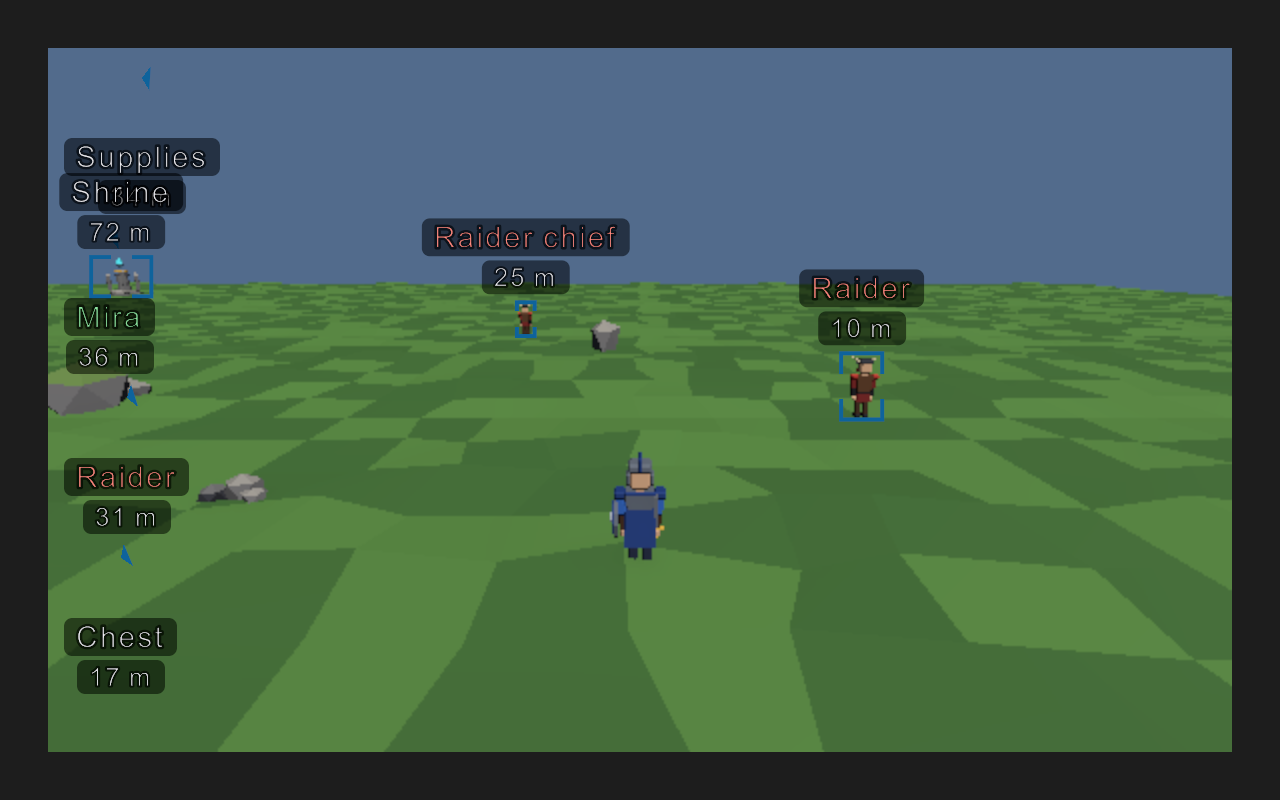
Video tutorial: World-space HUD. All videos: Video tutorials. Demo scene: WorldHudDemo.unity.
How to add the layer in UXML:
<ui:VisualElement class="hud-root">
    <tb:WorldMarkerLayer />
    <!-- the other HUD controls -->
</ui:VisualElement>
The layer fills its parent and takes no pointer event. It shows every HudTarget whose ShowOn has Marker, with no code.
How to put brackets around the selected units:
<tb:WorldMarkerLayer
    target-mark="Brackets"
    show-label="false"
    show-distance="false" />
// Each unit has a disabled HudTarget; the selection turns it on
target.enabled = selected;
How to add a part to each marker:
The layer pools its markers, so MarkerShown fires each time a marker shows for a target, also for a marker that was used before. Add the part in MarkerShown and remove it in MarkerHidden:
var markers = root.Q<WorldMarkerLayer>();
markers.MarkerShown += (target, marker) =>
{
    // The body exists in the built-in marker; a marker-template may not
    // have it
    var body = marker.Q(className: WorldMarkerLayer.BODY_CLASS);
    if (body != null && target.TryGetComponent<Enemy>(out var enemy))
        body.Add(
            new ProgressBar { name = "enemy-health",
                value = enemy.Health });
};
markers.MarkerHidden += (target, marker) =>
    marker.Q("enemy-health")?.RemoveFromHierarchy();
With a marker-template, add the part to an element of your template that you find by name or class.
How to give the markers your own look:
<tb:WorldMarkerLayer
    marker-template="project://database/Assets/UI/QuestMarker.uxml" />
The layer fills the elements named icon, label, distance and arrow of the template, when the template has them.
| Member | Description |
|---|---|
Camera |
The camera of the game view. Null (the default) uses Camera.main. |
Player |
The distances are from this object. Null (the default) uses the HudTarget with IsPlayer, else the camera. |
Viewport |
The element that shows the render texture of Camera, or null when the camera draws on the screen. |
ShowLabel (show-label) |
Shows the label of the target on its marker. On by default. |
ShowDistance (show-distance) |
Shows the distance to the target on its marker. On by default. |
DistanceFormat (distance-format) |
The format of the distance, with the meters as {0}. {0:0} m by default. A malformed format logs one warning and falls back to the default. |
TargetMark (target-mark) |
None (the default), Box or Brackets. Draws a box or corner brackets around each target with a renderer that is on the screen. |
FadeStart (fade-start) |
For a target with a MaxDistance, the marker fades out from this part of the max distance to the max distance. 0.8 (80 %) by default. 1 turns the fade off. |
MarkerTemplate (marker-template) |
A UXML template for each marker. Null (the default) uses the built-in marker. |
MarkerShown |
After a marker shows for a target. Add your own parts to the marker here. |
MarkerHidden |
After the marker of a target hides, before the layer puts it back in its pool. |
MarkerOf(target) |
The marker that shows for a target, or null. |
- The layer keeps a pool of markers. A marker that hides goes back to the pool, so a target that comes and goes does not allocate memory.
- The marker stands on the top of the target: the bottom center of its body is at the top center of the bounds of the renderer, or at the position with no renderer.
- At the edge, the marker gets the class
tb-world-marker--edgeand the arrow shows. The whole body (icon, label and distance) and the arrow stay inside the viewport. The layer keeps the point of the marker half the body width and 8 px from the left and right sides, and half the body height and 8 px from the bottom. At the top it keeps half the body height and 14 px, the room of the arrow. Each of these distances is at least 20 px. - The distance text changes only when the rounded meters change. The layer caches the texts, so the code of the layer allocates no memory per frame. UI Toolkit makes a few dozen bytes of garbage per label whose text changes, such as a distance that reaches the next meter; that garbage is not from the control. A distance text allocates once per meter value, the first time it appears.
- A target hides when its GameObject is not active, its
HudTargetis off, it is beyond itsMaxDistance, orShowOnhas noMarker. All markers hide while the layer has no camera or is not shown. - The layer uses no editor API. It works in a built player.
Tips:
- Put the layer first in the HUD root, so the other HUD controls and the windows draw over the markers.
- Turn the label off for many targets of one kind, and keep it on for quests.
- Use
target-mark="Brackets"for a lock-on or a selection. The brackets need a renderer on the target. - Give enemies a
MaxDistance. The markers then fade out at the limit and do not pop. - For a split screen, use one layer per view, each with its
Cameraand itsViewport.
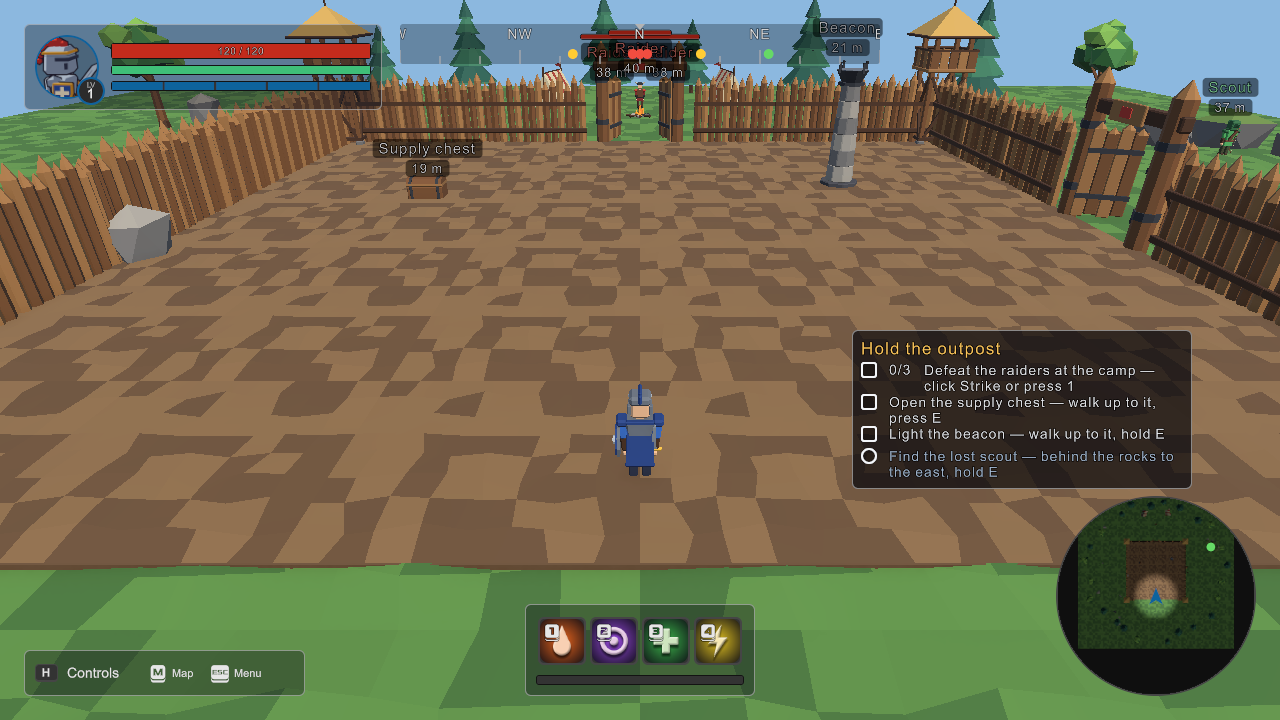
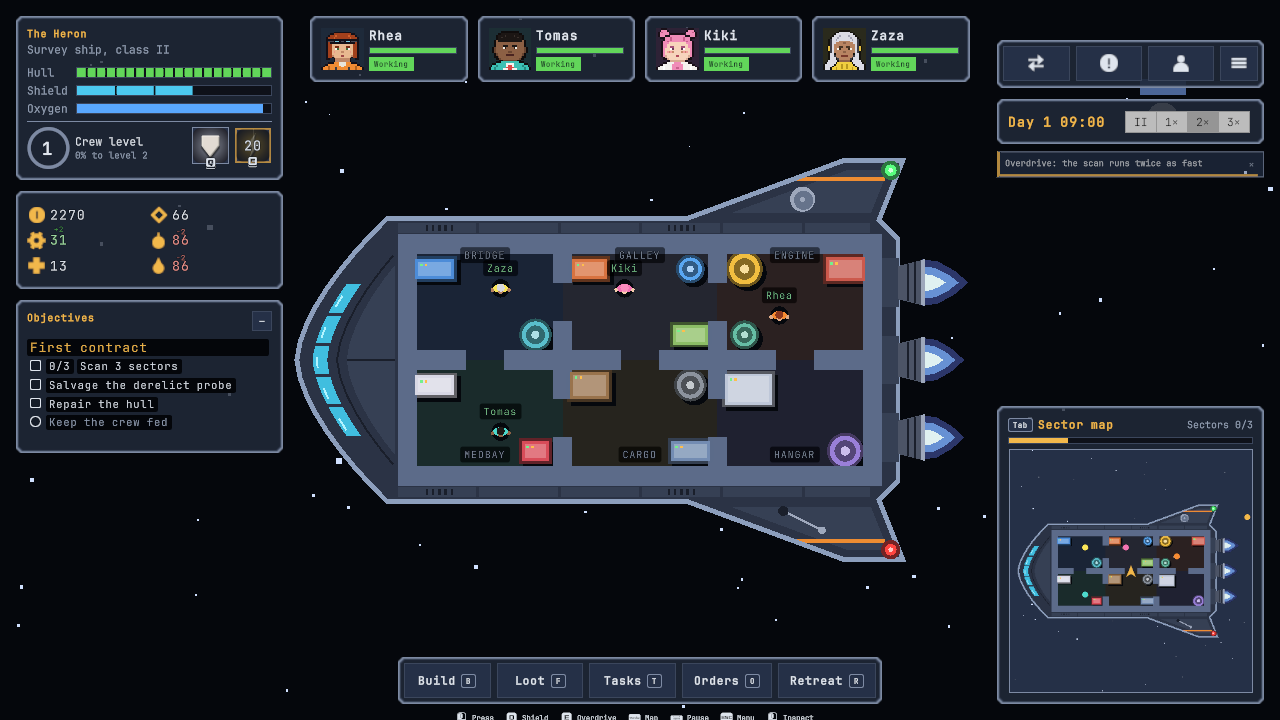
In the examples
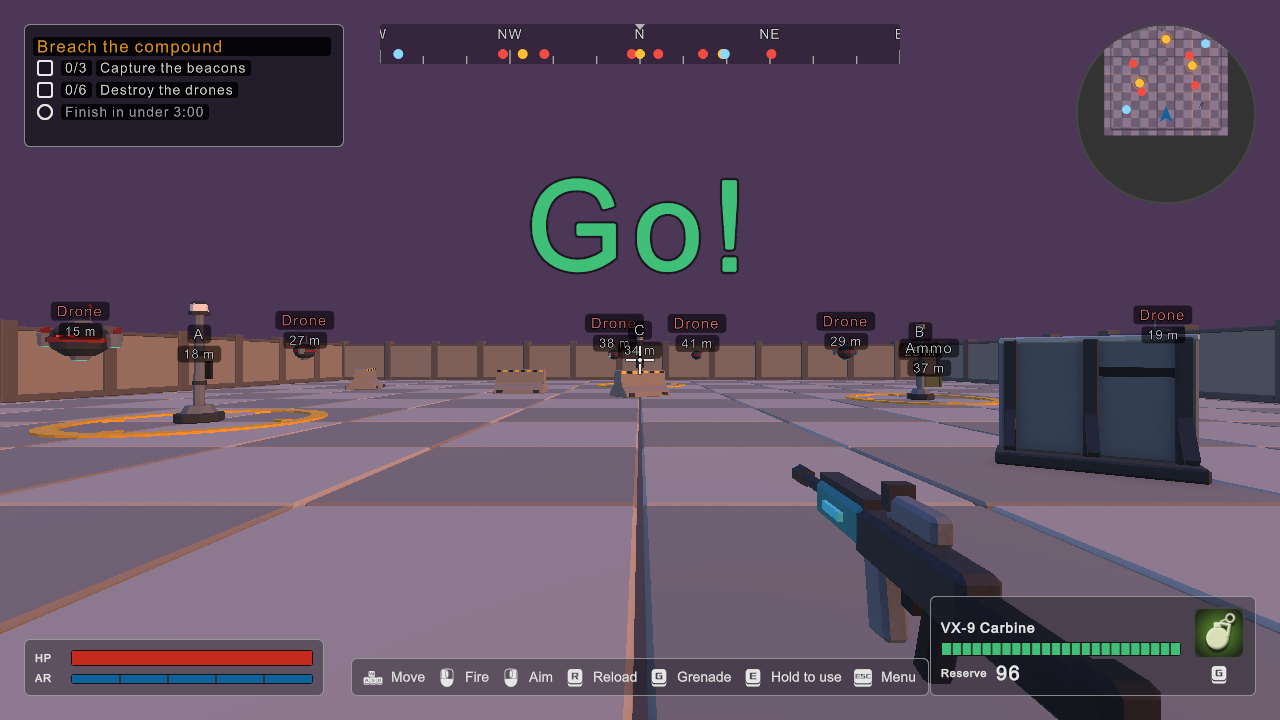
Styling
| Class | Element |
|---|---|
tb-world-marker-layer |
The layer: absolute, fills its parent. |
tb-world-marker |
One marker: a point at the top of the target. It also has the class tb-hud--{kind} of its target. |
tb-world-marker--edge |
A marker at the edge of the screen. |
tb-world-marker__body |
The column of the icon, the label and the distance, above the point. At the edge, centered on the point. |
tb-world-marker__icon |
The icon: 24 x 24 px. |
tb-world-marker__label |
The label: bold, 15 px, on a dark plate, --tb-world-marker-text-color with an outline. --tb-color-danger for enemies and --tb-color-success for allies. |
tb-world-marker__distance |
The distance: bold, 13 px, on the same plate. |
tb-world-marker__arrow |
The arrow at the edge: a triangle in --tb-color-accent. It shows only with tb-world-marker--edge. |
| Variable | Description |
|---|---|
--tb-world-marker-box-color |
The color of the box or the brackets. --tb-color-accent by default. |
--tb-world-marker-box-width |
The line width of the box, in pixels. 2 by default. |
--tb-world-marker-box-corner |
The length of a bracket, in pixels. 14 by default. |
--tb-world-marker-text-color |
The color of the label and the distance. Near white by default, since the plate is dark in every theme. |
--tb-color-hud-outline |
The color of the text outline of the label and the distance. rgba(0, 0, 0, 0.8) by default. |
/* Red brackets for a lock-on */
.hud-root .tb-world-marker-layer {
    --tb-world-marker-box-color: rgb(255, 60, 60);
    --tb-world-marker-box-corner: 20;
}

/* A larger icon for quests */
.tb-hud--objective .tb-world-marker__icon {
    width: 32px;
    height: 32px;
}